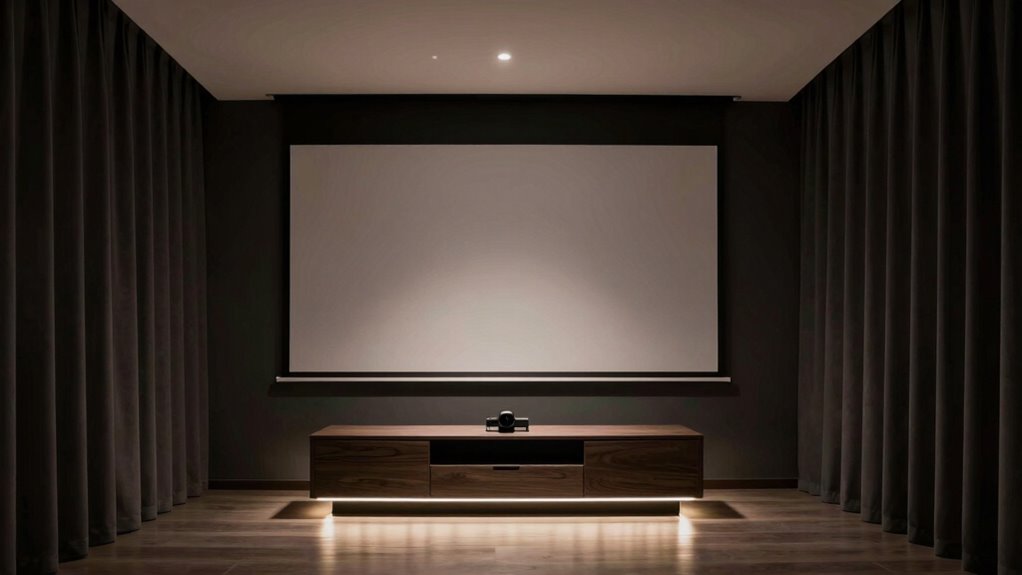
For building a perfect projector room around your media console, discover essential tips to create a stylish, functional space that elevates your viewing experience.
Browsing Category
Audio & Integration
244 posts
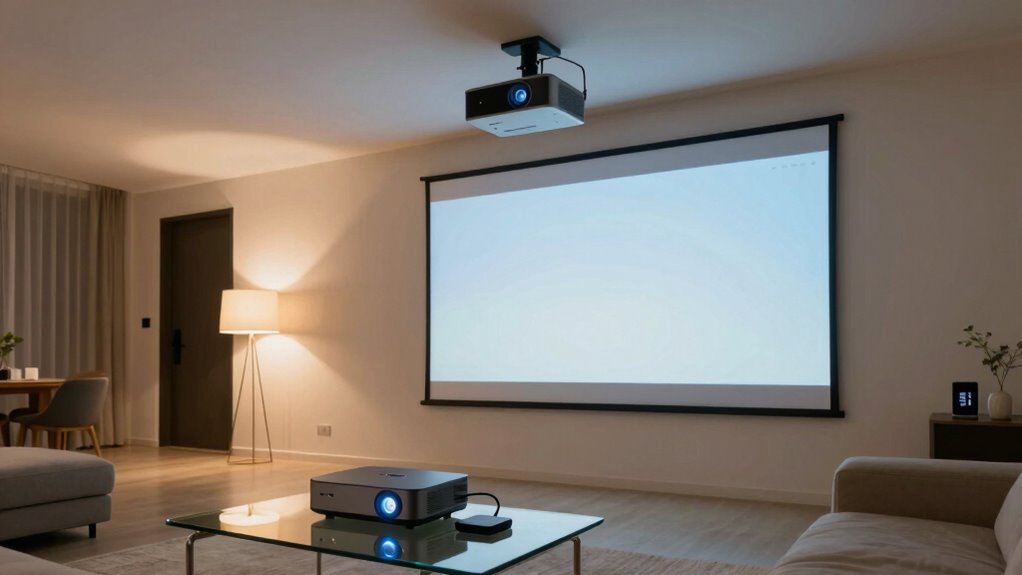
How to Hide Wires in a Ceiling-Mounted Projector Setup
By hiding wires effectively, you can achieve a sleek projector setup—discover the best methods to conceal cables and enhance your space.
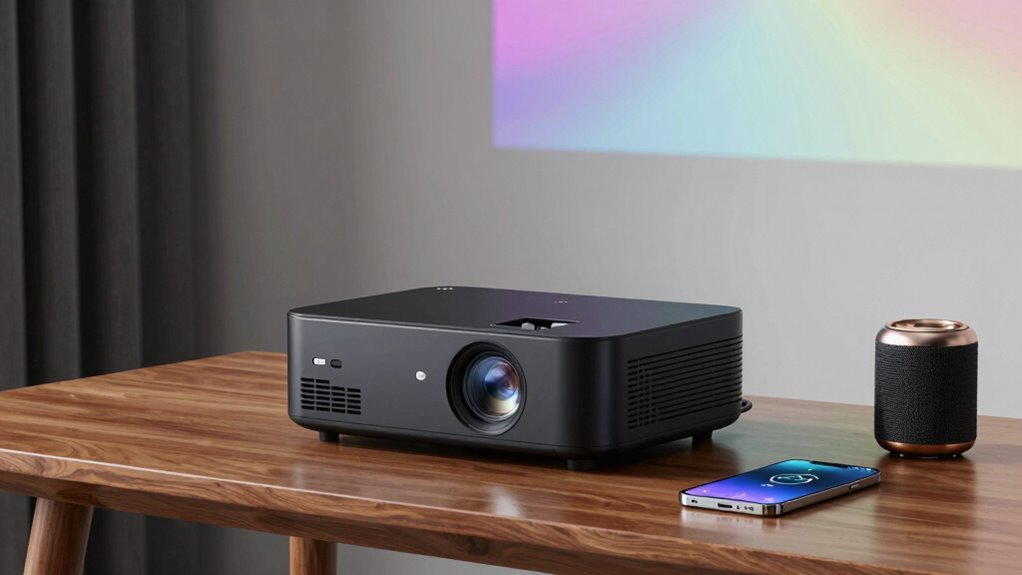
What to Know About Bluetooth Audio With Projectors
The key to seamless Bluetooth audio with projectors lies in understanding latency and device compatibility—discover how to optimize your setup for the best experience.
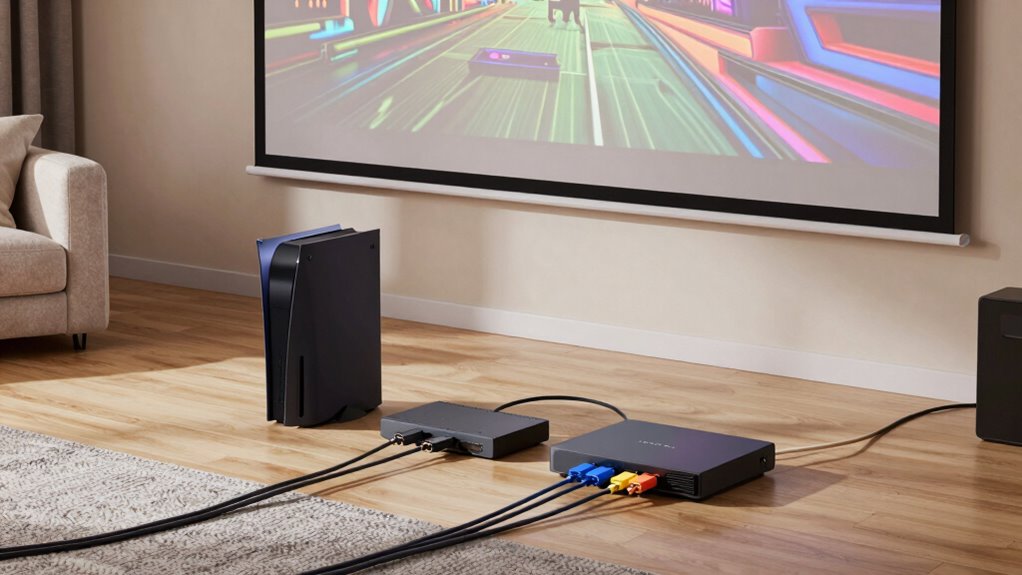
How to Connect Gaming Consoles, Streamers, and Disc Players to One Projector
Guides on connecting multiple gaming consoles, streamers, and disc players to one projector reveal essential tips for a seamless entertainment experience.
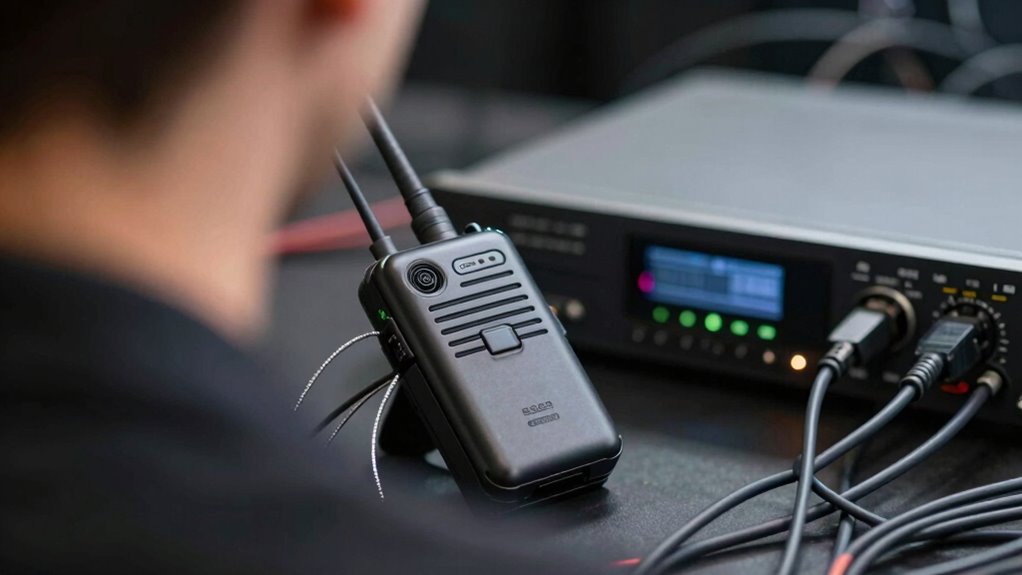
Why Lip Sync Problems Happen More Often in Wireless Audio Chains
An in-depth look reveals why wireless audio chains often face lip sync issues, and understanding the causes can help you find effective solutions.
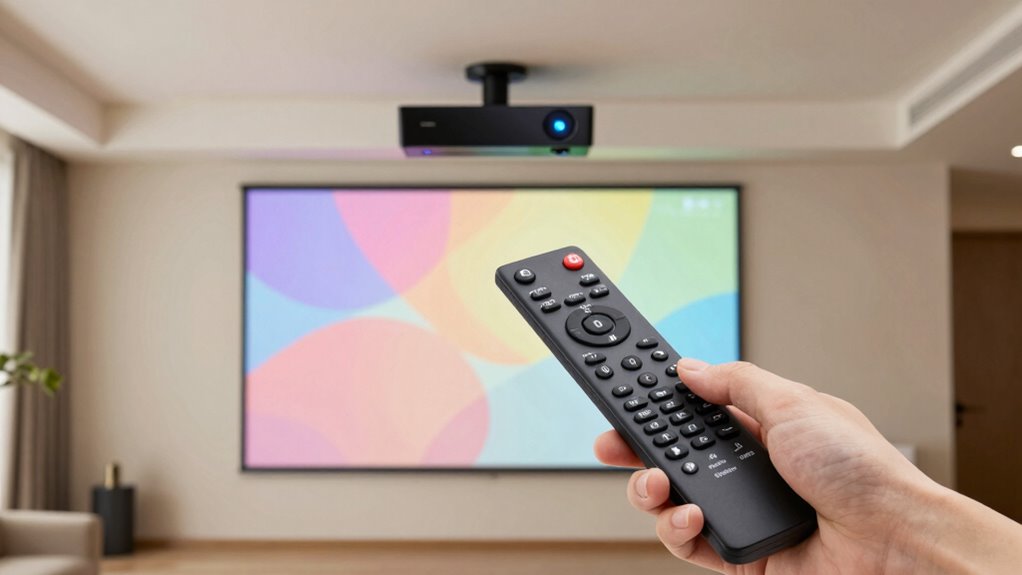
How to Use Universal Remotes With Projectors and Receivers
Absolutely essential guide for mastering universal remotes with your projector and receiver—discover the steps to simplify your entertainment setup today.
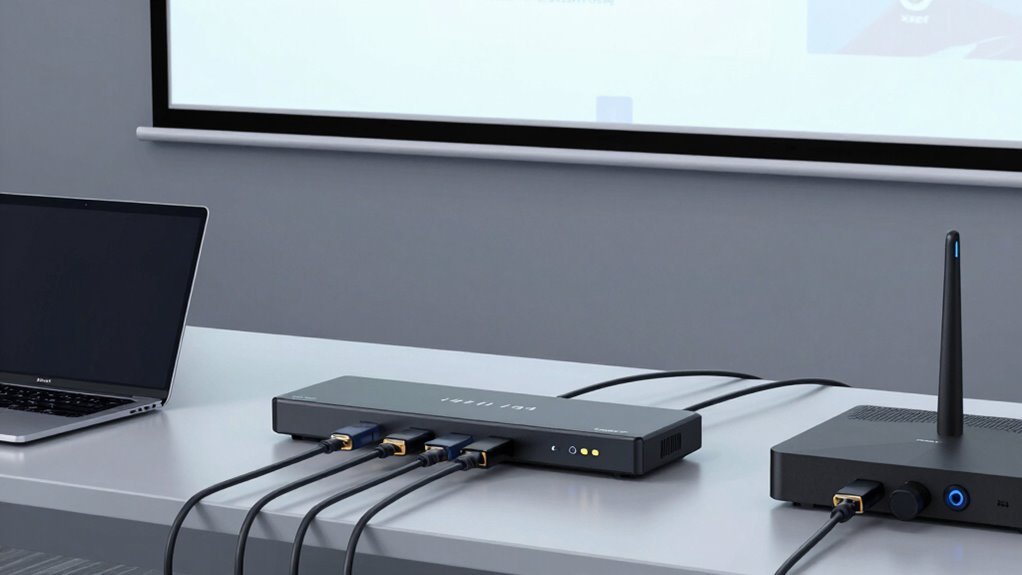
What HDMI Switches Solve in Multi-Source Projector Rooms
Unlock the benefits of HDMI switches in multi-source projector rooms—discover how they simplify your setup and why they’re essential for seamless connectivity.
How to Connect a Projector to Smart Home Automation
Just follow these steps to seamlessly integrate your projector into smart home automation and unlock a new level of control and convenience.
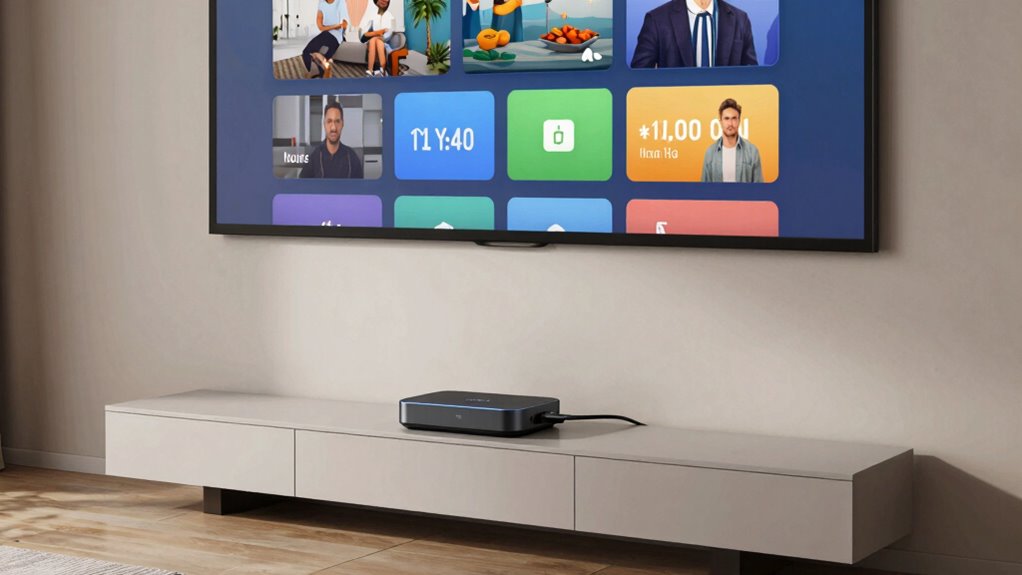
How to Add Streaming Devices to a Projector Without Creating Cable Clutter
Unlock a clutter-free projector setup by adding streaming devices wirelessly—discover the simple steps to keep cables hidden and enjoy seamless entertainment.
What HDMI Handshake Problems Look Like in Real Use
Great HDMI handshake issues cause audio delays and flickering screens, but understanding the signs can help you troubleshoot effectively.