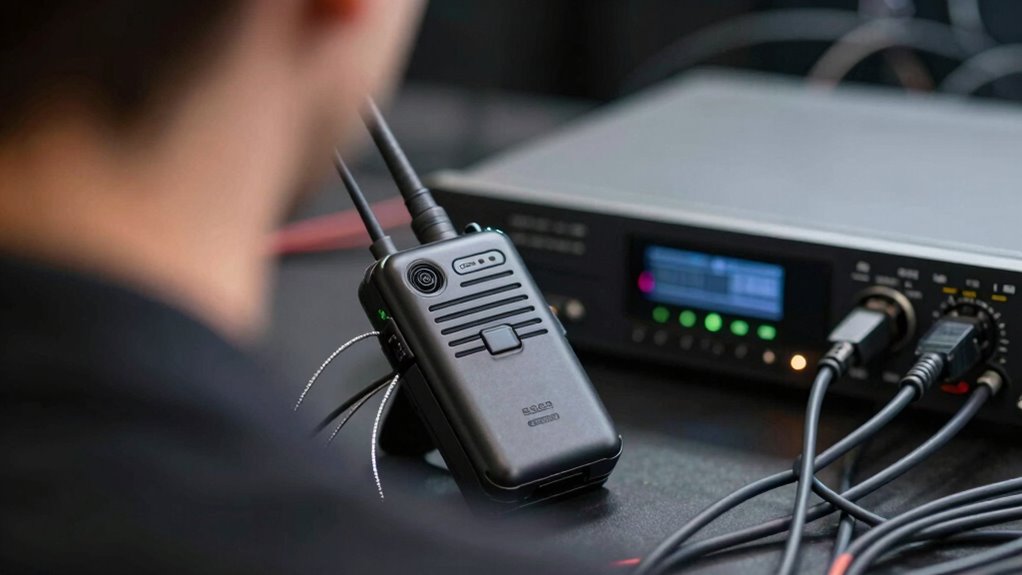

Lip sync problems are more common in wireless audio chains because signals experience delays from encoding, transmission, and decoding, which adds latency. Environmental interference from other devices, obstacles, and longer distances weaken signals and cause disruptions. Processing delays in hardware also contribute to the problem. These factors combine to create noticeable delays between audio and video, especially in crowded or challenging environments. If you want to know more about how to improve synchronization, keep exploring.
Key Takeaways
- Wireless audio involves encoding, transmission, decoding, and buffering, which introduce additional latency compared to wired connections.
- Bluetooth signals are susceptible to interference from other devices, causing delays and inconsistent audio synchronization.
- Greater distances and obstacles weaken wireless signals, increasing latency and lip sync discrepancies.
- Environmental interference and crowded frequency bands amplify signal disruptions, worsening lip sync issues.
- Processing delays in wireless hardware and advanced codecs cannot fully eliminate the inherent latency, leading to synchronization problems.
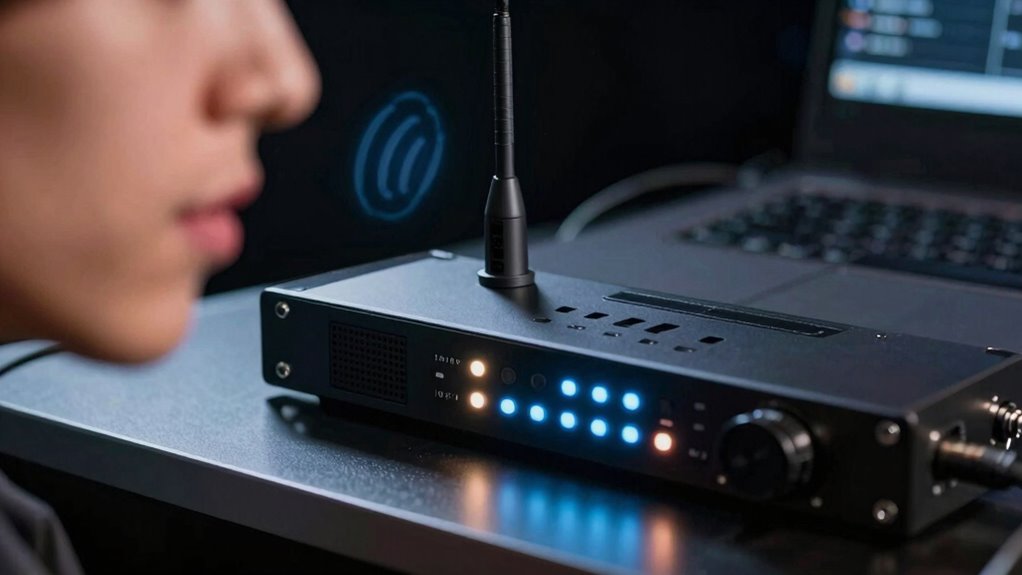
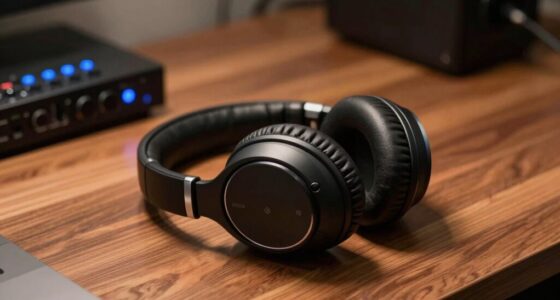
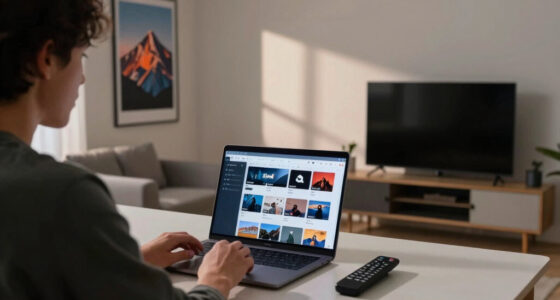
Have you ever noticed a slight delay between what you see and hear during a live performance or video call? That’s often due to lip sync problems, and they tend to happen more in wireless audio chains. Unlike wired setups, wireless connections introduce additional factors that can throw off your synchronization. One of the main culprits is Bluetooth latency, which refers to the delay in transmitting audio signals over Bluetooth connections. When you’re watching a video or participating in a call, your device sends audio data wirelessly to speakers or headphones. If the Bluetooth latency is high, there’s a noticeable lag between the visual and auditory cues, making it seem like the audio is out of sync with the lips of the speaker.
Wireless audio chains often cause lip sync issues due to Bluetooth latency and environmental interference.
Signal interference plays a significant role in worsening this issue. Wireless signals, especially Bluetooth, operate on crowded frequency bands like 2.4 GHz. Many devices—Wi-Fi routers, microwaves, cordless phones—also use these bands, creating a noisy environment for your Bluetooth connection. When interference occurs, it causes disruptions in signal quality, leading to inconsistent audio transmission. These disruptions can increase latency or cause audio drops, both of which contribute to lip sync problems. It’s like trying to have a conversation in a room full of chatter; the message gets lost or delayed, and your brain struggles to piece everything together.
Additionally, wireless audio devices often process and transmit data differently from wired systems. Wired connections offer a direct, low-latency path for audio, ensuring that what you see matches what you hear almost instantly. In contrast, wireless systems require encoding, transmission, decoding, and sometimes buffering, which adds to the delay. This process amplifies the impact of Bluetooth latency, making it more noticeable during fast-paced or visually precise content like live performances or video conferences. Incorporating advanced audio codecs can help reduce some of these delays, but they are not a complete fix. Furthermore, device processing times vary depending on the hardware, which can further impact latency and synchronization. Environmental factors such as walls and furniture also contribute to signal weakening and delay, exacerbating lip sync issues. In some cases, reducing wireless congestion by switching to less crowded channels or frequency bands can help improve synchronization.
The range of wireless devices is another critical aspect that influences lip sync problems, as greater distances can amplify latency and interference issues. You might also notice that the distance between your device and wireless speakers influences lip sync issues. The farther the signals have to travel, the more susceptible they are to interference and latency. Walls, furniture, and other obstacles can weaken signals, increasing the chances of delays. The combination of Bluetooth latency, environmental interference, and the inherent processing delays in wireless systems creates a perfect storm for lip sync problems, especially in complex wireless audio chains. So, if you’re tired of that disjointed experience, it’s worth considering how these factors affect your setup and exploring options like wired connections or lower-latency wireless devices.
![[Upgraded] 1Mii B06Pro Long Range Bluetooth Receiver, HiFi Wireless Audio Adapter, Bluetooth 5.3 Receiver with 3D Surround aptX HD Low Latency Optical RCA AUX 3.5mm Coaxial for Home Stereo System](https://m.media-amazon.com/images/I/41HZyARyGdL._SL500_.jpg)
[Upgraded] 1Mii B06Pro Long Range Bluetooth Receiver, HiFi Wireless Audio Adapter, Bluetooth 5.3 Receiver with 3D Surround aptX HD Low Latency Optical RCA AUX 3.5mm Coaxial for Home Stereo System
【DUAL ANTENNAS&LONG RANGE】With dual antennas and class 1 Bluetooth technology, the 1Mii B06Pro Long Range Bluetooth receiver can…
As an affiliate, we earn on qualifying purchases.
As an affiliate, we earn on qualifying purchases.
Frequently Asked Questions
Can Software Updates Fix Lip Sync Issues in Wireless Audio Devices?
Yes, software updates can fix lip sync issues in wireless audio devices. When you install firmware improvements, manufacturers often address bugs and optimize performance, which can improve sync accuracy. Keeping your device’s software current ensures you’re benefiting from the latest fixes and enhancements. Regular updates help reduce latency and improve overall audio-video synchronization, making your viewing experience more seamless and enjoyable.
Do Different Wireless Protocols Impact Lip Sync Accuracy?
Yes, different wireless protocols impact lip sync accuracy. Bluetooth, for example, often has higher latency, causing noticeable delays in audio sync with video. Wi-Fi interference can also disrupt signal quality, increasing latency and causing lip sync issues. You’ll notice these problems more with protocols that prioritize data transfer speed over low latency. To improve sync, choose protocols optimized for low latency, and minimize interference from other wireless devices.
How Does Battery Life Influence Audio Synchronization?
Battery life impacts audio synchronization because battery degradation reduces power availability, causing devices to struggle with maintaining consistent processing speeds. When power management isn’t optimized, devices may experience delays or interruptions, leading to lip sync issues. You can mitigate this by regularly monitoring battery health and using efficient power management settings, ensuring your wireless audio devices operate smoothly and keep audio and video perfectly aligned.
Are Certain Genres More Prone to Lip Sync Problems?
Like a delicate dance, certain genres face more lip sync issues. Musical theater and live performances with rapid scene changes often encounter genre-specific delays, making synchronization tricky. These challenges stem from the fast-paced, dynamic nature of live shows, where timing is vital. You’ll notice these problems more in genres demanding quick cues and precise timing, highlighting the impact of live performance challenges on wireless audio chains.
What Role Does Room Acoustics Play in Wireless Lip Sync Issues?
Room acoustics considerably impact wireless lip sync issues because they cause signal reflections that delay audio playback. When sound bounces off walls and objects, it creates echo and reverberation, making it harder for your system to synchronize audio with video accurately. You can reduce these problems by improving room acoustics, such as adding soft furnishings or acoustic panels, which minimize reflections and help maintain better lip sync performance.

1Mii Bluetooth 5.3 Transmitter Receiver for TV to Wireless Headphones, Dual Link aptX Adaptive/Low Latency/HD Audio, Aux Bluetooth Audio Receiver Adapter for Home Stereo, Airplane, Boat, Gym
The Latest Bluetooth 5.3: The latest Bluetooth 5.3 technology enables your aux Bluetooth adapter backward compatible with Bluetooth…
As an affiliate, we earn on qualifying purchases.
As an affiliate, we earn on qualifying purchases.
Conclusion
In wireless audio chains, lip sync lapses linger longer due to latency, interference, and imperfect pairing. To tame these troubles, troubleshoot tech, tighten timelines, and trust tried-and-true techniques. Remember, minimizing misalignment means mastering your gear, maintaining your setup, and monitoring your media. With patience and precision, you can prevent persistent pauses, perfecting seamless synchronization so your sound and sight stay superbly synchronized, sparking a smoother, more synchronized show every time.

BESIGN Ground Loop Noise Isolator for Car Audio/Home Stereo System with 3.5mm Audio Cable
Ground loop filter noise isolator, eliminating the hiss, buzz and interference caused by ground loops which happens when…
As an affiliate, we earn on qualifying purchases.
As an affiliate, we earn on qualifying purchases.

HomeSpot Neckband Wireless Earbuds aptX Low Latency Bluetooth 5.1 Headphones Qualcomm® CVC™ for Gym, Running, Gaming & Meeting Compatible with iPhone, Samsung Galaxy, Google
[Advanced Bluetooth] Driven by Bluetooth V5.1, the Headphones offer quicker pairing time and more stable connection with iOS…
As an affiliate, we earn on qualifying purchases.
As an affiliate, we earn on qualifying purchases.