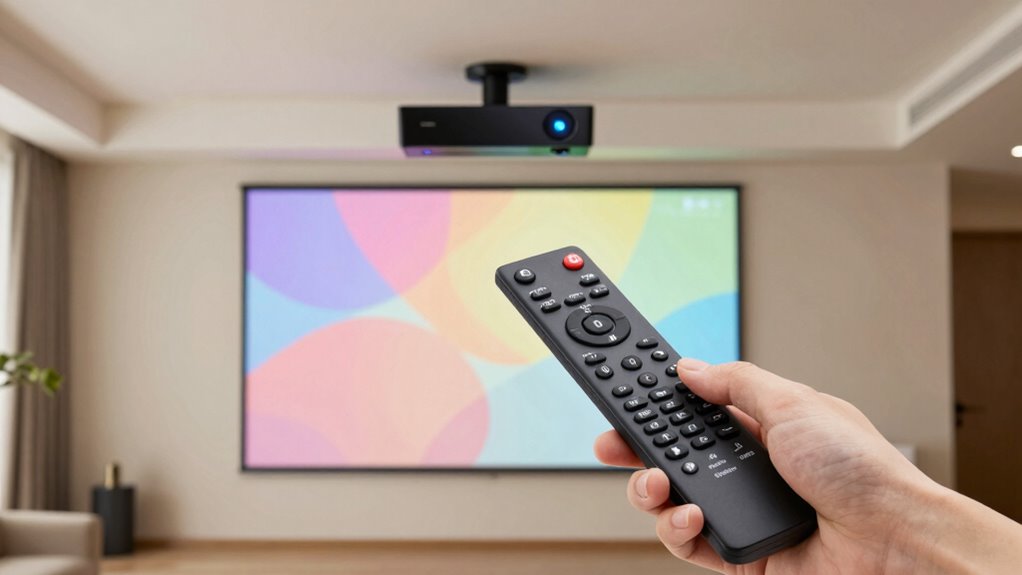
To use a universal remote with your projector and receiver, first make certain it supports both devices. Turn on each device, then program the remote by either using automatic code search or manually entering the specific codes for your brands. Test each function like power, volume, and input switching. If some controls don’t work, try different codes or methods until everything responds correctly. Continuing will give you more detailed steps for a smooth setup process.

Get business pricing on your home office setup
- Business-only prices and quantity discounts
- Tax-exempt purchasing
- Multiple users, one account, clear invoices
Key Takeaways
- Verify the remote supports both your projector and receiver models before programming.
- Use automatic code search or manual code entry to program the remote for each device.
- Test each device’s functions after programming to ensure proper control.
- Follow manufacturer instructions carefully and repeat the process if functions don’t work initially.
- Utilize learning features or online tutorials for complex or unresponsive devices.
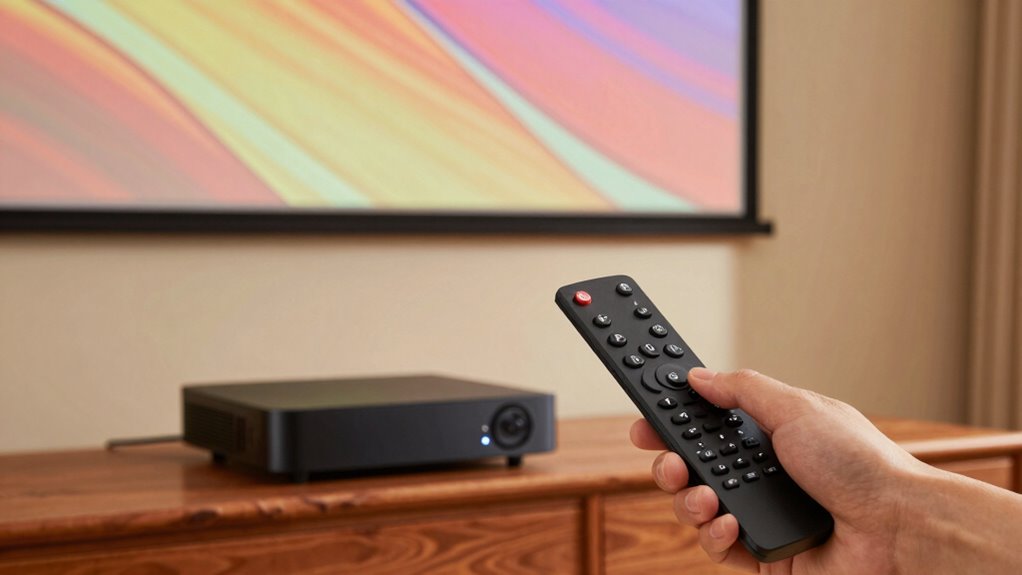
Have you ever struggled to switch between multiple remote controls for your TV, sound system, and streaming devices? If so, you’re not alone. Managing several remotes can be frustrating, especially when you want to control your projector and receiver seamlessly. That’s where a universal remote can simplify your setup. To make it work effectively, you’ll need to think about remote compatibility and learn the right programming methods.
Simplify your setup by choosing a compatible universal remote and mastering the right programming methods.
First, make sure that your universal remote is compatible with your devices. Not all remotes support every brand or model, so double-check the specifications. Some remotes are designed to work with a broad range of electronics, including projectors and receivers, while others may have limited compatibility. Once you’ve confirmed compatibility, you can begin programming the universal remote to control your devices.
Programming methods vary depending on the remote. Many universal remotes offer automatic code search, where you turn on your projector or receiver, press a specific button, and let the remote scan through codes until it finds the right one. This method is straightforward and often the fastest. Alternatively, some remotes require manual entry of pre-programmed codes listed in the remote’s manual or online database. You’ll need to find the correct code for your device brand and enter it using the remote’s keypad.
In some cases, you might need to perform a combination of steps, such as turning on the device, pressing a sequence of buttons, or holding down certain keys to complete the programming process. Follow the instructions provided with your universal remote carefully to be sure of proper setup. Once you’ve programmed the remote, test it by trying to power on your projector and receiver, adjusting volume, and switching inputs. If it doesn’t work as expected, repeat the programming process with different codes or methods until you find the one that works. Additionally, many remotes now include advanced features that can further streamline your setup.
Remember that some advanced universal remotes support learning functions. This feature allows your remote to mimic the signals from your original remote by simply pointing it at the device and pressing buttons. If your remote has this feature, it can be a quick way to program devices that don’t respond to standard codes. Additionally, understanding the importance of contrast ratio can help you optimize your projector’s visual performance when setting up your home theater system. When selecting a universal remote, consider its compatibility range, which can greatly influence how many of your devices it can control effortlessly. Furthermore, exploring remote programming tutorials can provide helpful step-by-step guidance for various remote models.
Products Worth Considering

Bose TV Speaker Compact Soundbar with Bluetooth and HDMI-ARC, Black

Philips Hue Bridge Pro Smart Lighting Hub

Levoit Core 400S-P Smart Air Purifier for Large Rooms
As an affiliate, we earn on qualifying purchases.
Frequently Asked Questions
Can Universal Remotes Control Smart Home Devices?
Yes, universal remotes can control smart home devices if they support smart home integration and have remote compatibility with those devices. You’ll need to verify your remote is compatible with your smart home system, like Alexa or Google Home, and that it supports the specific devices you want to control. Once set up, you can easily manage your smart home gadgets alongside your entertainment devices, streamlining your control options.
How Do I Troubleshoot Remote Pairing Issues?
To troubleshoot remote pairing issues, start by checking for remote signal interference from other devices, like cordless phones or routers, and move them away. Make certain your batteries are fresh, replacing them if needed—use good quality batteries and ensure proper contact. If pairing still fails, reset both the remote and receiver, then follow the pairing instructions carefully. Sometimes, keeping a clear line of sight helps, so make sure nothing blocks the signals.
Are There Universal Remotes Compatible With All Projector Brands?
Not all universal remotes are compatible with every projector brand, but many are designed for broad projector remote compatibility. When selecting a universal remote, check its compatibility list to guarantee it supports your specific projector model. During universal remote setup, follow the instructions carefully to pair it correctly. This way, you ensure seamless control, avoiding frustration and making your projector experience smooth and straightforward.
How Do I Update Firmware on My Universal Remote?
To update your universal remote’s firmware, first check its compatibility with your device. Visit the manufacturer’s website and look for a firmware update section. Download the latest firmware file onto your computer, then connect your remote via USB or follow the specific update instructions. A firmware update guarantees your remote maintains compatibility with new devices and features, improving overall performance and functionality. Always follow the manufacturer’s guidelines for a successful update.
Can I Program a Universal Remote Without the Original Remote?
They say, “Where there’s a will, there’s a way,” and that’s true for remote programming without the original remote. You can often program a universal remote to control your devices by using manual code entry or auto-search functions. Make sure to check device compatibility first. Many universal remotes support this process, allowing you to set up your devices without the original remote. Just follow the instructions for your specific remote model.
Conclusion
Mastering your universal remote simplifies your entertainment setup, turning chaos into harmony. While buttons may seem overwhelming at first, their unified design offers clarity amid complexity. Just as a conductor brings symphony from dissonance, your remote orchestrates seamless control over projectors and receivers. Embrace this blend of technology and intuition, and you’ll find the chaos of multiple remotes fades into the elegance of one unified command, transforming your viewing experience into pure, effortless enjoyment.