
Using Bluetooth audio with projectors lets you enjoy wireless convenience, removing clutter and giving you more freedom to move and adjust your setup. It allows you to connect directly to Bluetooth speakers or headphones, providing a cleaner look and better flexibility. But it’s important to take into account audio latency to keep sound in sync with video, and make sure your devices support the latest Bluetooth standards for stability and quality. If you keep exploring, you’ll discover how to get the most out of this technology.
Key Takeaways
- Bluetooth audio eliminates cables, offering a cleaner setup and greater mobility for projector use.
- Low-latency profiles like aptX Low Latency are essential for synchronized audio and video.
- Compatibility between the projector and Bluetooth devices ensures reliable connections and optimal sound quality.
- Wireless interference and range limitations can impact connection stability; staying within ~10 meters helps.
- Keeping devices updated with the latest Bluetooth standards improves reliability and audio fidelity.
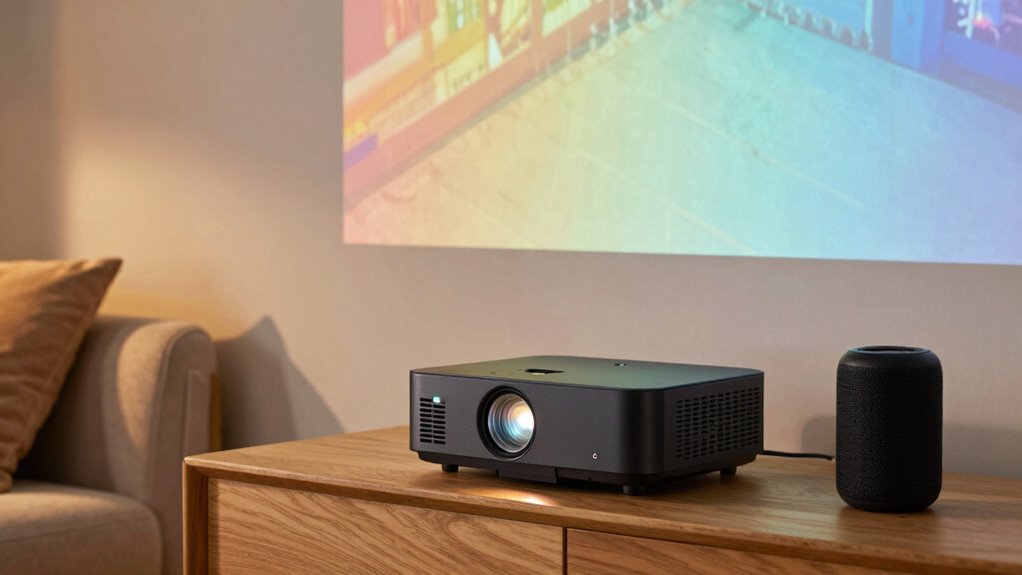
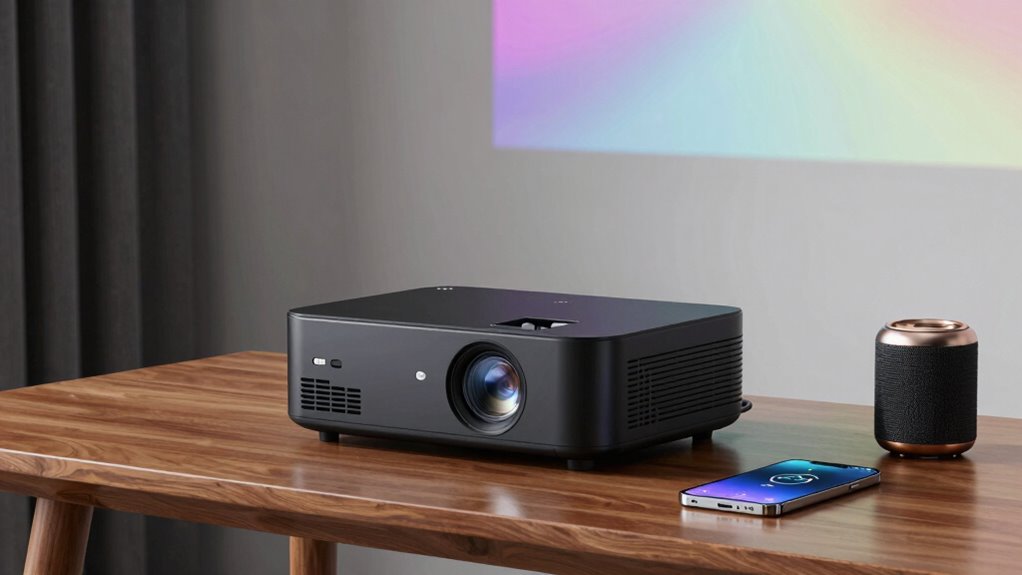
Have you ever wondered how to effortlessly enhance your presentations or home entertainment setup? Bluetooth audio with projectors offers a convenient way to do just that, especially if you value wireless connectivity. Instead of cluttered cables and limited mobility, you can connect your favorite Bluetooth speakers or headphones directly to your projector, creating a cleaner, more flexible environment. This seamless wireless connection means you can move around freely, adjusting your setup without worrying about tangled cords or proximity issues. However, understanding how Bluetooth audio interacts with projectors is essential to guarantee a smooth experience.
One of the key considerations is audio latency. When using Bluetooth with a projector, you want to minimize the delay between the video and audio. High audio latency can cause noticeable lip-sync issues, which can distract your audience or diminish your viewing experience. Fortunately, many modern Bluetooth devices and projectors now support low-latency profiles, such as aptX Low Latency, that reduce this delay considerably. If you’re streaming a movie or giving a presentation, choosing devices with reduced audio latency ensures your sound matches the visuals perfectly, maintaining immersion and professionalism. Additionally, wireless technology standards continue to evolve, providing more stable and reliable connections over larger distances. Staying updated on these advancements can help you optimize your setup for the best performance. Furthermore, selecting compatible devices ensures that your entire setup works harmoniously, preventing potential issues with connectivity or audio quality. Improved Bluetooth compatibility also helps ensure fewer disconnects and better overall audio fidelity.
Minimize audio latency with low-latency Bluetooth profiles for seamless sound and visuals.
Another aspect to keep in mind is wireless connectivity stability. Bluetooth connections can sometimes be interrupted or experience interference, particularly in environments with many wireless devices. To avoid disruptions, make sure your projector and audio devices are compatible with the latest Bluetooth standards, which offer stronger, more stable connections. Positioning your Bluetooth speakers or headphones within a reasonable range—typically within 10 meters or so—also helps maintain a steady connection. Some projectors might have built-in Bluetooth that pairs easily, while others require external adapters for best performance. Additionally, understanding Bluetooth standards can help you select devices that are more reliable and compatible with your setup. Choosing devices with advanced codecs can further improve audio quality and reduce issues related to compatibility.
Bluetooth low latency transmitter for projectors
As an affiliate, we earn on qualifying purchases.
As an affiliate, we earn on qualifying purchases.
Frequently Asked Questions
Can Bluetooth Audio Cause Audio Lag During Presentations?
Yes, Bluetooth audio can cause lag during presentations. Wireless interference from other devices might disrupt the signal, leading to delays. This lag affects audio synchronization, making it harder to keep visuals and sound aligned. To minimize this, use Bluetooth versions with low latency, keep interference sources away, and consider wired connections if precise synchronization is essential. Proper setup helps guarantee smooth, professional presentations without awkward delays.
What Is the Maximum Bluetooth Range for Connecting Projectors?
You can typically connect your projector via Bluetooth within a range of about 30 feet, but obstacles like walls can reduce this distance. While Bluetooth pairing guarantees a quick connection, maintaining proper audio synchronization depends on the distance and interference. Keep in mind, the farther you go, the greater the chance of lag or disconnection, so staying within the ideal range helps maintain seamless audio and video performance during presentations.
Are All Bluetooth Speakers Compatible With Projector Audio?
Not all Bluetooth speakers are compatible with projector audio. Compatibility depends on Bluetooth protocols and supported audio codecs. You should check if your projector and speaker support the same Bluetooth version, like Bluetooth 4.0 or higher, and compatible audio codecs such as SBC, AAC, or aptX. If they share these, you’ll likely experience smooth audio streaming. Otherwise, you might face connection issues or lower audio quality.
How to Troubleshoot Connectivity Issues Between Bluetooth Devices and Projectors?
To troubleshoot Bluetooth connectivity issues between your device and the projector, start by ensuring proper Bluetooth pairing. Turn Bluetooth off and on again, then re-pair the devices. Check if your device supports compatible audio codecs, as mismatched codecs can cause connection problems. Also, make sure your projector’s Bluetooth features are enabled and within range. Updating firmware on both devices can resolve compatibility issues and improve overall connection stability.
Does Using Bluetooth Audio Affect Projector Battery Life?
Ever wondered if Bluetooth audio drains your projector’s battery? It can, especially if your projector isn’t designed for Bluetooth compatibility or if you’re using it for extended periods. Bluetooth audio demands extra power for wireless transmission, which can shorten battery life. To minimize this, choose a projector with good Bluetooth support and limit usage to conserve power. Is sacrificing some battery life worth the convenience of wireless sound?
aptX Low Latency Bluetooth headphones
As an affiliate, we earn on qualifying purchases.
As an affiliate, we earn on qualifying purchases.
Conclusion
While pairing Bluetooth audio with projectors offers convenience, some might think it compromises sound quality. The truth? Advances in Bluetooth technology, like aptX and AAC codecs, have markedly improved audio clarity, making it nearly comparable to wired connections. So, if you’re worried about losing audio fidelity, rest assured that modern Bluetooth options are more than capable of delivering a satisfying listening experience. Embrace wireless convenience without sacrificing sound quality—your projector setup is better than ever.
Bluetooth audio adapter for projectors
As an affiliate, we earn on qualifying purchases.
As an affiliate, we earn on qualifying purchases.
wireless Bluetooth speakers for home theater
As an affiliate, we earn on qualifying purchases.
As an affiliate, we earn on qualifying purchases.