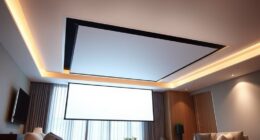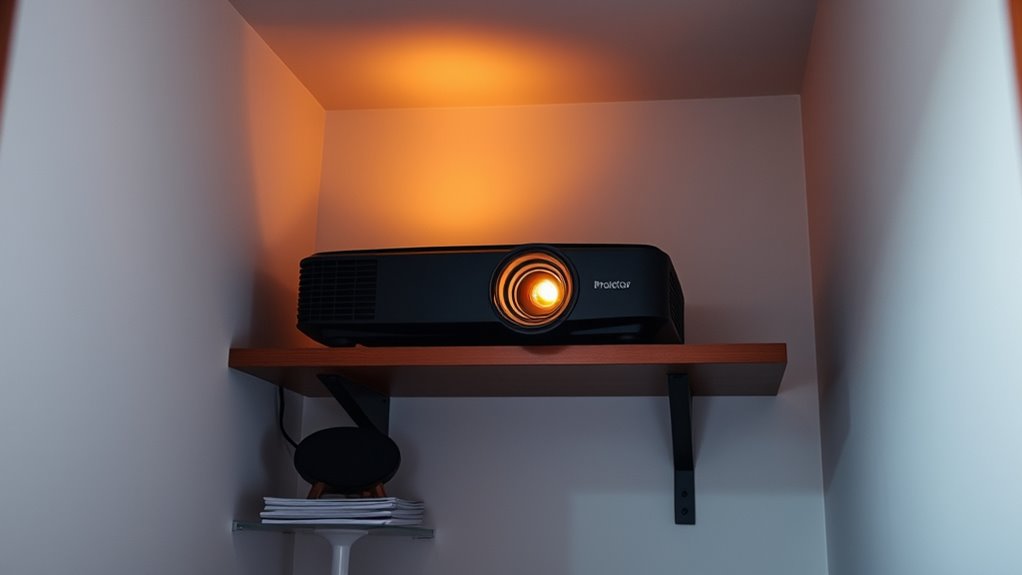
To properly place a projector in a small room, you need to calculate the ideal throw distance based on the lens and projector specs, ensuring a clear, bright picture without distortion. Choose a screen size that fits comfortably within your space, and position the projector so it minimizes keystone correction. Accurate measurements from ceiling to screen or wall are key. Keep these calculations in mind, and you’ll set up a crisp, immersive display every time—more tips await as you continue.

Get business pricing on your home office setup
- Business-only prices and quantity discounts
- Tax-exempt purchasing
- Multiple users, one account, clear invoices
Key Takeaways
- Measure room dimensions carefully to determine suitable projector placement and screen size.
- Use the projector’s throw ratio to calculate optimal distance for a bright, sharp image.
- Consider short-throw or ultra-short-throw lenses to save space in small rooms.
- Reposition the projector to minimize keystone correction and image distortion.
- Mount the projector securely on the ceiling at the correct height for optimal alignment.
As an affiliate, we earn on qualifying purchases.
Calculating the Optimal Throw Distance
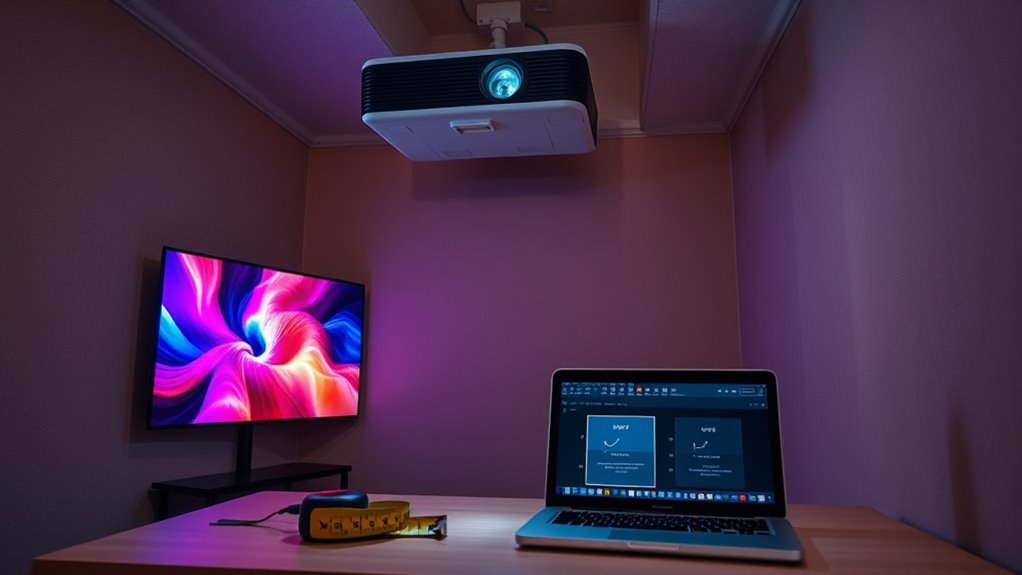
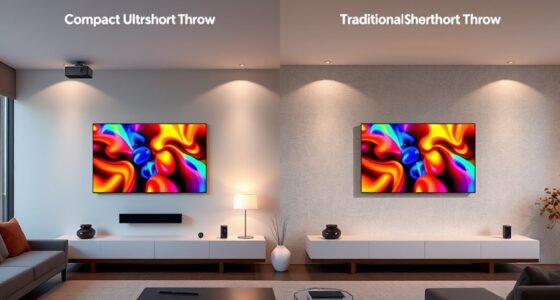
To achieve a clear and focused image in a small room, you need to determine the ideal throw distance for your projector. Your choice of lens types influences this distance; standard lenses generally require a longer throw, while short-throw or ultra-short-throw lenses allow you to project from closer distances, saving space. If you’re ceiling mounting your projector, measuring the distance from the ceiling to the screen is vital to guarantee proper placement. Ceiling mounting offers stability and saves room space but requires precise calculations based on your lens type. Always consult your projector’s specifications for recommended throw ratios. By understanding your lens options and mounting setup, you can set the projector at the best distance for a sharp, bright image without distortion or blurriness. Considering the diverse designs available for indoor placement can also help optimize your setup for both aesthetics and function.
As an affiliate, we earn on qualifying purchases.
Determining the Correct Screen Size and Placement
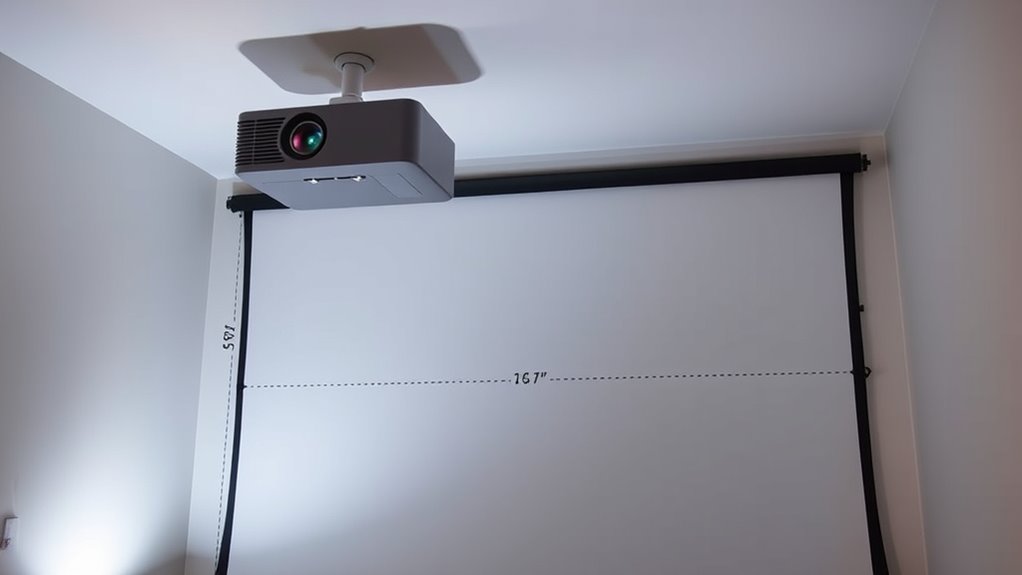
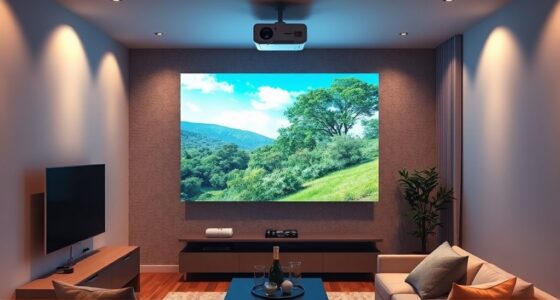
Choosing the right screen size is essential for creating an immersive viewing experience, especially in small rooms where space is limited. To determine the ideal screen size, consider the room’s dimensions and your seating distance. A larger screen enhances immersion, but it shouldn’t overwhelm the space or block pathways. When evaluating placement options, think about how close the projector can be to the wall and how high or low it should be installed for ideal viewing. Measure your room carefully to avoid choosing a screen that’s too big or too small. The goal is to balance visibility, comfort, and space constraints. Properly selecting your screen size and exploring placement options ensures you get the best picture quality without sacrificing room functionality. Additionally, understanding room layout and how it affects projector placement can help optimize your setup for both aesthetics and performance.
As an affiliate, we earn on qualifying purchases.
Adjusting for Keystone and Image Distortion

When you position a projector at an angle to the screen, keystone distortion often occurs, causing the image to appear trapezoidal rather than rectangular. To fix this, use keystone correction available in many projectors, which digitally adjusts the image shape. Keep in mind that lens distortion can also affect image quality, especially with wide-angle lenses. Proper placement minimizes the need for correction and preserves image sharpness. Here’s a quick guide:
| Issue | Cause | Solution |
|---|---|---|
| Keystone distortion | Off-center angle | Use keystone correction |
| Lens distortion | Wide-angle lens | Adjust projector lens or placement |
| Image distortion | Improper placement | Correct with projector settings |
| Overall quality | Excessive angle or distance | Reposition for ideal alignment |
Additionally, understanding image quality factors can help you optimize your setup for the best viewing experience.
projector screen size calculator
As an affiliate, we earn on qualifying purchases.
As an affiliate, we earn on qualifying purchases.
Frequently Asked Questions
How Do Ceiling Height Limitations Affect Projector Placement?
Ceiling height limits directly impact your projector placement because they restrict the projector’s angle and position. If the ceiling is low, you’ll need to choose a projector with a short throw or adjust the angle carefully to prevent distortion and shadows. You must measure the ceiling height accurately, then calculate the ideal projector angle to ensure a clear image without compromising the viewing experience.
What Are the Best Mounting Options for Small Rooms?
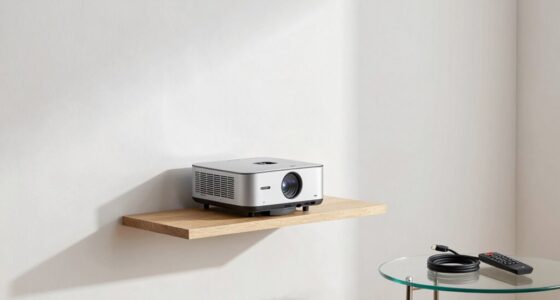
Imagine your small room transformed into a sleek cinema; wall mounts and mounting brackets become your best friends. Wall mounts are perfect for saving space and keeping your projector secure, while adjustable mounting brackets offer flexibility for perfect alignment. Choose sturdy, low-profile options that blend with your room decor. With these mounts, you’ll enjoy a clutter-free setup and clear, immersive images, making your small space feel like a professional theater.
How Does Ambient Light Influence Projector Image Quality?
Ambient light considerably affects your projector’s image quality. Too much light reduces image clarity, making details hard to see. It also diminishes screen brightness and visual contrast, causing images to appear washed out. To improve quality, you should control ambient light with curtains or dimmers, and consider a projector with higher brightness levels. This way, your images stay sharp, vibrant, and clear even in well-lit small rooms.
Can Multiple Projectors Be Used in Small Spaces?
Yes, you can use multiple projectors in small spaces, but it’s tricky. You’ll need to carefully consider screen size and projector brightness to guarantee a seamless image. Position each projector so their images align perfectly, preventing overlaps or gaps. Keep ambient light in mind, as it affects brightness needs. Proper calibration and planning allow you to create a larger, immersive display without overwhelming the room.
How Do I Ensure Projector Ventilation in Tight Spaces?
Guarantee proper projector ventilation in tight spaces by installing ventilation fans and promoting airflow circulation. Position the projector away from walls and obstructions to allow heat dissipation. Use external fans or vents to boost airflow, and regularly clean air filters to prevent overheating. Keep the area uncluttered, and consider using a projector stand with built-in cooling features. Prioritize airflow to maintain ideal performance and prevent overheating in confined environments.
Conclusion
Now that you know the essentials of projector placement, you’re ready to make your small room setup shine. Remember, a little planning goes a long way—don’t leave things to chance. By calculating throw distance, choosing the right screen size, and adjusting for distortion, you’ll get the best picture possible. Think of it as hitting two birds with one stone—you’ll create a perfect viewing experience without breaking the bank or losing your mind.
Fall Picks
fall essentials
As an affiliate, we earn on qualifying purchases.