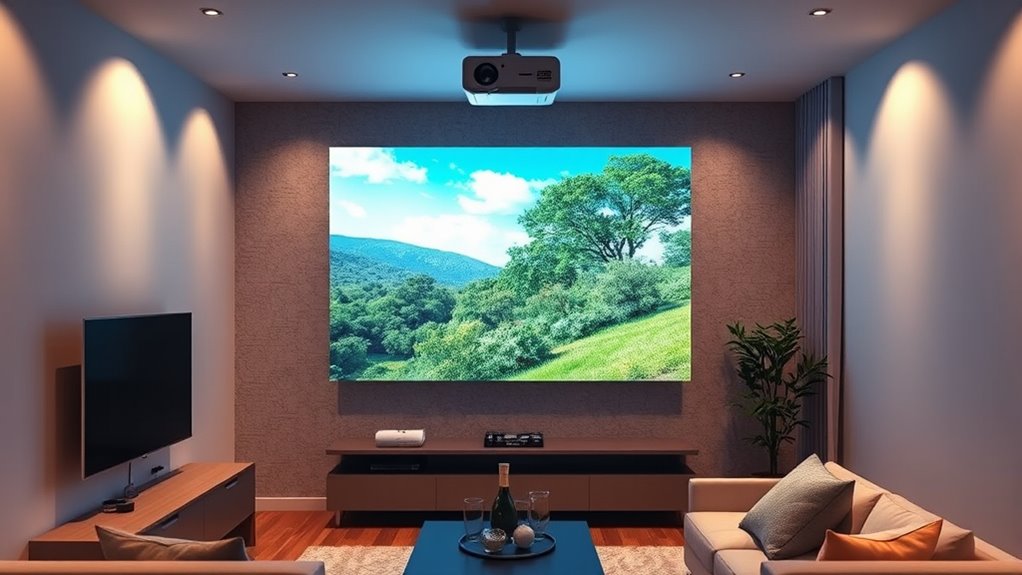
If you’re looking to optimize your apartment with advanced short throw projectors, know that ultra-short throw lenses can fit just inches from the wall, saving space and creating immersive displays. Focus on models with HDR, high contrast, and advanced optics for sharp, vibrant images. Smart features like built-in streaming and versatile mounts make setup easier. Keep exploring to discover more tips on making the most of your small space without sacrificing quality.

Get business pricing on your home office setup
- Business-only prices and quantity discounts
- Tax-exempt purchasing
- Multiple users, one account, clear invoices
Key Takeaways
- Opt for ultra-short throw projectors that mount inches from walls for large images in small apartment spaces.
- Prioritize models with advanced lens technology, HDR, and high contrast ratios for vibrant, crisp visuals.
- Use ceiling mounts and neutral-colored walls to maximize space and minimize reflections or glare.
- Select projectors with smart features, wireless streaming, and compatibility with smart home ecosystems for convenience.
- Consider future-proof accessories like adaptable mounts and anti-reflective coatings to ensure long-term performance.
The Benefits of Ultra-Short Throw Lenses in Compact Spaces
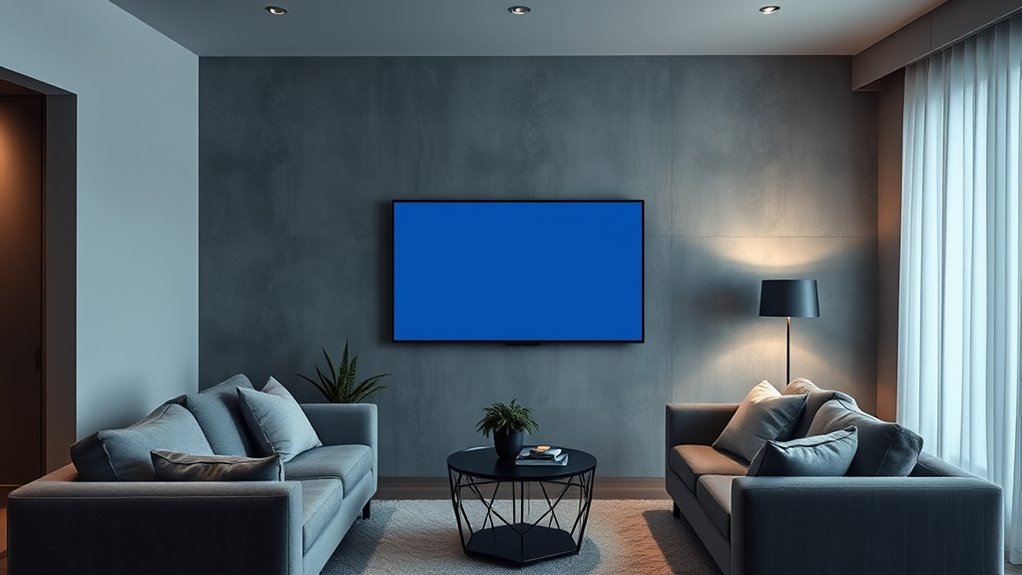
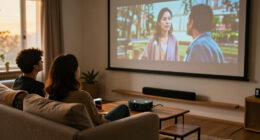
In small apartments where space is limited, ultra-short throw lenses offer a practical solution for creating a large, immersive display without cluttering your room. These compact projection systems can be placed just inches from your wall, eliminating the need for long cables or bulky setups. With ultra short throw technology, you get a sizable image from a very short distance, maximizing limited space. This makes it ideal for apartments, where every square inch counts. You won’t have to worry about obstructing the screen or dealing with complicated installation. Plus, the compact projection design keeps your room looking tidy and modern. Overall, ultra short throw projectors give you a seamless, space-efficient way to enjoy big-screen entertainment without sacrificing space or style.
Brightness and Contrast: Choosing Projectors With High Dynamic Range (HDR)
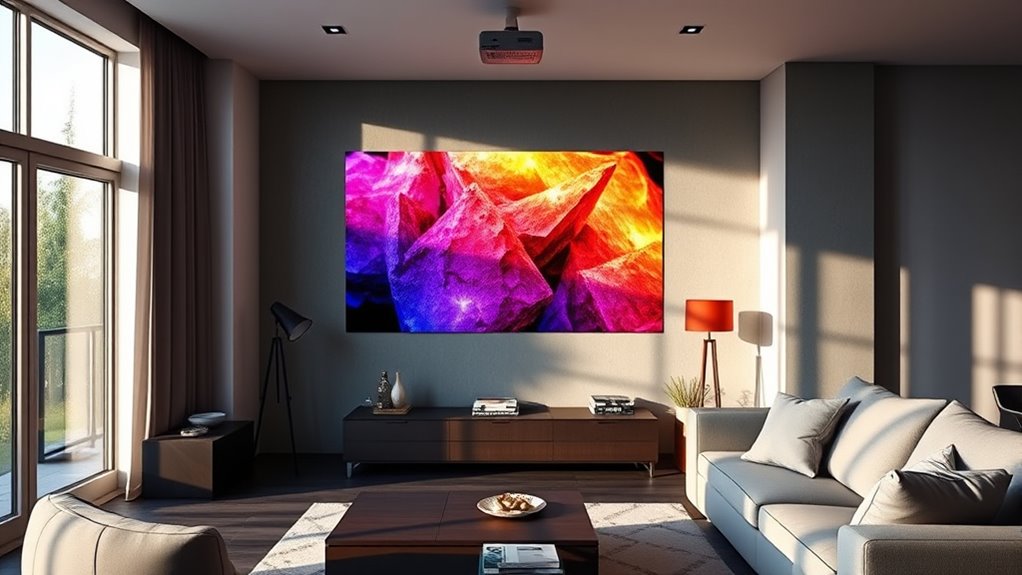
To get the most vivid and lifelike images from your apartment projector, it is vital to pay attention to brightness and contrast, especially when choosing models with High Dynamic Range (HDR). HDR enhances color calibration, providing richer, more accurate hues and improving overall picture quality. Look for projectors with high contrast ratios to guarantee deep blacks and bright whites, which are essential for HDR content. Additionally, consider ambient light adaptation features that automatically adjust brightness levels based on your room’s lighting conditions, maintaining clarity and detail regardless of the environment. This guarantees your images stay sharp and vibrant, even in well-lit spaces. Balancing brightness, contrast, and HDR capabilities helps you maximize picture quality for a more immersive viewing experience in your apartment. Understanding contrast ratios is also crucial, as it directly impacts the depth and realism of the images displayed.
Advanced Lens Technologies for Precise Image Focus
Advanced lens technologies can considerably improve your viewing experience by ensuring a sharp, clear image. Adaptive focus mechanisms automatically adjust to keep the picture crisp, even if your projector shifts slightly. High-resolution lens elements also help deliver detailed visuals with minimal distortion, making your movie nights more immersive. Incorporating visual clarity features enhances overall image quality and viewer satisfaction.
Adaptive Focus Mechanisms
Adaptive focus mechanisms have transformed how short throw projectors deliver sharp images, especially in compact apartment spaces. These systems automatically fine-tune focus, ensuring clarity even with slight position shifts or room changes. By continuously performing lens calibration, they adapt quickly to maintain ideal image sharpness. Focus adjustment happens seamlessly, so you don’t need to manually tweak the lens each time. This technology is particularly useful in apartments where space constraints and furniture placement can cause minor projector movements. With adaptive focus mechanisms, your projector stays perfectly focused without intervention, delivering crisp visuals regardless of small adjustments. This reliability makes them a valuable feature for anyone seeking hassle-free, high-quality projection in tight living environments. Additionally, automation technologies enable these systems to adapt swiftly to environmental changes, enhancing overall user experience.
High-Resolution Lens Elements
High-resolution lens elements markedly enhance the image clarity and focus accuracy of short throw projectors, making them ideal for small apartment spaces. These advanced lenses use specialized lens coatings to reduce glare and improve light transmission, resulting in sharper images. They also help minimize chromatic aberration, which can cause color fringing and distortions around edges. With high-quality lens elements, your projector delivers precise focus across the entire screen, even at short distances. This means you get crisp, vibrant visuals without the need for frequent adjustments. Investing in projectors with high-resolution lens components ensures a more professional, immersive viewing experience, especially in tight spaces where every detail counts. Ultimately, these lenses help you maximize image quality and enjoy a seamless entertainment setup. Market growth projected at over 40% CAGR in AI tech by 2025
Connectivity Features to Enhance Your Home Theater Setup
To get the most out of your home theater, consider the connectivity features your projector offers. Wireless streaming options let you easily watch content from your devices, while HDMI ports provide reliable, high-quality connections. Smart home integration can simplify control and create a seamless entertainment experience. Additionally, high refresh rates contribute to smoother visuals during fast-paced gaming and action scenes.
Wireless Streaming Options
Are you looking to streamline your home theater experience? Wireless streaming offers a seamless way to connect your devices without cluttering your space. With advanced streaming technology, you can effortlessly mirror your smartphone, tablet, or laptop directly onto your projector. This eliminates the need for bulky cables and makes setup faster. Many short throw projectors now include built-in Wi-Fi or support wireless streaming protocols like Miracast, Chromecast, or AirPlay. This means you can easily access your favorite streaming apps or content from your devices. Plus, wireless options reduce cable management issues, giving your apartment a cleaner look. By choosing a projector with robust wireless streaming capabilities, you enhance both convenience and flexibility in your home theater setup. Additionally, selecting a device that is compatible with your existing home entertainment setup ensures a more integrated and enjoyable viewing experience.
HDMI Connectivity Choices
While wireless options are convenient, HDMI connectivity remains a reliable and straightforward way to connect your short throw projector to various devices. It ensures consistent signal quality and simplifies setup. To optimize your home theater experience, focus on these key aspects:
- Use high-speed HDMI cables to support 4K resolution and ensure smooth video transmission.
- Calibrate audio settings through HDMI for better audio calibration, reducing latency and improving sound clarity.
- Check your projector’s color accuracy settings via HDMI to deliver vibrant, true-to-life images.
- Regularly review your connection quality to prevent interruptions and maintain optimal performance.
With proper HDMI choices, you’ll enjoy sharper visuals and balanced audio, making your apartment theater setup more immersive and professional-looking.
Smart Home Integration
Integrating your short throw projector into a smart home system enables convenient control and seamless connectivity. With voice control, you can turn the projector on or off, adjust settings, and switch inputs without lifting a finger. Automation compatibility allows your projector to sync with other smart devices, creating personalized scenes—like dimming lights and closing blinds when you start a movie. Many projectors support popular platforms such as Alexa, Google Assistant, or Apple HomeKit, making integration straightforward. This setup simplifies your home theater experience, eliminates clutter, and enhances convenience. Plus, you can schedule routines or remote-control your setup from anywhere. A thorough compatibility check ensures your chosen projector will work smoothly within your existing smart home ecosystem. Overall, smart home integration elevates your apartment entertainment, giving you smarter, more efficient control at your fingertips.
Noise Reduction and Fan Technologies for a Quieter Environment
To enjoy a quiet viewing experience in your apartment, focusing on noise reduction and fan technology is essential. You can achieve this by implementing effective soundproofing solutions and acoustic paneling around your projector setup. Here are three key strategies:
- Use soundproofing materials around the projector to minimize noise transfer.
- Install acoustic paneling on walls to absorb sound and reduce echo.
- Choose projectors with quiet fans designed for low noise levels, ensuring minimal disturbance.
- Incorporating sound vibrations can enhance cellular regeneration and overall health, contributing to a more relaxed environment.
Smart Projectors With Built-In Streaming and App Compatibility
Smart projectors with built-in streaming and app compatibility offer a convenient all-in-one entertainment solution for apartment living. With these projectors, you can easily access your favorite streaming services without extra devices. Voice control makes it simple to change shows, adjust volume, or pause content without interrupting your setup. Many models are designed to handle ambient light, so you can enjoy clear images even in well-lit rooms. This flexibility means you don’t need complete darkness for a great viewing experience, ideal for apartments with natural light. Plus, built-in apps eliminate the need for external streaming devices, keeping your space clutter-free. Incorporating ambient lighting considerations can further enhance your viewing experience in varied lighting conditions. Overall, these smart projectors combine convenience, versatility, and tech-savvy features, making them perfect for modern apartment entertainment.
Mounting Options and Placement Tips for Small Rooms
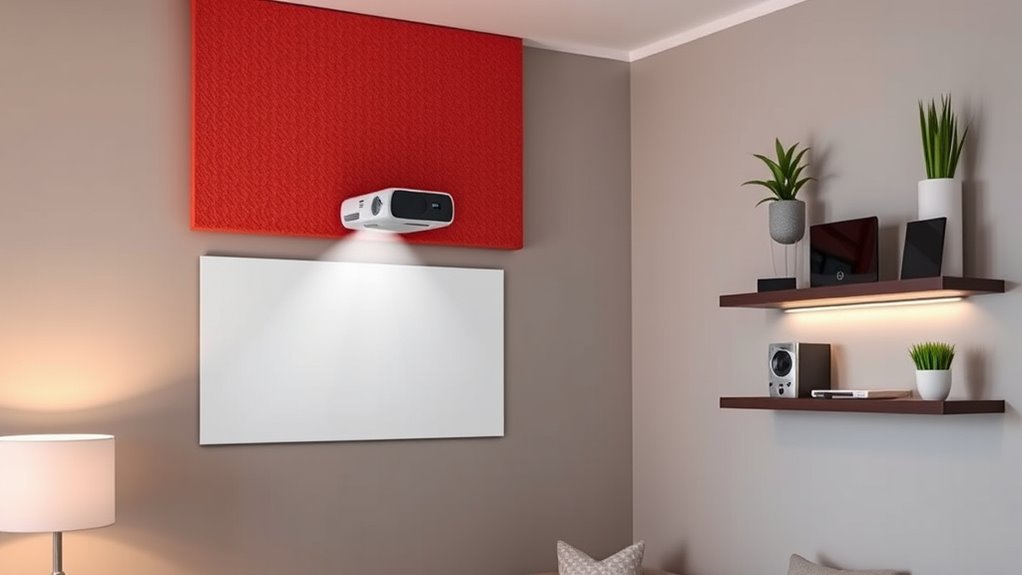
Choosing the right mounting options and placement strategies can make a big difference in small apartment rooms. To optimize your space, consider these tips:
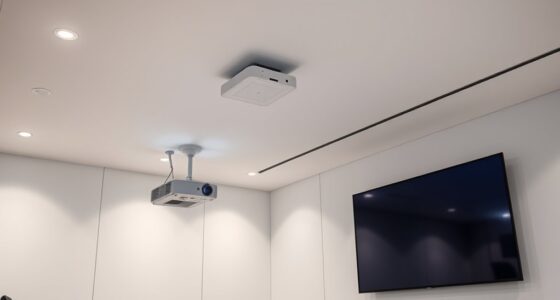
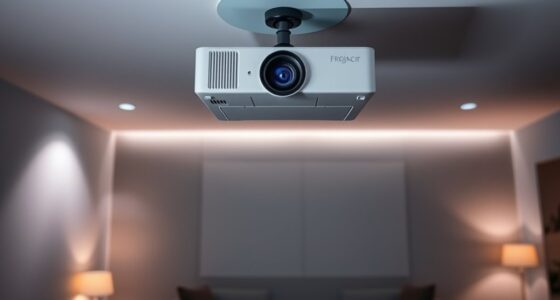
- Use a ceiling mount to save floor space and keep the projector out of the way.
- Position the projector close to the wall, ensuring it’s aligned for a clear image without obstruction.
- Adjust wall placement to avoid glare and reflections, ideally mounting it on a neutral-colored wall for the best picture quality.
Keep the projector at the correct distance from the screen for your short throw model to avoid image distortion. Remember, a ceiling mount offers flexibility and conserves space, while precise wall placement ensures sharp visuals. These steps help maximize your small room’s potential without sacrificing style.
Future-Proofing Your Home Theater With Compatible Short Throw Accessories
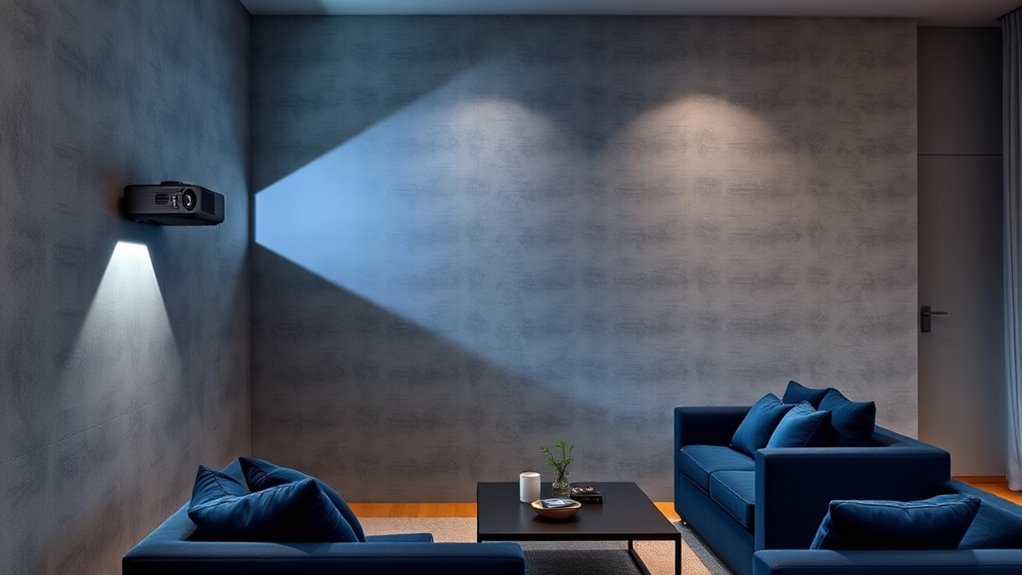
As technology advances, guaranteeing your home theater remains compatible with the latest short throw accessories is essential for future-proofing your setup. Start by choosing custom screen materials that support high contrast and vibrant colors, which adapt well to evolving projector tech. Additionally, consider ambient light considerations; opting for screens with enhanced gain or anti-reflective coatings can improve picture quality in various lighting conditions. Staying updated on compatibility features, such as adjustable mounts or smart integration options, helps your system adapt seamlessly. Investing in versatile accessories now means you won’t need frequent upgrades later. By selecting adaptable, high-quality components, you ensure your home theater remains cutting-edge, delivering immersive experiences for years to come without the hassle of replacing outdated equipment.
Frequently Asked Questions
How Do I Determine the Optimal Projector Distance for My Apartment?
To determine the ideal projector distance for your apartment, start with your projector’s throw ratio. Use this to calculate the perfect projector placement by multiplying the throw ratio by your screen width. Adjust the projector’s placement accordingly to get a clear, focused image. Remember, proper projector placement and accurate distance calculation guarantee you maximize image quality without crowding your space, making your viewing experience seamless.
What Are the Maintenance Requirements for Short Throw Projectors?
Keep in mind, “A stitch in time saves nine.” You should regularly perform projection calibration to guarantee sharp images and check the lens for dust or smudges. Clean the lens gently with a microfiber cloth and avoid harsh chemicals. Also, inspect the filters and ventilation to prevent overheating. Routine maintenance helps your short throw projector stay in top shape, providing clear visuals and extending its lifespan.
Can I Upgrade or Customize My Existing Short Throw Setup Easily?
Yes, you can upgrade or customize your existing short throw setup easily by focusing on projector calibration and screen enhancement. Adjust the projector’s settings to improve image quality and guarantee proper alignment. Adding a high-quality screen or applying screen enhancement techniques can boost brightness and contrast. These tweaks help optimize your setup without extensive equipment changes, making upgrades straightforward and cost-effective, while enhancing your viewing experience markedly.
Are There Specific Safety Considerations for Mounting Projectors in Small Spaces?
Yes, you should prioritize mount safety by securing your projector properly to prevent accidents in tight spaces. Check that the mount is rated for your projector’s weight and install it into wall studs or use appropriate anchors. Also, follow electrical precautions by keeping cords organized, avoiding overloading outlets, and ensuring wiring is safely concealed. These steps help prevent hazards and keep your setup secure and safe in small apartments.
How Do Ambient Lighting Conditions Affect Projector Performance in Apartments?
Did you know that ambient light can reduce a projector’s perceived brightness by up to 70%? In your apartment, bright ambient light can wash out images, making it harder to see details. To get the best performance, you should choose a projector with high brightness (measured in lumens) and control ambient light sources, like closing curtains or dimming lights. This way, your images stay crisp and vibrant.
Conclusion
Choosing the right short throw projector transforms your apartment into a cinema, where every detail matters. While sleek technology offers convenience, it’s the immersive experience and shared moments that truly matter. Don’t settle for just watching; create memories. As you explore advanced options, remember, it’s not just about the equipment—it’s about turning your space into a haven of entertainment and connection. Embrace the tech, but cherish the moments it brings to life.
Columbus Day / Indigenous Peoples' Day Picks
long weekend sales
As an affiliate, we earn on qualifying purchases.