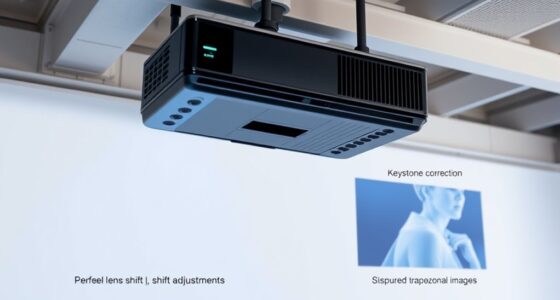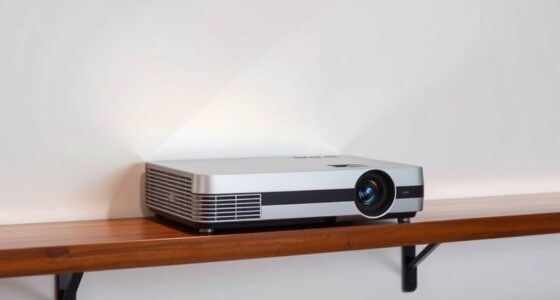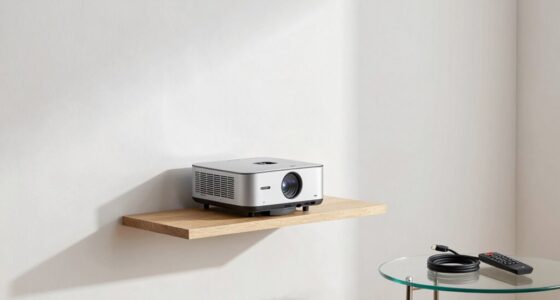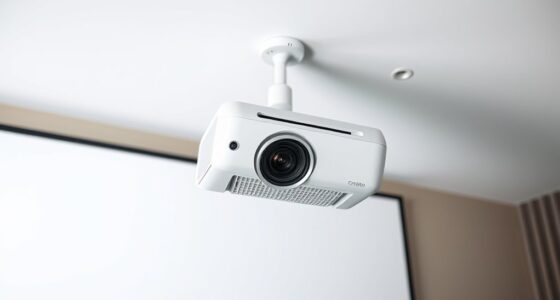

To handle off-center projector placement, start by adjusting your mount’s tilt and shift features to align the image with the screen. Avoid excessive digital keystone correction, as it can reduce clarity. Use adjustable mounts or ceiling brackets for precise positioning and make certain the projector is aimed straight at the center. Regularly check and fine-tune the setup to avoid distortion. Keep going to discover more tips for a perfectly aligned projection every time.

Get business pricing on your home office setup
- Business-only prices and quantity discounts
- Tax-exempt purchasing
- Multiple users, one account, clear invoices
Key Takeaways
- Reposition the projector directly in front of the screen at center height to reduce the need for digital keystone correction.
- Use adjustable mounts or ceiling brackets to fine-tune horizontal and vertical alignment.
- Minimize digital keystone correction by adjusting the projector’s physical placement first.
- Utilize tilt and shift adjustments to correct skewed images caused by off-center placement.
- Regularly check and realign the projector to maintain image clarity and reduce distortion.
Have you ever had your projector off-center and struggled to get a clear, aligned picture? It’s a common issue that can turn a simple movie night into a frustrating experience. The key to fixing this often lies in understanding proper mounting techniques. When your projector isn’t aligned correctly, you risk image distortion—where the picture appears stretched, squished, or skewed. Fortunately, by paying attention to your mounting setup, you can significantly improve your viewing experience and eliminate these problems.
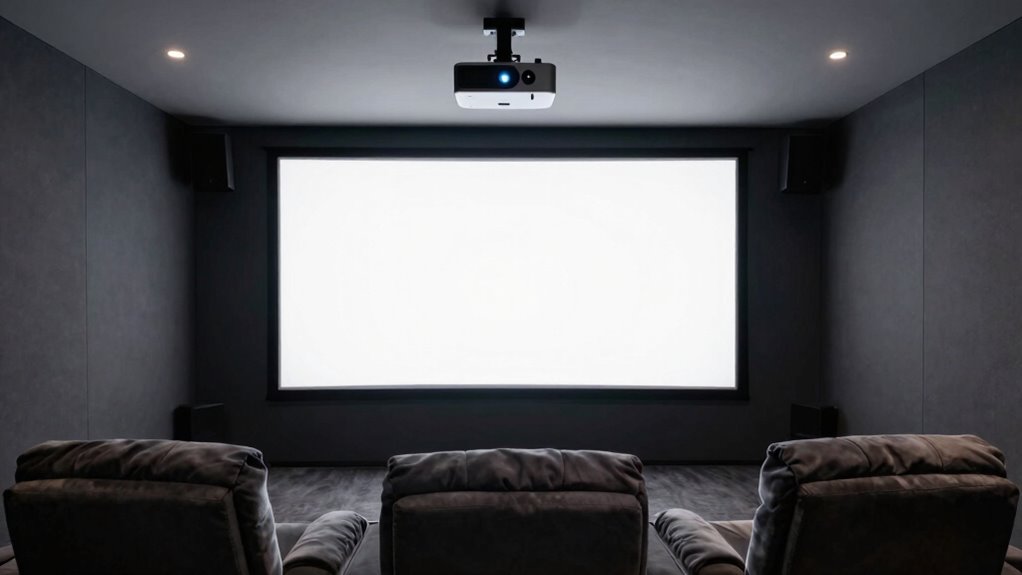
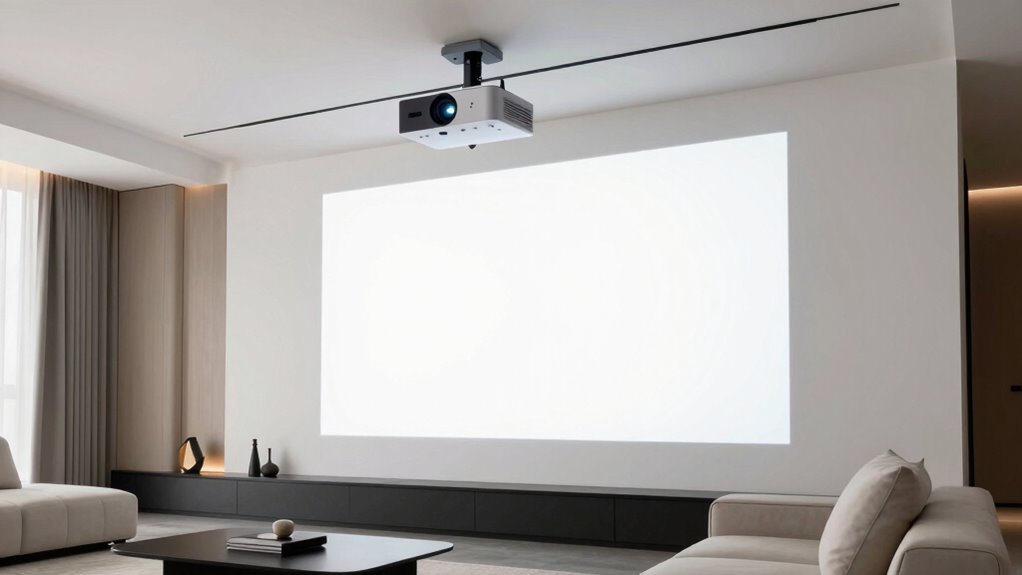
First, consider where you’re placing your projector. The ideal setup involves positioning it directly in front of the screen at a height that matches the center of your display surface. If you’re off to the side or too high or low, you’ll need to adjust your mounting approach. Using adjustable mounts or ceiling brackets allows you to fine-tune the projector’s position, helping to align the lens with the center of the projection surface. This prevents the need for excessive keystone correction or digital adjustments that can introduce image distortion.
Position your projector in front of the screen at its center height for optimal alignment and minimal distortion.
When mounting your projector, always double-check the type of mount you’re using. Fixed mounts are great if your placement is precise, but if you’re off-center, a mount with tilt, shift, or extendable features gives you more flexibility. These mounting techniques allow you to shift the projector horizontally or vertically without moving the entire unit. This way, you can aim the projector perfectly straight at the screen, reducing the risk of keystone effects and skewed images. Proper mounting isn’t just about positioning; it’s about ensuring stability and consistency. A secure, well-aligned mount keeps the projector steady, so your image remains clear and undistorted over time. Additionally, understanding your projector’s placement and mount leveling kits can help ensure a precise and stable setup, minimizing the need for adjustments later. Developing a good understanding of proper mounting techniques can lead to a more reliable and high-quality projection.
If you’ve already mounted your projector and notice image distortion, don’t rush to digital corrections alone. Instead, revisit your mounting setup. Adjust the tilt and shift features of your mount to straighten out the image at the source. This minimizes the need for digital keystone correction, which can degrade image quality. Remember, the closer your setup is to the ideal position, the less you’ll need to rely on software adjustments, preserving the clarity and sharpness of your picture.
Ultimately, handling off-center projector placement is about precision and choosing the right mounting techniques. By aligning your projector properly from the start, you’ll reduce image distortion and improve your viewing experience. The effort you put into a well-thought-out setup pays off in a crisp, perfectly aligned image every time you turn on the projector.
adjustable projector ceiling mount
As an affiliate, we earn on qualifying purchases.
As an affiliate, we earn on qualifying purchases.
Frequently Asked Questions
Can Off-Center Placement Cause Long-Term Damage to My Projector?
Off-center placement can cause alignment issues that strain your projector’s internal parts over time, potentially leading to long-term damage. Mounting challenges, like uneven or unstable setup, may also increase the risk of internal component wear or damage. To protect your projector, guarantee it’s properly aligned and securely mounted. Regularly check the positioning and avoid extreme off-center angles to maintain peak performance and longevity.
Are There Specific Projector Models Better Suited for Off-Center Installation?
Did you know that around 60% of projectors are used off-center? Some models excel at off-center installation, especially those with advanced projection alignment features. Look for projectors with keystone correction and lens shift options, as these make projection alignment easier without warping the image. These features help you avoid distorted visuals and frustration, making it simpler to set up your projector off-center without sacrificing image quality.
How Does Off-Center Placement Affect Image Color Accuracy?
Off-center projector placement can cause color distortion and image skew, impacting color accuracy. When the projector isn’t aligned properly, colors may appear washed out or overly saturated, and the image can look stretched or distorted. To minimize these issues, you should adjust the projector’s angle or use keystone correction features. Ensuring proper placement helps maintain true colors and a clear, correctly proportioned image for ideal viewing.
What Are Cost-Effective Solutions for Correcting Off-Center Projection?
You can correct off-center projection cost-effectively by using simple adjustment techniques like keystone correction or lens shift features on your projector. Also, explore mounting options such as adjustable brackets or ceiling mounts that allow you to fine-tune the projector’s position. These solutions help align the image properly without expensive modifications. Combining these methods guarantees a better picture quality while staying within your budget.
Does Off-Center Placement Impact the Lifespan of the Projector Bulb?
Imagine your projector’s bulb as a delicate dancer, performing on an uneven stage. Off-center placement can strain the bulb, potentially affecting its longevity and causing uneven projection stability. While it might not drastically shorten the bulb’s life, continual off-center positioning can lead to increased wear over time. To preserve your projector’s performance and extend bulb lifespan, aim for proper alignment, ensuring a stable, centered projection that keeps your visual display flawless.
As an affiliate, we earn on qualifying purchases.
Conclusion
Remember, with a little patience and the right adjustments, you can turn your off-center projector setup into a seamless viewing experience. Think of it as tuning a fine instrument—you’ll find the perfect harmony by tweaking your placement and settings. Don’t let off-center placement dim your entertainment; instead, see it as an opportunity to master your space. With these tips, your projector will be hitting all the right notes, delivering a picture that’s truly a sight to behold.
As an affiliate, we earn on qualifying purchases.
universal projector mount bracket
As an affiliate, we earn on qualifying purchases.
As an affiliate, we earn on qualifying purchases.
Fall Picks
fall essentials
As an affiliate, we earn on qualifying purchases.