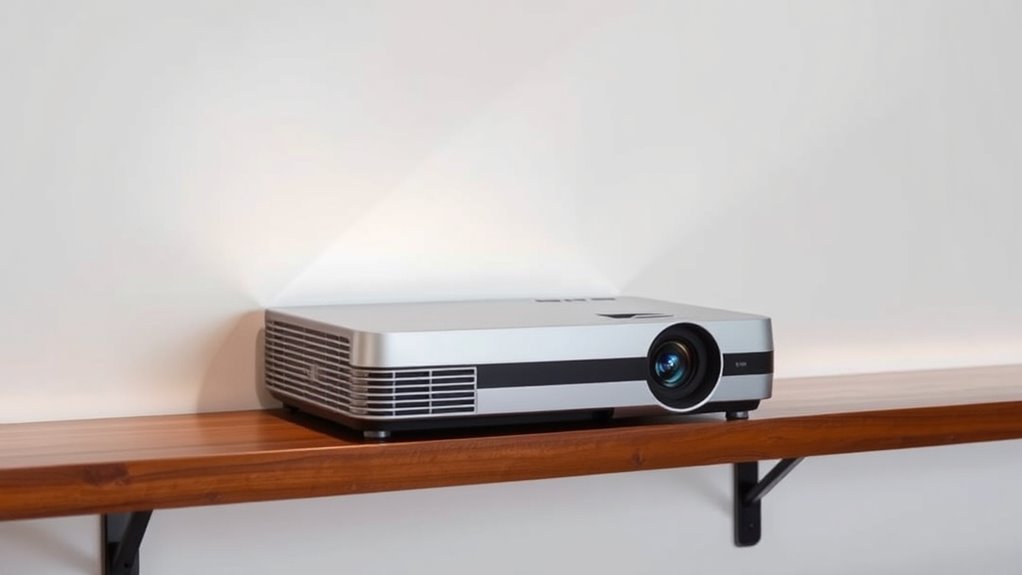

If you need to position a projector off-center, lens shift is your best friend. It lets you move the projected image vertically or horizontally without physically repositioning the projector or losing image quality. Unlike keystone correction, lens shift keeps the picture sharp and undistorted. This feature gives you flexibility with installation, especially in tight or oddly-placed spaces. Keep going to discover more ways lens shift makes off-center setups easier and more effective.

Get business pricing on your home office setup
- Business-only prices and quantity discounts
- Tax-exempt purchasing
- Multiple users, one account, clear invoices
Key Takeaways
- Lens shift allows precise image repositioning without digital distortion, accommodating off-center projector placement.
- It enables mounting the projector at an angle or off the ideal center, maintaining a rectangular, sharp image.
- Lens shift reduces the need for physical repositioning, simplifying installation in tight or awkward spaces.
- It preserves image quality by moving the projected image physically, avoiding resolution loss associated with keystone correction.
- Lens shift offers flexible setup options, making off-center placements seamless and easy to adjust later if needed.
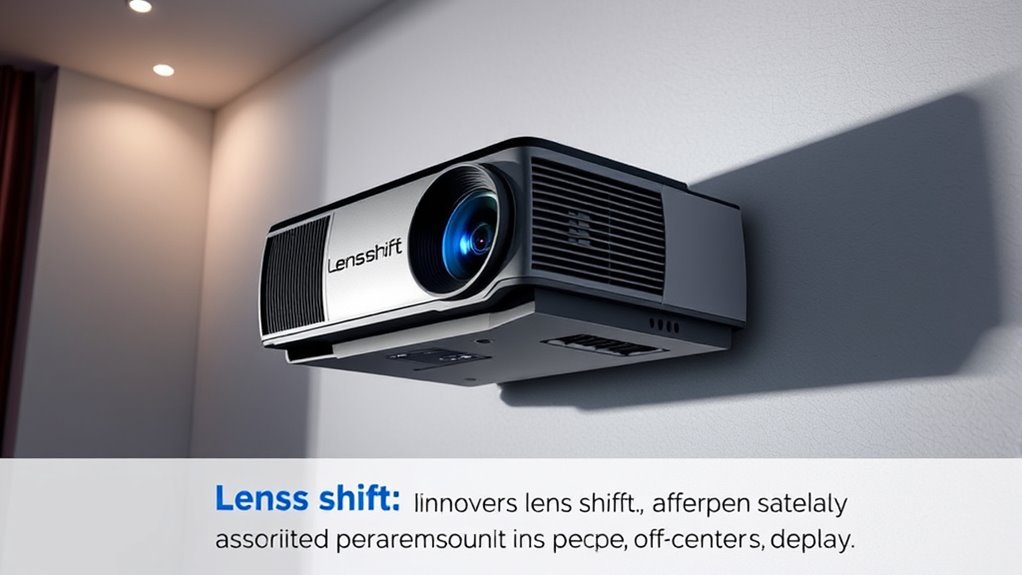
If you’re setting up a projector, understanding lens shift is essential for achieving the perfect image placement. When your projector isn’t perfectly aligned with the screen, lens shift offers mounting flexibility that makes it possible to adjust the image without repositioning the entire device. Unlike keystone correction, which digitally alters the image and can reduce quality, lens shift physically moves the projected image within the projector’s optical system, allowing for precise image repositioning. This feature is especially useful in rooms where mounting space is limited or where ceiling installation isn’t ideal.
Lens shift allows precise image adjustment without repositioning the projector, ideal for limited or challenging spaces.
With lens shift, you don’t need to compromise on the projector’s placement. You can mount the projector off-center or at a slight angle, and still achieve a perfectly rectangular image on the screen. This flexibility means you can install the projector in more convenient locations, such as near the side walls or at a slight tilt, without worrying about distorted or trapezoidal images. The ability to shift the image vertically and horizontally ensures that you can fine-tune the projection to fit your room’s layout, saving you time and effort during setup.
This adjustment capability is particularly advantageous in spaces with strict mounting constraints. For example, if you’re limited by ceiling height or want to avoid obstructing sightlines, lens shift lets you position the projector in a spot that’s most practical, while still displaying a centered, properly aligned picture. The technology works by shifting the lens within the projector’s optical assembly, moving the projected image up, down, left, or right without changing the physical mounting position. As a result, your image remains sharp, undistorted, and aligned with the screen, regardless of the projector’s placement.
Moreover, lens shift enhances the overall user experience by reducing the need for extensive adjustments after installation. You won’t have to frequently recalibrate or reposition the projector physically; instead, you can simply use the lens shift controls to achieve the desired image placement. This flexibility also makes future adjustments easier if you decide to move the projector or rearrange your setup. It’s a straightforward way to maintain ideal image quality and alignment, especially in multi-use or multi-room setups. Additionally, understanding the optical system of your projector can help you better utilize lens shift features to optimize your setup.
projector with lens shift feature
As an affiliate, we earn on qualifying purchases.
As an affiliate, we earn on qualifying purchases.
Frequently Asked Questions
Can Lens Shift Be Adjusted After Installation?
Yes, you can adjust lens shift after installation, offering greater mounting flexibility. Many projectors come with adjustable lens shift mechanisms that allow you to fine-tune the image position without moving the entire unit. This feature makes installation easier, especially if your setup isn’t perfectly centered. Simply access the lens shift controls, usually located on the projector or remote, and make small adjustments to achieve the perfect alignment.
Does Lens Shift Affect Image Quality?
Think of lens shift as a gentle hand guiding your image, keeping it clear and true. When used correctly, it minimizes image distortion and preserves color accuracy, ensuring your picture remains sharp and vibrant. However, excessive or improper adjustments might introduce slight quality issues. So, as long as you’re careful, lens shift enhances your viewing experience without compromising image quality, acting like a steady compass for perfect projection.
Are There Cost Differences With Lens Shift Features?
Adding lens shift features can increase the initial cost of your projector due to enhanced installation flexibility. While it may be more expensive upfront, lens shift reduces the need for complex mounting setups and precise positioning, saving you money on installation. Over time, this flexibility minimizes potential costs associated with repositioning or adjustments, making it a worthwhile investment for easier setup and versatile placement options.
What Is the Maximum Lens Shift Range?
The maximum lens shift range varies by projector, but many models offer up to 50% vertical and 20-30% horizontal shift. This wide range enhances installation flexibility, allowing you to position your projector off-center without distortion or keystone correction. By using lens shift, you avoid image distortion and achieve a perfect picture even in tight spaces, making setup easier and more adaptable to your room’s layout.
Is Lens Shift Compatible With All Projector Models?
Not all projector models support lens shift, but many modern projectors do, offering greater installation flexibility. If you want versatile mounting options, check if your projector includes adjustable lens shift features. This capability allows you to offset the image without physically moving the projector, making off-center placement easier and more convenient. Always verify your specific model’s lens shift compatibility to guarantee it meets your installation needs.
As an affiliate, we earn on qualifying purchases.
Conclusion
Imagine your projector’s lens gently shifting, like a guiding hand steering your viewing experience. With lens shift, you can position your projector off-center without distortion, keeping your screen perfectly rectangular. No more crawling over furniture or sacrificing wall space. It’s like having a secret passage that leads your image straight to where you want it, crisp and centered. Embrace lens shift, and watch your home theater come alive with seamless, picture-perfect clarity—no matter where you place it.
adjustable projector mount for ceiling
As an affiliate, we earn on qualifying purchases.
As an affiliate, we earn on qualifying purchases.
As an affiliate, we earn on qualifying purchases.
Fall Picks
fall essentials
As an affiliate, we earn on qualifying purchases.