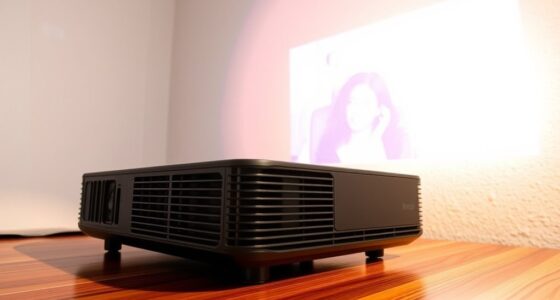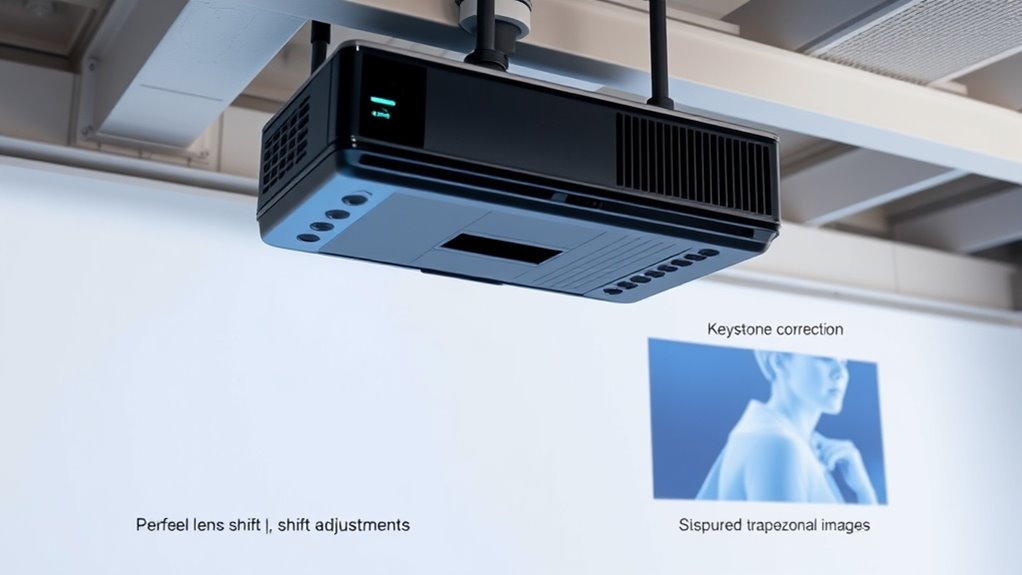

To get the best image quality, use lens shift when you can position your projector slightly off-center or at an angle, as it keeps the image sharp and undistorted. Resort to keystone correction only when physical placement is limited or inconvenient, knowing it may cause some distortion. Mastering the right balance guarantees crisp, accurate visuals. Keep exploring to discover how each feature can optimize your projection setup even further.

Get business pricing on your home office setup
- Business-only prices and quantity discounts
- Tax-exempt purchasing
- Multiple users, one account, clear invoices
Key Takeaways
- Use lens shift for precise image positioning without distortion, ideal for maintaining image quality in off-center setups.
- Rely on keystone correction for quick adjustments when projector placement is limited or off-axis.
- Prefer lens shift to avoid image distortion and preserve sharpness, especially for detailed or professional content.
- Limit keystone correction to minor corrections, as excessive use can cause distortion and reduce image clarity.
- Combine proper projector placement with lens shift for optimal image quality, resorting to keystone correction only when necessary.
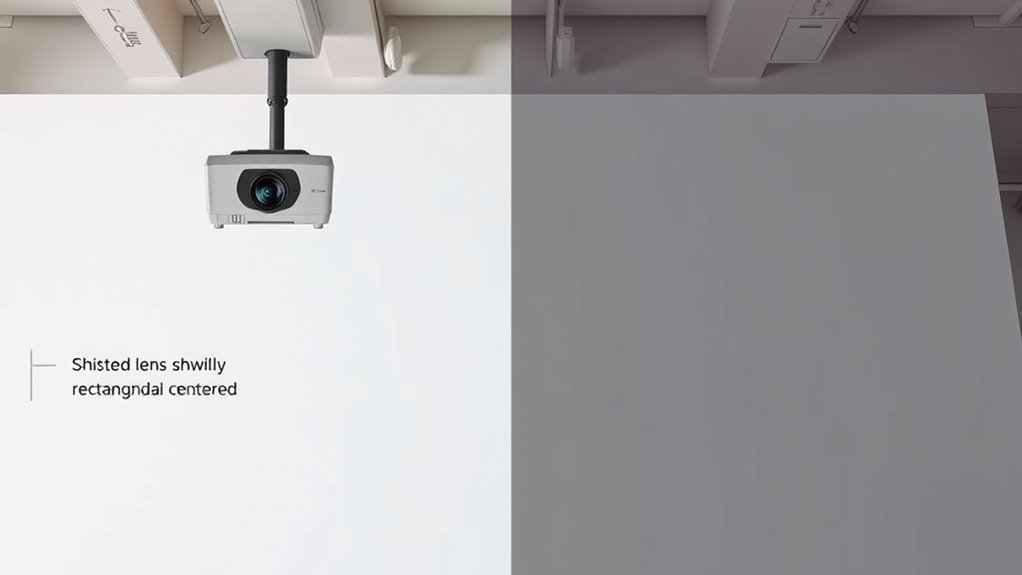
When choosing a projector, understanding the difference between lens shift and keystone correction is crucial for achieving a perfect image. These two features are essential tools in your projection setup, especially when it comes to adjusting the image to fit your space without compromising quality. Lens shift involves physically moving the lens inside the projector to reposition the image without altering its shape. This technique is preferred for maintaining high image quality because it preserves the original projection geometry, avoiding common issues like image distortion. On the other hand, keystone correction digitally manipulates the image, often by stretching or compressing parts of it, to make it fit a specific surface or shape. While keystone correction can be convenient, especially if your projector isn’t perfectly aligned, it can introduce some image distortion, which might affect clarity and sharpness.
Projection techniques differ considerably depending on whether you’re using lens shift or keystone correction. With lens shift, you’re essentially shifting the entire image vertically or horizontally by adjusting internal optics. This method is particularly useful when you can position your projector slightly off-center or at an angle, but still want a perfectly rectangular image. Since it doesn’t rely on digital manipulation, the image remains crisp and true to the original. It’s ideal for home theaters or professional presentations where image integrity is critical. Conversely, keystone correction is a quick fix when your projector must sit at an awkward angle or isn’t aligned with the projection surface. It’s a digital adjustment, meaning it artificially reshapes the image to correct distortions caused by off-axis placement. This can be handy in tight spaces but might result in some loss of detail or clarity, especially at higher correction levels.
Understanding when to use each method depends on your setup and the importance of image quality. If you’re aiming for the best picture and your projector allows, lens shift is your best option. It keeps the image distortion-free and maintains sharpness across the entire projection. Use keystone correction only when physical adjustments aren’t feasible, or as a temporary solution. Keep in mind, excessive keystone correction can lead to noticeable image distortion, making text blurry or images less clear. For ideal results, combine proper projector placement with lens shift whenever possible. Only resort to keystone correction when you have no other choice, and try to minimize its use to preserve image fidelity. By understanding these distinctions, you can choose the right technique for your space, ensuring your projection looks sharp, accurate, and professional.
As an affiliate, we earn on qualifying purchases.
Frequently Asked Questions
Can Lens Shift Cause Image Distortion?
Lens shift usually doesn’t cause image distortion because it moves the lens without changing its alignment, keeping the image sharp and properly aligned. However, if the lens isn’t correctly aligned after shifting, it can lead to minor distortions or uneven focus. To avoid this, always calibrate your projector properly after adjusting the lens shift. Proper lens alignment guarantees your image stays clear, undistorted, and perfectly positioned.
Which Is Easier to Adjust During Setup?
Think of adjusting your projector as trying to balance a unicycle—fun but tricky. Lens shift wins for ease of use, especially in vertical alignment, because you simply slide the lens without messing with image geometry. Keystone adjustment feels like juggling—more steps and potential distortion. So, during setup, lens shift makes your life easier, letting you fine-tune vertical alignment effortlessly, saving you from a circus act.
Do Both Options Affect Image Quality?
Both lens shift and keystone correction can impact image clarity slightly, but lens shift typically preserves better image quality because it moves the lens without digital manipulation. Keystone correction, especially digital, can introduce some setup complexity and reduce image sharpness. You notice these effects during setup, so choose lens shift when possible for a clearer image and simpler setup. Use keystone correction only if necessary, understanding it may slightly compromise image clarity.
Are Lens Shift and Keystone Adjustable After Installation?
Think of lens shift and keystone adjustment as your projector’s secret weapons—they’re usually adjustable after installation. This gives you installation flexibility and helps you fine-tune your setup without much hassle. However, some projectors may have limited or no adjustments once mounted, increasing setup complexity. Always check your model’s specifications to ensure you can modify these features post-installation, so your image stays perfectly aligned and sharp.
Which Method Is More Cost-Effective Long-Term?
Lens shift is more cost-effective long-term because it minimizes maintenance requirements and preserves image quality without needing frequent adjustments. Keystone correction, on the other hand, often involves digital adjustments that can degrade image clarity over time and may require ongoing calibration. While initial costs may be similar, lens shift offers a better cost comparison over time, reducing the need for repairs or upgrades and ensuring consistent, high-quality images.
As an affiliate, we earn on qualifying purchases.
Conclusion
Knowing when to use lens shift or keystone correction can make a huge difference in your viewing experience. Did you know that over 60% of home theater setups rely on keystone correction to fix image alignment? While keystone is quick and easy, lens shift offers a more precise and high-quality picture. By understanding their strengths, you can choose the best method for perfect, distortion-free images every time—making your movie nights truly immersive.
home theater projector adjustable lens
As an affiliate, we earn on qualifying purchases.
As an affiliate, we earn on qualifying purchases.
professional projector with image correction
As an affiliate, we earn on qualifying purchases.
As an affiliate, we earn on qualifying purchases.
Columbus Day / Indigenous Peoples' Day Picks
long weekend sales
As an affiliate, we earn on qualifying purchases.