
TL;DR

Get business pricing on your home office setup
- Business-only prices and quantity discounts
- Tax-exempt purchasing
- Multiple users, one account, clear invoices
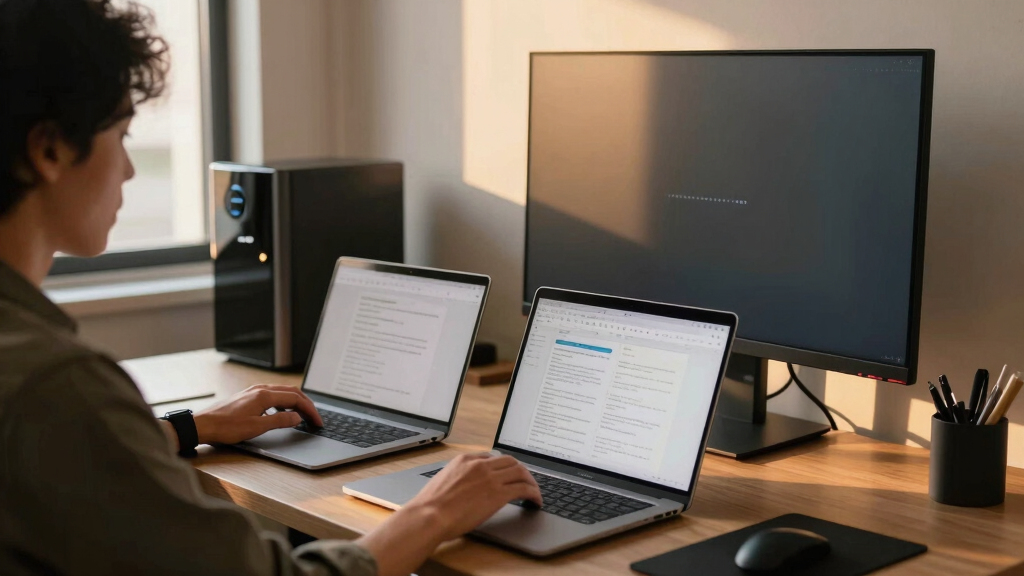
A user has achieved near-instant switching between a Mac and Linux machine using a monitor with built-in KVM and DDC commands. This setup eliminates the need for manual cable swapping, streamlining multi-device workflows.
A user has demonstrated a method to switch rapidly and seamlessly between a Mac and a Linux desktop using a single monitor with built-in KVM and DDC control, eliminating manual cable swapping and fiddling.
The setup involves using an MSI MPG 321URX monitor equipped with KVM functionality, allowing USB peripherals to follow the active input source. The user connects the Mac via USB-C and the Linux desktop via DisplayPort. By leveraging DDC commands—programmatically sent via command-line tools like m1ddc on macOS and ddcutil on Linux—the user can switch monitor inputs with a keyboard shortcut, avoiding physical interaction with the monitor controls. The process is automated through scripting and shortcut bindings, enabling instant switching without lifting hands from the keyboard or unplugging cables.
Why It Matters
This approach significantly improves productivity for users managing multiple devices, especially in remote or multi-device work environments. It demonstrates how modern monitor features and software automation can streamline workflows, reduce clutter, and eliminate manual cable management, setting a new standard for multi-device setups in 2025.
As an affiliate, we earn on qualifying purchases.
Background
Previously, switching between multiple computers required physically unplugging and plugging cables or using unreliable USB switches. The advent of monitors with integrated KVM and support for DDC commands has enabled more elegant solutions. This setup builds on recent hardware improvements, including high-refresh-rate 4K monitors like the MSI MPG 321URX, and advances in software tools that communicate with monitors via display cables. The user’s method reflects ongoing trends toward seamless multi-device integration, driven by the desire for efficiency and minimal fuss.
“With a monitor that supports KVM and DDC commands, I can switch between my Mac and Linux desktop instantly, without unplugging a single cable.”
— Hacker News user
“Using DDC commands to control monitor inputs programmatically is a growing trend that can greatly enhance multi-device workflows.”
— Expert in display technology
monitor with built-in KVM switch
As an affiliate, we earn on qualifying purchases.
As an affiliate, we earn on qualifying purchases.
What Remains Unclear
It is not yet clear how universally applicable this setup is across different monitor models or operating systems. Compatibility with other hardware, potential limitations in DDC command support, and long-term reliability of automated switching are still being evaluated.
As an affiliate, we earn on qualifying purchases.
What’s Next
Further testing across various monitor brands and models is expected to determine the broader applicability of this method. Developers may create more user-friendly tools or integrations to simplify setup. Hardware manufacturers might incorporate native support for such seamless switching features, making this process even more accessible in future releases.
As an affiliate, we earn on qualifying purchases.
Key Questions
Can this setup work with any monitor?
It requires a monitor with built-in KVM functionality and support for DDC commands. Not all monitors have these features, so compatibility varies.
Is this setup suitable for everyday use?
Yes, once configured, it allows quick, hands-free switching, making it practical for daily multi-device workflows.
What skills or tools are needed to set this up?
Basic familiarity with command-line tools, scripting, and monitor control commands is required. Specific tools like m1ddc and ddcutil are used for different operating systems.
Does this eliminate all cable clutter?
It reduces the need for cable swapping but still requires initial cable connections for each device. The setup minimizes interaction during switching.
Halloween Picks
halloween
As an affiliate, we earn on qualifying purchases.