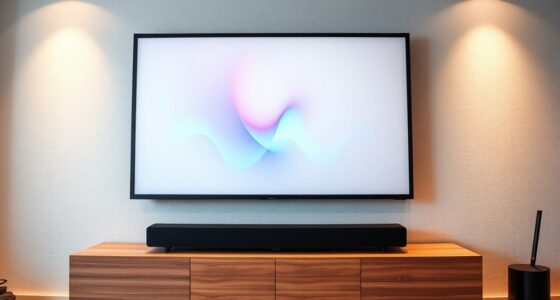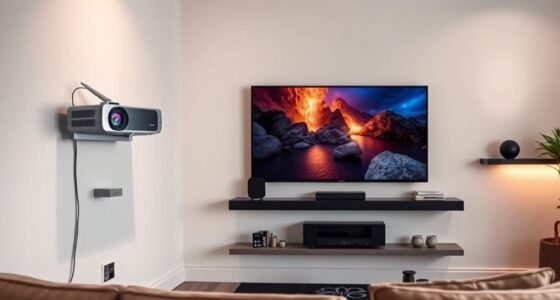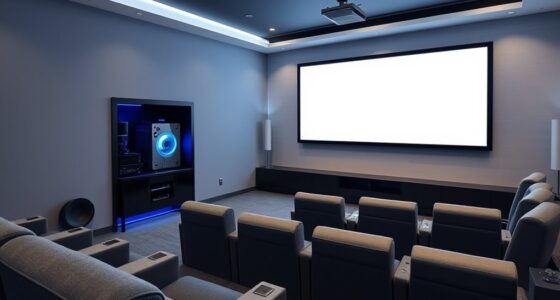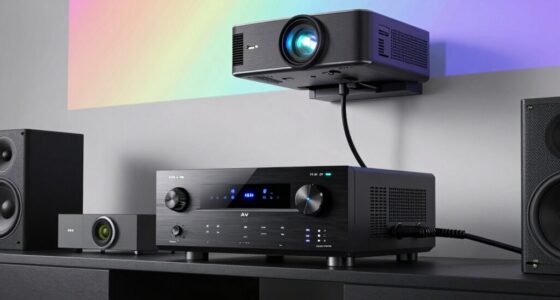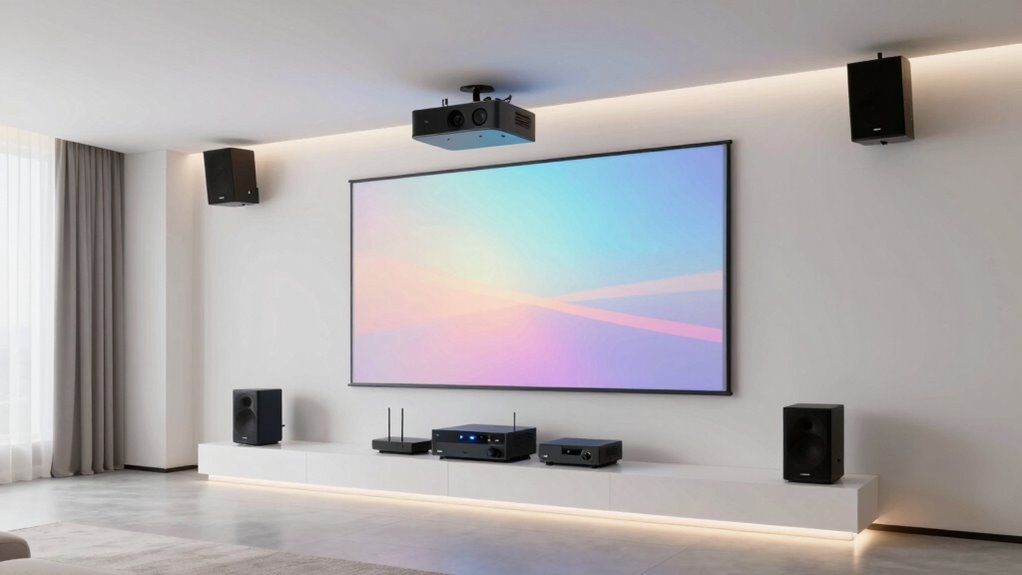

To integrate a projector into your whole-home audio setup, start by connecting your sound system to a centralized amplifier or AV receiver that can handle multiple sources. Use quality speaker placement to guarantee even sound distribution and sync it with your projector’s audio output. Consider using audio-expanding components like zone amplifiers or wireless speakers for seamless control throughout your home. With proper planning, you’ll create an immersive experience; keep exploring for more tips on perfecting your setup.

Get business pricing on your home office setup
- Business-only prices and quantity discounts
- Tax-exempt purchasing
- Multiple users, one account, clear invoices
Key Takeaways
- Use a centralized AV receiver to connect both projector and home audio system for seamless audio distribution.
- Incorporate in-wall or in-ceiling speakers for discreet, immersive sound in the projector viewing area.
- Ensure proper cable management to route audio and video signals cleanly and reduce clutter.
- Sync audio with the projector using HDMI ARC or audio return channels for synchronized sound.
- Incorporate room acoustics and soundproofing to enhance audio clarity and prevent interference.
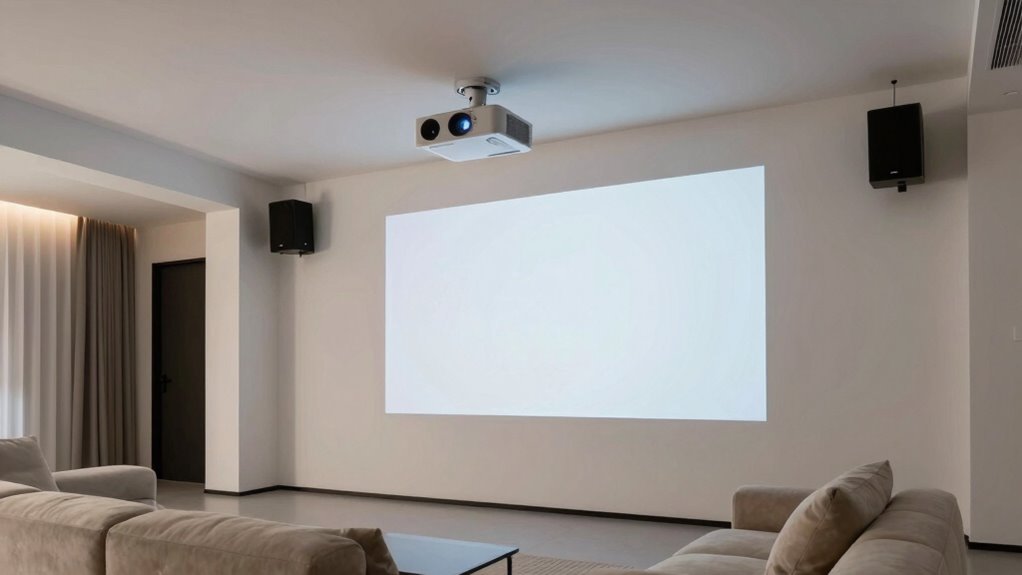
Integrating a projector into your whole-home audio setup can transform your entertainment experience by creating a seamless environment for both visual and audio content. When you set out to combine these systems, you’re aiming for a unified space where sound and picture work in harmony. However, one of the initial hurdles you might face involves soundproofing challenges. Projectors often sit in multi-purpose rooms, which can mean noise from projectors or external sounds bleed into the space, disrupting your viewing and listening experience. To address this, you’ll want to consider soundproofing options such as acoustic panels, door seals, or even specialized drywall. These measures help contain projector noise and prevent sound from other rooms from interfering, guaranteeing your audio remains crystal clear and immersive.
Soundproofing your projector room ensures crystal-clear audio and an immersive viewing experience.
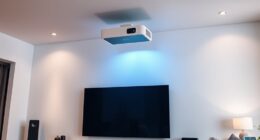
Once you’ve tackled soundproofing, the next step is selecting the right projector mounting options. Mounting your projector correctly is vital—not only for maximum picture quality but also for safety and convenience. You have several options, including ceiling mounts, wall mounts, or even custom-built platforms. Ceiling mounts are popular because they keep the projector out of the way and provide a stable, adjustable platform for flawless image alignment. When choosing a mount, ensure it’s compatible with your projector’s weight and size. Adjustable mounts give you flexibility to fine-tune the height and angle, so you can achieve the perfect projection without straining your neck or compromising image clarity. Proper projector placement also helps prevent common setup issues and ensures your equipment functions optimally. Additionally, considering lighting control in the room can greatly enhance picture quality by reducing glare and reflections.
The mounting process also requires considering your room’s layout and your access to power and connectivity. You’ll want to run cables discreetly to avoid clutter, which might involve installing conduit or raceways to conceal wiring. If you prefer a more flexible setup, some projectors come with motorized mounts that can be controlled remotely for easy adjustments. Keep in mind that the mounting height and angle can profoundly affect image quality; a poorly mounted projector might produce keystone distortion or uneven focus, so taking the time to secure it properly pays off. Additionally, understanding the projector’s placement requirements can help prevent common setup issues and ensure optimal performance. Planning ahead for future upgrades can also save you time and effort when expanding or upgrading your home entertainment system. Properly planning your setup also involves considering the room acoustics, which can influence both soundproofing and audio quality. When planning your setup, also consider the accessibility for maintenance and future adjustments.
As an affiliate, we earn on qualifying purchases.
Frequently Asked Questions
Can I Use a Portable Projector for Whole-Home Integration?
Yes, you can use portable projectors for whole-home integration. Just make sure your portable projector supports wireless audio connections or has compatible Bluetooth or Wi-Fi capabilities. You’ll need to connect it to your home’s wireless audio system or speakers for seamless sound. Keep in mind that portable projectors are often less powerful, so choose one with good brightness and resolution to enjoy high-quality viewing across different rooms in your home.
What’s the Best Placement for a Projector in a Multi-Room Setup?
A stitch in time saves nine, so choose your projector placement wisely. For a multi-room setup, ceiling mounts are ideal—they keep the projector out of the way and guarantee consistent image quality. Position the projector opposite the screen with proper screen placement for ideal viewing angles. Make sure your projector is centrally located to evenly distribute audio and visuals, making your whole-home setup seamless and immersive.
How Do I Synchronize Audio From Multiple Rooms With the Projector?
You can synchronize audio from multiple rooms with your projector by using wireless streaming technology and performing audio calibration. First, connect your audio sources to a multi-room audio system that supports wireless streaming, ensuring all devices are on the same network. Then, use the system’s calibration tools to balance sound levels and timing across rooms. This setup guarantees synchronized, immersive audio that complements your projected content seamlessly.
Are There Specific Audio Systems Compatible With Projectors?
While the universe of sound systems is vast, many are gentle companions to projectors, offering seamless compatibility. Focus on systems that emphasize sound calibration and flexible speaker placement—these features guarantee your audio aligns beautifully with your visual experience. Look for models with HDMI ARC or Bluetooth connectivity, as they often integrate smoothly with projectors. By choosing the right system, you create a harmonious environment where visuals and sound dance effortlessly together.
What Wiring Is Required for Seamless Integration?
You’ll need to connect your projector with the right wiring for seamless integration, focusing on wireless connectivity options and power requirements. Use HDMI or optical cables for high-quality audio transmission, ensuring they’re compatible with your audio system. If your setup supports wireless audio, connect via Bluetooth or Wi-Fi for fewer cables. Make sure your projector’s power needs match your outlet supply to prevent interruptions, and consider surge protectors for safety.
As an affiliate, we earn on qualifying purchases.
Conclusion
By seamlessly integrating your projector into your whole-home audio setup, you create a space where entertainment flows as effortlessly as a river carving its path. Imagine your audio and visuals harmonizing like a symphony, transforming your home into a personal theater. With the right connections, you’re not just watching a movie—you’re stepping into a world where sound and sight dance together, turning everyday living into a masterpiece.
projector ceiling mount adjustable
As an affiliate, we earn on qualifying purchases.
As an affiliate, we earn on qualifying purchases.
As an affiliate, we earn on qualifying purchases.
Fall Picks
fall essentials
As an affiliate, we earn on qualifying purchases.