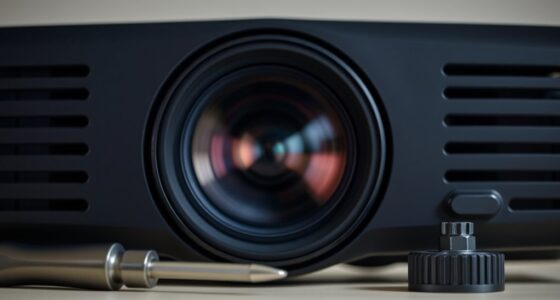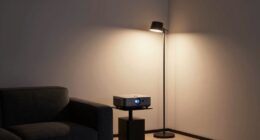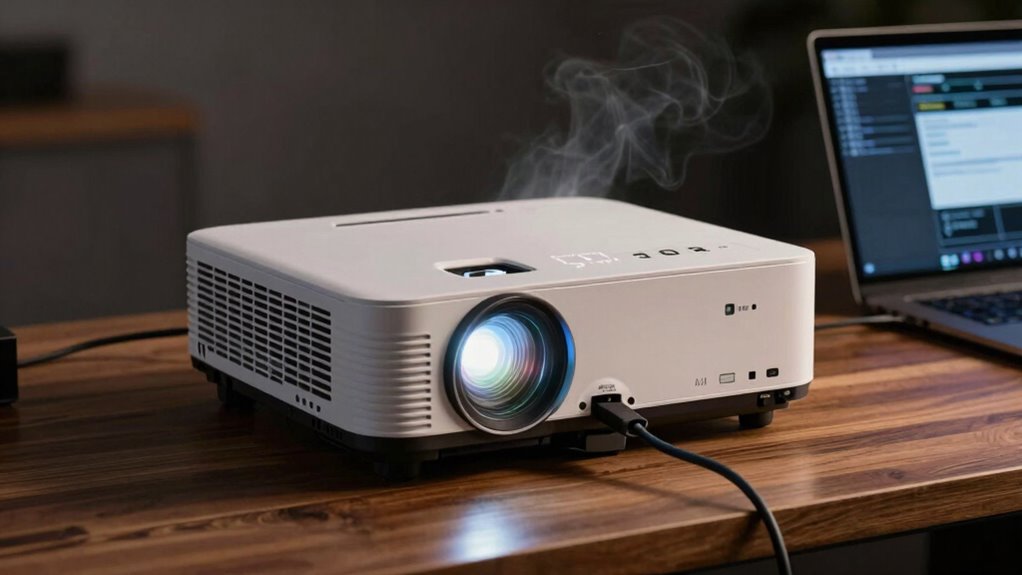

If your projector keeps shutting down randomly, start by checking for signs of overheating, like frequent shutdowns or error lights. Clean dust from vents and fans to improve airflow and make sure it’s in a well-ventilated area. Inspect the lamp for flickering or dimming, and replace it if needed, as a failing lamp can cause shutdowns. Updating your firmware and following manufacturer troubleshooting tips can help, and there’s more you can do to resolve the issue effectively.

Get business pricing on your home office setup
- Business-only prices and quantity discounts
- Tax-exempt purchasing
- Multiple users, one account, clear invoices
Key Takeaways
- Check indicator lights and error messages for lamp or temperature issues.
- Inspect and replace flickering or dimming lamps to ensure proper operation.
- Clean vents and fans with compressed air to prevent overheating from dust buildup.
- Ensure the projector is placed in a well-ventilated area with stable positioning.
- Update firmware and consult manufacturer support if shutdowns persist after basic troubleshooting.
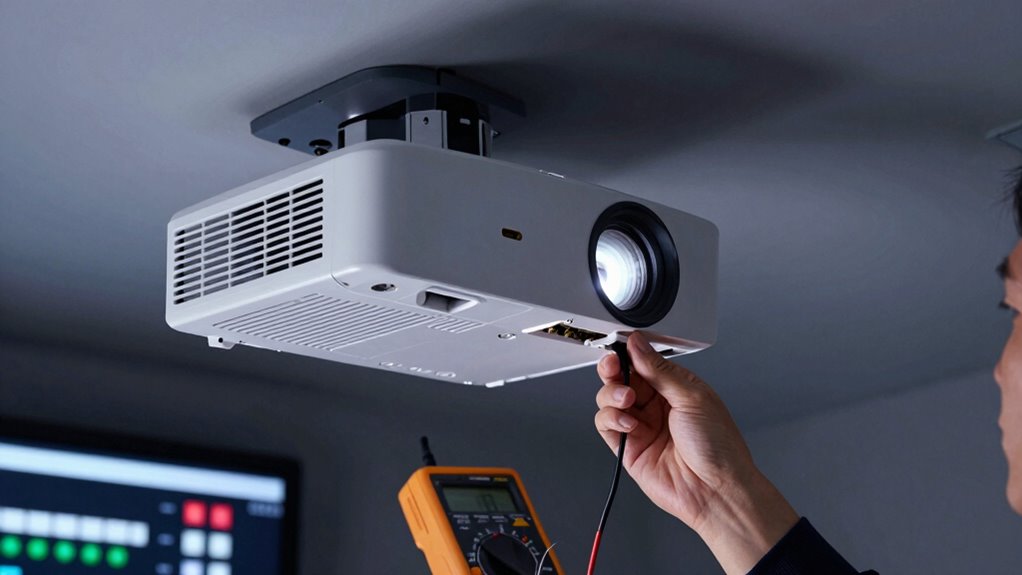
Have you ever experienced your projector shutting off unexpectedly during a presentation or movie? It’s frustrating, and it often leaves you scrambling to figure out what went wrong. One common cause of random shutdowns is an issue related to the lamp or the cooling system. When your projector’s lamp is nearing the end of its lifespan, it can cause the device to power off unexpectedly. Most projectors have a lamp timer or warning system that alerts you when it’s time for a lamp replacement, but sometimes it might shut down before the warning appears, especially if the lamp is failing. If you notice flickering or dimming before shutdown, it’s a good idea to check the lamp and think about replacing it to restore proper function.
Unexpected projector shutdowns often indicate failing lamps or cooling issues—regular maintenance can prevent interruptions.
Another critical factor to take into account is the cooling system. Projectors generate a lot of heat during operation, and if the cooling system isn’t working properly, overheating can trigger automatic shutdowns to prevent damage. Dust buildup in the air vents or cooling fans can restrict airflow, causing the device to overheat. Regularly cleaning the vents and fans helps guarantee proper airflow and keeps the internal temperature within safe limits. If your projector has a temperature warning or overheats frequently, it’s a sign you should inspect and possibly repair or replace the cooling system components. Sometimes, simply ensuring the projector is placed in a well-ventilated area can make a big difference. Additionally, understanding projector technology, such as how the cooling systems work, can help in troubleshooting and maintenance. Knowing how airflow management impacts your projector’s performance can help you prevent overheating issues. Proper ventilation practices are essential for maintaining optimal operation and avoiding shutdowns caused by heat.
Troubleshooting these issues involves a few straightforward steps. First, check the projector’s display or indicator lights for any error messages related to the lamp or temperature. If the lamp has been in use for a long time or shows signs of dimming and flickering, it’s probably time for a lamp replacement. Replacing the lamp is usually a simple process detailed in your projector’s manual, and it often restores brightness and stability. For overheating problems, turn off the projector, unplug it, and carefully clean the vents and fans with compressed air to remove dust. Make sure the projector is placed on a flat, stable surface with adequate space around it for airflow. In addition, consulting the manufacturer’s guidelines on projector maintenance can help you keep the device running smoothly and prevent unexpected shutdowns.
In addition, ensure your projector’s software or firmware is up to date. Sometimes, manufacturers release updates that improve stability and fix bugs that could cause shutdowns. If after these steps your projector still shuts down randomly, it might be time to consult a professional technician or contact the manufacturer for further diagnosis. Addressing lamp issues and maintaining the cooling system can greatly reduce unexpected shutdowns, letting you enjoy a smooth viewing experience without interruptions.
As an affiliate, we earn on qualifying purchases.
Frequently Asked Questions
Can Overheating Cause Random Projector Shutdowns?
Yes, overheating can cause random projector shutdowns. When your projector’s cooling system isn’t working properly, like if the fan malfunctions or isn’t running efficiently, it can lead to excessive heat buildup. This heat triggers the projector’s safety feature, shutting it down to prevent damage. Make sure the fan is clean and functioning correctly, and check for dust or obstructions in the cooling system to keep your projector running smoothly.
Do Power Surges Affect Projector Stability?
Power surges can definitely affect your projector’s stability. When voltage fluctuations occur, they can send sudden spikes through your electrical system, potentially damaging internal components. If your circuit overloads, it can cause the projector to shut down unexpectedly to prevent further damage. To protect your projector, consider using a surge protector or voltage stabilizer, which helps regulate power and guards against these issues, ensuring consistent performance.
How Often Should I Clean the Projector Vents?
You should clean your projector vents at least every three to six months, or more often if you notice dust buildup or overheating. Good airflow maintenance keeps your projector running smoothly, preventing overheating that can cause shutdowns. Dust buildup is like a clog in your system—clear it out regularly to keep everything working efficiently. Regular cleaning is a small task that pays off in prolonging your projector’s lifespan and performance.
Is a Faulty HDMI Cable a Common Issue?
A faulty HDMI cable is a common issue that can cause random projector shutdowns. Poor cable quality or damage can lead to signal interference or interruptions, triggering the projector to turn off unexpectedly. To prevent this, use high-quality cables and make sure they’re securely connected. If problems persist, try replacing the HDMI cable to see if that resolves the issue, as damaged or low-quality cables are often the culprit.
Can Software Updates Fix Shutdown Problems?
Yes, software updates can fix shutdown problems caused by firmware glitches or software compatibility issues. When you update your projector’s firmware, you often resolve bugs that lead to unexpected shutdowns. Make certain to download updates from the manufacturer’s website or app, and follow the instructions carefully. Regular updates improve stability, guarantee compatibility with new devices, and help prevent random shutdowns caused by outdated or faulty software.
As an affiliate, we earn on qualifying purchases.
Conclusion
When your projector suddenly dims its light and takes an unexpected bow, think of it as a silent cry for help from its inner workings. By systematically checking the power source, cooling fans, and connections, you’re tuning the orchestra of its performance back into harmony. Remember, each troubleshooting step is like finding a missing piece in a puzzle. With patience and persistence, you’ll restore your projector’s glow, turning the dark curtain into a spotlight once again.
As an affiliate, we earn on qualifying purchases.
As an affiliate, we earn on qualifying purchases.
Columbus Day / Indigenous Peoples' Day Picks
long weekend sales
As an affiliate, we earn on qualifying purchases.