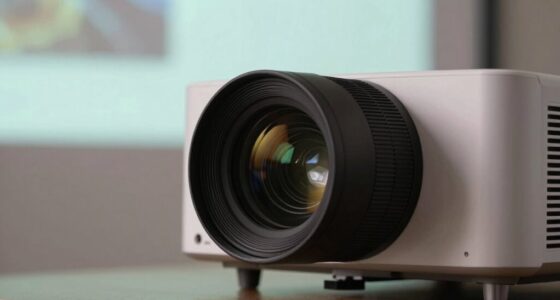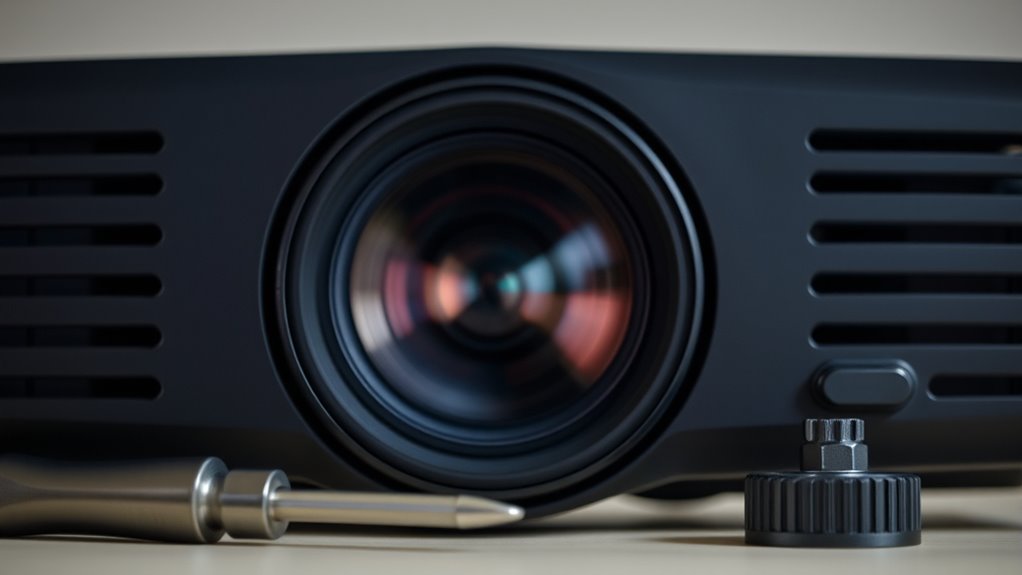

If your projector won’t focus, start by gently adjusting the focus and zoom rings on the lens, making small turns for clearer images without forcing. Check that the projector is positioned at the recommended distance from the screen for sharpness. Also, access the projector’s menu to tweak digital focus settings or run auto-focus if available. Inspect and clean the lens carefully for dirt or smudges. If issues persist, there may be internal problems or misalignments worth exploring further.

Get business pricing on your home office setup
- Business-only prices and quantity discounts
- Tax-exempt purchasing
- Multiple users, one account, clear invoices
Key Takeaways
- Gently adjust the focus and zoom rings on the lens for sharper image clarity.
- Ensure the projector is positioned at the recommended distance from the screen.
- Use the projector’s menu to access and fine-tune digital focus or auto-focus settings.
- Clean the lens with a soft, lint-free cloth to remove dirt, fingerprints, or smudges.
- Check for internal focus mechanism issues or damage and seek professional repair if needed.
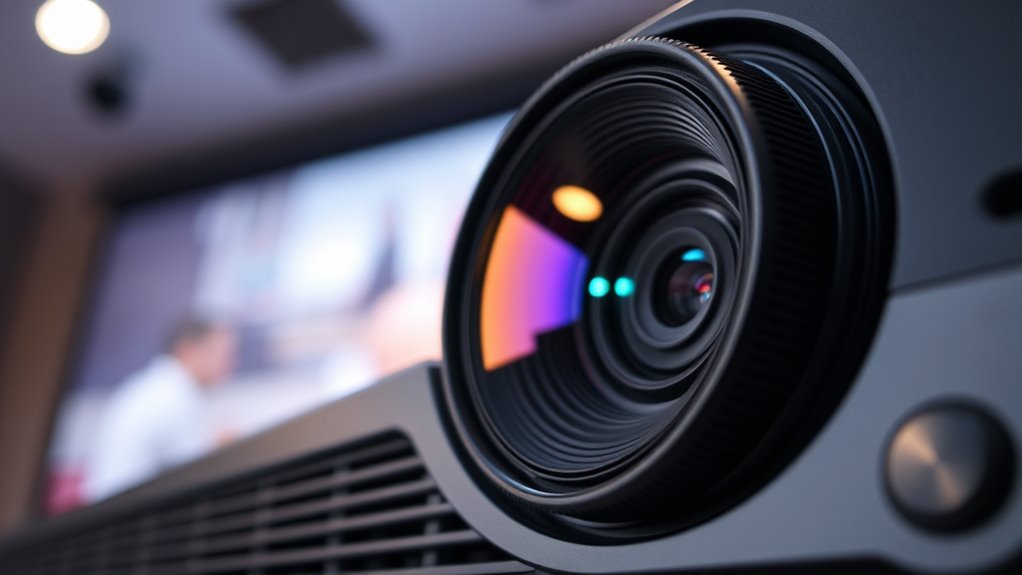
If your projector won’t focus, it can be frustrating, but the issue is often fixable. One of the first things you should check is the lens adjustment. Over time, or after moving the projector, the lens might shift slightly, causing blurred or unclear images. Carefully look at the lens and see if there’s a focus ring or a zoom ring. Gently turn the focus ring clockwise or counterclockwise to sharpen the image. Sometimes, the focus can be fine-tuned by small adjustments, so don’t force it—make gradual turns and check the image clarity after each.
Next, ensure that the projector is placed at the correct distance from the screen. If it’s too close or too far, the image may never come into sharp focus regardless of how much you adjust the lens. Refer to your projector’s manual for the ideal distance to achieve the clearest picture. If you’ve recently moved the projector, reposition it accordingly.
Check the settings menu of your projector. Many models have digital focus adjustments that can be tweaked through the on-screen menu. Sometimes, automatic focus features can malfunction or need recalibration. Navigate to the focus or image clarity settings and run any available auto-focus feature or manually adjust the settings to see if it improves the focus. Keep in mind that environmental factors like dust or smudges on the lens can also degrade image clarity, so clean the lens carefully with a soft, lint-free cloth.
If the image remains blurry despite these adjustments, inspect the lens for dirt or fingerprints. Use a lens cleaning solution and a microfiber cloth to gently wipe the lens surface. Avoid using harsh chemicals or abrasive materials, as they can damage the lens coating. Also, check for any physical damage or scratches on the lens that might impair focus. Additionally, proper lens maintenance is crucial to ensure consistent image quality over time.
Lastly, if you’ve tried all these steps and still can’t get a sharp image, consider the possibility of a hardware issue. The lens assembly might be loose or damaged, requiring professional repair or replacement. Sometimes, internal components like the focus mechanism wear out over time, and a certified technician can help restore proper focus and image clarity.
As an affiliate, we earn on qualifying purchases.
Frequently Asked Questions
Can Dust Inside the Projector Cause Focusing Issues?
Dust buildup inside the projector can definitely cause focusing issues, as it may settle on the lens or inside components, reducing image clarity. To fix this, you should carefully clean the lens with a soft, lint-free cloth and perform lens cleaning to remove dust. Regular maintenance helps prevent dust from accumulating and guarantees your projector focuses properly, providing clear images every time.
How Often Should I Clean the Projector Lens?
You should clean your projector lens every few months, unless you love dust buildup turning your images into abstract art. Regular lens cleaning prevents dust buildup that can cause focusing issues and dull images. Use a soft, lint-free cloth and gentle lens cleaner. Neglecting this chore might make you think your projector’s broken, when really, it just needs a quick dust-off to restore clarity and focus.
Does Ambient Light Affect the Focus Quality?
Yes, ambient light can influence focus clarity. Too much light in the room causes glare and reduces contrast, making the image appear blurry even if your projector is properly focused. To maintain sharpness, dim or regulate ambient light sources, and guarantee the projector’s lens is clean. Adjusting focus may help, but controlling the environment often makes the biggest difference in achieving clear, focused images.
Are There Specific Settings for Different Projection Distances?
A stitch in time saves nine, so it’s vital to adjust your projector’s settings for different projection distances. You should tweak the lens adjustment based on your distance to guarantee a sharp image. Many projectors have specific settings or zoom options that optimize focus at various distances. Always check your projector’s manual for recommended settings, and remember, proper adjustment makes all the difference between a blurry mess and a clear picture.
How Do I Reset the Projector to Factory Focus Settings?
To reset your projector to factory focus settings, check your user manual for a focus calibration or reset option. Usually, you’ll find this in the menu under settings or advanced options. Select the factory reset or focus calibration feature, and confirm your choice. This restores the focus calibration to default, helping you achieve proper image sharpness. Remember, some models may require firmware updates before performing a reset.
As an affiliate, we earn on qualifying purchases.
Conclusion
When your projector won’t focus, don’t throw in the towel just yet. By adjusting the lens and checking your image settings, you can often fix the issue yourself. Remember, patience is a virtue—sometimes, a little tweak here and there makes all the difference. Keep a cool head and follow these steps; before you know it, your screen will be crystal clear. After all, where there’s a will, there’s a way to get that perfect focus!
As an affiliate, we earn on qualifying purchases.
As an affiliate, we earn on qualifying purchases.
Fall Picks
fall essentials
As an affiliate, we earn on qualifying purchases.