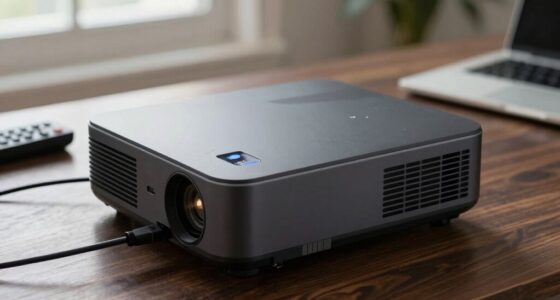
If your projector shuts off unexpectedly, it’s often caused by overheating or power loss. Check that vents are clean and unobstructed, as dust buildup can block airflow and cause overheating. Confirm your power source is stable; fluctuations or damaged cords could trigger shutdowns. Using surge protectors and maintaining proper ventilation can prevent these issues. For more tips on troubleshooting and fixing these problems, keep exploring reliable solutions.
Key Takeaways
- Overheating due to blocked or dusty vents can trigger automatic shutdowns to protect internal components.
- Power fluctuations or unstable electrical outlets may cause the projector to turn off unexpectedly.
- Ensure vents are clean and unobstructed, and place the projector in a well-ventilated area to prevent overheating.
- Use surge protectors or UPS devices to stabilize power supply and reduce shutdowns caused by voltage spikes.
- Regular maintenance and inspection of internal fans and power supply units can identify and fix underlying hardware issues.
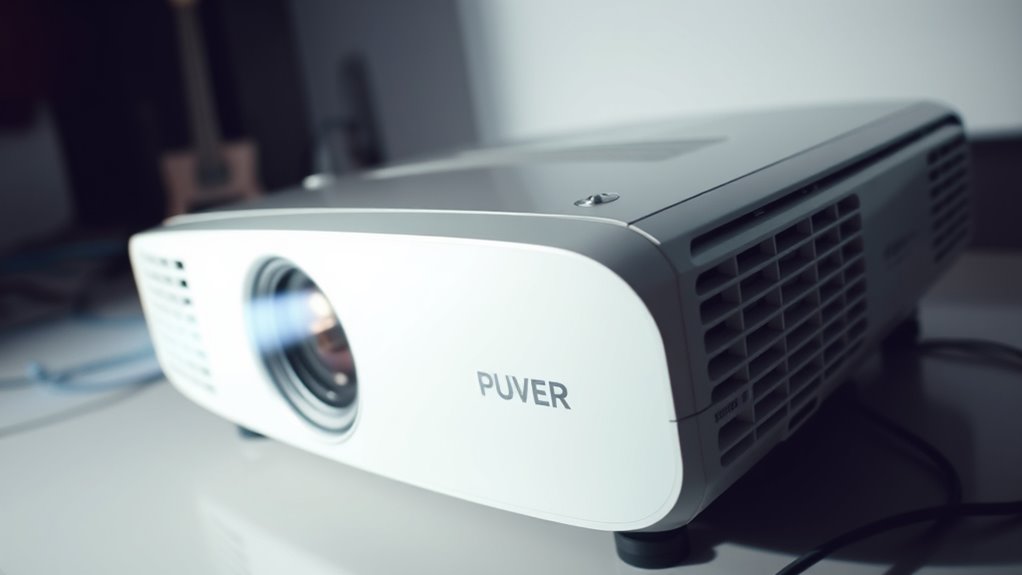
Have you ever experienced your projector suddenly shutting off during a presentation or movie? It’s frustrating and disruptive, especially when you’re in the middle of an important moment. Usually, this happens because the projector detects a problem that could damage its internal components, most commonly overheating or power loss. Understanding the root causes can help you prevent these sudden shutdowns and keep your projector running smoothly.
One common reason for your projector turning off unexpectedly is ventilation issues. Projectors generate a lot of heat during operation, which needs to be expelled efficiently. If the air vents are blocked or clogged with dust, the airflow gets restricted. Over time, this causes the internal temperature to rise beyond safe levels, prompting the projector to shut down as a protective measure. Regularly cleaning the vents and ensuring nothing obstructs the airflow can markedly reduce overheating problems. Also, avoid placing the projector in enclosed or poorly ventilated spaces. Positioning it in a well-ventilated area allows heat to dissipate naturally, keeping the device cool and functioning properly. Proper ventilation is an essential safety feature that prevents damage and prolongs the lifespan of your projector.
Ventilation issues cause overheating, triggering projector shutdowns; keep vents clean and ensure proper airflow.
Another critical factor is the power supply. If your projector isn’t receiving a steady, reliable power source, it may shut off unexpectedly. Fluctuations in voltage or an unstable power outlet can cause sudden shutdowns, which might seem random but are actually safety features protecting the device from electrical damage. Using a surge protector or an uninterruptible power supply (UPS) can help stabilize the power going into your projector. If you notice frequent power issues, it’s worth checking the electrical wiring or trying a different outlet to rule out local electrical problems. Also, ensure the power cord is in good condition; frayed or damaged cords can cause interruptions and pose safety hazards.
Sometimes, these issues combine—poor ventilation paired with inconsistent power supply can make your projector even more prone to shutting off unexpectedly. If you’ve tried cleaning the vents and securing a stable power source but still face shutdowns, consider having the device inspected by a professional. Internal components like fans or power supply units might be malfunctioning and need replacement.

ELUTENG Dual Cooling Fan Whisper Quiet 80mm USB Fan 3 Adjustable High Speed
- Dual Row 80mm USB Fan: Supports horizontal or vertical placement
- Enhanced Cooling Performance: Two fans run simultaneously for efficiency
- Quiet and Durable Operation: Hydraulic bearings ensure long-lasting, low-noise use
As an affiliate, we earn on qualifying purchases.
As an affiliate, we earn on qualifying purchases.
Frequently Asked Questions
Can a Dirty Lens Cause Random Projector Shutdowns?
Yes, a dirty lens can cause random projector shutdowns. Dust buildup on the lens may lead to overheating or poor ventilation, triggering safety features that shut it off. Regular lens cleaning helps prevent dust accumulation, ensuring proper airflow and cooling. Keep the lens clean using a soft cloth and avoid touching the internal components, as this reduces the risk of dust buildup and keeps your projector running smoothly.
Does Ambient Temperature Affect Projector Overheating?
Yes, ambient heat substantially impacts your projector’s tendency to overheat. Higher temperatures increase the internal temperature, making it harder for the cooling system to regulate heat effectively. This temperature impact can cause your projector to shut off unexpectedly to prevent damage. To avoid this, keep the environment cool and well-ventilated, especially in hot conditions, and use air conditioning or fans if necessary to maintain ideal ambient heat levels.
Is It Safe to Open the Projector Casing for Cleaning?
Yes, it’s safe to open the projector casing for cleaning if you follow proper procedures. Make sure to unplug the device and wait for it to cool down. Use a soft brush or compressed air to remove dust and debris, especially near fans and vents. Carefully follow the manufacturer’s cleaning procedures to avoid damaging internal components, and avoid touching sensitive parts to guarantee safety and proper functioning.
How Long Should a Projector Cool Down Before Restarting?
You should wait at least 15 minutes before restarting your projector. During this cooling period, the cooling fan works tirelessly to dissipate heat, preventing damage. Rushing to turn it back on too soon can trap heat inside, risking overheating again. Use this restart delay to give your projector a chance to cool completely, ensuring safe operation and extending its lifespan. Patience now saves trouble later.
Can Faulty HDMI Cables Lead to Power Loss Issues?
Faulty HDMI cables can definitely lead to power loss issues. When the HDMI connection is unstable or damaged, it can cause signal interruptions that might trigger your projector to shut off unexpectedly. HDMI issues disrupt data transfer, which can sometimes affect the power supply or cause the projector to lose power momentarily. To prevent this, check and replace damaged HDMI cables, ensuring a secure connection for consistent power and signal flow.

Eaton Tripp Lite SPIKECUBE Single Outlet Surge Protector Power Strip, 600 Joule Rating, Diagnostic LEDs, Portable Direct Plug-in Outlet Extender, Lifetime Manufacturer's Guarantee & $5,000 Insurance
- Single Outlet Surge Protector: 600 Joule rating with diagnostic LEDs
- Reliable Safety Certification: UL Listed and UL 1449 Certified
- Automatic Circuit Breaker: 15 amp with auto shutoff for protection
As an affiliate, we earn on qualifying purchases.
As an affiliate, we earn on qualifying purchases.
Conclusion
If your projector keeps shutting off randomly, it’s like having a temperamental movie star that refuses to cooperate at the worst moments. Overheating or power loss can turn your movie night into a chaos-filled disaster, making you wish you’d never bought the darn thing. But don’t despair—by troubleshooting and fixing these issues, you can tame this unruly device and restore peace to your entertainment kingdom. Soon, your projector will shine brighter than ever, and your movie nights will be unstoppable!

Holikme Dryer Vent Cleaner Kit – 30Ft Fireplace Chimney Brushes Flexible
- Extended Length: Extends up to 30 feet for thorough cleaning
- Versatile Use: Compatible with or without a power drill
- Includes High-Quality Brushes: Two synthetic brush heads for effective lint removal
As an affiliate, we earn on qualifying purchases.
As an affiliate, we earn on qualifying purchases.

APC UPS 600VA/330W UPS Battery Backup for Computer, Router, NAS, BE600M1
- Battery Backup for Devices: Keeps computer, Wi-Fi, and router running during outages
- Extended Runtime: Provides 23 minutes of backup at 100W load
- Surge Protection: Protects against power surges and spikes
As an affiliate, we earn on qualifying purchases.
As an affiliate, we earn on qualifying purchases.