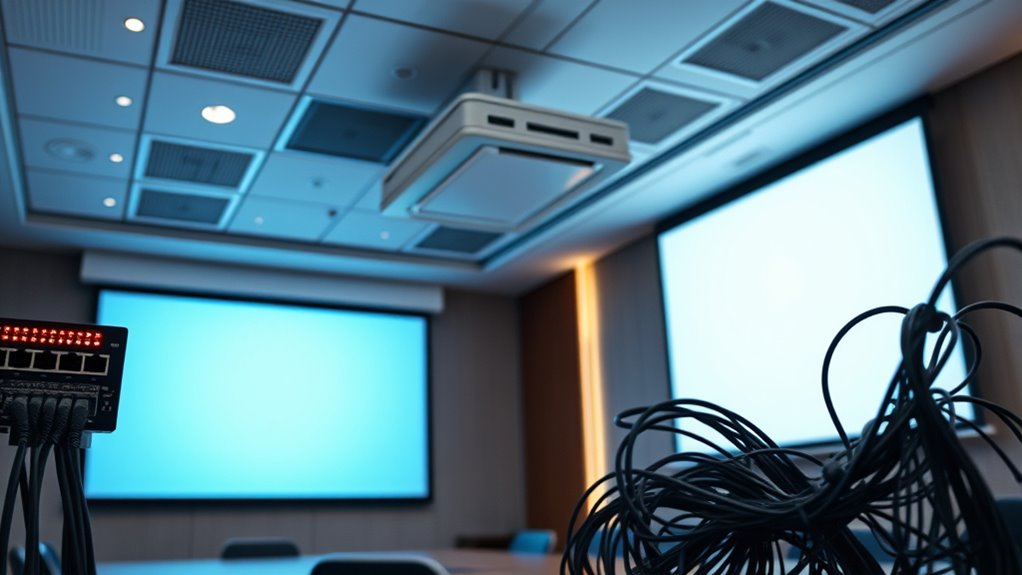
Discover how to troubleshoot projector Ethernet and network control issues to ensure a reliable connection and seamless performance.
Browsing Category
Troubleshooting
233 posts
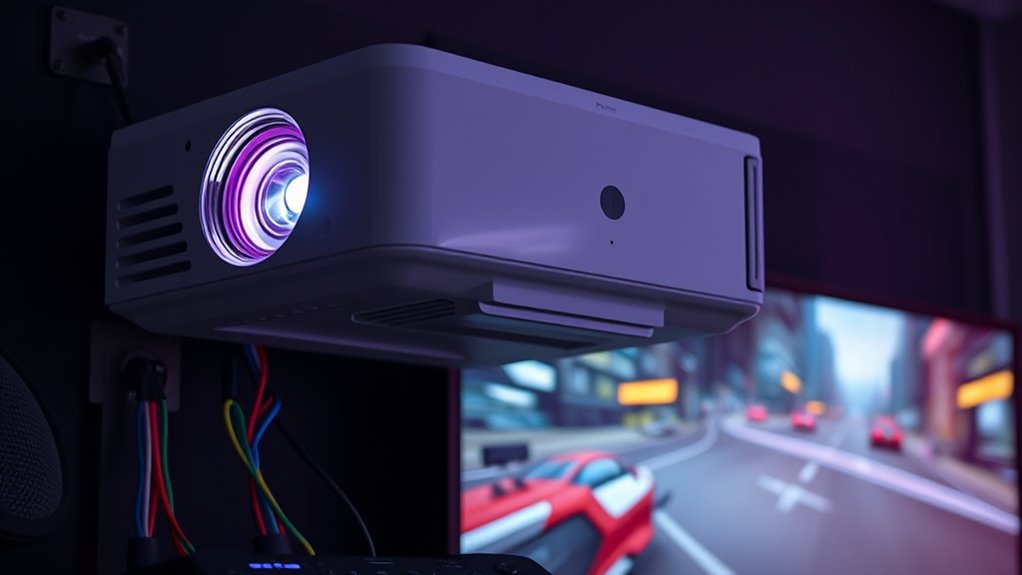
Input Lag Too High? Troubleshooting Gaming Delays on Projectors
Input lag too high? Investigate these troubleshooting tips to reduce gaming delays on projectors and improve your overall experience.
Projector Calibration Gone Wrong: Resetting Settings to Default
Meta description: “Misadjusted projector settings can ruin your viewing experience—learn how to reset to default and restore perfect picture quality.
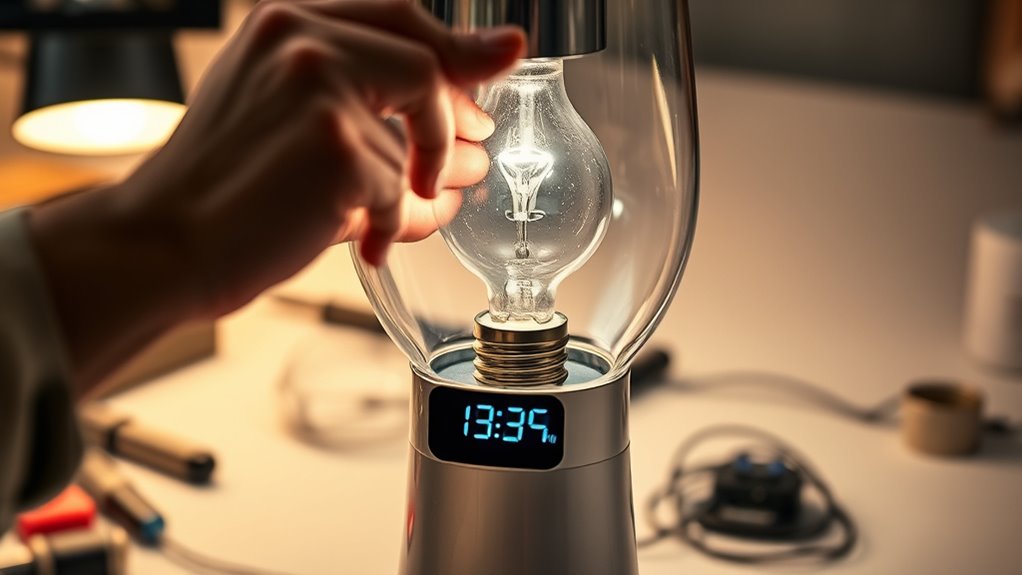
Bulb Replacement Troubleshooting: Resetting Lamp Timers and Avoiding Errors
Keen to ensure your projector’s lamp functions correctly? Discover essential troubleshooting tips to reset timers and prevent error messages efficiently.
Wi-Fi Connection Issues on Smart Projectors: Getting Online Streaming to Work
Troubleshooting Wi-Fi connection issues on smart projectors can be tricky, but essential steps can help restore your streaming experience.
HDCP Errors: Getting Your Projector to Play Protected Content
By troubleshooting HDCP errors, you can restore protected content playback; discover essential steps to fix your projector today.
Projector Image Cut Off: Fixing Edge Masking and Overscan Problems
Learn how to fix projector edge masking and overscan issues to achieve a perfect image, and discover the key adjustments you may be missing.
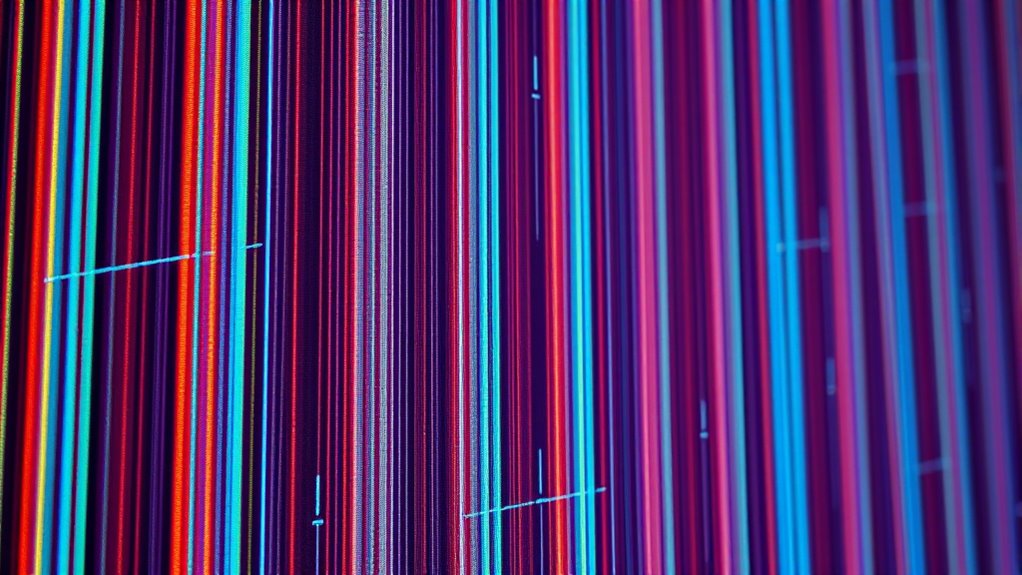
Lines or Bands on Screen: Troubleshooting DLP DMD or LCD Panel Issues
Guided troubleshooting for lines or bands on your DLP DMD or LCD panel can help identify whether it’s a simple fix or a sign of hardware failure.
Projector Won’t Focus: How to Adjust Lens and Check Image Settings
Meta description: “Many projector focus issues can be fixed by adjusting lens settings and image alignment—discover what steps to take before seeking professional help.
Color Is off (Green/Yellow Tint): Adjusting Color Settings Back to Normal
Just tweaking your display’s color settings can often fix a green or yellow tint, but learning more ensures perfect color accuracy.