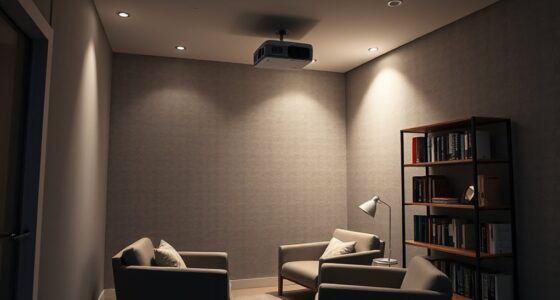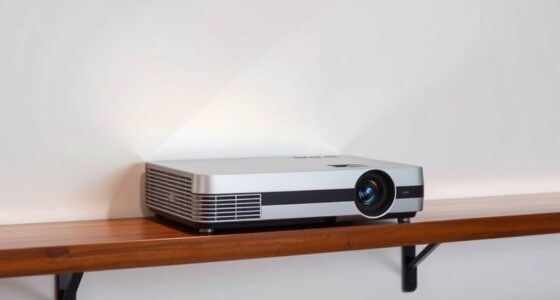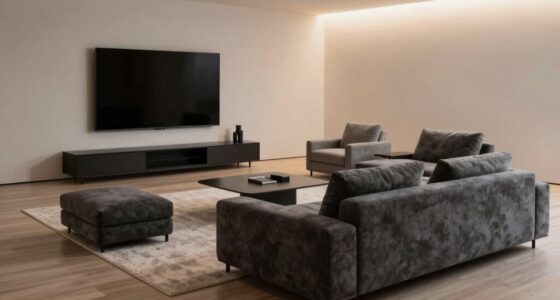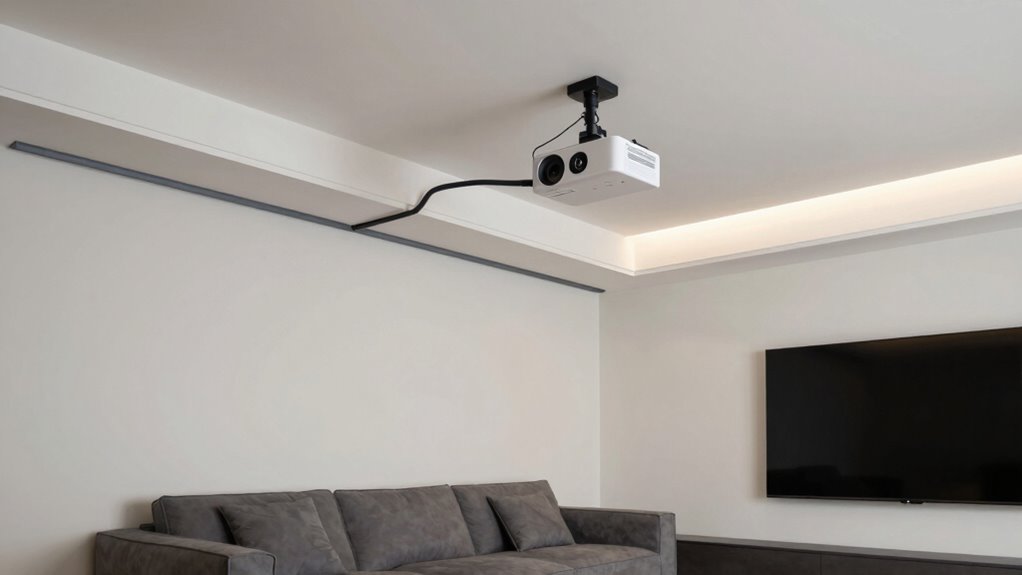

To hide projector cables without making maintenance a hassle, use cable raceways or conduit tubing to run cables neatly along walls or ceilings, then paint them to match your wall color for a seamless look. Installing in-wall outlets can keep cables hidden inside the wall, and furniture with built-in channels helps hide wires from view. Keep access points removable for easy maintenance and upgrades. Staying organized with these solutions guarantees a tidy setup that’s still easy to maintain—there’s more to discover below.
Key Takeaways
- Use in-wall cable outlets with in-wall rated cables for a completely concealed and accessible setup.
- Install cable raceways or conduit tubing painted to match walls for discreet, easily maintainable concealment.
- Incorporate furniture with built-in cable channels to hide wires without sacrificing access.
- Opt for wireless streaming technology to reduce cable clutter and simplify maintenance.
- Design a flexible cable management plan that balances aesthetics with easy access for future upgrades.
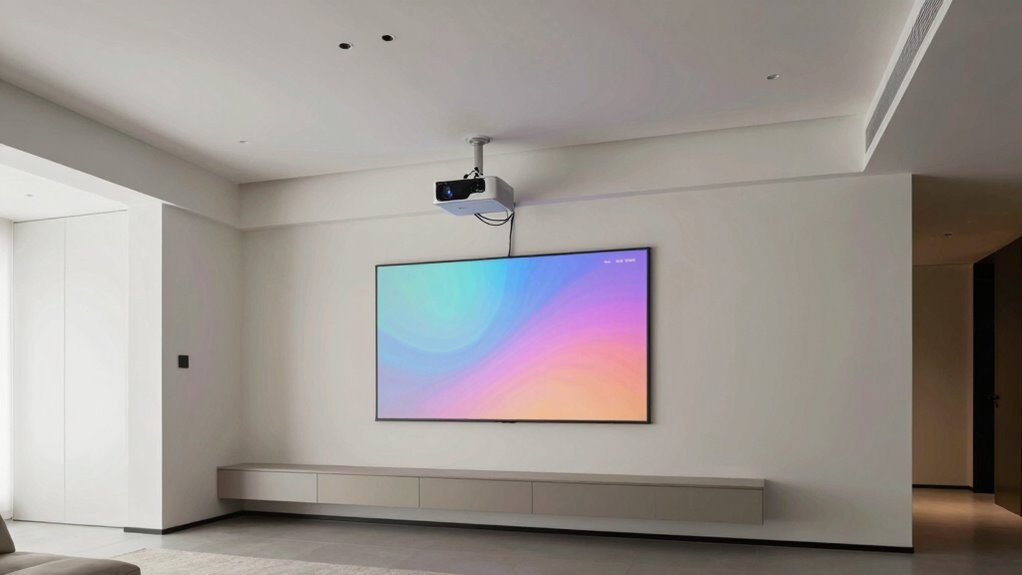
If you want your home theater setup to look sleek and professional, hiding the projector cables is crucial. No one wants to see a jumble of wires cluttering the space or detracting from your viewing experience. Fortunately, there are practical ways to conceal cables without making maintenance a nightmare. One effective approach involves leveraging cable management solutions designed specifically for home theaters. These include cable raceways, cord covers, or conduit tubing that can be painted to match your walls, providing a seamless look. By running cables behind these solutions, you keep them out of sight while still allowing easy access when needed.
In addition, wireless streaming technology plays a significant role in reducing cable clutter from the start. Modern projectors often support wireless streaming, which means you can transmit content from your devices without physically connecting them to the projector. This reduces the need for long HDMI or power cords, making your setup cleaner and more flexible. When combined with cable management solutions for any remaining wires—such as power cords or audio cables—you create a tidy environment that’s both visually appealing and simple to maintain. Incorporating wireless streaming can significantly minimize the number of visible cables, simplifying your setup further.
To guarantee your cables stay hidden while still being accessible for maintenance, consider installing in-wall cable outlets. These outlets allow you to run cables through the wall, keeping them completely concealed behind your drywall. Using in-wall rated cables and proper installation techniques ensures safety and ease of future upgrades. in-wall cable management helps protect your cables from damage and provides a cleaner appearance overall. Proper planning and installation of in-wall cable solutions can make future upgrades or adjustments much easier while maintaining a sleek look. Additionally, choosing cable management solutions that integrate with your existing furniture or walls can further streamline your setup. When you need to access these cables, you can simply remove the outlet cover—no need to tear into walls or disrupt your setup. This approach offers a clean look while making maintenance straightforward.
Another tip is to choose furniture or equipment stands that incorporate built-in cable channels. Many modern entertainment units include compartments or channels designed to hide cables internally. This way, you can route cables neatly from the projector to your media components, minimizing visible wires. When combined with wireless streaming, these furniture solutions drastically reduce the number of cables you need to manage. Additionally, considering cable management solutions as part of your planning can help streamline the process and keep everything organized. Properly planning your cable routes and storage options ensures a clutter-free entertainment space.
Ultimately, the key is to balance aesthetics with practicality. Using cable management solutions, embracing wireless streaming whenever possible, and installing in-wall outlets or furniture with built-in channels allow you to hide projector cables efficiently. You get a sleek, professional-looking setup that remains easy to maintain and upgrade over time. With a little planning, your home theater can be both beautiful and functional without the hassle of tangled wires or constant maintenance.
As an affiliate, we earn on qualifying purchases.
Frequently Asked Questions
Can Hiding Cables Affect Projector Ventilation?
Hiding cables through concealment can affect the projector’s ventilation if you block airflow around it. Proper cable management guarantees cables stay protected without obstructing ventilation slots or air vents. You should keep space around the projector clear for airflow, avoiding tight or enclosed cable routes. This way, cable concealment doesn’t compromise ventilation impact, and your projector remains cool, functioning efficiently, and preventing overheating issues.
Are There Wireless Options to Avoid Cable Management?
A stitch in time saves nine, so exploring wireless alternatives is a smart move. You can avoid cable management hassles altogether by choosing wireless projectors or streaming devices, which eliminate the need for extensive cable concealment methods. These options keep your space tidy and make maintenance easier, all while maintaining a sleek look. Wireless technology is advancing rapidly, making it a practical solution for seamless, clutter-free setups.
How Often Should Hidden Cables Be Inspected?
You should inspect hidden cables during your regular maintenance schedule, ideally every 6 to 12 months. Cable concealment needs periodic checks to guarantee no wear, loose connections, or damage have occurred. Regular inspections prevent issues that could disrupt your setup. By maintaining a consistent maintenance schedule, you keep cables secure, prolong their lifespan, and avoid costly repairs or replacements, ensuring your projector setup remains clean and functional.
What Tools Are Best for Hiding Cables Neatly?
You should choose cable concealment tools that blend seamlessly with your space, such as cable raceways, conduit pipes, or adhesive cable clips. These tools create clean lines, tidy surfaces, and hidden pathways, turning clutter into aesthetic enhancement. With a screwdriver, cable cutter, and cable ties, you can easily route and secure wires, transforming your setup into a sleek, organized display that’s both functional and visually appealing.
Can Hiding Cables Damage the Projector’s Wiring?
Hiding cables generally won’t damage your projector’s wiring if you use proper methods. Make sure the cables are well-insulated with good cable insulation to prevent wear and tear. Avoid tight bends or pinching, which can damage insulation or wiring. Also, protect against power surges with surge protectors, since surges can harm both visible and hidden wiring. Properly managing cables keeps your projector safe and functioning well without risking damage.
As an affiliate, we earn on qualifying purchases.
Conclusion
Now that you’ve got these clever tricks up your sleeve, your space will look sleek and clutter-free, like a runway model strutting down the catwalk. No more tangled spaghetti of cables stealing the spotlight—just a clean, polished look that’s easy to maintain. Think of it as giving your projector setup a stylish new outfit, where hidden cables are like secret treasures tucked away, letting your home theater shine without a hitch or tangle in sight.

2027 Upgraded Wireless HDMI Display Dongle Adapter, Receiver Streaming Media Video/Audio/File HDMI Wireless Extender from Smartphone,Laptop to HDTV/Projector/Monitor, Support Airplay DLNA (Grey)
- High-Definition Wireless Streaming: Supports 4K and 1080P/60Hz output
- Easy Plug & Play Setup: No apps, Bluetooth, or WiFi needed
- One-Click Screen Mirroring: Switch between landscape and portrait modes
As an affiliate, we earn on qualifying purchases.
As an affiliate, we earn on qualifying purchases.
furniture with built-in cable channels
As an affiliate, we earn on qualifying purchases.
As an affiliate, we earn on qualifying purchases.