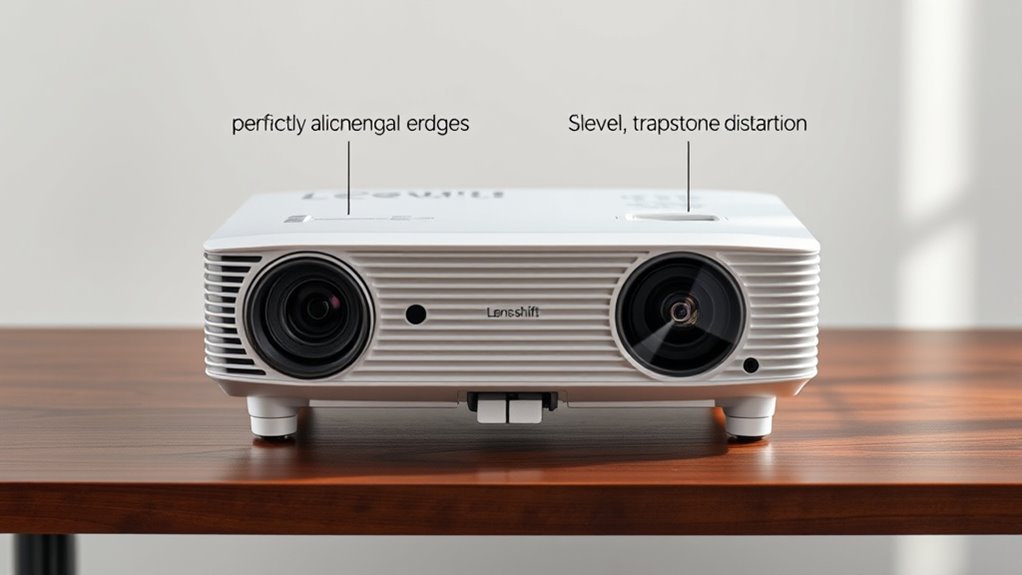

Keystone correction digitally adjusts your image to fix trapezoidal distortion caused by uneven projection angles, but it can slightly lower image quality. Lens shift physically moves the lens, preserving true image clarity and allowing for broader adjustments without distortion. If you want precise, stable alignment for permanent setups, lens shift is often better. To understand the pros and cons of each feature and how they impact your projector’s performance, keep exploring these options further.

Get business pricing on your home office setup
- Business-only prices and quantity discounts
- Tax-exempt purchasing
- Multiple users, one account, clear invoices
Key Takeaways
- Lens shift physically moves the lens for image adjustment, preserving quality, while keystone correction digitally warps the image, potentially reducing clarity.
- Lens shift offers broader, more precise adjustment without image distortion; keystone correction is limited and can cause image skew.
- For permanent installations, lens shift provides stable, high-quality alignment; keystone correction may introduce artifacts over time.
- Lens shift typically costs more due to hardware needs but maintains better image integrity; keystone correction is usually included but less effective long-term.
- Proper setup prefers lens shift for optimal image quality, with keystone correction used as a supplementary adjustment when necessary.
As an affiliate, we earn on qualifying purchases.
What Is Keystone Correction and How Does It Work?

Keystone correction is a feature that helps fix distorted images when a projector isn’t perfectly aligned with the screen. It works by adjusting the image digitally to counteract the effects of image warping caused by uneven projection angles. When you project at an angle, the image can appear trapezoidal instead of rectangular, but keystone correction straightens it out. You can usually adjust this setting manually, either vertically or horizontally, to make the image fit neatly on your screen. This feature is handy when you can’t perfectly align your projector with the display surface. While it improves the visual, keep in mind that excessive correction might slightly reduce image quality. Overall, keystone correction offers a quick fix for distorted images caused by projection angles. Additionally, understanding the projection alignment helps optimize overall image quality and ensures a better viewing experience.
As an affiliate, we earn on qualifying purchases.
What Is Lens Shift and How Does It Function?
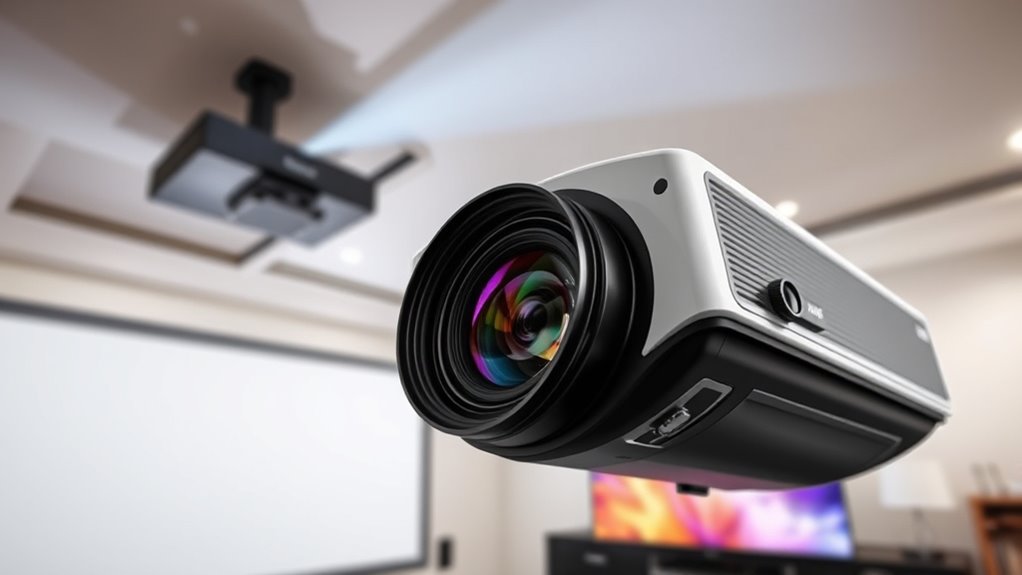
Lens shift allows you to adjust the position of a projected image without altering the projector’s physical placement. This feature is essential for achieving proper projection alignment and ideal image positioning. Instead of moving the projector, you can simply shift the lens to move the image vertically or horizontally on the screen. This adjustment helps correct small misalignments caused by room layout or ceiling mount angles. Lens shift works by moving the lens optical axis, which results in a proportional movement of the image. Because it preserves image quality and avoids distortion, it’s a convenient way to fine-tune your projection setup. Whether you need to center the image or correct keystone distortions, lens shift provides a flexible, efficient solution for precise projection alignment.
high quality home theater projector
As an affiliate, we earn on qualifying purchases.
As an affiliate, we earn on qualifying purchases.
How Do Keystone Correction and Lens Shift Differ in Their Effects on Image Quality?

While both keystone correction and lens shift help align your projected image, they impact image quality differently. Keystone correction adjusts the image digitally, often leading to some image distortion, especially around the edges, which can reduce overall sharpness. It also slightly alters the projection angle, potentially resulting in a less natural appearance. In contrast, lens shift physically moves the lens, preserving the original image quality and maintaining a correct projection angle. This means you won’t experience the same level of image distortion or loss of clarity. Lens shift provides a cleaner, more accurate picture, especially for high-resolution content. However, it’s a mechanical feature and may require more space and setup. Overall, lens shift offers better image integrity, while keystone correction provides quick fixes at a possible cost to quality. Additionally, understanding the image quality impact of each feature can help you make a more informed choice for your setup.
As an affiliate, we earn on qualifying purchases.
Which Feature Is More Flexible for Adjusting the Projected Image?
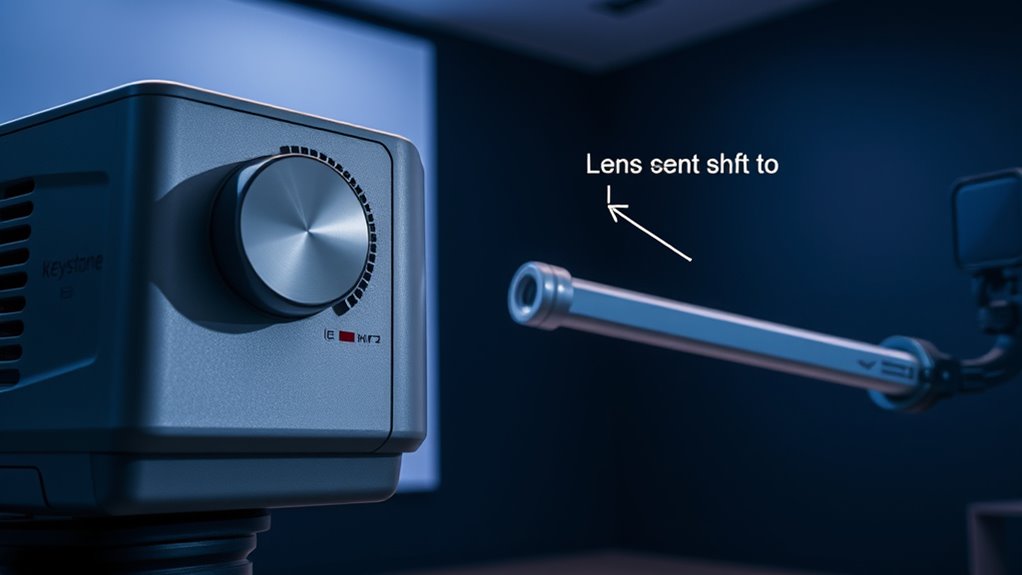
When adjusting your projected image, you’ll find that both adjustment range and flexibility matter. Lens shift typically offers a wider range and more precise control without distorting the picture. Ease of setup also plays a role, making some options more practical depending on your space and needs. Additionally, features like tuning can influence how well the image aligns with your environment.
Adjustment Range and Flexibility
Understanding the adjustment range and flexibility of keystone correction versus lens shift is essential for achieving the perfect projected image. Keystone correction offers significant flexibility for image alignment, allowing you to digitally adjust the shape of the image to correct trapezoidal distortion. However, this adjustment is limited and can sometimes reduce image quality. Lens shift, on the other hand, provides more projection flexibility by physically moving the lens, enabling you to position the image without degrading quality. Its broader adjustment range makes it easier to align the projection when mounting options are restricted. Overall, lens shift typically offers a greater adjustment range and better image quality preservation, giving you more precise control over projection setup and ensuring a perfectly aligned image. Additionally, understanding the projection environment can help determine which feature is more suitable for your needs.
2. Ease of Setup
Which feature makes adjusting your projected image easier: keystone correction or lens shift? Lens shift offers a straightforward setup, allowing you to adjust the projection angle physically without altering the projector’s position. This makes setup less complex and more intuitive, especially if you need quick adjustments. Keystone correction, on the other hand, requires software adjustments that can be more time-consuming and less precise, especially for significant image distortions. Lens shift keeps image quality intact during setup since it doesn’t rely on digital manipulation. Overall, lens shift provides a more flexible and easier setup process, reducing the complexity involved in aligning your projected image. If simplicity and minimal setup effort are priorities, lens shift is generally the better option for ease of setup. Additionally, understanding the benefits of lens shift, such as its ability to maintain image clarity while adjusting, can help you make a more informed decision.
Are There Any Limitations to Using Keystone Correction?

While keystone correction can be a handy feature, it does have some limitations to keep in mind. Overusing it may lead to noticeable image distortion, reducing picture quality. It can also increase installation complexity, especially if precise alignment is needed. Keep these points in mind:
- Excessive keystone correction causes image distortion, affecting clarity.
- It may not perfectly align the image, leading to skewed visuals.
- Relying heavily on correction can compromise sharpness.
- Fine-tuning the projector’s placement reduces the need for correction.
- Installation complexity rises if you struggle to position the projector correctly from the start.
- Additionally, understanding Ford Tuning can help you optimize your setup for better performance and image quality.
Understanding these limitations helps you decide when keystone correction is appropriate and when other adjustments might be better.
Can Lens Shift Be Used to Correct Image Distortion?

Lens shift can help you adjust the image shape without moving the projector, keeping the screen geometry intact. It allows you to correct distortions caused by projection angles while maintaining the original image proportions. This makes it a useful tool for fine-tuning your display setup. Additionally, understanding relationship dynamics can enhance your overall viewing experience by promoting clearer communication and emotional connection with your audience.
Adjusts Image Shape
You can often use lens shift to improve the overall shape of the projected image, but it has limitations when it comes to correcting distortion. While it helps with projector alignment and keeps images rectangular, it doesn’t fundamentally change the image’s form. If you notice significant image distortion, lens shift alone won’t fix skewed or curved lines. Instead, it mainly adjusts the position without altering the geometry.
Consider these points:
- Lens shift is effective for aligning the image vertically or horizontally.
- It doesn’t correct barrel or pincushion distortion.
- For perfect geometry, you need additional calibration or keystone correction.
- Excessive shifting can introduce new issues like vignetting.
- Proper projector placement reduces the need for extensive adjustments.
- Understanding image distortion helps in choosing the right correction methods.
Lens shift improves shape, but it’s not a substitute for all-encompassing image correction.
Maintains Screen Geometry
Although lens shift can help align the image onscreen, it doesn’t correct distortions that alter the shape of the image. It’s primarily useful for projection alignment, keeping the image geometrically consistent without skewing or stretching. Lens shift maintains screen geometry by shifting the image vertically or horizontally without affecting its proportions, preventing image distortion caused by off-center placement. However, it doesn’t fix keystone effects or other geometric distortions that change the shape of the image, such as trapezoidal distortion. For accurate projection alignment and to maintain proper screen geometry, lens shift guarantees the image remains rectangular and true to the original aspect ratio. Additionally, understanding the asset division principles can help in planning for future financial stability. This makes it a valuable tool for keeping your projection neat without compromising the image’s shape.
How Do Installation Requirements Differ Between Keystone Correction and Lens Shift?

While both keystone correction and lens shift are designed to improve image alignment, their installation requirements differ considerably. Keystone correction typically involves minimal mounting requirements, often just adjusting the projector’s position, but it can require calibration procedures to fine-tune the image digitally. Lens shift, on the other hand, demands precise mounting, often requiring the projector to be installed at specific heights and angles to maximize the shift range.
Consider these points:
- Mounting height and angle are critical for lens shift
- Keystone correction allows more flexible placement
- Calibration procedures for keystone are usually software-based
- Lens shift may need custom mounting hardware
- Proper installation impacts image quality and ease of use
- The performance of either adjustment method depends heavily on correct installation and setup
Your choice affects setup complexity and long-term performance.
Which Option Is Better for Permanent Installations?
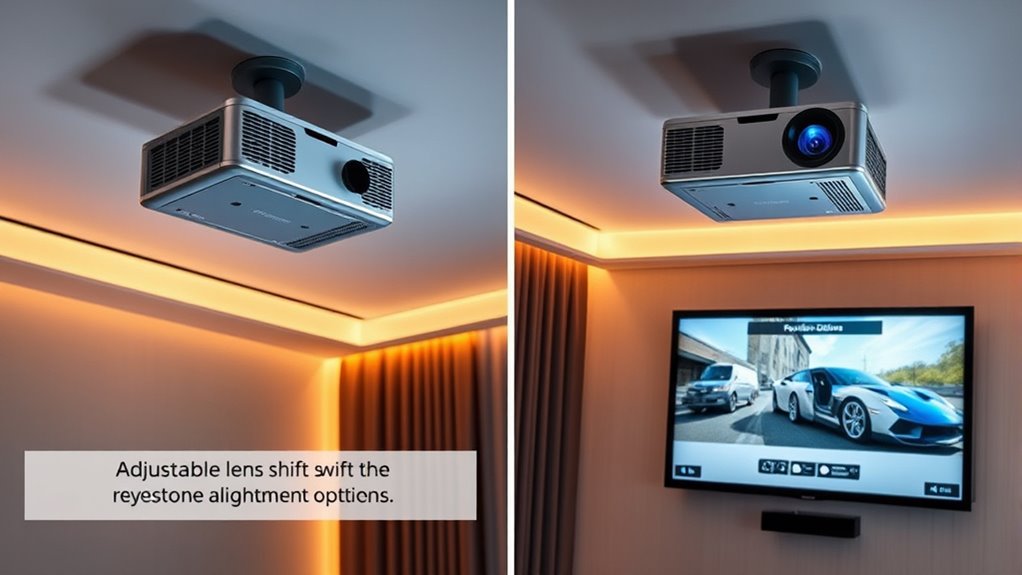
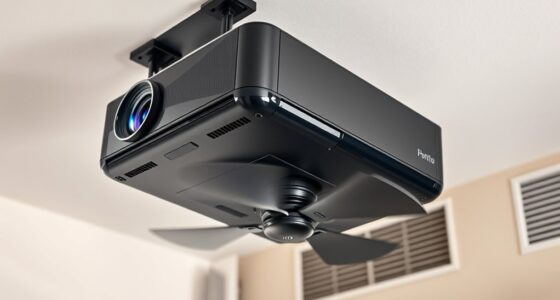
For permanent installations, lens shift is generally the better choice because it provides more precise image alignment without relying heavily on software adjustments. When considering mounting height, lens shift allows you to position the projector accurately, minimizing the need for extensive keystone corrections. This is especially helpful if you have a high or irregular ceiling type, where precise placement is essential. Lens shift lets you adjust the image vertically or horizontally directly through the projector’s lens, reducing distortion and maintaining image quality over time. Keystone correction, by contrast, can introduce artifacts and degrade picture clarity, making it less ideal for long-term setups. Overall, if you want a clean, professional look with minimal image tweaking, lens shift is the superior option for permanent installations.
What Are the Cost Implications of Choosing Between Keystone Correction and Lens Shift?
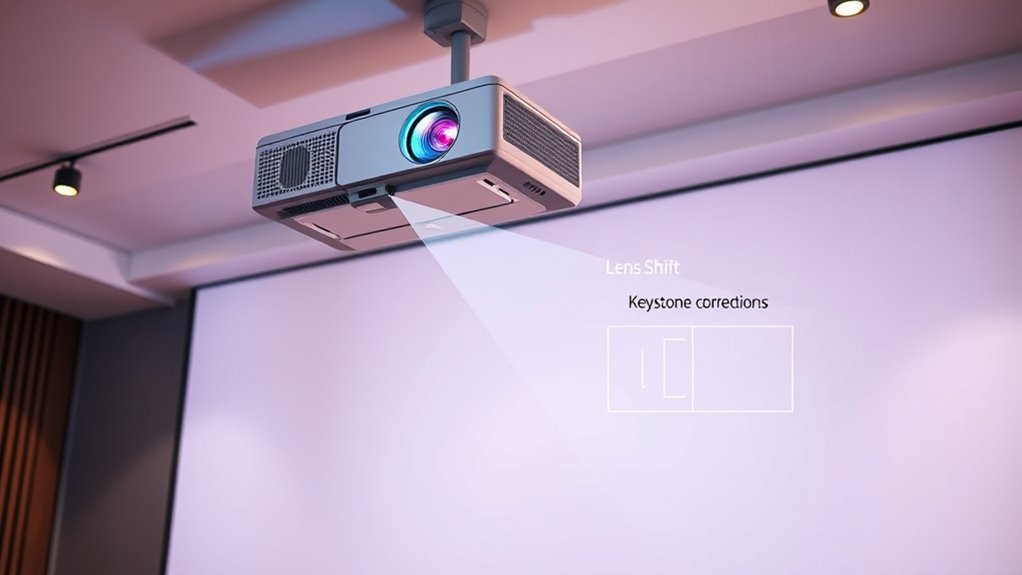
Choosing between keystone correction and lens shift can substantially impact your overall setup costs. Keystone correction is often built into the projector, making it cheaper initially but may degrade image quality. Lens shift, on the other hand, involves more sophisticated hardware, increasing the cost comparison and installation expenses.
Consider these points:
- Lens shift units can add hundreds to your projector’s price
- Keystone correction is usually included but may require software adjustments
- Installation expenses are higher with lens shift due to precise mounting needs
- Long-term maintenance costs are typically lower with lens shift
- Budgeting for future upgrades may favor lens shift’s durability
Ultimately, lens shift may cost more upfront but can save money over time in performance and flexibility.
Frequently Asked Questions
Can Keystone Correction Cause a Noticeable Decrease in Image Resolution?
Yes, keystone correction can cause a noticeable decrease in image resolution. When you adjust keystone accuracy, the projector often compresses or stretches the image, which can reduce clarity and sharpness. This process may lead to a loss of fine details, especially at extreme correction levels. To maintain the best image resolution, it’s better to position the projector correctly, minimizing the need for keystone adjustments.
Is Lens Shift Effective for Correcting Corner or Edge Distortions?
Lens shift is effective for correcting corner correction and edge distortion, allowing you to adjust the image without physically moving the projector. You can smoothly realign the picture, especially when the projector is mounted off-center or at an angle. This feature helps you achieve a perfectly rectangular image, minimizing distortion at the edges and corners, so your display looks sharp and professional without compromising image quality.
How Does Ambient Lighting Influence the Effectiveness of Keystone Correction?
Ambient lighting can impact the effectiveness of keystone correction because bright room light can cause glare, reducing image clarity. When there’s lots of ambient light, your keystone adjustments might look less sharp or washed out. To improve performance, use glare reduction techniques like curtains or dimming lights. This helps the corrected image stay clear and vibrant, making your viewing experience better even in well-lit environments.
Are There Specific Projector Brands That Excel in Lens Shift Features?
If you want a projector with excellent lens shift features, brands like Epson, Sony, and BenQ stand out because of their strong reputation and reliable feature availability. While some might worry about cost, investing in these brands guarantees quality and flexibility in image positioning. Their models are designed to make installation easier, letting you adjust your image without distortion. So, choosing these brands helps you enjoy precise alignment and peace of mind.
Can Combining Keystone Correction With Lens Shift Improve Image Alignment?
Yes, combining keystone correction with lens shift can enhance image alignment. You can fine-tune your projector calibration to achieve a properly aligned image, even if the projector isn’t perfectly positioned. Lens shift moves the image without distortion, while keystone correction adjusts skewed images. Using both together helps you get a sharp, correctly proportioned picture, making setup easier and improving overall viewing experience.
Conclusion
Choosing between keystone correction and lens shift is like picking the right brush for your masterpiece. Keystone correction offers quick fixes but can distort your image’s true colors, while lens shift provides a steady, true-to-life picture—like a trusted compass guiding your setup. Think of it as balancing flexibility with precision. Ultimately, your choice shapes your viewing experience, turning your projector into a window that frames your world perfectly—without warping the view.
Fall Picks
fall essentials
As an affiliate, we earn on qualifying purchases.