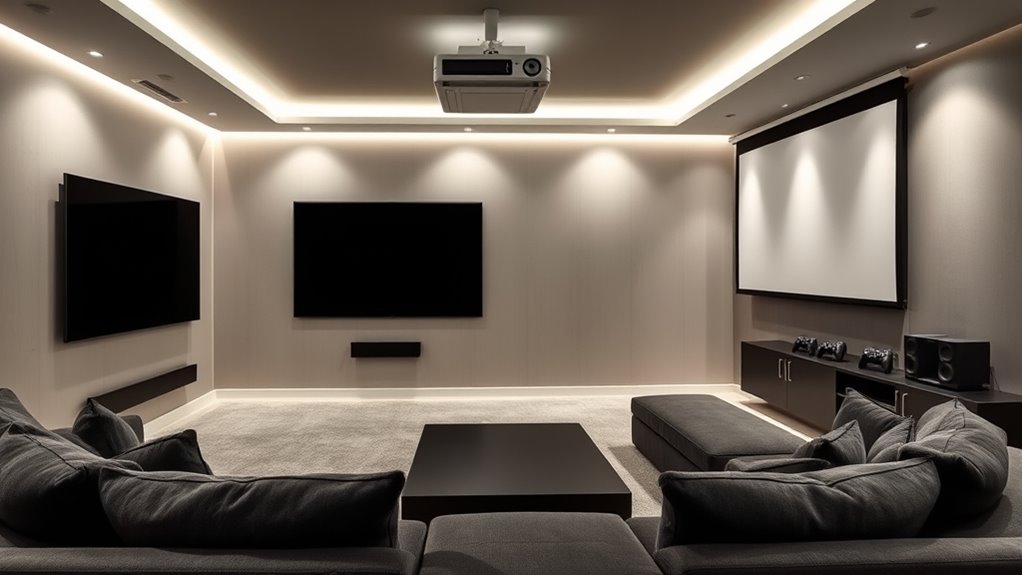

To balance both TV and projector setups in your media room, position speakers at ear level and form an equilateral triangle with your seating area for even sound. Use acoustic panels and heavy textiles to minimize reflections and echo, while placing speakers near the screen without blocking views. Regularly test sound coverage across different zones. Keep experimenting with placement to find the perfect harmony, and you’ll discover how to create an immersive environment that works seamlessly for both setups.
Key Takeaways
- Position speakers at ear level and form an equilateral triangle for balanced sound across both TV and projector zones.
- Use acoustic treatments like panels and heavy curtains to minimize reflections and echoes affecting both setups.
- Place speakers near the projector screen and around the TV for immersive audio without obstructing displays.
- Adjust speaker placement to optimize sound quality and coverage for multiple viewing areas and sources.
- Regularly test and refine speaker locations and acoustic treatments to ensure clear, consistent audio for all media activities.
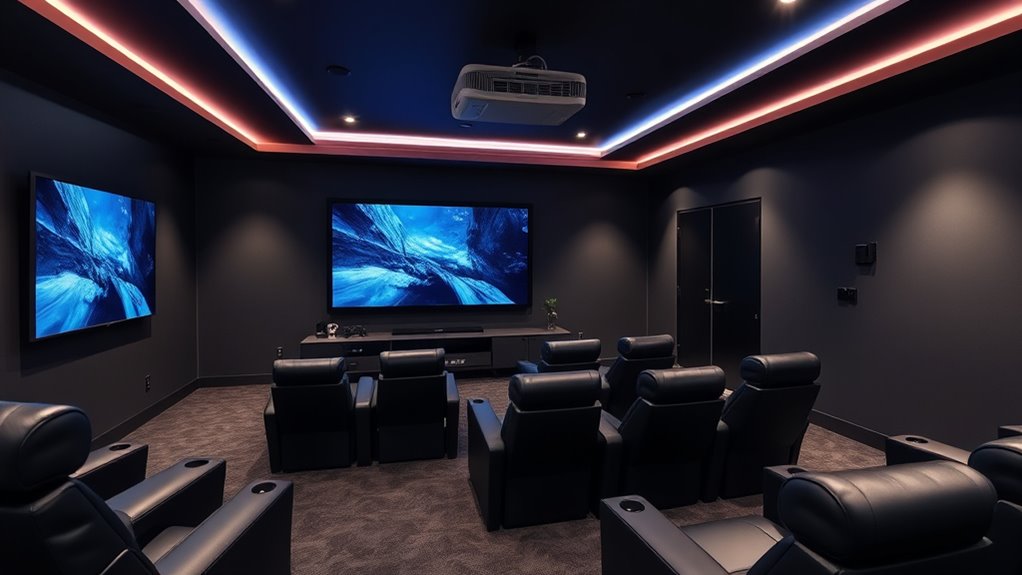
Setting up a media room can considerably enhance your viewing experience, but it requires careful planning to get it right. One of the most critical aspects is speaker placement. You want your speakers positioned to deliver balanced sound throughout the room, avoiding dead spots or areas with excessive echo. For a multi-purpose space that accommodates both TV and projector setups, consider placing speakers at ear level when seated, forming an equilateral triangle with your seating area. This ensures ideal sound clarity, whether you’re watching a movie, gaming, or making presentations. Wall-mounted or bookshelf speakers can help keep the setup clean and flexible, but always test to confirm audio consistency across different zones of the room.
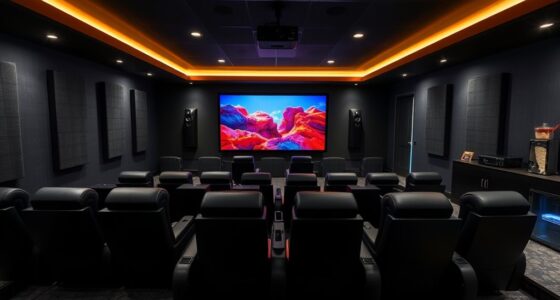
Optimal media rooms feature speaker placement at ear level and in an equilateral triangle with seating for balanced sound.
Acoustic treatment is equally essential. Without it, sound reflections and echoes can muddy your audio, diminishing clarity and immersion. To create an excellent environment, add sound-absorbing materials like acoustic panels or foam tiles on walls and ceiling. These help dampen unwanted reverberations, making dialogue clearer and music more precise. Heavy curtains or carpets also play a role in controlling sound reflections, especially if your room has hard surfaces like tile or hardwood floors. When combining a TV and projector, you’ll want to pay special attention to the room’s acoustics because different display types can influence the soundscape. For instance, projector screens tend to be larger and may require more sound treatment to prevent echoes, while a TV’s built-in speakers can be supplemented with external speakers for richer audio.
Positioning your speakers in relation to your display setup is essential. For a projector, keep the speakers near the screen but not obstructing the image, ensuring sound reaches all areas without interference. For TVs, consider placing a soundbar or dedicated surround speakers around your seating area to create an immersive experience. Remember, acoustic treatment doesn’t just improve sound quality; it also enhances the overall ambiance, making your media room more comfortable for long viewing sessions.
Furthermore, choosing the right speaker placement can significantly impact your listening experience, especially when combining multiple audio sources like TV and projector setups. Ultimately, balancing speaker placement and acoustic treatment creates a harmonious environment suited for both TV and projector use. It might take some trial and error to find the perfect configuration, but investing time in these details ensures you’ll enjoy clear, rich sound that complements your high-quality visuals. Whether you’re watching a blockbuster or hosting a game night, a well-designed media room with thoughtful speaker placement and effective acoustic treatment will elevate every moment.
Frequently Asked Questions
How Do I Prevent Glare When Using Both TV and Projector?
To prevent glare when using both your TV and projector, start by optimizing room acoustics and adjusting lighting. Use blackout curtains or dimmable lights to control ambient brightness. Arrange seating to minimize reflections and keep screens perpendicular to windows. Consider matte screens or anti-glare coatings, and position speakers carefully to avoid light interference. These steps help you enjoy clear visuals without distractions, creating an ideal multi-purpose media space.
What Are the Best Sound Systems for Combined Media Setups?
You should choose a versatile sound system like a surround sound or high-quality soundbar with clear speaker placement, ensuring even audio coverage. Incorporate soundproofing techniques such as acoustic panels or rugs to minimize noise disturbance. Position speakers strategically around the room, avoiding reflective surfaces, so you get immersive sound whether watching on the TV or projector. This setup enhances audio clarity and keeps the room enjoyable for everyone, regardless of the device in use.
How Can I Hide Projector Cables Efficiently?
Did you know that poor cable management can reduce your room’s aesthetic appeal by up to 60%? To hide projector cables efficiently, use concealed wiring options like in-wall cable management systems or cable raceways. These solutions keep cables out of sight, maintaining a sleek look. You can also run cables behind furniture or along walls, ensuring a clean, organized space without sacrificing accessibility.
What Lighting Options Suit Multi-Purpose Media Rooms?
You should opt for ambient lighting and smart lighting options in your media room. Ambient lighting creates a soft, even glow that reduces glare on screens, while smart lighting allows you to easily control brightness and color to suit different activities. You can install dimmable LED fixtures or smart bulbs, which can be programmed for different scenes, enhancing your viewing experience without disrupting your setup.
How Do I Choose the Right Screen Size for Both TV and Projector?
You should choose a screen size based on your typical viewing distance; generally, the ideal is about 1.5 to 2.5 times the diagonal size for comfortable viewing. For a TV, pick a size that fits your space without overwhelming it. For a projector, opt for a larger screen that maintains clarity at your usual seating distance, ensuring both setups provide an immersive experience without straining your eyes.
Conclusion
Creating a multi-purpose media room means balancing TV and projector setups, blending convenience with immersion, comfort with style. It’s about designing a space that adapts to your needs, enhances your entertainment, and reflects your taste. By thoughtfully integrating both options, you guarantee versatility, maximize functionality, and elevate your viewing experience. Ultimately, a well-balanced media room is where technology and design come together seamlessly, offering you a space to relax, entertain, and enjoy to the fullest.