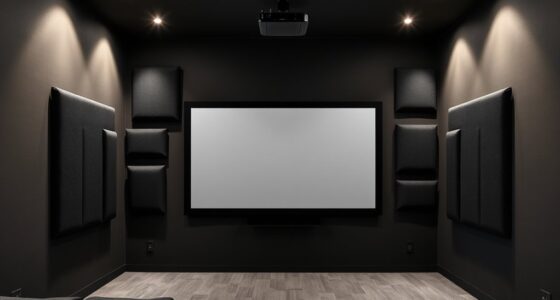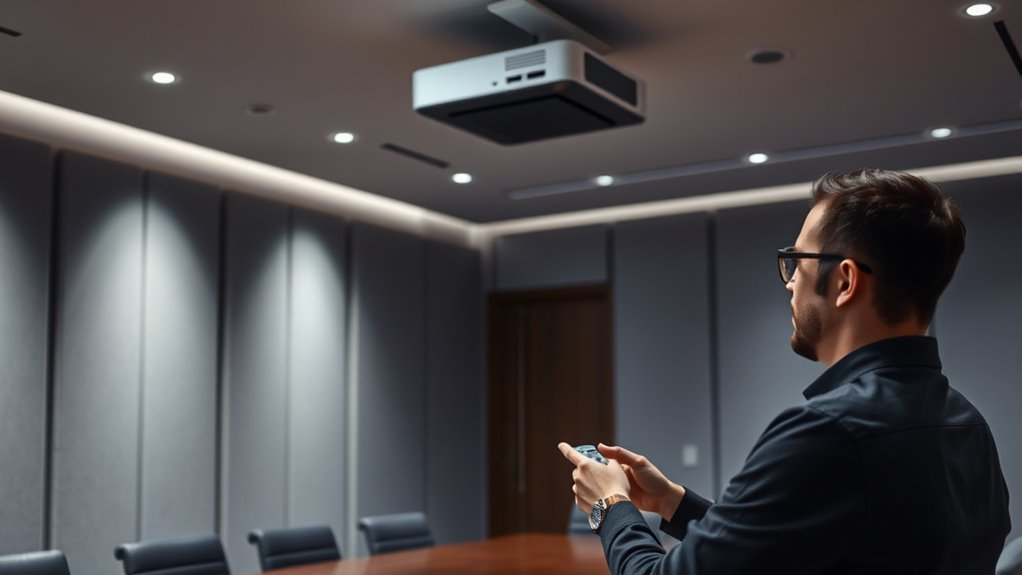
To manage projector fan noise in quiet rooms, start by adjusting the fan speed or settings to lower noise levels without sacrificing performance. Consider installing soundproof barriers like acoustic panels, thick curtains, or foam tiles around the projector. You can also position the projector farther away from seating areas or use longer cables to increase distance. Placing the projector on soft surfaces or in enclosures can further dampen noise. Keep exploring ways to create a peaceful environment by applying these effective strategies.

Get business pricing on your home office setup
- Business-only prices and quantity discounts
- Tax-exempt purchasing
- Multiple users, one account, clear invoices
Key Takeaways
- Adjust projector fan settings or use manufacturer guidelines to reduce noise without compromising performance.
- Install sound-absorbing materials like acoustic panels or foam on walls and ceilings to dampen projector noise.
- Position the projector farther from quiet zones and use longer cables to minimize noise disturbance.
- Use soundproof enclosures or barriers to contain and block the projector fan noise from sensitive areas.
- Combine spatial distancing with soundproofing techniques for effective noise mitigation in quiet rooms.
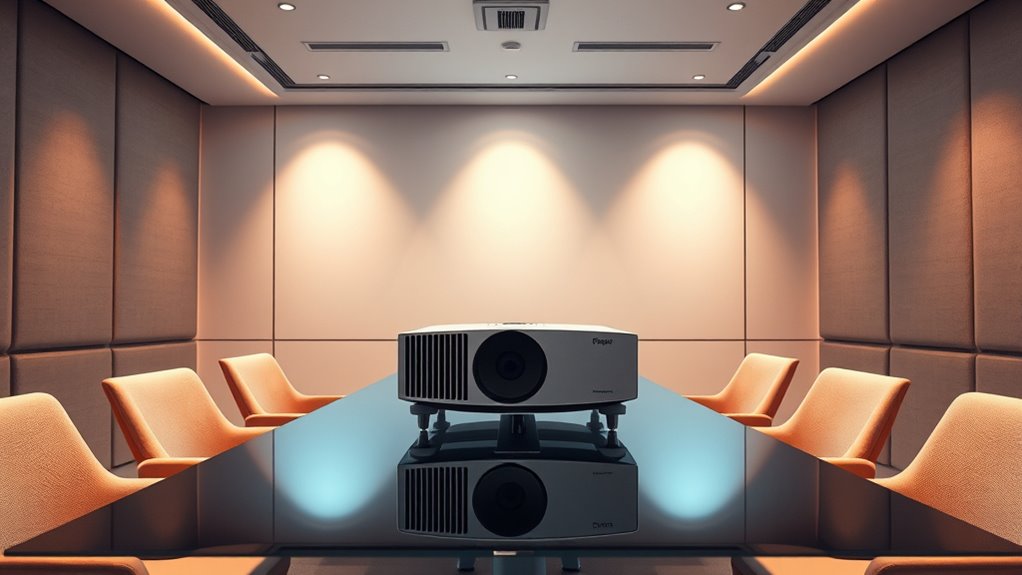
Have you ever noticed how loud noises can disrupt your daily life or harm your health? If you work or relax in a quiet room, unexpected sounds like a projector fan can become an irritating distraction. Fan noise reduction is essential for maintaining a peaceful environment, especially when you need focus or rest. One effective way to tackle this issue is through soundproofing techniques designed specifically for reducing noise generated by equipment like projectors. These methods can markedly diminish the sound waves traveling through walls, ceilings, or vents, helping you reclaim tranquility in your space.
Loud noises like projector fans can disrupt your peace; soundproofing helps restore tranquility.
When addressing projector fan noise, the first step is understanding how soundproofing techniques work. You can start by adding mass to walls or barriers, such as installing acoustic panels or thick curtains around the projector area. These materials absorb and block sound, preventing it from traveling into your quiet room. For windows, double-glazing or sealing gaps with weatherstripping can cut down on noise leakage. Ceiling treatments like acoustic tiles or foam panels also help contain the sound within the projector enclosure, ensuring it doesn’t escape into your workspace or lounge. The key is to create a barrier that traps the noise at its source or prevents it from spreading outward.
Fan noise reduction can also be achieved by focusing on the projector’s ventilation system. Many projectors allow for fan speed adjustments—reducing the fan’s RPM can lower noise levels without sacrificing performance. If you’re unsure how to do this, consult your projector’s manual or contact the manufacturer for guidance. Adding a sound-dampening enclosure around the projector can further muffle the noise. These enclosures are designed with sound-absorbing materials that trap the noise inside, preventing it from disturbing your environment. Additionally, placing the projector on a soft surface like a thick rubber mat can absorb vibrations that contribute to the overall noise.
Another practical tip is to position the projector as far away from your seating or work area as possible. Using longer cables to increase the distance between your projector and your ears can make a noticeable difference. Combining this with soundproofing techniques creates a thorough approach to fan noise reduction. Remember, the goal isn’t just to mask the noise but to eliminate or substantially diminish it, so your room remains a peaceful sanctuary. With some effort and the right materials, you can enjoy your projector without the disruptive hum of its fan, ensuring your quiet space stays truly quiet.
projector fan noise reduction enclosure
As an affiliate, we earn on qualifying purchases.
As an affiliate, we earn on qualifying purchases.
Frequently Asked Questions
What Are the Best Low-Noise Projectors Available?
You can find the best low-noise projectors like the BenQ HT2050A and Epson Home Cinema 2150, which operate quietly. To minimize noise, place the projector away from your viewing area and use noise reduction techniques such as soundproof enclosures or isolating mounts. Proper projector placement helps keep fan noise out of earshot, ensuring a quiet, enjoyable experience without sacrificing image quality.
How Does Room Acoustics Affect Projector Fan Noise?
Room acoustics substantially impact projector fan noise you hear. Sound absorption materials like carpets and curtains reduce echo and dampen noise, making fan sounds less noticeable. Your room layout also matters—placing the projector away from walls or using soundproof enclosures minimizes direct noise transmission. By optimizing sound absorption and proper placement, you can effectively manage fan noise, creating a quieter environment for your viewing experience.
Can Fan Noise Impact Projector Performance or Lifespan?
Fan noise itself doesn’t directly impact your projector’s performance or lifespan, but excessive noise can indicate overheating or dust buildup. Regular projector maintenance helps keep the fan clean and functioning efficiently, preventing overheating. Effective fan noise mitigation, like using sound dampening materials or quieter fan models, reduces noise without risking damage. By maintaining your projector properly, you guarantee peak performance and extend its lifespan, avoiding issues caused by overheating or dust.
Are There Silent Cooling Options for Projectors?
You might think silent cooling isn’t possible, but many projectors now feature fan noise reduction technology that makes them remarkably quiet. Silent cooling options, such as liquid cooling or specialized low-noise fans, markedly reduce fan noise, ensuring your projector operates quietly without sacrificing performance. These innovations let you enjoy a peaceful environment, especially in quiet rooms, proving that effective cooling and silence can go hand in hand.
How Often Should Projector Fans Be Cleaned or Replaced?
You should perform fan maintenance and clean your projector’s fan every 6 to 12 months to guarantee peak performance. Replacement frequency varies depending on usage, environment, and fan condition; typically, fans last around 3 to 5 years. Regularly inspect for dust buildup or unusual noises, and replace the fan promptly if it shows signs of failure. Proper maintenance helps reduce noise and prolongs your projector’s lifespan.
soundproof acoustic panels for projector
As an affiliate, we earn on qualifying purchases.
As an affiliate, we earn on qualifying purchases.
Conclusion
By implementing these noise management tips, you can keep your quiet room truly peaceful. Addressing projector fan noise might seem like a small step, but it can make a big difference in maintaining a serene environment. Don’t let the noise become a thorn in your side—tackle it head-on. With the right strategies, you’ll keep distractions at bay and enjoy your space without missing a beat. Remember, a quiet room is your sanctuary—protect it fiercely.
long HDMI cables for projector distance
As an affiliate, we earn on qualifying purchases.
As an affiliate, we earn on qualifying purchases.
As an affiliate, we earn on qualifying purchases.
Fall Picks
fall essentials
As an affiliate, we earn on qualifying purchases.