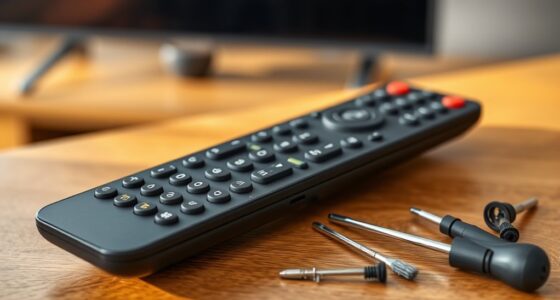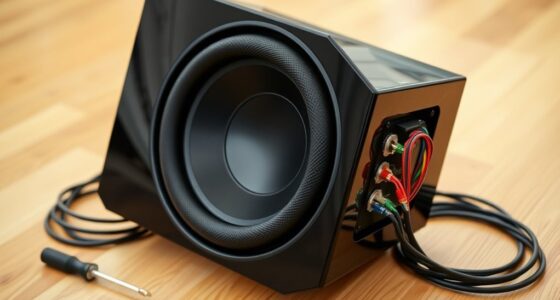
To guarantee the safety of your projectors and AV equipment, you should prioritize proper grounding and use high-quality surge protectors rated for your devices. Avoid overloading outlets and keep cables organized to reduce hazards. Regularly inspect your connections and surge protectors for damage. Proper setup prevents power surges, electrical shocks, and equipment damage. Taking these precautions can save you money and hassle—continue exploring how to create a safe, reliable AV environment.

Get business pricing on your home office setup
- Business-only prices and quantity discounts
- Tax-exempt purchasing
- Multiple users, one account, clear invoices
Key Takeaways
- Verify that outlets are properly grounded before connecting AV equipment to prevent electrical shocks and damage.
- Use high-quality surge protectors with high joule ratings to shield projectors and AV gear from power surges.
- Avoid overloading electrical outlets and use certified power strips rated for your equipment’s power needs.
- Regularly inspect cables, grounding connections, and surge protectors for damage or wear to ensure safety.
- Maintain a clean, organized workspace to reduce electrical hazards and ensure reliable power protection.
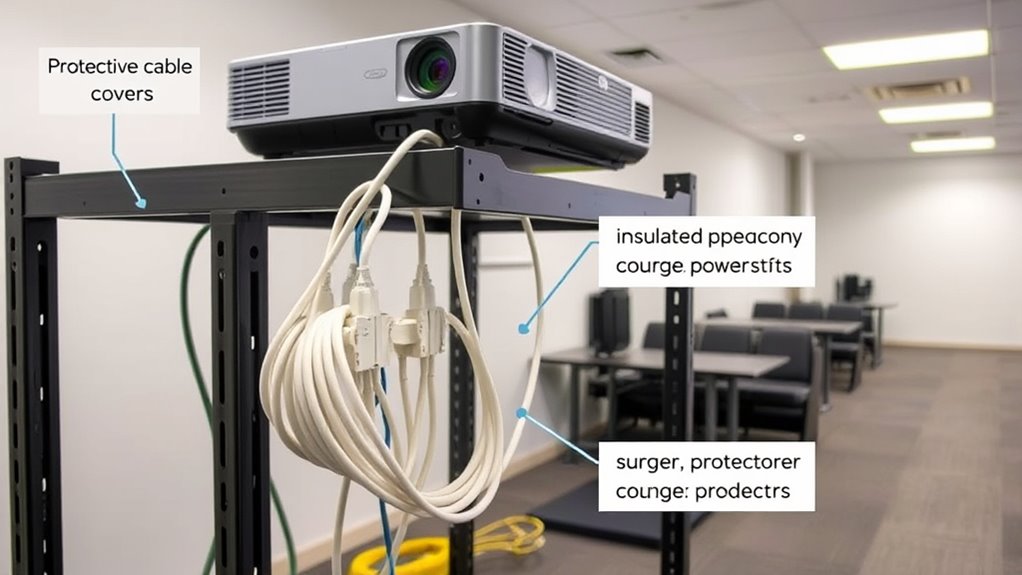
Setting up your workspace safely is fundamental to guarantee smooth operation. When installing projectors and AV equipment, ensuring proper circuit grounding is one of the most critical steps. Circuit grounding provides a safe path for excess electricity to travel in case of a fault, preventing electrical shocks and protecting your gear. Without proper grounding, a sudden power surge or short circuit could not only damage your equipment but also pose serious safety risks. Before plugging in any device, verify that your outlets are properly grounded. If you’re unsure, consider hiring a licensed electrician to inspect your wiring. Proper grounding also helps eliminate electrical noise that can cause image distortion or audio interference, leading to clearer picture quality and sound.
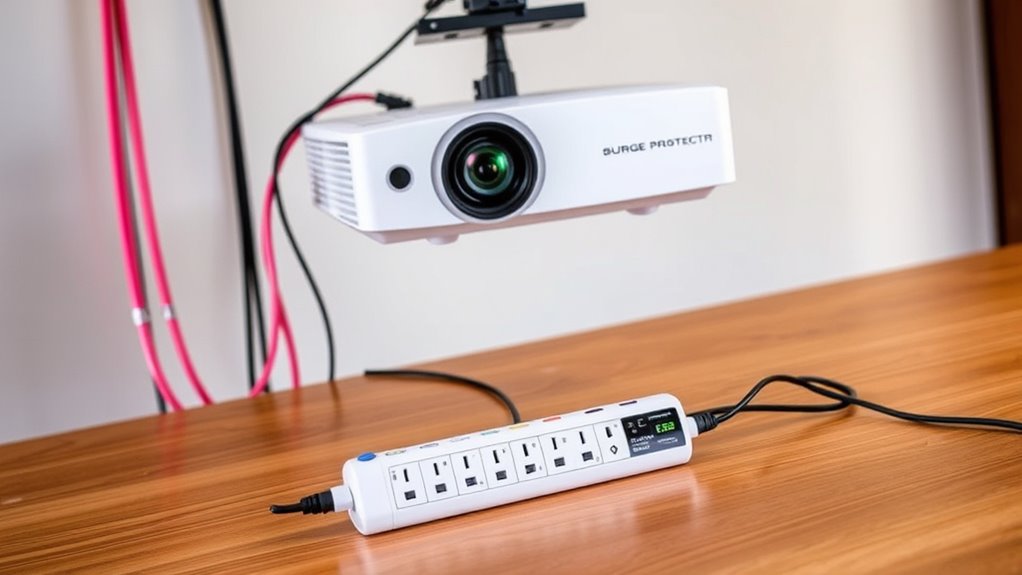
Surge suppression is another essential component of setup safety. Power surges can occur unexpectedly due to lightning strikes, electrical faults, or fluctuations in your power supply, and they can seriously damage sensitive AV equipment. Installing surge protectors or surge suppression devices ensures that any sudden spike in voltage is absorbed or diverted away from your devices. High-quality surge suppressors often include multiple outlets, so you can protect all your gear with a single device. When choosing surge suppression equipment, look for models with a high joule rating, which indicates their capacity to absorb energy. Using surge protection not only prolongs the lifespan of your projectors and AV components but also provides peace of mind, especially during storms or unstable electrical conditions.
While focusing on circuit grounding and surge suppression, don’t overlook the importance of maintaining a clean, organized workspace. Avoid overloading outlets, which can lead to overheating and increased risk of electrical faults. Always use certified power strips and extension cords rated for your equipment’s power requirements. Keep cables neat and free from damage, as frayed or exposed wires can cause shorts and pose safety hazards. Regularly inspect your setup to ensure all grounding connections are secure and surge protection devices are functioning correctly. Additionally, using proper electrical equipment, such as outlets and surge protectors rated for your specific devices, is vital for safety and performance. Remember, safety isn’t just about avoiding immediate hazards; it’s about creating a reliable environment where your AV equipment can perform at its best without risking damage or danger. Proper setup and proactive measures, like circuit grounding and surge suppression, help safeguard your investment and ensure a smooth, trouble-free presentation or viewing experience every time.
high joule surge protector for AV equipment
As an affiliate, we earn on qualifying purchases.
As an affiliate, we earn on qualifying purchases.
Frequently Asked Questions
What Are the Signs of Power Surges Damaging AV Equipment?
You’ll notice signs of power surges damaging your AV equipment when you see frequent power fluctuations causing unexpected shutdowns or flickering screens. Equipment malfunction, like distorted audio or video, is also a clear indicator. Sparks, burning smells, or unusual noises from outlets or devices signal surge damage. If you experience these issues, it’s essential to check your power protection setup to prevent further damage and guarantee your AV gear stays safe.
Can Surge Protectors Affect Audio and Video Quality?
Surge protectors generally don’t affect audio and video quality if they’re compatible with your equipment. However, poor compatibility can cause audio interference or slight signal degradation. Make sure you choose surge protectors designed for AV gear to minimize these issues. High-quality protectors filter out electrical noise, maintaining clear audio and sharp video. Always verify compatibility to ensure your AV setup stays protected without compromising performance.
How Often Should Power Protection Devices Be Replaced?
About 60% of power protection devices need replacement within three to five years. You should follow a regular replacement schedule based on the device lifespan, typically every 3-5 years, to guarantee ideal protection. Check manufacturer guidelines and look for signs of wear or damage. Regularly replacing your devices keeps your projector and AV equipment safe from power surges, preventing costly repairs and ensuring consistent performance.
Are There Specific Safety Standards for AV Power Protection?
Yes, there are specific safety standards for AV power protection. You should look for devices that comply with electrical codes like UL and ETL certifications, ensuring they meet safety and performance requirements. These standards help safeguard your equipment and ensure safe operation. Always choose power protection devices with relevant safety certifications, and follow local electrical codes to maintain safety and compliance during setup and use.
What Is the Best Way to Test a Surge Protector’s Effectiveness?
Imagine you’re living in the age of dial-up internet—testing a surge protector’s effectiveness is just as vital today. To verify its effectiveness, perform surge protector testing using a dedicated tester or a multimeter to check for proper grounding and clamping voltage. Regular effectiveness verification ensures your AV equipment stays protected from power surges, giving you peace of mind that your setup remains safe and functional.
grounded power strip for projectors
As an affiliate, we earn on qualifying purchases.
As an affiliate, we earn on qualifying purchases.
Conclusion
Remember, safety first is safety always. By properly setting up your projector and AV equipment with the right power protection, you avoid costly damages and potential hazards. Use surge protectors, guarantee proper grounding, and keep cords organized. As the saying goes, “A stitch in time saves nine.” Taking these small precautions now ensures your equipment stays safe and your setup runs smoothly for years to come. Stay vigilant and prioritize safety every time you set up.
AV equipment surge suppression device
As an affiliate, we earn on qualifying purchases.
As an affiliate, we earn on qualifying purchases.
organized cable management kit for electronics
As an affiliate, we earn on qualifying purchases.
As an affiliate, we earn on qualifying purchases.
Fall Picks
fall essentials
As an affiliate, we earn on qualifying purchases.