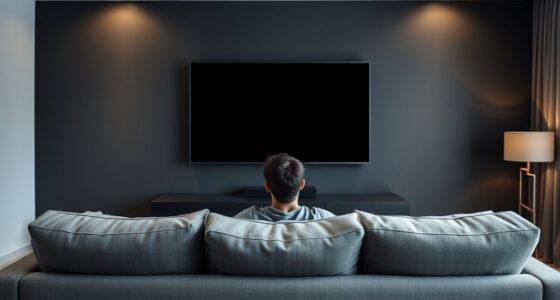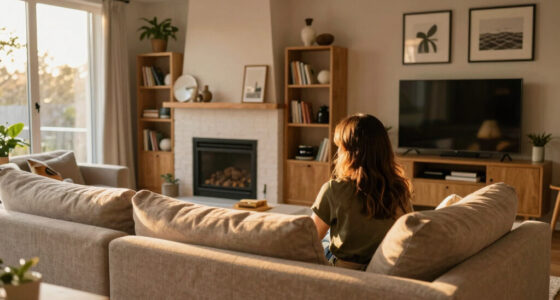
To plan lighting zones in a projector room, start by creating separate ambient and task lighting areas. Use diffused, dimmable fixtures for soft ambient light that reduces eye strain, while focused task lights help with activities without causing reflections on the screen. Place lights carefully to avoid glare, and consider automated control systems for quick scene changes. Setting up these zones boosts comfort and image quality — keep exploring to get detailed tips on designing your ideal lighting setup.

Get business pricing on your home office setup
- Business-only prices and quantity discounts
- Tax-exempt purchasing
- Multiple users, one account, clear invoices
Key Takeaways
- Define distinct zones for ambient, task, and accent lighting to optimize functionality and viewing comfort.
- Position ambient lights behind or above seating areas to prevent screen reflections.
- Use adjustable task lights near seating or control panels for focused illumination without glare.
- Layer lighting with multiple sources at different heights for versatile scene settings.
- Implement dimmers and automation systems for seamless control and scene transitions.
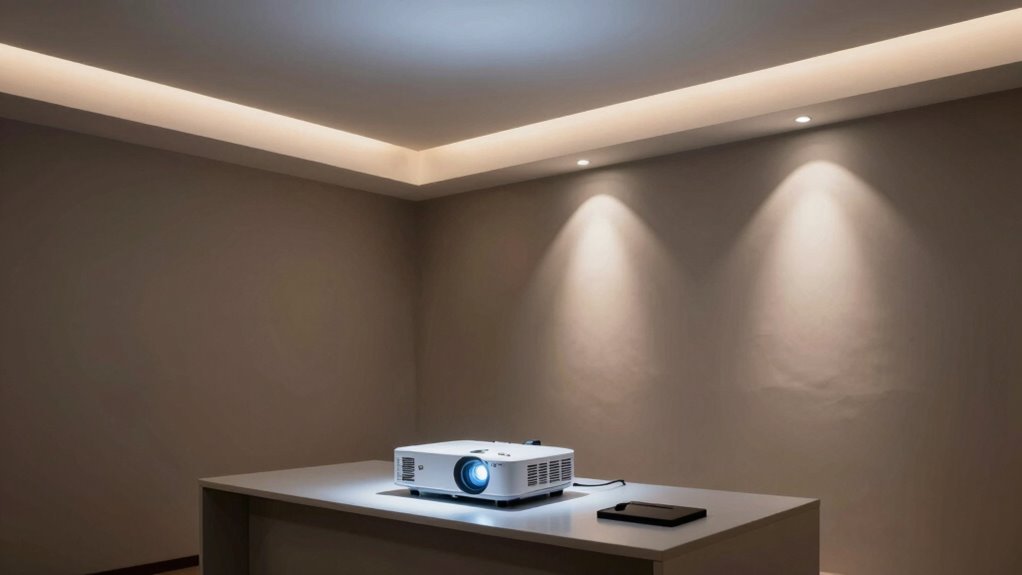
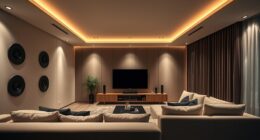
Creating effective lighting zones in a projector room is indispensable for achieving ideal image quality and reducing glare. When you plan your lighting, you want to establish areas that support both the viewing experience and the functionality of the space. Ambient lighting plays a pivotal role here; it provides soft, overall illumination that minimizes eye strain without interfering with the projected image. You should aim for a light level that’s gentle enough to keep the room comfortably lit but not so bright that it washes out the display. Dimmable fixtures are a smart choice, giving you control over brightness based on the content being viewed and the activity taking place.
Effective projector room lighting enhances image quality and minimizes glare through well-planned, dimmable ambient lighting.
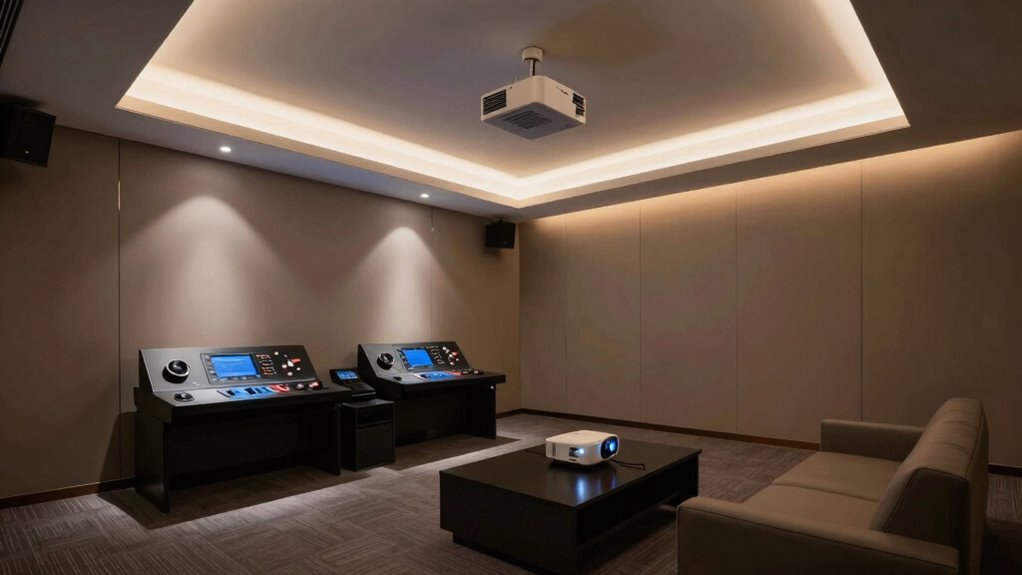
Task illumination is equally important, especially around seating areas, control panels, or equipment stations. This type of lighting ensures you can easily navigate the room, change settings, or handle any equipment without straining your eyes or disturbing the overall ambiance. You might consider installing adjustable spotlights or wall-mounted reading lights that target specific zones. The key is to position these sources so they don’t cast unwanted shadows or glare onto the screen, which can distract viewers and degrade image quality. Using directed lighting also prevents light spill into the projection area, maintaining the contrast and clarity of your images.
When you design your lighting zones, pay close attention to the placement of ambient lighting. It’s best to keep this lighting away from the screen, ideally behind or above the seating area, to avoid reflections. Diffused lighting options like cove lights or frosted fixtures work well for creating an even, non-intrusive ambient glow. For task illumination, focus on adjustable fixtures that you can fine-tune as needed. Incorporating layered lighting—having multiple sources at different heights or angles—so you can customize the environment for different uses, whether it’s a movie night or a presentation. Additionally, understanding the importance of lighting control systems** can greatly enhance the flexibility and usability of your space. A well-designed lighting plan** ensures the room remains functional, adaptable, and comfortable for all types of activities.
It’s also imperative to consider the control systems. Incorporate dimmers and automated lighting controls that allow you to switch between different lighting scenes quickly. This flexibility helps you optimize the room’s lighting for each activity, ensuring the ambient lighting remains subtle during viewing while enabling brighter illumination when necessary. Furthermore, integrating lighting automation can streamline adjustments and create seamless transitions between scenes. To maximize comfort, consider the impact of lighting placement on overall room ambiance and functionality. By thoughtfully planning your lighting zones with a balance of ambient lighting and task illumination, you enhance both the visual quality of your projector images and the overall comfort of your space.
dimmable ambient lighting for projector room
As an affiliate, we earn on qualifying purchases.
As an affiliate, we earn on qualifying purchases.
Frequently Asked Questions
How Do I Measure Room Light Levels Accurately?
To measure room light levels accurately, start by evaluating ambient brightness with reliable light measurement tools like a lux meter or a light meter. Place the device at eye level and in different areas of the room to get consistent readings. Record the readings to identify variations in light levels, which helps you plan appropriate lighting zones. This approach guarantees your projector room maintains ideal lighting for clear image projection.
What Are the Best Types of Lighting Fixtures for Zones?
Ever wondered what fixtures work best for your projector room? You should opt for adjustable ambient lighting to create a comfortable viewing environment without glare. Task lighting, like dimmable wall sconces or focused LED spotlights, helps you set specific zones for activities like setup or maintenance. These fixtures offer flexibility, control, and minimal distraction, making your space both functional and cozy. Why settle for less when your room deserves the best?
How Do Lighting Zones Affect Projector Image Quality?
Lighting zones directly impact your projector image quality by controlling light spill and reflections. Properly designed zones with adjustable lighting color and dimming capabilities help reduce glare and improve contrast. Using bulbs with a long lifespan guarantees consistent lighting, minimizing flickering or color shifts that can distort images. By carefully planning these zones, you create a ideal viewing environment that enhances picture clarity and preserves the integrity of your projector’s images.
Can I Use Dimmable Lights in All Zones?
Yes, you can use dimmable lights in all zones to optimize lighting control. Installing dimmable switches allows you to adjust brightness levels easily, reducing glare and preventing reflections that could interfere with your projector image. This flexible lighting control helps create the ideal environment, whether you want bright illumination or a darker setting for better contrast. Just make certain your fixtures are compatible with dimmable switches for smooth operation.
How Often Should Lighting Zones Be Reevaluated?
You should reevaluate your lighting zones whenever your room’s use or lighting color preferences change, or if installation tips need tweaking. Think of your lighting setup as a living organism—constantly evolving to suit your needs. Regular reviews ensure ideal ambiance and projector performance. Keep an eye on how your lighting interacts with the space, adjusting zones as needed to maintain the perfect balance and prevent glare or shadows during screenings.
adjustable task lights for home theater
As an affiliate, we earn on qualifying purchases.
As an affiliate, we earn on qualifying purchases.
Conclusion
By carefully planning your lighting zones, you create a haven where your projector shines brightest without interference. Think of your room as a symphony, with each zone playing its part in harmony. When you master this balance, your viewing experience becomes a masterpiece—bright enough to see clearly, yet dim enough to keep that cinematic magic alive. With the right lighting zones, you turn every movie night into an enthralling adventure.
automated lighting control system for room
As an affiliate, we earn on qualifying purchases.
As an affiliate, we earn on qualifying purchases.
As an affiliate, we earn on qualifying purchases.
Fall Picks
fall essentials
As an affiliate, we earn on qualifying purchases.