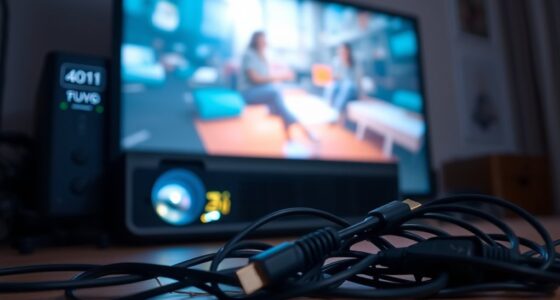

To get the best sound for your home theater, using automated calibration systems built into AV receivers can help most owners. These tools analyze your room’s acoustics with microphones, adjusting speaker levels and equalization automatically. For more precision, handheld sound level meters and calibration microphones allow you to fine-tune manually. Room correction software further refines sound by addressing issues like standing waves. Keep exploring, and you’ll discover even more ways to optimize your setup for immersive audio.

Get business pricing on your home office setup
- Business-only prices and quantity discounts
- Tax-exempt purchasing
- Multiple users, one account, clear invoices
Key Takeaways
- Automated calibration systems in AV receivers simplify setup by adjusting speaker levels and equalization automatically.
- Handheld sound level meters and calibration microphones enable precise manual fine-tuning for high-fidelity sound.
- Room correction software identifies acoustical issues and applies filters to achieve balanced, natural audio.
- Using calibration tools improves sound consistency, clarity, and immersion throughout the listening environment.
- Proper calibration tools help most users optimize their home theater audio without requiring professional expertise.
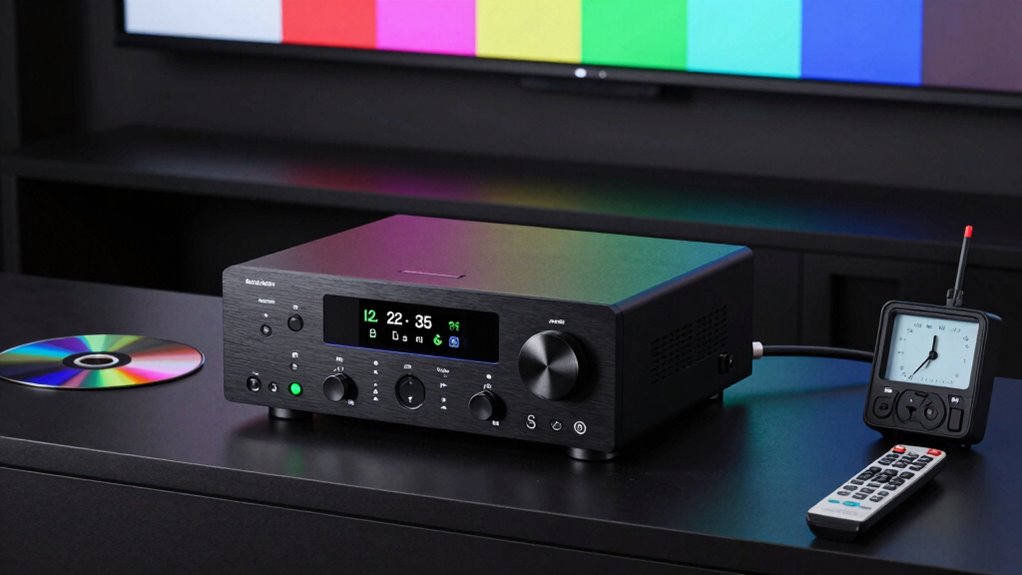
Setting up a home theater can be exciting, but achieving ideal picture and sound quality requires proper calibration. One of the most essential aspects of this process is guaranteeing that your audio setup delivers clear, balanced sound, which depends heavily on sound quality and room acoustics. Without the right tools, it’s easy to overlook how your room’s layout, furniture, and surfaces influence sound reflections and reverberations. To truly optimize your listening experience, you need calibration tools that help you identify and correct these issues.
Many home theater enthusiasts rely on automated calibration systems built into their AV receivers. These tools use microphones to analyze sound output and automatically adjust speaker levels, distances, and equalization settings. They’re user-friendly and provide a significant boost in sound quality by compensating for room acoustics. For example, if your room causes certain frequencies to echo or muffling occurs, these calibration tools detect it and fine-tune the audio to produce a more balanced, immersive soundscape. They’re especially helpful if you’re not experienced in manual audio setup or don’t have access to professional calibration services.
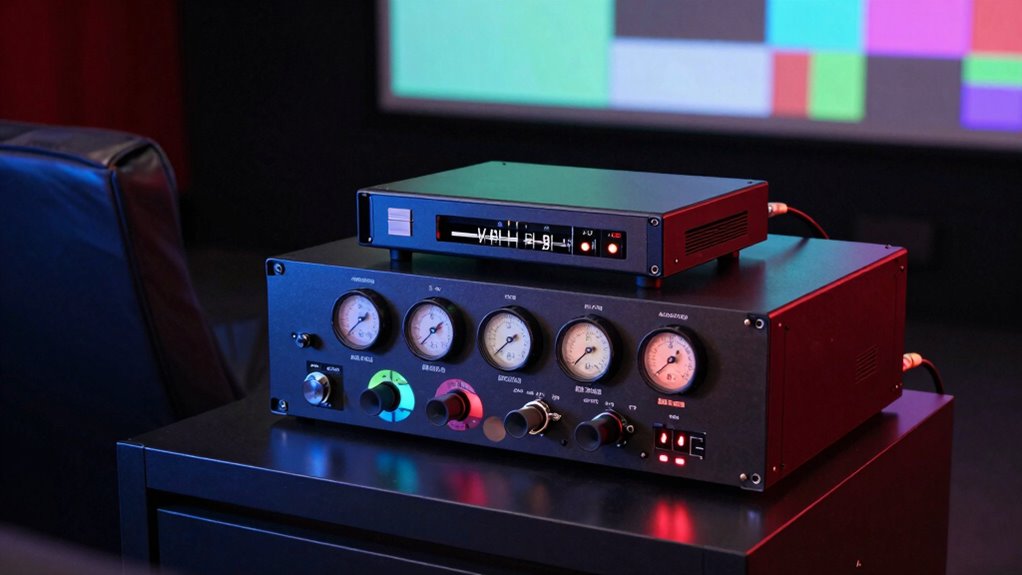
In addition to built-in systems, dedicated handheld sound level meters and calibration microphones are popular choices. These tools allow you to perform more precise adjustments, especially if you want to fine-tune your system beyond automatic solutions. A microphone that connects to a calibration device records sound from your speakers, giving you detailed data on frequency response and room acoustics. Armed with this information, you can manually tweak your speaker settings or use specific software to correct anomalies. This approach is ideal if you’re aiming for high-fidelity sound with excellent clarity and depth. Using measurement tools can help you achieve a more accurate understanding of your room’s acoustic properties.
Furthermore, room correction software plays an indispensable role in optimizing sound quality. These programs analyze your room’s acoustics and generate filters to counteract issues like standing waves or uneven frequency response. When combined with calibration microphones, they offer a thorough solution that adapts your audio to the unique characteristics of your space. Proper calibration with these tools ensures that sound travels evenly across the room, minimizing dead spots and overemphasized frequencies. As a result, your audio becomes more natural, immersive, and true to the original content. Utilizing room acoustics understanding in conjunction with calibration tools can significantly improve overall sound fidelity.
home theater calibration microphone
As an affiliate, we earn on qualifying purchases.
As an affiliate, we earn on qualifying purchases.
Frequently Asked Questions
How Often Should I Recalibrate My Home Theater System?
You should recalibrate your home theater system every six months to a year to maintain ideal color accuracy and speaker alignment. Regular recalibration ensures your display preserves true colors, and your speakers stay properly aligned for balanced sound. If you notice color fading, audio issues, or changes in picture quality, it’s a good idea to recalibrate sooner. Staying consistent with calibration helps you enjoy the best possible viewing experience.
Are Professional Calibration Services Worth the Cost?
Think of professional calibration as tuning a fine instrument—you’ll notice the difference. Yes, it’s worth the cost if you want ideal sound and picture quality. Pricing considerations vary, but skilled technicians bring expertise that DIY tools can’t match. They accurately calibrate your system, saving you time and frustration. If you value a truly immersive experience, investing in professional calibration guarantees your home theater performs at its best.
Can I Calibrate My System Without Special Equipment?
Yes, you can calibrate your system without special equipment through DIY adjustments, but keep in mind calibration myths that suggest perfect results without professional tools. Start by using your eyes and ears to fine-tune picture and sound settings, like brightness, contrast, and speaker levels. While this method improves your experience, investing in basic calibration tools or consulting professionals can guarantee more accurate and consistent results.
What Is the Best Calibration Tool for Beginners?
Think of calibration tools as the compass guiding your home theater to perfection. For beginners, a colorimeter like the SpyderX Elite is your ideal starting point. It helps fine-tune color accuracy and sound balance, turning your setup into a symphony of visuals and audio. Easy to use and effective, it’s like having a seasoned technician by your side, ensuring every scene looks vibrant and every note hits just right.
How Do Calibration Tools Improve My Viewing Experience?
Calibration tools improve your viewing experience by enhancing color accuracy, making images appear more vibrant and true to life. They also optimize sound, ensuring you get clear, balanced audio without distortion. With these tools, you’ll notice sharper details, richer colors, and better sound quality, transforming your home theater into an immersive experience. They’re simple to use and help you get the most out of your equipment, every time you watch.
automatic AV receiver calibration system
As an affiliate, we earn on qualifying purchases.
As an affiliate, we earn on qualifying purchases.
Conclusion
With the right calibration tools, you won’t just improve your home theater—you’ll transform it into a cinematic universe so perfect, it’ll make Hollywood look amateurish. Say goodbye to blurry images, dull colors, and uneven sound—these tools are your secret weapon for a mind-blowing experience. Get ready to impress friends, crush movie nights, and finally feel like you’ve got a personal theater that’s so incredible, it’s practically magic. Your dream setup is just a calibration away!
handheld sound level meter for audio
As an affiliate, we earn on qualifying purchases.
As an affiliate, we earn on qualifying purchases.
room correction software for home theater
As an affiliate, we earn on qualifying purchases.
As an affiliate, we earn on qualifying purchases.
Fall Picks
fall essentials
As an affiliate, we earn on qualifying purchases.