To fix posterization on your 4K projector, start by calibrating the color and brightness settings using the built-in tools or calibration discs. Adjust gamma and saturation to facilitate smooth color shifts and prevent banding. Make small tweaks to brightness to balance dark and light details without crushing shadows. Also, check your source content for compression artifacts, and keep your firmware updated for peak processing. If you’re still experiencing issues, you’ll find helpful tips on fine-tuning your projector’s settings for the best picture quality.
Key Takeaways
- Calibrate your projector’s color and gamma settings using built-in tools or calibration discs for accurate color reproduction.
- Adjust brightness incrementally to prevent loss of detail in dark and light areas, ensuring proper tonal balance.
- Use high-quality, well-encoded source content to avoid compression artifacts that mimic posterization.
- Keep your projector’s firmware updated to improve gradient rendering and overall image quality.
- Regularly maintain and recalibrate your projector to prevent and reduce posterization and related artifacts.
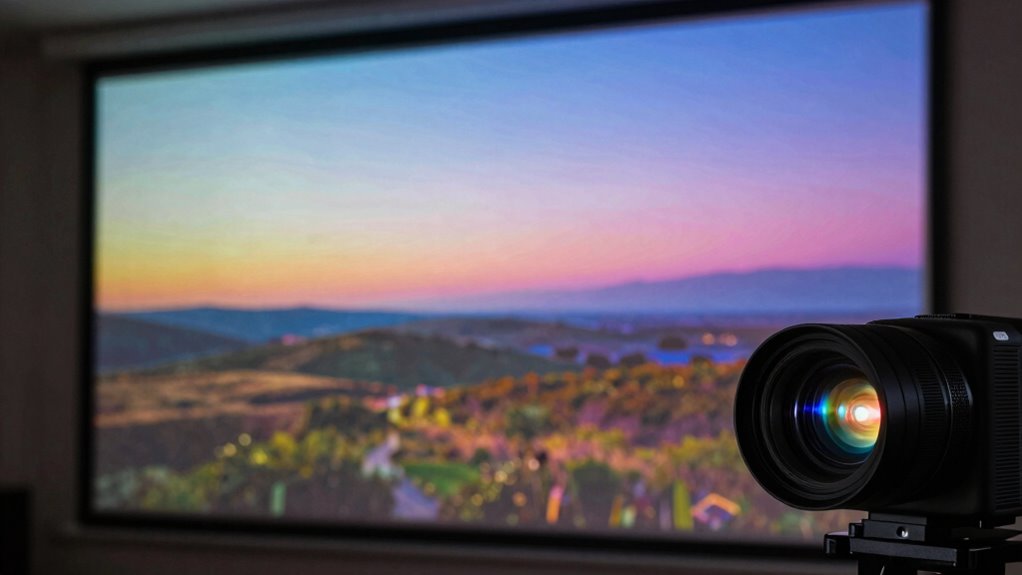
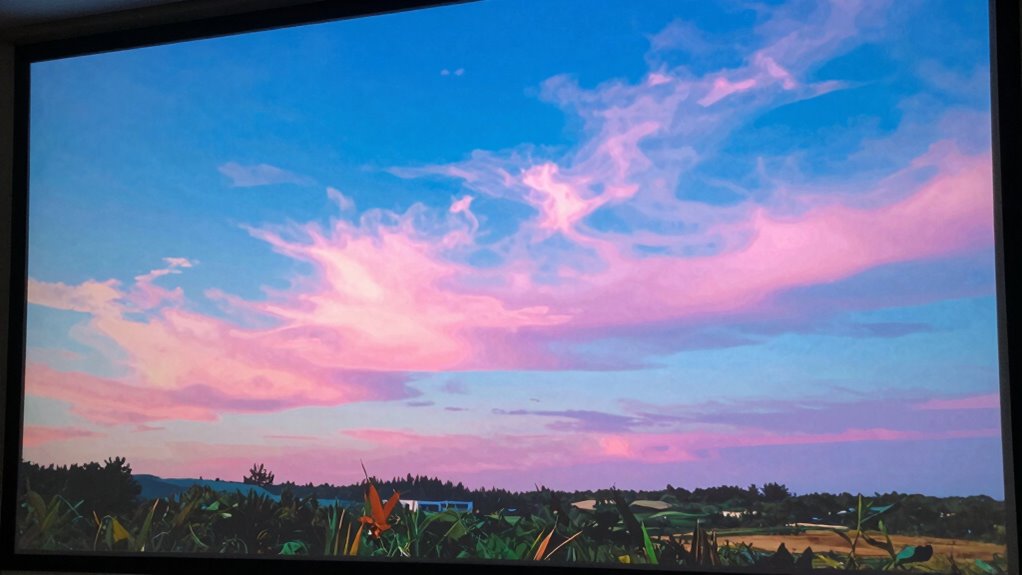
If you’re noticing posterization—where smooth gradients appear banded or stepped—on your 4K projector, you’re not alone. It’s a common issue that can detract from the visual experience, but the good news is that it’s often fixable. The first step is understanding that posterization usually results from mismatched color calibration or improper brightness settings. When your projector’s color calibration is off, it can’t accurately display subtle color transitions, leading to those unwanted banded effects. Similarly, if the brightness setting is too high or too low, it can cause loss of detail in darker or lighter areas, making gradients appear less smooth.
Start by calibrating your projector’s color settings. Many projectors come with built-in calibration tools or preset modes designed to optimize color accuracy. Access your projector’s menu and look for options like “Color Management” or “Color Calibration.” Use a calibration disc or software if you have one, which can help you fine-tune the color balance. Focus on adjusting the gamma and color saturation to ensure that subtle transitions in hue and luminance are preserved. Proper calibration guarantees that the projector reproduces colors as intended, greatly reducing the chance of posterization. Additionally, color accuracy can be improved by using professional calibration tools or consulting a specialist for advanced adjustments.
Next, check your brightness adjustment. This setting influences how light or dark the projected image appears. If it’s set too high, bright areas may bleed into darker regions, causing a loss of gradation and making smooth transitions appear banded. Conversely, if it’s too low, details in the shadows might be crushed or lost. Experiment with lowering or raising the brightness in small increments. The goal is to find a balance where details are preserved across the entire tonal range. Use test patterns designed for brightness calibration to assist in this process. Ensuring your source content is of high quality is also crucial, as compression artifacts can sometimes mimic posterization and mislead troubleshooting efforts. Sometimes, compressed or poorly encoded videos can introduce artifacts resembling banding. Try playing different high-quality sources to determine if the issue persists across all content or just specific files. If it’s only certain sources, the problem might be with the media rather than your projector settings. Additionally, understanding how digital content is processed can help you identify if the issue originates from the source or the projector itself.
Finally, keep your projector’s firmware updated. Manufacturers often release updates that improve color processing and image rendering. An updated firmware can help your projector handle gradients more effectively. By regularly maintaining and calibrating your projector’s color and brightness settings, you’ll substantially improve image quality, making posterization a thing of the past.

BenQ W2720i 4K Smart AI Home Theater Projector 2500 Lumens w/ Android TV
- AI Cinema Mode: Adapts colors based on ambient light
- Built-in Streaming: Stream Netflix, Prime Video, YouTube directly
- Color Accuracy: 90% DCI-P3, 98% Rec.709, Delta E < 3
As an affiliate, we earn on qualifying purchases.
As an affiliate, we earn on qualifying purchases.
Frequently Asked Questions
Can Posterization Damage My Projector Permanently?
Posterization itself won’t cause permanent damage to your projector. It’s mainly an issue with image processing or color calibration, which can be adjusted easily. If left uncorrected, it might cause your projector’s display to look unnatural or less vibrant, but it won’t harm the hardware. To prevent this, regularly tweak your color calibration and check your settings. Proper calibration ensures your projector performs effectively without risking damage.
Does Ambient Lighting Affect Posterization?
Imagine watching a movie where the colors seem uneven, and you notice posterization becoming more pronounced. Ambient illumination can definitely influence this, as too much light washes out the projector’s contrast, making posterization worse. Proper screen calibration helps, but controlling ambient illumination creates a clearer picture. When you minimize ambient light, you’ll see smoother gradients and vibrant colors, reducing posterization and improving your overall viewing experience.
Is Posterization More Common With Certain 4K Projector Brands?
Yes, posterization can be more common with certain 4K projector brands due to differences in color calibration and contrast settings. Some brands might have factory settings that exaggerate color shifts, making posterization more noticeable. By adjusting your projector’s color calibration and contrast settings, you can substantially reduce posterization, regardless of the brand. Regular calibration ensures smoother color gradients and enhances your viewing experience.
How Long Does It Take to Fix Posterization Issues?
Fixing posterization can take anywhere from a few minutes to an hour, depending on the severity of the issue. You’ll want to start with color calibration to guarantee accurate hues, then adjust contrast settings to prevent color banding. Take your time to fine-tune these settings. Regularly test with different images or videos to confirm the problem’s resolved, and don’t rush—precision yields the best results.
Can Software Updates Resolve Posterization Problems?
Software updates, especially firmware updates, can sometimes solve posterization problems by improving color calibration and image processing. When you apply these updates, you enhance your projector’s ability to reproduce accurate hues and shades, reducing color banding and posterization. Keep your projector’s firmware current, as manufacturers often fix bugs and optimize performance with updates, making them a vital, quick fix for smoother, more consistent color calibration.

datacolor SpyderPro Monitor Calibration Tool: Ensures Accurate Color When Viewing and Editing Photos & Videos
- Achieve True Color: Accurate color display for editing and viewing
- Wide Compatibility: Calibrates LED, OLED, Mini LED screens
- Improve Workflow: Includes projector calibration and screen analysis
As an affiliate, we earn on qualifying purchases.
As an affiliate, we earn on qualifying purchases.
Conclusion
So, now that you’ve tamed your 4K projector’s posterization beast, go ahead—sit back, enjoy your perfectly rendered images, and pretend you’re a professional color wizard. Who knew that a little tweaking could turn your cinematic chaos into visual poetry? Remember, in the world of projectors, a little patience and a dash of technical know-how are all it takes to turn pixel chaos into pixel paradise. Happy viewing, oh master of image clarity!

Calibrite ColorChecker Studio Spectrophotometer for Complete Color Management for Display, Projector, Printer and Scanner Profiling Software, w/ColorChecker Classic Mini for Custom Camera Profiling
- All-in-One Spectrophotometer: Supports camera, monitor, projector, printer, scanner profiling
- Comprehensive Device Coverage: Profiles monitors, laptops, projectors, printers, cameras, scanners
- Includes ColorChecker Mini: For custom camera profiling
As an affiliate, we earn on qualifying purchases.
As an affiliate, we earn on qualifying purchases.

Daylight Projector 4K Ultra HD 2300 High ANSI Smart Home Theater with WiFi 6, Bluetooth, NFC, Streaming Apps, Bright Daytime Proyector, HDR10+, Auto Focus, HDMI 2.1 ARC USB for Movie Video Gaming
- 4K UHD with HDR10+ and AI-PQ: Vivid, true-to-life visuals with enhanced colors
- 2300 ANSI Lumens Brightness: Clear images even in daytime indoor use
- Adaptive Brightness with AI Lighting: Automatically adjusts to ambient light conditions
As an affiliate, we earn on qualifying purchases.
As an affiliate, we earn on qualifying purchases.