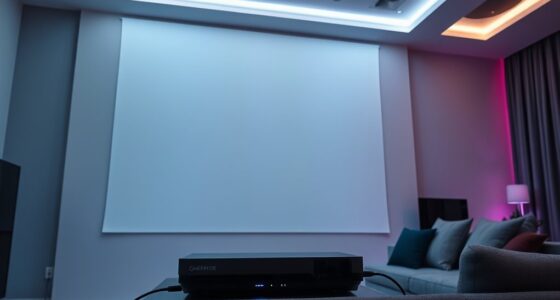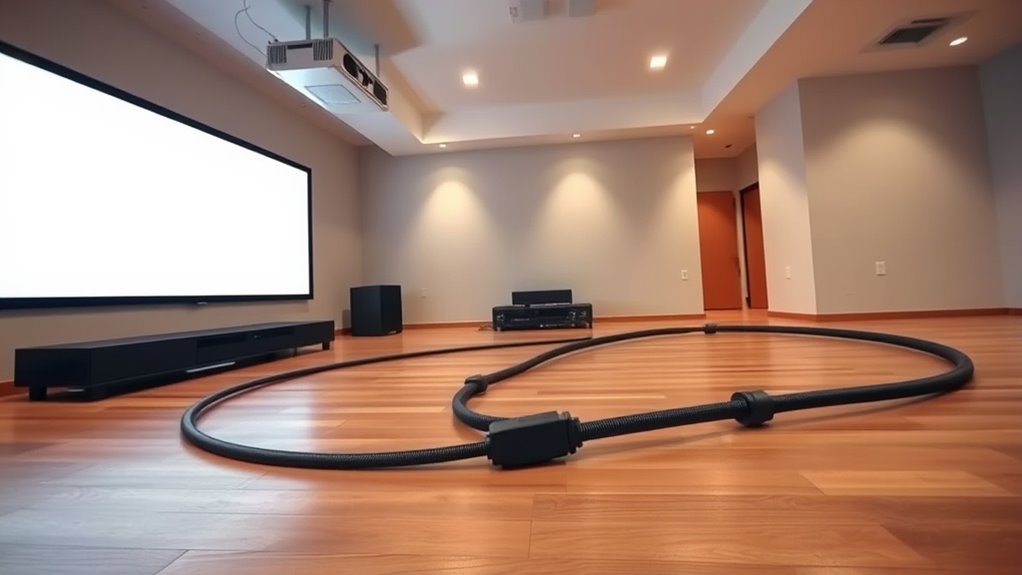
To connect a projector over 30 feet away with good picture quality, choose a high-quality HDMI cable with strong shielding to prevent signal loss. Pair it with an HDMI signal booster or extender designed for long distances, which amplifies the signal to maintain sharpness and color accuracy. Ethernet extenders can also work well over greater lengths. For reliable results, combining quality cables with the right boosting devices is key—stay tuned to learn more about optimizing your setup.
Key Takeaways
- Use high-quality, well-shielded HDMI cables to minimize signal loss over long distances.
- Incorporate HDMI signal boosters or extenders to amplify the signal for runs exceeding 30 feet.
- Consider HDMI over Ethernet extenders for longer distances or when existing Ethernet wiring is available.
- Ensure compatibility of the booster or extender with your HDMI version and resolution needs.
- Keep cable runs away from interference sources and avoid cheap, poorly shielded cables for reliable signal transmission.
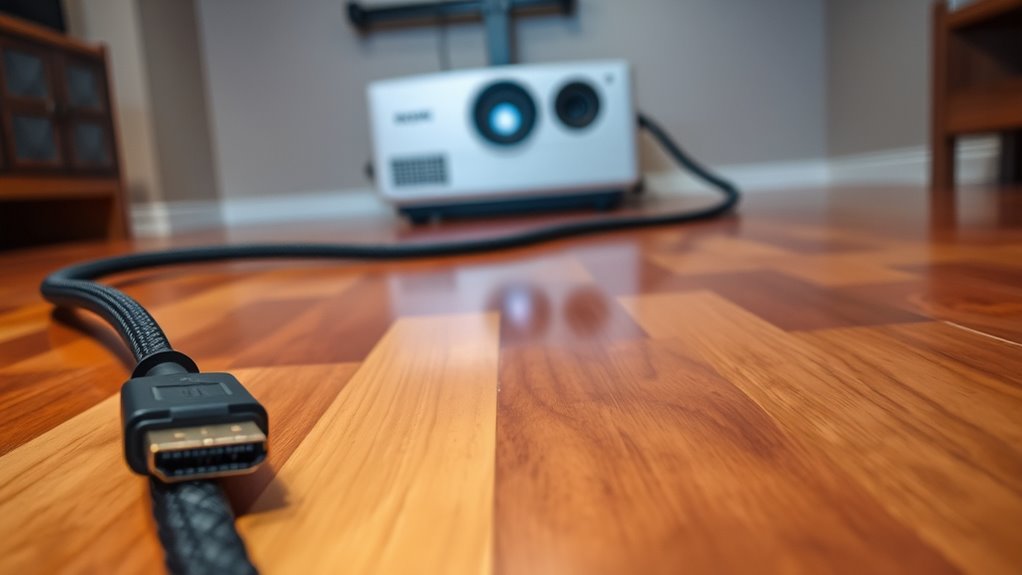
Have you ever tried connecting your TV to a device far away and wondered if your HDMI cable can handle the distance? When you’re setting up a projector over 30 feet from your source, this question becomes even more relevant. The truth is, not all HDMI cables are built to transmit signals effectively over long distances, which makes cable quality a critical factor. If you opt for a cheap or poorly shielded cable, you risk losing picture clarity, experiencing flickering, or getting no signal at all. High-quality cables with thicker insulation and proper shielding minimize interference and ensure a stable connection, even over extended runs. But even the best cable has its limits, and that’s where signal boosters come into play.
Signal boosters, also known as HDMI extenders or amplifiers, can considerably improve the quality of your long-distance connection. They work by amplifying the HDMI signal at intervals along the cable run, preventing degradation that typically occurs over extended lengths. If you’re planning to run a cable 30 feet or more, investing in a good signal booster can be a game-changer. These devices are often used in professional setups but are also accessible for home use. When choosing a booster, make sure it’s compatible with your HDMI version and supports the resolution you need. Using a booster with a high-quality cable creates a reliable link that preserves the sharpness and color accuracy of your content.
Another option to consider is HDMI over Ethernet extenders, which convert the signal to travel over Ethernet cables. This can be particularly useful if you already have Ethernet wiring in place or want to avoid bulky cables running across your room. These extenders often include built-in signal boosting features, making them a practical solution for very long runs. Just remember that the overall success depends on pairing good-quality cables with reliable boosting devices. Poor cable quality or cheap boosters can still result in signal loss or degraded image quality.

Official Licensed Google TV Smart Projector, HAPPRUN 4K UHD Home Theater with Dolby Sound, Wi-Fi & Bluetooth, Built-in Streaming Apps, Compatible with Games Consoles & Smartphone, Indoor & Outdoor Use
[ Built-in Official Licensed Google TV ] - Without additional equipment, the smart projector can directly access Netflix,...
As an affiliate, we earn on qualifying purchases.
Frequently Asked Questions
Can I Use a Standard HDMI Cable for Runs Over 30 Feet?
You can’t depend on a standard HDMI cable for runs over 30 feet because cable durability and connector compatibility may suffer, leading to signal loss. Longer distances often require high-quality, active HDMI cables or signal boosters to maintain a clear connection. Investing in a fiber optic HDMI cable or using HDMI extenders ensures your projector gets a reliable, high-quality signal without worrying about durability or compatibility issues over extended runs.
What Are the Best Alternatives to HDMI for Long-Distance Connections?
Oh, because everyone loves tangled wires, right? If you want to skip the cable chaos, wireless alternatives like Wi-Fi transmitters are your friends, offering easy long-distance setup. Or go for fiber optic options—they’re fast, reliable, and perfect for runs over 30 feet. These alternatives eliminate the hassle and keep your setup sleek, so you can focus on your presentation instead of tripping over cords.
How Does Cable Quality Affect Signal Integrity Over Long Runs?
Cable quality profoundly affects signal integrity over long runs. You want to choose cables with good shielding, which reduces interference and prevents signal degradation. Poor shielding allows external noise to corrupt your data, causing picture flickering or loss. Higher-quality cables with robust shielding maintain a clear, stable signal over extended distances, ensuring your projector displays sharp images without interruption. Investing in quality cables is essential for reliable long-distance connections.
Is It Necessary to Use Signal Boosters or Extenders?
A stitch in time saves nine, and the same applies here. You should definitely consider using signal boosters or cable extenders for HDMI runs over 30 feet. They help maintain signal quality and prevent degradation, ensuring your projector displays clear, sharp images. Signal boosters amplify the signal, while cable extenders push the cable length further without losing quality. Don’t skip these tools—they’re essential for a reliable, long-distance connection.
What Are the Cost Implications of Long HDMI Cable Setups?
Long HDMI cable setups can be costly, especially if you opt for high-quality cables or signal extenders. You should consider your budget and plan accordingly, balancing affordability with performance. Budget planning involves factoring in potential additional expenses like boosters or extenders to guarantee a reliable connection. While investing in quality may seem expensive upfront, it can save you money over time by avoiding signal issues and the need for replacements.
![Projector-4K with WiFi and Bluetooth:[3500 ANSI/60W Dolby Audio/Official Licensed Apps], Outdoor-Projector with Smart OS 2.0 & AI Auto Focus,ONOAYO ONO5Pro 2.0 Smart Movie Projector for Indoor/Outdoor](https://m.media-amazon.com/images/I/41fylkjOTIL._SL500_.jpg)
Projector-4K with WiFi and Bluetooth:[3500 ANSI/60W Dolby Audio/Official Licensed Apps], Outdoor-Projector with Smart OS 2.0 & AI Auto Focus,ONOAYO ONO5Pro 2.0 Smart Movie Projector for Indoor/Outdoor
[Hear the Difference–Hollywood-Grade Dual 60W Dolby Audio] Why spend $500 on a TV + soundbar or settle for...
As an affiliate, we earn on qualifying purchases.
Conclusion
So, when your projector’s horizon feels miles away, don’t let the signal fade into the sunset. With the right cables, extenders, or wireless options, you’re the captain steering your picture smoothly across the vast digital sea. Think of your long HDMI run as a trusty bridge—connecting your source with crystal-clear clarity, no matter how far apart they are. Stay prepared, and your cinematic voyage will always reach its destination with vibrant, unwavering light.

WALI Projector Mount Ceiling/Wall - Universal 3-in-1 Bracket with Extension Pole, Height Adjustable Holder for LCD/DLP Projectors, Supports up to 44lbs (PM-003-W), White
Compatibility: Universal Projector Mount Bracket for Both Ceiling and Wall Installation. Applicable to mounting holes distance between 8.9’’to...
As an affiliate, we earn on qualifying purchases.

1500 ANSI Official Licensed Google TV Smart Projector, HAPPRUN 4K Full HD Home Theater with Auto Focus, Dolby Sound, Wi-Fi Bluetooth, Built-in Apps, Compatible with Phone & PC, Indoor & Outdoor Use
[ Built-in Officially Licensed Google TV ]-Enjoy the reliability of an officially certified Google TV projector. Stream Netflix,...
As an affiliate, we earn on qualifying purchases.