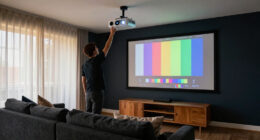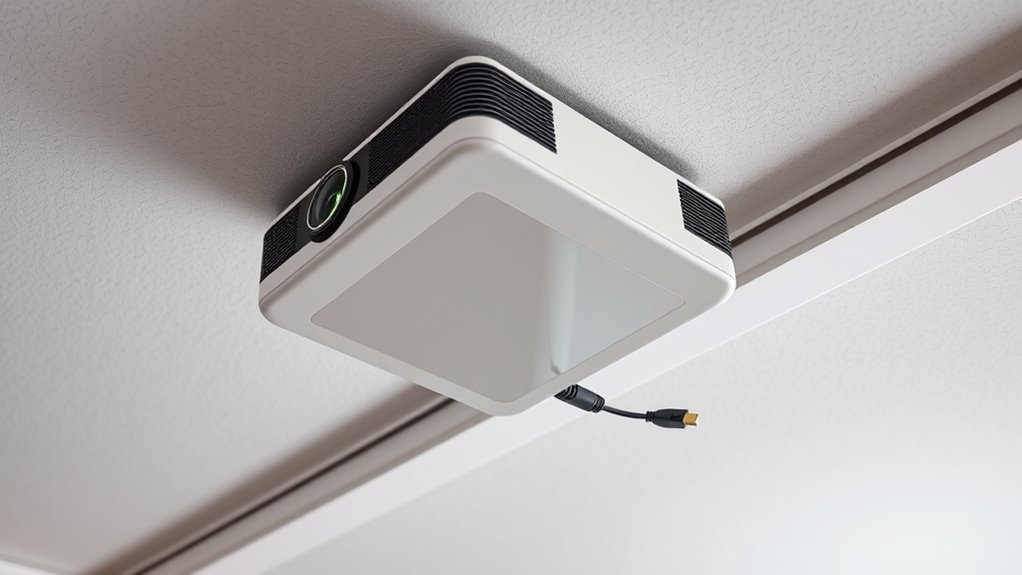

To effectively manage cables for ceiling projectors, plan your routes carefully by identifying the shortest path that avoids obstacles and interference. Use conduits or raceways along ceilings and walls to hide and protect HDMI and power cables, preventing clutter and hazards. Opt for high-quality, shielded cables to guarantee signal quality. Proper routing not only creates a clean look but also simplifies future upgrades and troubleshooting. Keep exploring for more tips on flawless AV setup.

Get business pricing on your home office setup
- Business-only prices and quantity discounts
- Tax-exempt purchasing
- Multiple users, one account, clear invoices
Key Takeaways
- Plan direct, obstacle-free routes using conduits or raceways along ceilings and walls for neat cable routing.
- Use high-quality, shielded HDMI and power cables to prevent signal interference and ensure reliable connections.
- Hide cables within ceiling cavities or wall channels to reduce clutter and improve aesthetics.
- Consider wireless HDMI transmitters for flexible, cable-free connection options, reducing installation complexity.
- Regularly inspect and maintain cable pathways to prevent damage, ensure safety, and facilitate future upgrades.
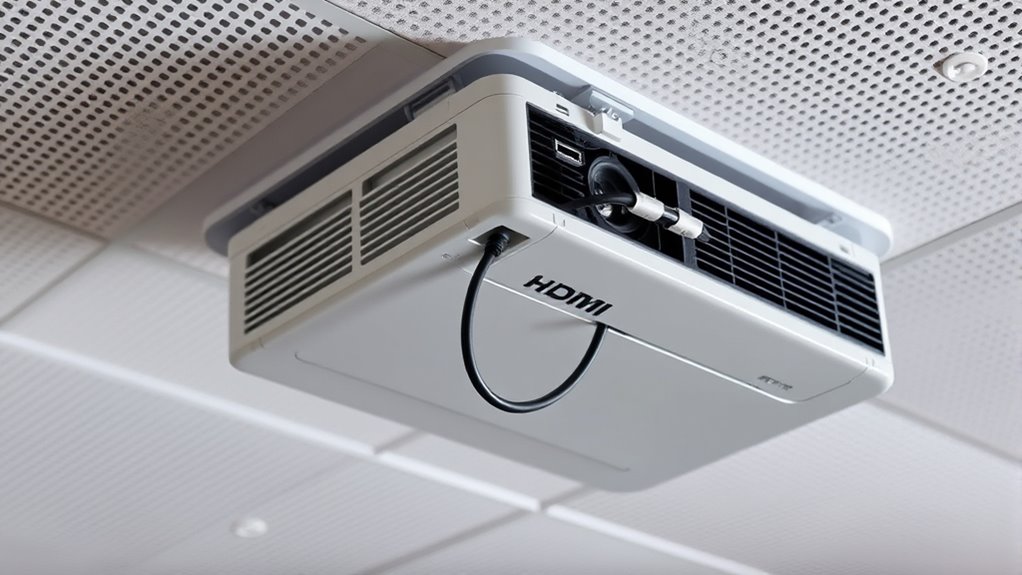
Have you ever struggled with tangled cables and cluttered AV setups? If so, you’re not alone. Managing the routing of HDMI and power cables for ceiling projectors can quickly become a tangled mess if not planned carefully. One way to simplify your setup is by exploring wireless alternatives. Wireless solutions, like wireless HDMI transmitters, can eliminate the need for long, cumbersome cables, giving your space a cleaner, more streamlined look. These devices transmit high-definition signals wirelessly, reducing clutter and making installation easier. However, they aren’t always perfect and can sometimes face interference or signal degradation. That’s when troubleshooting techniques come into play. Knowing how to identify and resolve common issues—like signal dropouts or lag—can ensure your wireless setup functions smoothly.
Wireless HDMI transmitters reduce cable clutter but may face interference—troubleshoot signal issues for smooth performance.
When considering cable routing for ceiling projectors, start by planning your layout. Identify the shortest, most direct route from your source device to the projector, avoiding obstacles and potential interference sources. Using cable conduits or raceways along ceilings and walls helps hide cables from view, keeping everything tidy and protected. If you prefer wired connections, ensure you select high-quality HDMI and power cables with appropriate shielding. Proper cable management not only improves aesthetics but also preserves signal integrity. Be mindful to avoid pinched or bent cables, which can cause performance issues or damage over time. Proper cable management can also prevent potential hazards like tripping or accidental disconnections.
Troubleshooting techniques are essential if you encounter issues with your AV setup. For wired connections, verify that all connectors are securely plugged in and that cables aren’t damaged. For wireless solutions, check for interference from other electronic devices or thick walls that could weaken the signal. Adjusting the position of transmitters or receivers, or switching to a different wireless channel, often resolves interference problems. Keep firmware updates current for your wireless devices, as manufacturers regularly release updates that improve stability and performance.
In addition to troubleshooting, consider the benefits of future-proofing your setup. Installing cable conduits and outlets during initial setup makes future upgrades easier. If you anticipate changing projectors or sources, choose flexible wiring options or modular wireless solutions so you can adapt without major rework. Remember, a well-planned cable management system minimizes clutter, makes troubleshooting simpler, and helps maintain reliable AV performance over time. Whether you opt for wired or wireless, taking the time to plan, route, and troubleshoot effectively ensures your ceiling projector setup remains sleek, functional, and trouble-free.
Products Worth Considering

Arlo Ultra 4K HDR Wireless Security Camera (3rd Gen), 3-Camera Kit with SmartHub

Bose Lifestyle Ultra Wireless Home Speaker, White Smoke

Arlo Pro Wireless Security Camera, 2K HDR, 6th Gen, 4-Camera Kit
As an affiliate, we earn on qualifying purchases.
Frequently Asked Questions
How Do I Prevent Cable Interference With Projector Ventilation?
To prevent cable interference with your projector’s ventilation, guarantee cables are routed away from vents to avoid ventilation obstructions. Use cable clips or conduits to keep HDMI and power cords neatly organized, maintaining clear airflow pathways. Avoid tight bends or pinching cables, as this disrupts airflow and causes overheating. Regularly check for any airflow disruption caused by cables, and reposition them if necessary to keep ventilation unobstructed and your projector running smoothly.
What Are the Best Tools for Hiding Cables in Ceilings?
You should use cable concealment techniques like raceways, cable channels, or conduit systems to hide cables in ceilings effectively. Consider wireless alternatives for HDMI and power where possible to reduce clutter and simplify installation. These tools help keep cables out of sight, prevent interference, and maintain a clean ceiling look. Make certain to select solutions compatible with your ceiling type and guarantee easy access for maintenance or future upgrades.
How Can I Ensure Long-Term Cable Durability?
You want your cables to last forever? Well, start with quality cable insulation to resist wear and tear. Don’t forget strain relief—it’s like a safety net for your cables, preventing damage from pulls or bends. Regularly inspect and replace worn sections, and keep everything neatly routed. Ironically, a little effort now guarantees your setup stays pristine, avoiding costly repairs down the line. Proper care guarantees long-term durability you can count on.
Are There Specific Connectors Recommended for Ceiling Installations?
For ceiling installations, you should use connectors recommended for professional AV setups, like locking HDMI connectors or angled adapters, to guarantee secure connections. Installation tips include choosing weatherproof or shielded connectors if your environment demands extra protection and making sure they’re rated for high-speed HDMI. Always verify compatibility with your projector and cable type, and securely fasten connectors to prevent disconnections or damage over time.
How Do I Troubleshoot Signal Issues Caused by Cable Routing?
Think of your cables as delicate veins carrying essential signals. To troubleshoot issues, first check for damaged cable shielding that might let interference slip in. Make certain cables are securely connected and not bent sharply. If problems persist, consider signal amplification devices to boost weak signals. Also, reroute cables away from electrical noise sources. By treating your cables like fragile art, you’ll preserve the clarity and strength of your AV signal.
Conclusion
Proper cable management for your AV setup is like a well-organized toolbox—making everything easier to access and less cluttered. By routing HDMI and power cables neatly, you prevent damage, reduce tripping hazards, and ensure your ceiling projectors operate smoothly. Take the time to plan and install thoughtfully; it’s the difference between a messy setup and a professional look. With tidy cables, your AV system runs seamlessly, just like a finely tuned machine.