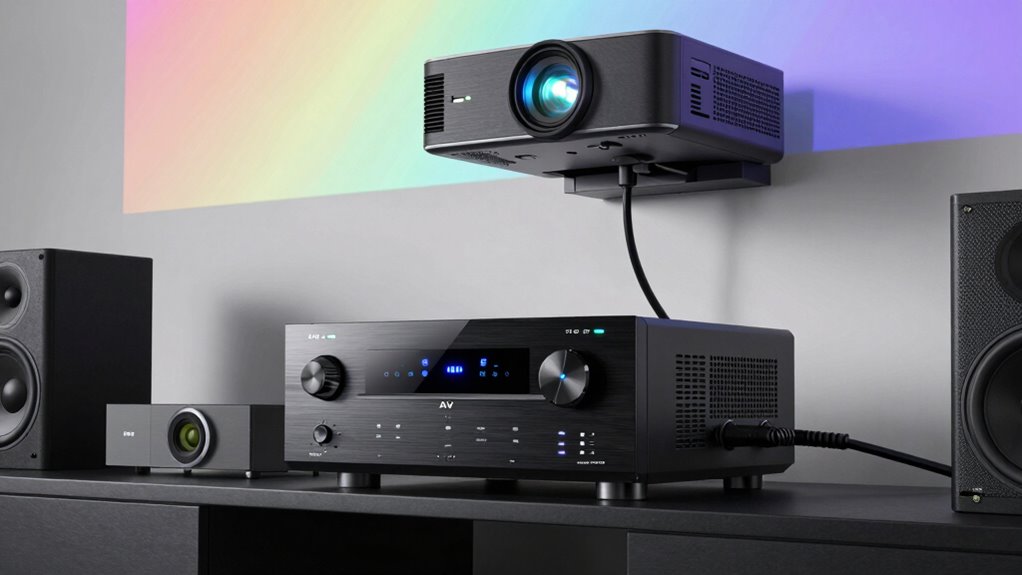
An AV receiver in a projector setup serves as the main control center for all your audio and video devices. It connects your projector to various sources like gaming consoles, streaming devices, and Blu-ray players, making sure everything works smoothly together. The receiver also manages sound by calibrating and optimizing audio quality for your room’s acoustics. With wireless controls and extra features, it simplifies your setup and lets you enjoy your system fully—there’s much more to discover as you explore further.
Listen free for 30 days with Audible
Thousands of audiobooks and originals — cancel anytime.
As an affiliate, we earn on qualifying purchases.
Key Takeaways
- Acts as the central hub managing all audio and video signals in the home theater system.
- Connects and switches between multiple media sources like gaming consoles and streaming devices.
- Enhances audio quality through calibration and optimization tailored to the room acoustics.
- Supports wireless connectivity for easier device integration and remote control.
- Ensures seamless communication between the projector, speakers, and other electronic components.
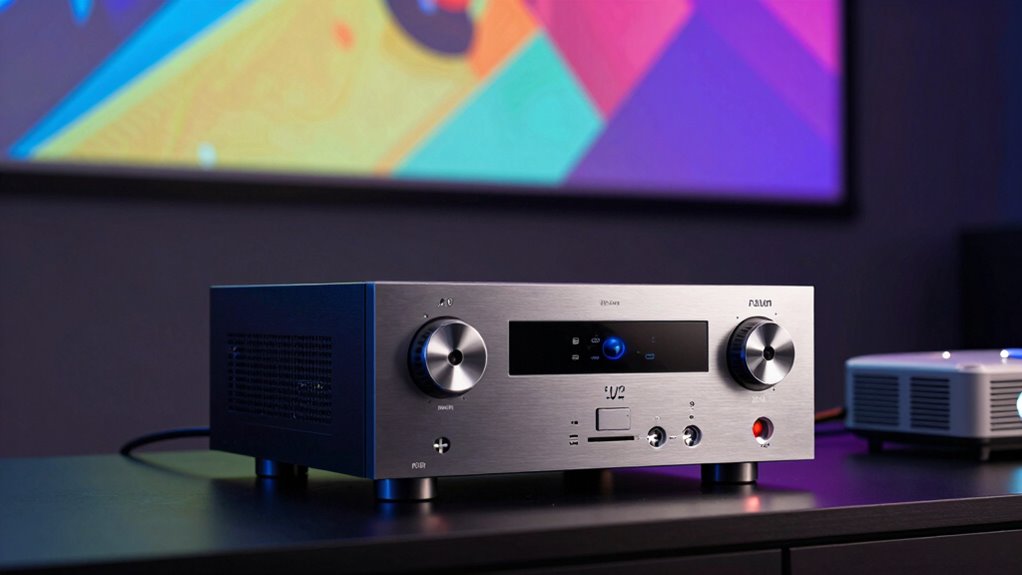
Are you wondering how to optimize your home theater experience? An AV receiver plays a vital role in elevating your projector setup, making your viewing sessions more immersive and seamless. At its core, the AV receiver acts as the central hub that manages all your audio and video components. It connects your projector to various devices like gaming consoles, Blu-ray players, streaming devices, and speakers, guaranteeing everything works together smoothly. Thanks to wireless connectivity features, you can easily control and access your media without the clutter of cables, giving your setup a cleaner look and more flexibility. Whether you’re streaming content from your smartphone or using a wireless speaker system, the receiver makes it simple to integrate these devices with minimal fuss.
One of the key functions of an AV receiver is audio calibration. When you set up your projector and speakers, the receiver automatically adjusts audio levels and speaker placement to optimize sound quality based on your room’s acoustics. This process guarantees balanced sound, so dialogue, music, and sound effects come through clearly and evenly, regardless of where you’re sitting. Proper audio calibration prevents common issues like muffled dialogue or overpowering bass, creating a more natural and immersive listening experience. It also allows you to customize sound settings to match your preferences or specific content types, whether you’re watching movies, sports, or playing video games. Additionally, many AV receivers include automatic room calibration, which enhances sound performance by adapting to your unique space. Incorporating room acoustics considerations can further improve your audio experience, ensuring optimal sound quality tailored to your environment. Moreover, choosing an AV receiver with network connectivity can expand your options for streaming and remote control, adding extra convenience to your setup.
As an affiliate, we earn on qualifying purchases.
Frequently Asked Questions
Can I Connect Multiple Projectors to One AV Receiver?
You can connect multiple projectors to one AV receiver, but it depends on the receiver’s outputs. To guarantee a seamless experience, you’ll need to manage screen calibration and speaker placement for each projector setup. Make certain your AV receiver supports multiple HDMI outputs or use an HDMI splitter. Properly calibrate each screen and optimize speaker placement so the audio and visuals sync perfectly across all projectors.
Does the AV Receiver Improve Audio Quality for Movies?
Yes, an AV receiver enhances your movie audio experience. Imagine the rich, immersive sound filling your room, perfectly balanced through careful audio calibration and strategic speaker placement. The receiver tunes each speaker to deliver clear dialogue, booming bass, and surround effects, making you feel like you’re inside the action. It optimizes sound quality, ensuring every scene sounds as intended, transforming your viewing into a cinematic experience.
How Do I Set up Surround Sound With a Projector?
To set up surround sound with your projector, start by connecting your speakers to the AV receiver. Use the receiver’s speaker calibration feature to optimize sound for your room. Make certain your audio formats, like Dolby Atmos or DTS:X, are supported and enabled for immersive sound. Adjust speaker placement and calibration settings through the receiver’s menu to guarantee balanced audio, creating a cinematic experience right in your home.
What Are the Best AV Receivers for 4K Projectors?
For 4K projectors, the best AV receivers offer advanced features like speaker calibration and HDMI passthrough. Look for models such as the Denon AVR-X3700H or Yamaha RX-A6A, which provide excellent audio quality, automatic speaker calibration, and seamless 4K HDR support. These receivers guarantee your setup delivers immersive sound while simplifying connections, making it easier to enjoy your projector’s full potential without sacrificing picture or audio quality.
Can I Use a Wireless AV Receiver With My Projector?
Think of your setup as a symphony waiting for harmony. Yes, you can use a wireless AV receiver with your projector, thanks to its wireless compatibility. It acts like a conductor, seamlessly streaming audio through the air, transforming your space into a concert hall. With reliable audio streaming, your projector and receiver synchronize effortlessly, creating a clutter-free, immersive experience. Just make certain your wireless AV receiver supports the necessary protocols for smooth operation.
best AV receiver with HDMI outputs
As an affiliate, we earn on qualifying purchases.
As an affiliate, we earn on qualifying purchases.
Conclusion
Think of your AV receiver as the conductor of your home theater symphony. Just like Beethoven orchestrated harmony from chaos, it seamlessly blends your projector’s visuals with crisp audio, creating an immersive experience. Without it, your setup might miss the magic of perfect synchronization. So, embrace the AV receiver as your guiding maestro—transforming your space into a cinematic sanctuary where every sound and image come together in perfect harmony.
wireless AV receiver for projector setup
As an affiliate, we earn on qualifying purchases.
As an affiliate, we earn on qualifying purchases.
automatic room calibration AV receiver
As an affiliate, we earn on qualifying purchases.
As an affiliate, we earn on qualifying purchases.
NFL season / tailgating Picks
team gear
As an affiliate, we earn on qualifying purchases.

![LG Says We're Fake News [Video]](https://4kprojectorguide.com/wp-content/uploads/2026/09/lg-says-we-re-fake-news-video-featured-260x140.jpg)