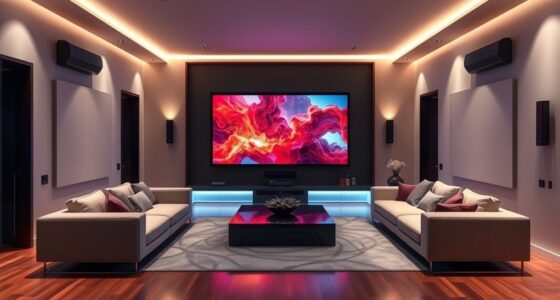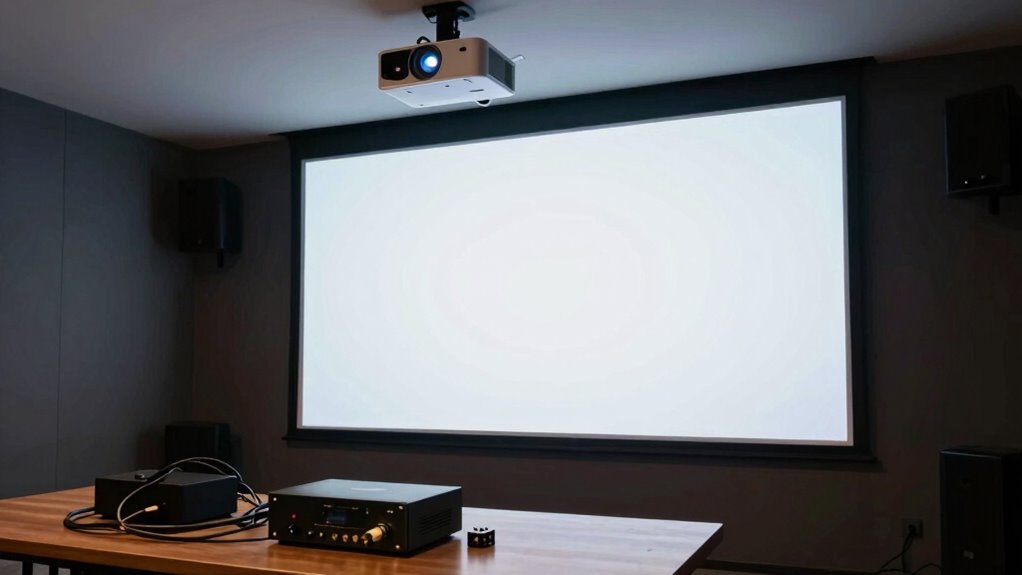
Many projector buyers overlook the biggest audio bottleneck: relying solely on built-in speakers, which often lack clarity and depth. Poor sound quality makes dialogue hard to understand and diminishes the overall experience. Upgrading to external sound systems like Bluetooth speakers or soundbars can dramatically improve immersion. With wireless options, you can easily enhance your setup without clutter. Keep going—you’ll discover simple ways to fix this and get the richest audio experience.

Get business pricing on your home office setup
- Business-only prices and quantity discounts
- Tax-exempt purchasing
- Multiple users, one account, clear invoices
Key Takeaways
- Built-in projector speakers often lack sufficient sound quality, creating a significant audio bottleneck.
- Many buyers overlook the need for external speakers or soundbars for enhanced audio clarity.
- Wireless connectivity allows easy streaming to external audio devices, improving sound without clutter.
- Proper speaker placement and external upgrades significantly enhance immersion and dialogue comprehension.
- Prioritizing wireless audio options ensures a more balanced, immersive viewing experience.
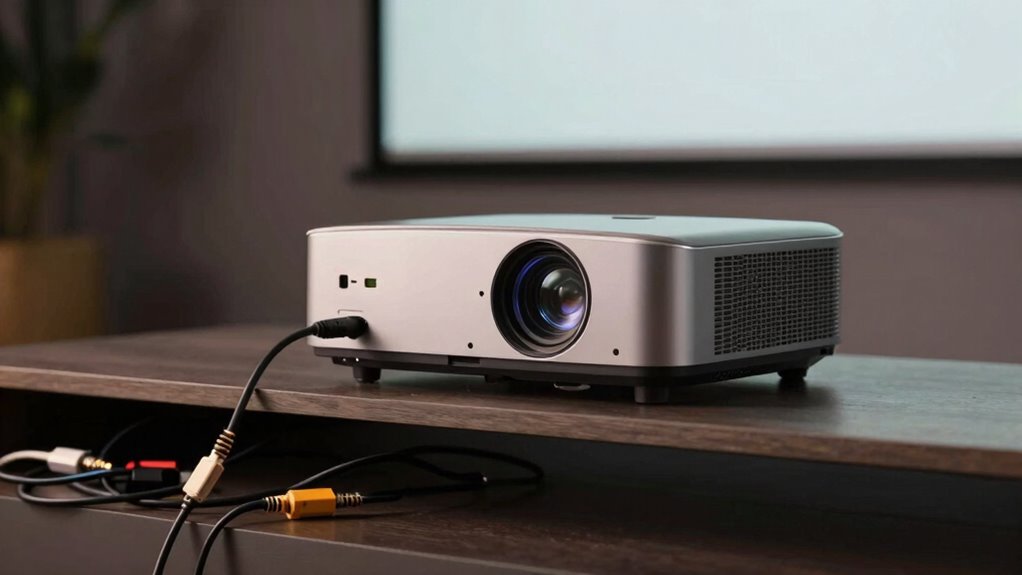
When choosing a projector, most buyers focus on picture quality and brightness, but they often overlook the essential issue of audio. Good visuals are important, but if your sound isn’t up to par, your entire viewing experience can suffer. Many projectors come with built-in speakers that seem sufficient at first glance, but their speaker quality usually falls short. Poor sound quality can make dialogue hard to understand, and the overall experience dull, especially when you’re watching movies or giving presentations. It’s easy to underestimate how much audio impacts your enjoyment, but ignoring it can turn your setup into a bottleneck.
Good audio is essential; poor sound can ruin your viewing experience despite great picture quality.
One of the biggest advancements in modern projectors is wireless connectivity. It’s tempting to think that wireless features only mean convenience, but they also open the door to better audio options. With wireless connectivity, you can easily connect your projector to external sound systems, soundbars, or Bluetooth speakers without cluttering your space with cables. This flexibility allows you to upgrade your audio setup simply and quickly, enhancing sound quality significantly. Instead of relying on the built-in speakers, which often produce tinny or muffled audio, you can stream sound wirelessly to high-quality speakers. This makes the audio feel more immersive, whether you’re watching a blockbuster or streaming your favorite playlist.
When it comes to speaker quality, keep in mind that most projectors’ built-in speakers are designed for convenience, not for delivering rich, full sound. Their small drivers struggle to produce deep bass or clear vocals, which can make dialogue sound distant or muffled. Investing in a dedicated speaker system or a Bluetooth-enabled soundbar can dramatically improve your audio experience. With wireless connectivity, you can position your speakers optimally for sound dispersion and clarity, without worrying about the placement of wires. This setup lets you enjoy crisp dialogue, dynamic sound effects, and richer music playback, all of which heighten your overall viewing pleasure. Additionally, understanding audio bottlenecks can help you better optimize your setup for the best possible sound experience. Recognizing the importance of wireless connectivity can further streamline your setup and reduce clutter. Furthermore, selecting the right speaker system can significantly enhance your home entertainment. Being aware of potential audio limitations can guide you in choosing the best components for your setup.
Ultimately, don’t overlook the importance of good audio when selecting a projector. Prioritize models that offer reliable wireless connectivity and consider pairing them with quality external speakers. Doing so turns your simple projector into a comprehensive entertainment hub, free from the typical audio bottleneck. Good sound isn’t just a bonus; it’s essential for truly immersive viewing. By addressing both wireless connectivity and speaker quality, you ensure your setup doesn’t fall prey to the common pitfalls that diminish the overall experience.
Bluetooth soundbar for projector
As an affiliate, we earn on qualifying purchases.
As an affiliate, we earn on qualifying purchases.
Frequently Asked Questions
Can I Upgrade My Projector’s Built-In Speakers Later?
Yes, you can upgrade your projector’s built-in speakers later. To enhance your sound experience, consider adding surround sound systems or wireless speakers. These options provide richer audio quality, filling your space with immersive sound. Wireless speakers are especially convenient because they connect seamlessly without cluttering your setup. Upgrading your audio setup later is a smart move to guarantee you get the best sound for movies, gaming, or music.
What’s the Best Way to Connect External Audio to My Projector?
You should connect external audio to your projector through its dedicated audio output, such as a 3.5mm jack, optical, or HDMI ARC port, for the best sound quality. If your projector lacks these options, consider using an audio extractor or a Bluetooth transmitter. This approach guarantees a significant upgrade in sound quality, overcoming the audio bottleneck, and providing a richer, more immersive experience without sacrificing video quality.
Do All Projectors Support Bluetooth Audio Streaming?
Not all projectors support Bluetooth audio streaming, but many modern models do thanks to wireless connectivity features. Check for Bluetooth compatibility before purchasing if streaming audio wirelessly is important to you. If your projector lacks this feature, you can use an external Bluetooth transmitter to achieve wireless audio. This way, you avoid the audio bottleneck and enjoy seamless sound, complementing your visual experience effortlessly.
How Does Audio Latency Affect Gaming With a Projector?
Audio latency can markedly impact your gaming experience with a projector. When there’s high audio delay, sounds won’t stay synchronized with on-screen action, leading to a disjointed experience. This sound synchronization issue can make gameplay less immersive and even affect your reaction times. To enjoy smooth gaming, look for projectors with low audio latency or consider external audio solutions that minimize audio delay, ensuring your sound matches your visuals perfectly.
Are There Specific Audio Cables Recommended for Projectors?
Think of your audio setup as the bridge that connects your projector to the world. For the best sound, use high-quality audio cables like HDMI or optical cables. If you prefer wireless, consider wireless adapters that transmit audio seamlessly. For multiple audio sources, an audio splitter helps distribute sound effectively. These options guarantee your audio never bottlenecks, providing a richer, more immersive experience.
wireless external speakers for home theater
As an affiliate, we earn on qualifying purchases.
As an affiliate, we earn on qualifying purchases.
Conclusion
Don’t let the audio bottleneck turn your cinematic dreams into a muffled nightmare. Remember, your projector’s stunning visuals deserve crystal-clear sound to truly bring your movies to life. Fixing this tiny detail can feel like upgrading from a whisper to a roaring thunder, transforming your space into a theater of epic proportions. So, before you press play, make sure your audio setup is ready to blow away the silence and leave your guests in awe.
projector external speaker system
As an affiliate, we earn on qualifying purchases.
As an affiliate, we earn on qualifying purchases.
As an affiliate, we earn on qualifying purchases.
Fall Picks
fall essentials
As an affiliate, we earn on qualifying purchases.