
Keep your projector setup simple by designating a clear, accessible spot for the remote and making sure family members learn basic functions like power and volume. Choose an appropriate screen size and position the projector at the right distance for easy adjustment. Connect devices in advance and label cables to quicken switching between sources. Keep the area tidy and use straightforward settings to prevent confusion. If you want to discover more tips, keep exploring how to set up your projector effortlessly for everyone.

Get business pricing on your home office setup
- Business-only prices and quantity discounts
- Tax-exempt purchasing
- Multiple users, one account, clear invoices
Key Takeaways
- Keep remote controls in a consistent, accessible spot and teach basic functions to all family members.
- Use a dedicated, clutter-free area for the projector setup to simplify alignment and operation.
- Connect multiple devices in advance and label cables for quick, easy source switching.
- Choose a comfortable, appropriately sized screen and position the projector at the correct distance for optimal viewing.
- Maintain a simple, consistent setup process with minimal steps to start viewing quickly.
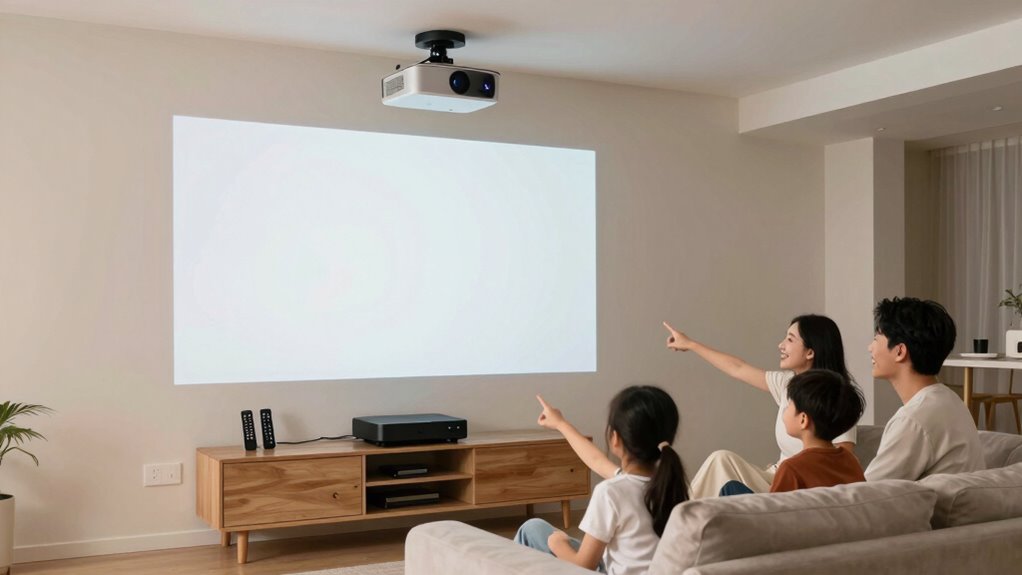
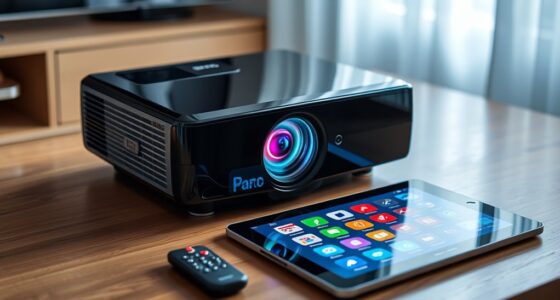
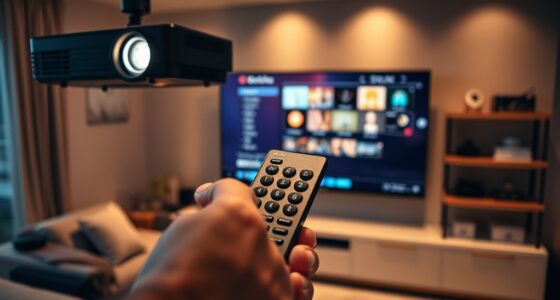
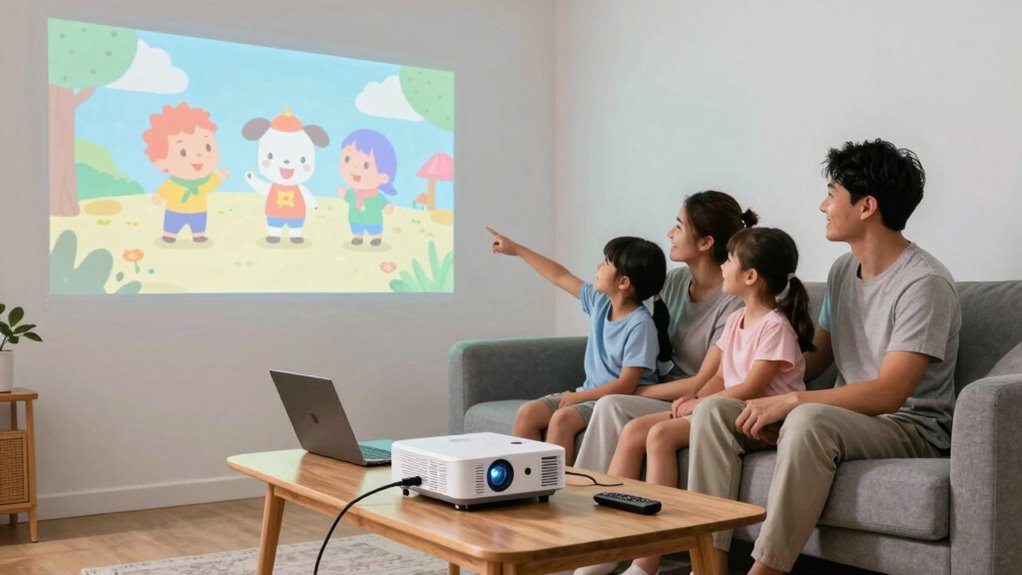
Setting up a projector for family movie nights or presentations doesn’t have to be complicated. The key is making the process straightforward so everyone can enjoy it without frustration. One of the simplest ways to do this is by ensuring the remote control is easy to use and always within reach. Most projectors come with a remote, but it’s essential to keep it in a consistent spot and teach family members how to use it. When everyone knows how to turn the projector on, adjust the volume, or switch inputs with the remote, it minimizes the need for constant assistance. Keep spare batteries handy or opt for a model with a reliable power source to avoid interruptions during movie time or important presentations.
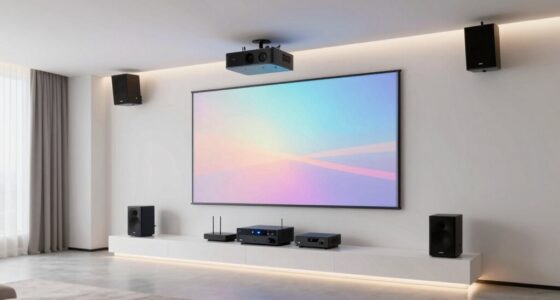
Another important aspect to *think about* is the screen size. You want a size that’s big enough for everyone to see clearly but not so large that it causes discomfort or distorts the image. Most projectors offer adjustable screen size settings, allowing you to customize the display based on your space and viewing preferences. To keep things simple, set a default size that works for most occasions and educate family members on how to adjust it if needed. This way, everyone can take control without having to fiddle with complicated settings each time. Make sure the projector is positioned at the right distance from the wall or screen to achieve that ideal size, and consider investing in a dedicated screen or a blank wall that provides a smooth, flat surface for the best image quality. Additionally, understanding projection distance and how it affects image size can help streamline setup and improve viewing experience.
Ease of setup is also about minimizing the number of steps needed to get everything running. Use a consistent location for the projector that’s easy to access and set up. Clear the area of any clutter that might interfere with proper alignment. If you have multiple devices, like laptops or streaming devices, connect them beforehand or set up a simple switching method so switching between sources is quick and hassle-free. Labeling cables or remote functions can save time and prevent confusion during busy family nights or important work presentations.
family-friendly projector remote control
As an affiliate, we earn on qualifying purchases.
As an affiliate, we earn on qualifying purchases.
Frequently Asked Questions
How Do I Connect My Projector to Different Devices Easily?
To connect your projector easily to different devices, prioritize wireless connectivity options like Wi-Fi or Bluetooth, which simplify the process without cables. Make certain your projector supports device compatibility with smartphones, tablets, laptops, and streaming devices. Use universal apps or screen mirroring features to make switching between devices seamless. Keep the setup straightforward by keeping cables organized and updating device firmware regularly, so everything stays compatible and easy to connect.
What Safety Precautions Should I Take With the Projector?
Think of your projector as a trusted guardian. To keep it safe, follow essential safety tips like avoiding water and placing it on a stable surface. Guarantee proper installation guidelines are followed—secure cords to prevent tripping and keep vents clear for cooling. Regularly unplug when not in use, and keep it out of reach of children. These steps protect both your device and your family, ensuring safe, worry-free viewing.
How Can I Improve the Picture Quality on My Projector?
To improve your projector’s picture quality, start by fine-tuning the image calibration—adjust brightness, contrast, and sharpness for clearer visuals. Next, choose a suitable screen that matches your projector’s specifications; a matte, high-gain screen can enhance brightness and color accuracy. Make certain your projector is placed at the best distance and aligned properly. These steps will make your viewing experience sharper, brighter, and more vibrant for everyone.
What Maintenance Is Required to Keep the Projector in Good Condition?
Think of your projector as a trusty steed needing regular care. Keep the lens clean with gentle screen cleaning to guarantee clear images, and monitor the lamp’s life for timely replacement. Regularly check and clean air filters to prevent overheating. These simple maintenance steps keep your projector running smoothly, preserving its performance and longevity. Just like caring for a horse, consistent upkeep guarantees a reliable, enjoyable viewing experience.
How Do I Troubleshoot Common Projector Problems Quickly?
When troubleshooting common projector problems, start with projector calibration to guarantee the image is clear and properly aligned. Check screen placement to avoid distortions or shadows, and adjust the focus and keystone settings as needed. If the image is still blurry or off-center, re-calibrate the projector and reposition it for ideal viewing. Regularly cleaning the lens and ensuring cables are secure also helps prevent issues and keeps the setup simple for everyone.
adjustable projector screen size
As an affiliate, we earn on qualifying purchases.
As an affiliate, we earn on qualifying purchases.
Conclusion
By keeping your projector setup simple, you create a welcoming stage where family memories and movie nights unfold effortlessly, like a familiar tune that everyone knows by heart. When the system is user-friendly, it’s as if the technology becomes a gentle breeze guiding everyone to enjoy shared moments without a hitch. In this way, your projector becomes more than just a device—it’s the heart of your home’s entertainment symphony, playing seamlessly for all to enjoy.
As an affiliate, we earn on qualifying purchases.
As an affiliate, we earn on qualifying purchases.
Fall Picks
fall essentials
As an affiliate, we earn on qualifying purchases.