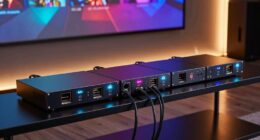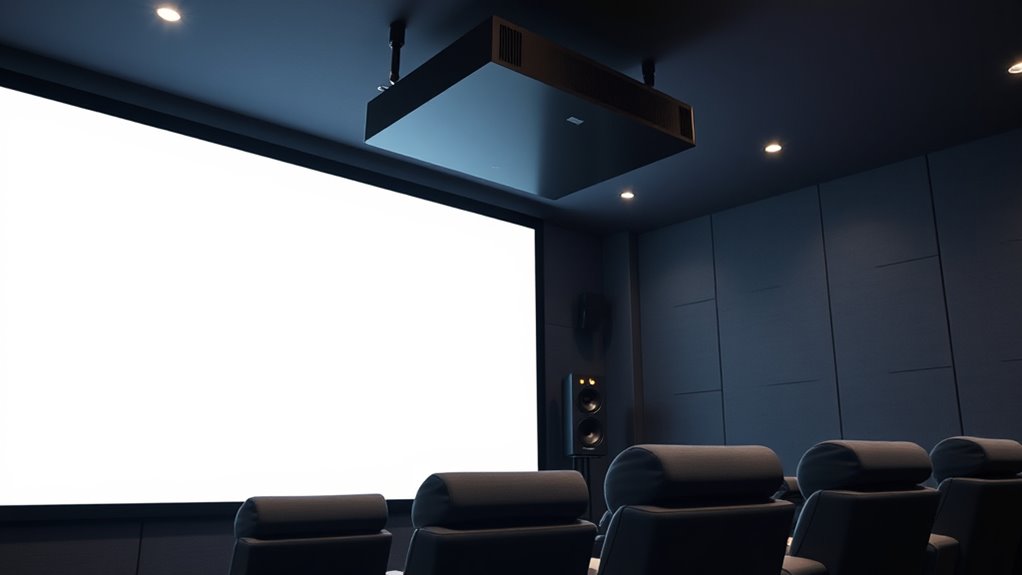

To set up surround sound with a projector, position front speakers at ear level and form an equilateral triangle with your seating area. Place the center channel directly above or below the screen, and surround speakers slightly behind and above ear level for immersion. Use your AV receiver’s calibration feature to balance levels and delays. Ensuring proper placement and calibration will create a seamless soundstage. For detailed tips to perfect your setup, keep exploring how to optimize your system.

Get business pricing on your home office setup
- Business-only prices and quantity discounts
- Tax-exempt purchasing
- Multiple users, one account, clear invoices
Key Takeaways
- Position front left/right speakers at ear level, forming an equilateral triangle with your seating area for optimal clarity.
- Place surround and rear speakers slightly above ear level, behind or beside seating for immersive sound.
- Align the center channel directly above or below the projector screen for clear dialogue.
- Use your AV receiver’s auto-calibration to analyze room acoustics and adjust speaker levels and distances.
- Fine-tune speaker placement and calibration manually to enhance sound balance and achieve a cohesive surround environment.
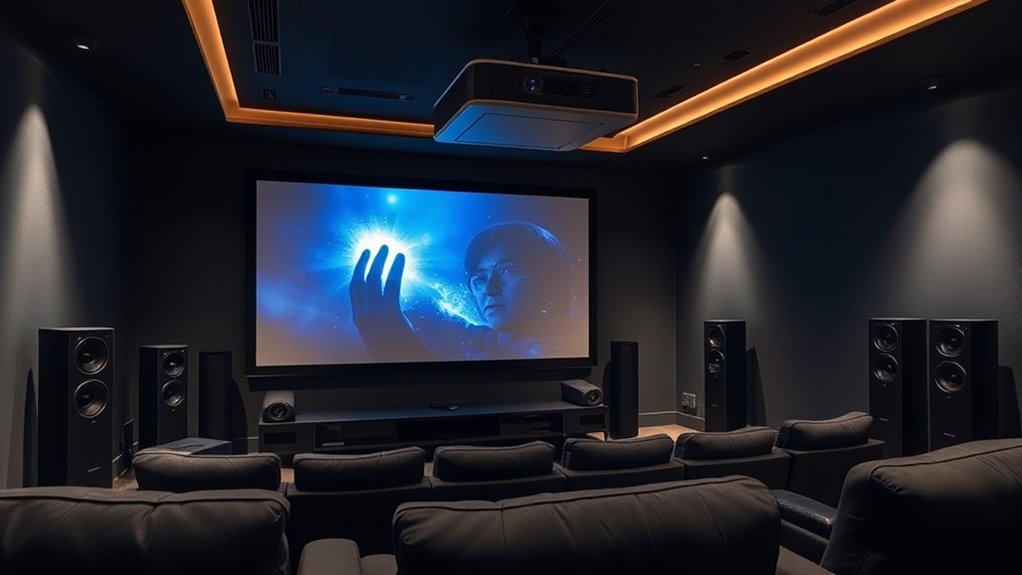
Setting up surround sound can elevate your home entertainment experience, making movies and games feel more immersive. When you’re aiming for a 5.1 or 7.1 system with a projector, getting the speaker setup right is vital. The key is understanding how to position your speakers and calibrate them properly to create a balanced, realistic soundstage. Proper speaker placement ensures each speaker contributes to a cohesive audio environment, while speaker calibration fine-tunes the system to match your room’s acoustics and your listening preferences.
Start by placing your front left and right speakers at ear level, equidistant from your seating area, roughly forming an equilateral triangle with your listening position. These should be slightly angled toward you, creating a direct sound path that maximizes clarity. The center channel, which handles dialogue, should sit directly above or below your projector screen, aligned with the front speakers. This placement ensures dialogue remains anchored to the action on-screen. For surround speakers in a 5.1 system, position them slightly behind and to the sides of your seating area, about 2-3 feet above ear level. If you have a 7.1 system, add rear speakers behind your seating, roughly at ear level or slightly above, facing inward towards the listening spot.
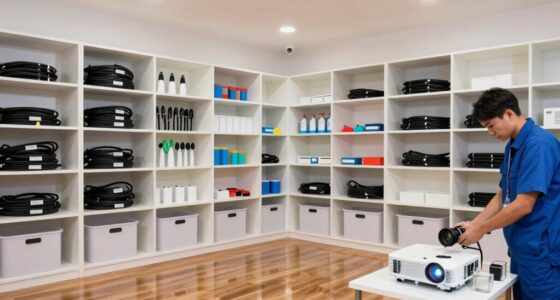
Speaker calibration is the next vital step. Many modern AV receivers offer automatic calibration features, which use microphones to analyze your room and adjust speaker levels and delays. Run this calibration first, then listen critically. If certain sounds seem out of balance, you can manually tweak speaker levels or distances through your receiver’s setup menu. This process helps compensate for room acoustics, furniture, and speaker placement quirks, guaranteeing sound is even and natural across all channels. Additionally, selecting the right home theatre projector can greatly enhance your overall viewing and listening experience, especially when combined with a well-calibrated surround sound system.
5.1 surround sound speaker system
As an affiliate, we earn on qualifying purchases.
As an affiliate, we earn on qualifying purchases.
Frequently Asked Questions
Can I Upgrade My Existing Stereo System to Surround Sound?
Yes, you can upgrade your stereo system to surround sound. Start by adding surround speakers and a center channel, carefully considering speaker placement for ideal audio. If you prefer a simpler setup, integrate a soundbar with surround capabilities. This upgrade enhances your audio experience, providing immersive sound that complements your projector setup, making movies and games more engaging and dynamic.
What Is the Ideal Room Size for 7.1 Surround Sound?
For 7.1 surround sound, your ideal room size has room dimensions of about 12 to 20 feet in width and 15 to 25 feet in length. You should also incorporate acoustic treatment, like bass traps and diffusers, to improve sound clarity. This setup minimizes echo and sound distortion, ensuring an immersive experience. Avoid overly small or large spaces, as they can negatively affect sound quality and speaker placement.
Do I Need a Special Projector for Surround Sound Compatibility?
Your projector doesn’t need to be a spaceship-grade model for surround sound compatibility—most modern projectors support audio output that works seamlessly with your surround system. Look for a projector with audio output options like HDMI ARC or audio out ports, which make connecting to surround sound systems easy. With the right setup, your home theater experience will blow you away, making every scene feel incredibly immersive and alive!
How Do I Calibrate Surround Sound Speakers for Optimal Audio?
You can calibrate your surround sound speakers for ideal audio by first adjusting their placement based on your room layout. Use calibration tools like a sound level meter or built-in receiver auto-calibration to fine-tune speaker levels and distances. Make sure the front, center, and surround speakers are positioned correctly, then run the calibration process. This ensures balanced sound and an immersive experience tailored to your space.
Is It Possible to Set up Wireless Surround Sound Speakers?
Absolutely, you can set up wireless surround sound speakers! Think of it as jazz improvisation—using wireless speaker options and signal transmission methods, you can enjoy flexible placement without messy wires. Many systems use Wi-Fi or Bluetooth for seamless connection, making your setup cleaner and easier. Just make certain your receiver supports wireless options, and you’ll create immersive sound without the clutter, transforming your space into a true home theater.
As an affiliate, we earn on qualifying purchases.
Conclusion
Setting up surround sound with your projector truly enhances your viewing experience, immersing you in the action like never before. Remember, a well-placed 5.1 or 7.1 system can increase your home theater‘s value and enjoyment. Did you know that 78% of home theater enthusiasts report improved movie nights with proper sound setup? So, take your time, follow the steps, and enjoy cinema-quality audio right in your living room.
AV receiver with auto-calibration
As an affiliate, we earn on qualifying purchases.
As an affiliate, we earn on qualifying purchases.
projector surround sound setup kit
As an affiliate, we earn on qualifying purchases.
As an affiliate, we earn on qualifying purchases.
Halloween Picks
halloween
As an affiliate, we earn on qualifying purchases.