To build a projector setup for party gaming nights, start by choosing a wall or pull-down screen that matches your decor and keeps it simple. Mount your projector securely and adjust its focus for the best image quality. Set up a quality sound system around the room for immersive audio, and use ambient lighting like dimmable LEDs to create a cozy atmosphere. Managing cables and environmental factors will keep things tidy and distraction-free. Keep exploring to discover tips for perfecting your gaming experience.
Open a free Amazon Business account
Business pricing, bulk buying and tax-exempt orders.
As an affiliate, we earn on qualifying purchases.
Key Takeaways
- Select a suitable wall or pull-down screen that complements the room decor and enhances projection visibility.
- Mount the projector securely with adjustable brackets to ensure proper focus and image alignment.
- Position speakers strategically around the room for immersive surround sound during gaming sessions.
- Manage cables with clips or conduits to keep the setup tidy and prevent hazards.
- Incorporate ambient lighting like dimmable LEDs to create an inviting atmosphere without washing out the projection.
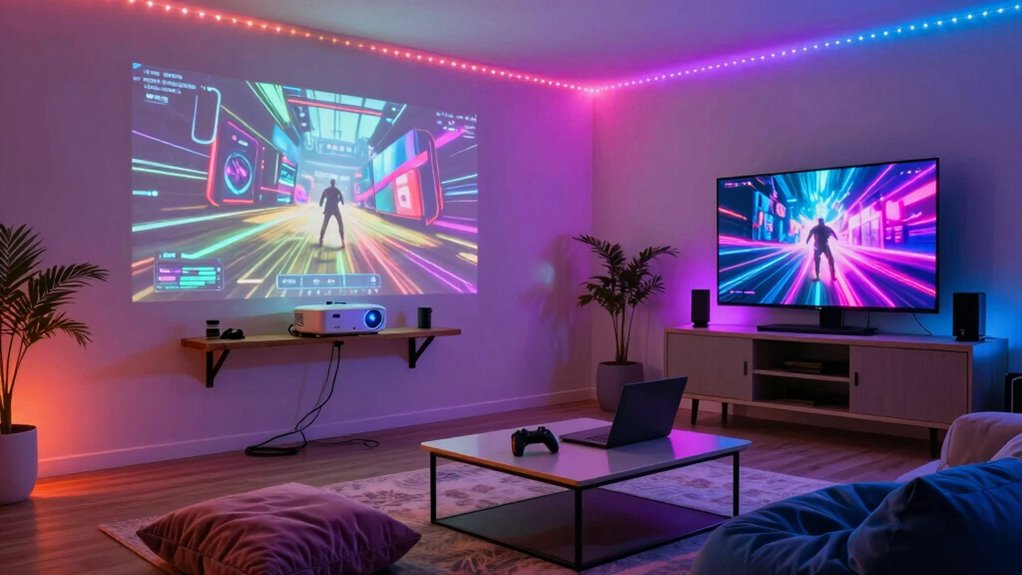
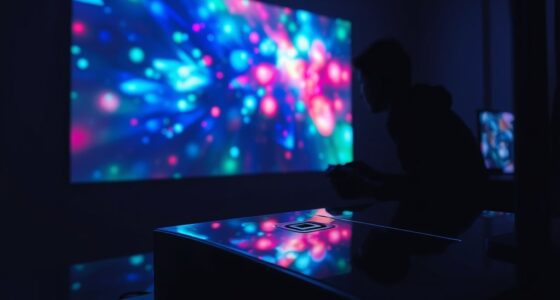
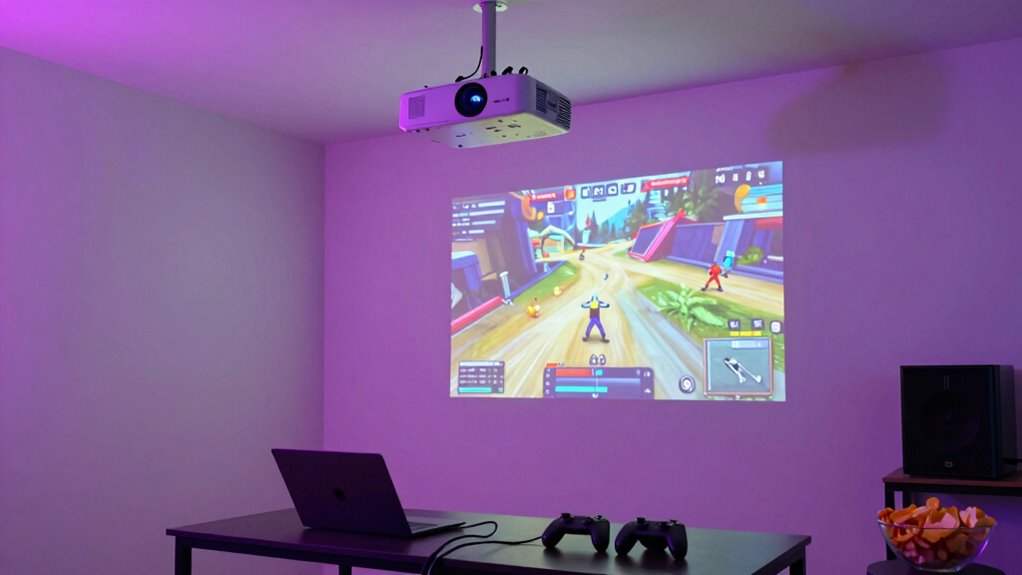
Hosting a party gaming night becomes exponentially more exciting when you set up a projector to create a large, immersive screen. The right projector transforms your living space into a dynamic gaming arena, but to get the most out of it, you need to take into account more than just the tech. Your home decor plays a crucial role in creating a cohesive environment that’s both stylish and functional. Choose a spot on a blank wall or a pull-down screen that complements your room’s aesthetic. Keep the decor simple and unobtrusive, so the focus remains on the game. Incorporate subtle lighting, like dimmable LEDs or string lights, to enhance the ambiance without washing out the projected image.
Create a stylish, unobtrusive gaming space with simple decor and subtle lighting to keep the focus on the game.
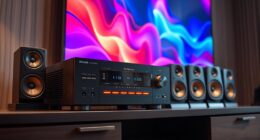
A quality sound system is equally important. Since a projector alone often doesn’t deliver robust audio, investing in a good sound setup makes a huge difference. Position speakers around the room to create a surround sound effect that pulls everyone into the game. Wireless speakers are a convenient option, as they reduce clutter and make setup easier. Connect your sound system directly to your gaming console or PC to ensure seamless audio synchronization. Clear, powerful sound heightens the excitement and keeps players engaged, whether they’re battling in a shooter or working together in a co-op adventure.
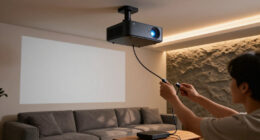
When building your projector setup, focus on placement. Mount the projector securely on the ceiling or a sturdy shelf, ensuring it’s aimed perfectly at your chosen display surface. Use adjustable mounts to fine-tune the angle and focus, so the image is crisp and properly aligned. Keep in mind the distance from the projector to the wall, as different models have specific throw ratios. This determines how large your projected image will be without distortion. Proper projector placement and calibration are essential for the best viewing experience. Once the projector is in place, connect it to your gaming device and test the visuals. Adjust the projector’s settings for brightness, contrast, and keystone correction to optimize picture quality. Additionally, selecting an optimal room environment can significantly improve the clarity and overall enjoyment of your gaming night. Proper room lighting can also help reduce glare and enhance visibility during gameplay.
Don’t forget about cable management. Use cable clips or conduits to keep wires tidy and out of the way, preventing tripping hazards and maintaining a sleek look. Additionally, considering the home appliances and air systems in your setup, such as air purifiers or climate control units, can help maintain a comfortable environment during long gaming sessions. Proper environmental control can also reduce distractions and enhance overall comfort. With your home decor thoughtfully chosen and your sound system set up to deliver rich audio, your projector setup will create an inviting, immersive environment. This thoughtful combination of visual and audio elements guarantees a memorable gaming night every time. When everything’s in place, all that’s left is to invite friends, load up your favorite games, and enjoy the ultimate party gaming experience.
As an affiliate, we earn on qualifying purchases.
Frequently Asked Questions
What Is the Optimal Projector Throw Distance for a Large Screen?
For a large screen, the ideal throw distance depends on your projector’s throw ratio. If your projector has a throw ratio of 1.5, and you want a 120-inch screen, multiply 1.5 by the width of the screen (about 104 inches). This means you’ll set the projector roughly 156 inches (or around 13 feet) away from the wall. Adjust the throw distance based on your specific screen size and projector’s throw ratio for best results.
How Do I Connect Gaming Consoles to the Projector?
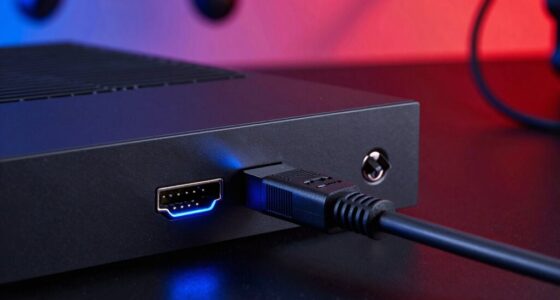
Don’t worry about complicated setups—connecting gaming consoles to your projector is straightforward. Use the right cable types, like HDMI, to guarantee high-quality audio and video. Simply plug the HDMI cable into your console and the projector’s HDMI port, then turn on both devices. Adjust your projector’s screen size settings as needed for the perfect gaming experience. Now, you’re ready to enjoy immersive games on a huge screen!
What Are the Best Sound Options for a Projector Gaming Setup?
For the best sound quality, invest in external speakers rather than relying on your projector’s built-in audio. Place speakers strategically around the gaming area, ideally at ear level and equidistant from your seating. Consider using a soundbar for simplicity or a surround sound system for immersive audio. Proper speaker placement enhances the gaming experience, making it more engaging and enjoyable for everyone during your party gaming nights.
How Do I Prevent Image Distortion on Uneven Surfaces?
A stitch in time saves nine, so start by surface selection—choose flat, smooth surfaces to minimize distortion. Use image calibration tools to adjust for unevenness, ensuring the picture remains clear and properly aligned. If the surface isn’t perfect, consider using a projector screen or a matte, neutral-colored sheet that can be stretched tight. These steps help prevent image distortion, making your gaming nights more immersive and enjoyable.
Is a Dark Room Necessary for the Best Gaming Experience?
A dark room isn’t strictly necessary, but it considerably enhances your gaming experience. Good lighting conditions are essential to see the screen clearly, especially if your room is large or brightly lit. If the room size is big or ambient light is unavoidable, consider using a higher-lumen projector and blackout curtains. This way, you’ll enjoy vibrant visuals and minimize glare, making your gaming nights more immersive and enjoyable.
surround sound speaker system for gaming
As an affiliate, we earn on qualifying purchases.
As an affiliate, we earn on qualifying purchases.
Conclusion
Remember, a great party isn’t just about the games—it’s about creating memorable moments. With your new projector setup, you’re all set to turn any space into an epic gaming zone. Keep troubleshooting and tweaking until everything runs smoothly. As the saying goes, “A house divided against itself cannot stand,” so guarantee your setup is well-balanced and reliable. Now, gather your friends and get ready for unforgettable gaming nights!
As an affiliate, we earn on qualifying purchases.
projector ceiling mount adjustable
As an affiliate, we earn on qualifying purchases.
As an affiliate, we earn on qualifying purchases.
Fall Picks
fall essentials
As an affiliate, we earn on qualifying purchases.