
In real gameplay, input lag numbers show how quickly your controller responses translate on screen. Under 20 milliseconds, you’ll notice near-instant actions, improving your aim and reaction time. If numbers are over 50ms, delays become noticeable, making fast moves harder and potentially costing you a match. Lower numbers mean smoother, more responsive gameplay, giving you a competitive edge. Keep going to discover more about how these delays impact your gaming experience.

Get business pricing on your home office setup
- Business-only prices and quantity discounts
- Tax-exempt purchasing
- Multiple users, one account, clear invoices
Key Takeaways
- Input lag under 20ms feels nearly instantaneous, ensuring quick reactions in gameplay.
- Lag around 50ms or more can cause noticeable delays, impacting response times and accuracy.
- Lower input lag improves shot precision, timing, and overall responsiveness in fast-paced games.
- The combined effect of controller and display determines the real-world impact of input lag.
- Minimizing input lag enhances competitiveness, immersion, and enjoyment during gaming sessions.
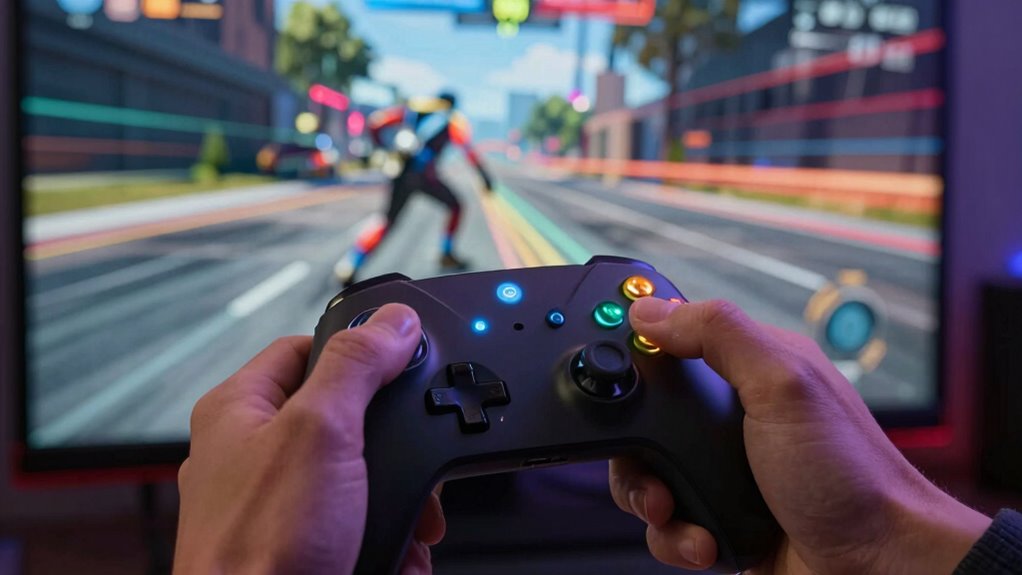
Understanding input lag is crucial because it directly affects your gaming experience, especially in fast-paced games where every millisecond counts. When you press a button on your controller, the time it takes for that action to register on-screen can make or break your gameplay. Controller responsiveness is a key factor here—if your controller isn’t responding promptly, you’ll notice delays that can cause missed shots, mistimed moves, or a general feeling of sluggishness. The faster your controller reacts, the more natural and fluid your gameplay feels. But controller responsiveness isn’t just about the hardware; it’s also about how well your display handles the incoming signals, which is where display refresh rate comes into play.
The display refresh rate measures how many times your screen updates per second, typically expressed in hertz (Hz). A higher refresh rate—like 120Hz or 144Hz—means your display updates more frequently, resulting in smoother motion and reduced perceived lag. When your display has a low refresh rate, even if your controller responds instantly, you might still see a delay because the screen isn’t updating quickly enough to reflect your actions. Conversely, a high refresh rate display ensures that your inputs are visually represented almost immediately, making gameplay more responsive and immersive.
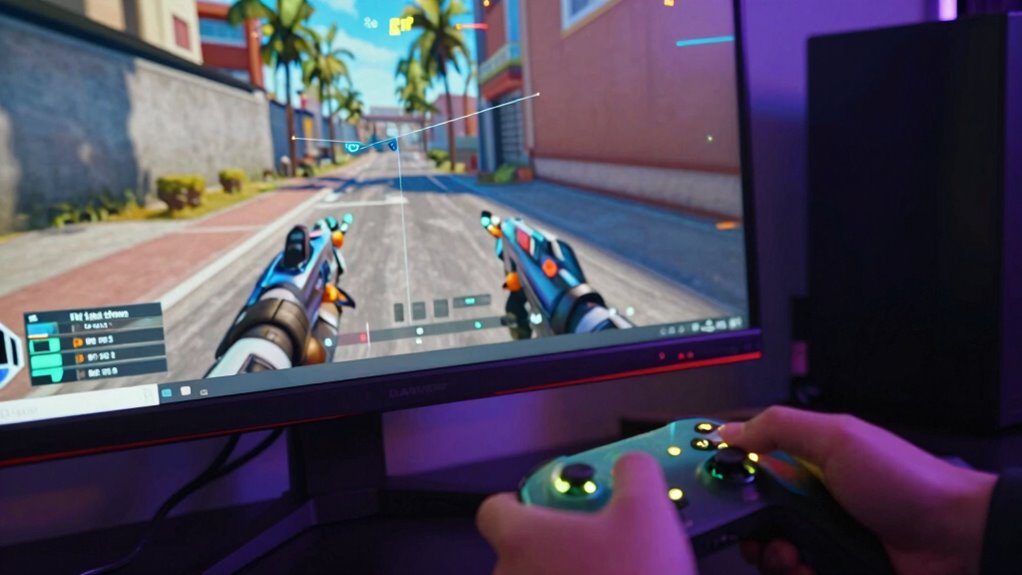
In real gameplay, a low input lag number—say under 20 milliseconds—means your actions are translated to the game almost instantaneously, giving you an advantage in competitive scenarios. You’ll notice that your shots land precisely when you intend, and your movements feel natural and timely. On the other hand, higher input lag numbers, like 50 milliseconds or more, introduce noticeable delays that can throw off your timing and reduce your reaction effectiveness. This is especially critical in fast-paced multiplayer games like shooters or fighting games, where split-second decisions matter.
It’s important to understand that these input lag numbers are not just abstract figures; they’re a reflection of the combined effect of controller responsiveness and display refresh rate. Even if you have a high-end controller, a slow display refresh rate can bottleneck your responsiveness. Likewise, a top-tier display won’t help much if your controller or console introduces significant delay. When these elements work together—fast controllers, high refresh rate displays, and minimal input lag—you get a gaming experience that feels seamless, reactive, and truly responsive. Recognizing what input lag numbers mean in real gameplay allows you to optimize your setup, giving you a competitive edge and making every game more enjoyable. Understanding the importance of display refresh rate] can help you make informed upgrades to your gaming hardware.
gaming monitor with high refresh rate 144Hz
As an affiliate, we earn on qualifying purchases.
As an affiliate, we earn on qualifying purchases.
Frequently Asked Questions
How Does Input Lag Vary Between Different Gaming Genres?
Input lag varies considerably across gaming genres due to different input sources and gameplay demands. For fast-paced genres like FPS or fighting games, lower input lag (under 20ms) is vital for responsiveness. In slower genres like RPGs or turn-based games, higher input lag is less noticeable. Your experience depends on how these input sources interact with the genre’s responsiveness needs, making understanding the input lag sources necessary for peak gameplay.
Can Input Lag Affect Competitive Gaming Performance?
Yes, input lag can greatly impact your competitive gaming performance. High latency measurement means your actions take longer to register on screen, putting you at a disadvantage. To minimize this, focus on hardware optimization—use a high-refresh-rate monitor, fast GPU, and low-latency peripherals. Reducing input lag ensures your commands are executed swiftly, giving you a competitive edge and improving your overall reaction time in fast-paced games.
What Are the Best Ways to Reduce Input Lag?
You can reduce input lag by adjusting your monitor’s refresh rate and ensuring proper color calibration, which enhances responsiveness. Set your display to the highest possible refresh rate compatible with your hardware, as this minimizes delay between your actions and on-screen response. Additionally, calibrate your colors for clearer visuals, reducing eye strain and distractions. Keep your graphics drivers updated and use gaming mode settings on your monitor for peak performance.
Does Screen Size Influence Perceived Input Lag?
Yes, screen size influences perceived delay. Larger screens tend to make input lag feel more noticeable because your eyes have to track more area, making the delay seem longer. On smaller screens, the perceived delay is usually less, as your focus is concentrated and movements appear quicker. Keep in mind, actual input lag isn’t always affected by size, but your perception of delay can vary with screen dimensions.
How Do Wireless Controllers Impact Input Lag?
They say, “a chain is only as strong as its weakest link,” and this holds true for wireless controllers. Wireless interference can increase controller latency, making your inputs feel delayed or unresponsive. While wireless controllers offer convenience, they often introduce slight delays compared to wired ones. To minimize this, guarantee a clear signal and update firmware regularly. Remember, even small delays can impact gameplay, so choose your setup wisely.
As an affiliate, we earn on qualifying purchases.
Conclusion
So, next time you see that small number on your screen, remember it’s more than just a statistic—it’s your reaction time in the game. While some claim low input lag guarantees perfect gameplay, others argue it’s just one piece of the puzzle. The truth? Even with minimal lag, skill and strategy matter more. Don’t obsess over numbers; focus on improving your play, and you’ll notice the real difference in your gaming experience.
gaming monitor for fast response time
As an affiliate, we earn on qualifying purchases.
As an affiliate, we earn on qualifying purchases.
As an affiliate, we earn on qualifying purchases.
Halloween Picks
halloween
As an affiliate, we earn on qualifying purchases.