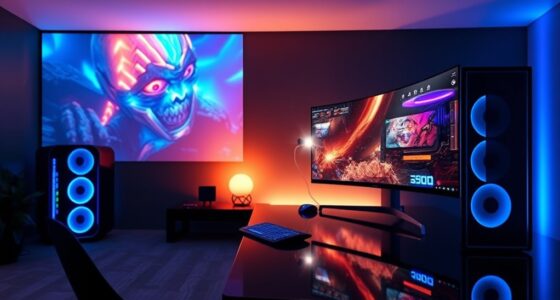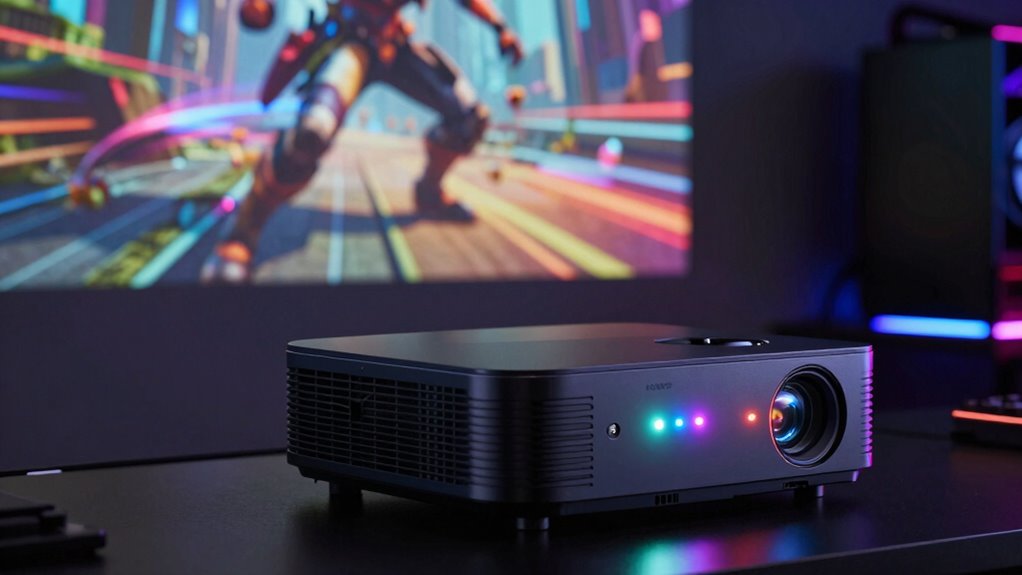

For projector gaming, the refresh rate that matters most is one that guarantees smooth, clear visuals with minimal motion blur. A higher refresh rate, such as 120Hz or above, provides better motion clarity and quicker reactions, especially for fast-paced games like FPS or racing. Confirm your gaming device matches the projector’s capabilities for peak performance. If you want to discover more about maximizing your gaming experience, keep exploring how different factors can influence your setup.

Get business pricing on your home office setup
- Business-only prices and quantity discounts
- Tax-exempt purchasing
- Multiple users, one account, clear invoices
Key Takeaways
- A higher refresh rate (120Hz or above) provides smoother motion and clearer visuals during fast-paced games.
- Compatibility between the projector’s refresh rate and gaming device’s output ensures optimal performance.
- Disabling motion smoothing preserves the native refresh rate for the most accurate gaming experience.
- Native refresh rate determines the maximum smoothness and responsiveness achievable.
- Adaptive sync technology can improve gameplay by matching the projector’s refresh rate with the device’s frame rate.
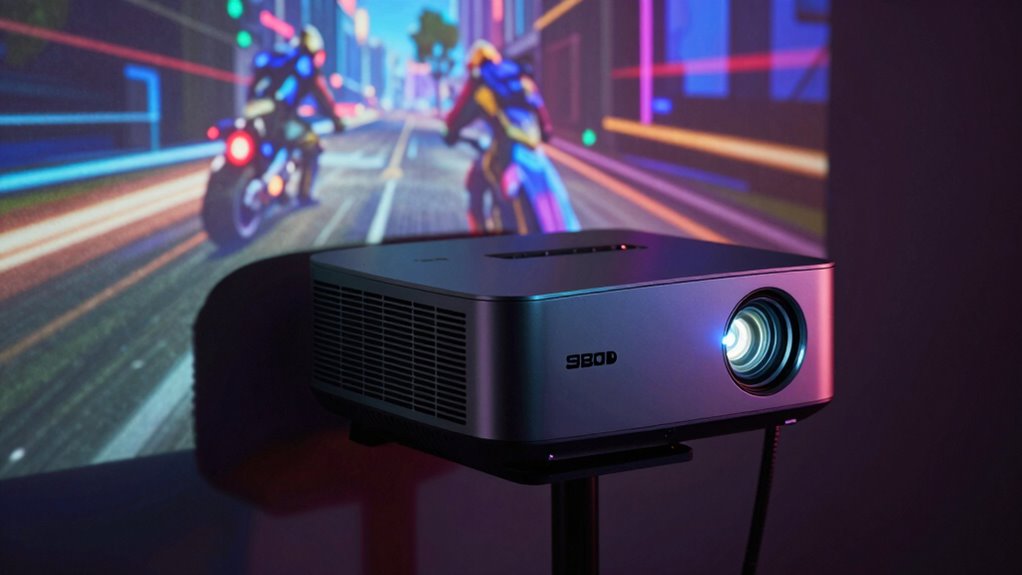
When it comes to projector gaming, understanding refresh rate is essential for delivering smooth, fluid visuals that enhance your experience. The refresh rate determines how many times per second your projector updates the image on the screen, directly impacting the clarity and smoothness of fast-moving scenes. If you’re serious about gaming, you need to pay attention to this setting to avoid motion blur, lag, or choppy visuals that can ruin your immersion. Your projector setup plays a crucial role here, as selecting the right refresh rate ensures your gaming sessions are as seamless as possible.
Most modern projectors support a range of refresh rates, typically from 60Hz to 120Hz or higher, but not all are optimized for gaming. When choosing a projector for gaming, look for one with a high refresh rate, ideally 120Hz, because it can display more frames per second, resulting in smoother motion. This is especially important for fast-paced genres like first-person shooters or racing games, where split-second reactions matter. A higher refresh rate reduces motion blur and makes quick movements appear sharper, giving you an advantage and elevating your overall gaming experience. Additionally, selecting a projector with high refresh rate support can help ensure your setup takes full advantage of these capabilities.
In addition to the projector’s native refresh rate, your gaming accessories also influence how well your setup performs. For example, a gaming monitor or a compatible game console or PC with high frame rates complements a projector with a high refresh rate. Compatibility between your device and the projector ensures your graphics card can output at higher frame rates, making the most of the projector’s capabilities. Keep in mind, though, that even with the best gaming accessories, if your projector’s refresh rate is low, you’ll still encounter choppy visuals. That’s why it’s vital to match your hardware with your projector setup to maximize performance.
Furthermore, some projectors come with features like motion smoothing or frame interpolation, which can artificially increase the perceived refresh rate. While these features might seem appealing, they often introduce artifacts or input lag, which can negatively impact gaming precision. For competitive gaming, it’s better to disable such features and stick with the native refresh rate, ensuring you get the most accurate and responsive visuals. Additionally, understanding the native refresh rate of your projector is crucial, as it defines the maximum smoothness achievable and helps you avoid false expectations about performance. Awareness of refresh rate technology can also guide you in selecting the right projector that aligns with your gaming needs. Moreover, selecting a projector with adaptive refresh rate technology can help synchronize the display with your device’s output, reducing artifacts and improving overall gameplay quality.
As an affiliate, we earn on qualifying purchases.
Frequently Asked Questions
How Does Refresh Rate Affect Motion Clarity in Projector Gaming?
A higher refresh rate greatly improves motion clarity in projector gaming by reducing motion blur and making fast movements smoother. It also helps maintain color accuracy during rapid scenes, ensuring visuals stay sharp and vibrant. Plus, a higher refresh rate can lower input lag, giving you quicker response times. Overall, choosing a projector with a high refresh rate enhances your gaming experience with clearer motion, better color, and more responsive gameplay.
What Is the Ideal Refresh Rate for Fast-Paced Games?
Imagine lightning-fast scenes flickering seamlessly on your screen—this is where a 120Hz refresh rate shines. For fast-paced games, aim for 120Hz or higher to guarantee smooth motion and avoid blur. Prioritize color accuracy and sound synchronization to enhance immersion. With this setup, your gameplay becomes vivid and responsive, letting you react instantly without lag, making every match feel like you’re right in the action.
Can a Higher Refresh Rate Improve Overall Gaming Experience?
A higher refresh rate can markedly improve your overall gaming experience by providing smoother visuals and reducing motion blur. It minimizes input lag, so your actions feel more responsive, which is essential for fast-paced games. When your projector supports a high refresh rate, you’ll notice more fluid gameplay, making it easier to react quickly. Keep in mind, though, your device and game settings should also support this for the best results.
Does Projector Size Influence the Importance of Refresh Rate?
Your projector size doesn’t considerably influence the importance of refresh rate. Instead, consider projection placement and ambient lighting. A larger screen may make motion less smooth if the refresh rate is low, but proper placement and controlling ambient lighting enhance overall image quality and responsiveness. Focus on matching your projector’s refresh rate to your gaming needs, regardless of size, for the best experience.
How Do Refresh Rates Compare Between Projectors and Gaming Monitors?
In this digital age, projectors and gaming monitors differ in refresh rates, with monitors often boasting higher rates like 120Hz or 144Hz for smoother gameplay. While monitors excel in refresh rate, projectors prioritize color accuracy and resolution compatibility. You’ll find that projectors are great for immersive visuals, but if you want ultra-smooth motion, a gaming monitor with a higher refresh rate will serve you better, especially for fast-paced games.
gaming projector with high refresh rate
As an affiliate, we earn on qualifying purchases.
As an affiliate, we earn on qualifying purchases.
Conclusion
As you settle into your gaming space, imagine the crisp, fluid motion of your favorite game unfolding seamlessly on the big screen. The right refresh rate transforms your experience from shaky shadows to vibrant, lifelike action. It’s the key to immersing yourself fully and feeling every heartbeat of the game. So, choose a projector with the perfect refresh rate, and let your gaming adventures come alive with breathtaking clarity and smoothness that keep your heart racing.
projector compatible with gaming consoles
As an affiliate, we earn on qualifying purchases.
As an affiliate, we earn on qualifying purchases.
As an affiliate, we earn on qualifying purchases.
Halloween Picks
halloween
As an affiliate, we earn on qualifying purchases.