TL;DR

Get business pricing on your home office setup
- Business-only prices and quantity discounts
- Tax-exempt purchasing
- Multiple users, one account, clear invoices
A 4K projector can create a much larger image than a typical television, often around 100–150 inches diagonally, but resolution alone does not determine picture quality. Compare native and pixel-shifted 4K, then match brightness, contrast, screen, throw distance, and features to your room and how you watch.
A projector can turn a blank wall into a 120-inch movie screen, but a giant image only feels cinematic when it stays bright, sharp, and comfortable to watch. That is why shopping for 4K projectors for home theater involves more than spotting a resolution label.
You’ll learn what native and pixel-shifted 4K mean, how to weigh brightness and HDR, and what your screen and room contribute to the final picture. A projector can make movie night feel like an event; a mismatched one can leave you squinting at a washed-out picture while the sun still glows through the curtains.
A 4K projector can produce a 100–150-inch image, but room light and screen size affect how bright it looks.
Native 4K uses a chip with roughly 8.3 million pixels; pixel-shifted models create a 4K image from a lower-resolution chip.
Compare brightness figures carefully and weigh contrast, HDR tone mapping, and real-world reviews.
Measure throw distance and screen dimensions before choosing a standard, short-throw, or ultra-short-throw model.
Budget for the screen, installation, audio, cables, and possible lamp replacement, not just the projector.
Get the giant image without guessing about picture quality
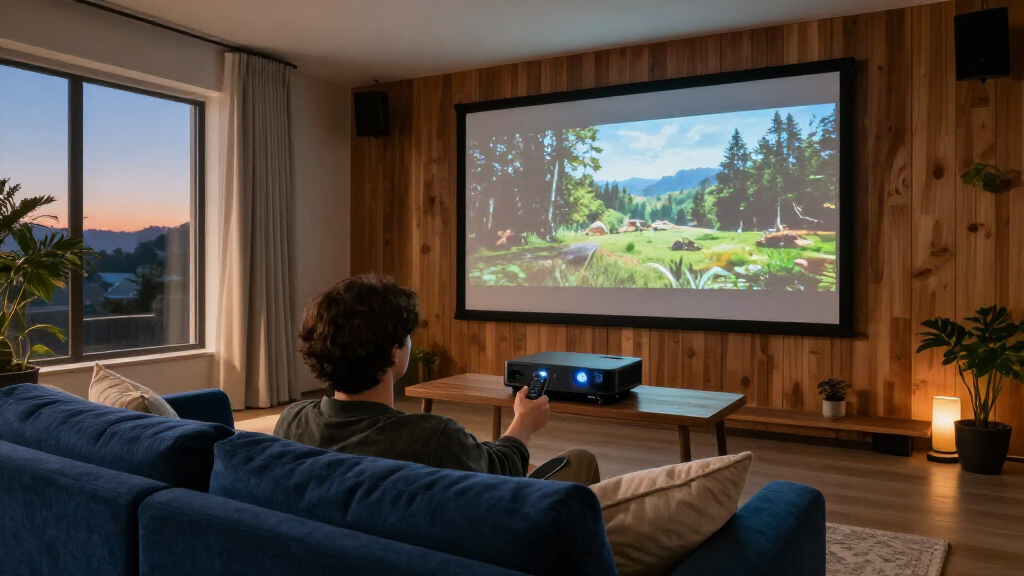
A 4K home-theater projector can create a much larger image than a typical television, often around 100–150 inches diagonally, while image quality still depends on brightness, contrast, room light, screen, and viewing distance. The image size creates the spectacle; your whole setup determines whether the picture looks rich or washed out.
Think of the projector as a flashlight painting a picture across your room. The larger the surface, the more that light spreads out, and window glare or pale walls can steal the sense of contrast. A 120-inch image in a dark basement may look vivid, while the same projector aimed at a similar screen in a sunny living room may look flat by lunchtime.
That difference matters when you compare projectors for home. A television is usually brighter and easier to watch in daylight. A projector wins when you value a much larger image and can manage the room light, especially for evening films or a dedicated theater.
Start with the experience you want: family movies with lamps on, late-night cinema in a darkened room, or sports on a huge screen. For example, a household that watches cartoons at noon may prefer a TV for daily use and a projector for movie nights. Treat screen size as a room-and-light decision, not just a number on the box.
Products Worth Considering

Samsung 65-Inch QN70FA Neo QLED 4K Smart TV with 8-Foot WireLogic Ruby Ultra High Speed HDMI Cable (2025)

LG S90TR 7.1.3‑Channel OLED Evo TV Matching Home Theater Soundbar (Black)

Philips Hue Play Gradient 65-Inch Smart TV Light Strip
As an affiliate, we earn on qualifying purchases.
Know what the 4K label tells you about detail
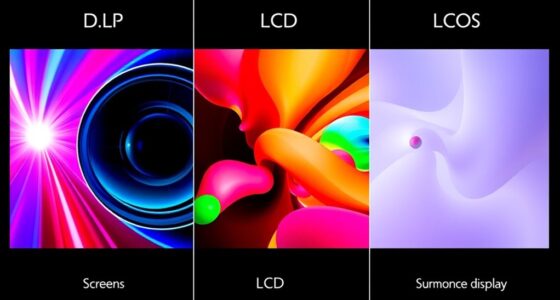
On a projector, native 4K means the imaging chip has roughly 8.3 million pixels, while pixel-shifted 4K rapidly moves pixels to build a 4K image from a lower-resolution chip. Both can produce detailed pictures, but they use different imaging methods.
Native 4K models tend to appear in higher-end home-cinema ranges. Pixel shifting gives manufacturers a way to offer a 4K-looking image at a lower price, and from a normal couch distance the result can look crisp. Imagine reading small credits on a 120-inch screen: you may notice fine detail, but a viewer seated several feet back might care more about contrast and a clean lens than the chip’s pixel count.
To compare, check the exact model specifications and independent reviews. The word “4K” by itself does not tell you whether the chip is native 4K, how well the projector handles motion, or whether its image stays sharp across the whole screen. If a product page leaves the technology unclear, look for explicit terms such as native resolution or pixel shifting.
There is a practical tradeoff: native 4K may be worth paying for when you sit close, watch detailed material, or want a premium cinema setup. For a more modest budget or a longer seating distance, a well-reviewed pixel-shifted projector may deliver the image you want. The useful question is not which label sounds bigger; it is whether you can see and value the difference from your seat.
Match brightness and contrast to the room you actually use
Brightness helps a projector compete with room light and fill a large screen, while contrast and black levels give dark scenes depth. A high lumen claim alone cannot promise a cinematic picture: a bright image with gray-looking shadows may still feel washed out.
Projector brightness may be listed in ANSI lumens or ISO lumens, and figures measured under different standards may not compare directly. Look beyond one headline number and read reviews that describe real use, screen size, and picture settings. More light can help in a living room, but a dark theater also needs convincing blacks and shadow detail.
Picture a thriller scene where a character steps through a dim hallway. In a room with white walls and a ceiling light on, the black doorway may look charcoal gray. Darkening the room, choosing an appropriate screen, and controlling reflections can make that scene feel deeper without changing the projector.
HDR adds another wrinkle. Many projectors accept HDR signals, but their peak brightness is lower than that of many televisions, so tone mapping and room conditions affect the result. Before buying, check which HDR formats the model accepts and how reviewers describe its HDR image. A bright living room with a 150-inch screen asks much more of the projector than a dark room with a smaller screen; choose with that real scenario in mind.
Choose a screen size and surface that keep the picture looking rich
Your screen and room shape the picture a projector can deliver: screen size affects perceived brightness, while surface, wall color, ceiling reflections, and window light affect contrast. The biggest screen the projector can fill is not automatically the best screen for your room.
For example, a 120-inch screen might feel comfortable from your sofa, while a 150-inch screen could make subtitles hard to follow and the image look dimmer. Think about how far you sit, what you watch, and whether you prefer an enveloping view or a relaxed one. A quick test with painter’s tape can help you mark the proposed screen’s width and height on the wall before you buy.
A suitable screen can help control how the image looks. An ambient-light-rejecting screen may help in some brighter rooms, but its performance depends on projector placement and viewing angle. Ultra-short-throw models often work best with a screen designed for their steep projection angle; a basic screen may produce uneven brightness or show unwanted room light.
Budget for more than the projector. The screen, a mount or stable furniture, cabling, and audio can add real cost. If your wall has a warm beige tint, for instance, whites in the movie may take on that tint too. A dedicated screen can provide a more consistent surface, but the right choice depends on your room and projector.
Check placement before you fall for a projector
Throw ratio, zoom range, lens shift, and mounting options determine whether a projector fits the distance and position available in your room. Check those specifications against your planned image size before you buy; a great projector cannot overcome a shelf that sits in the wrong place.
Use the manufacturer’s throw calculator or installation chart for your intended screen size. If a standard projector needs to sit across the room but a ceiling beam blocks that spot, lens shift or a different model may solve the problem. Short-throw and ultra-short-throw projectors sit closer to the screen, which can suit a smaller room or a living room where people cross between the projector and screen.
For instance, an ultra-short-throw model on a cabinet near the wall may avoid ceiling mounting and long cables. It still needs careful alignment, a compatible screen, and furniture that will not wobble when someone opens a drawer. A few centimeters of placement error can skew the image, so measure the cabinet and screen area before you commit.
Include the cable path, ventilation, and access to power in your layout. If you are adding a ceiling mount, make sure it is secured to appropriate structure and follow the manufacturer’s instructions. Electrical work or structural changes belong with a licensed professional; switch off power before any permitted work and use suitable protective equipment. A careful tape measure now can spare you a noisy, awkward installation later.
Pick gaming, light-source, and maintenance features that fit your habits
Gaming, connectivity, and operating costs vary by projector, so the 4K label alone cannot tell you whether it suits your console or budget. Check input lag, refresh rates, variable refresh support, and HDMI specifications for the features you plan to use together.
A projector may advertise a high refresh rate or HDR support without offering every feature at once at the resolution you want. If you play fast online games, look for independent input-lag measurements at your preferred settings. A racing game on a 120-inch screen can feel thrilling, but a delay between your controller and the screen can spoil the fun.
Light-source choice changes upkeep. Lamp models may cost less upfront but need periodic lamp replacement, and their brightness can fade with use. Laser and LED models generally avoid routine lamp changes and can start quickly, though the projector’s overall price, noise, warranty, and repair options still matter. Check the rated life and replacement parts for the specific model rather than relying on a broad technology label.
Keep a simple ownership budget: projector, screen, mount or cabinet, cables, audio, and possible lamp replacement or installation. A family that watches movies twice a week may value quieter operation and easy startup more than a competitive gaming mode. If games are the main event, prioritize responsive inputs. The right feature is the one you will use, not the one with the flashiest logo.
Frequently Asked Questions
Is a 4K projector worth it compared with a 4K TV?
A projector can be a good choice when you want a much larger image or a dedicated theater. A TV is usually brighter and simpler for daylight viewing, so your viewing habits and room matter more than the resolution labels.
What is the difference between native and pixel-shifted 4K?
Native 4K uses an imaging chip with roughly 8.3 million pixels. Pixel-shifted 4K rapidly moves pixels to create a 4K image from a lower-resolution chip, often at a lower price.
How many lumens do I need for a home theater projector?
It depends on screen size, screen gain, and ambient light. Compare models using similar measurement standards and read real-world reviews; a dark theater generally needs less light than a living room with open curtains.
Can I use a 4K projector in a bright living room?
Yes, though daylight reduces perceived contrast and can wash out the image. A brighter projector, controlled lighting, and a compatible screen may help, while a television is often more practical for regular daytime viewing.
Do I need a special screen for an ultra-short-throw projector?
Often, a screen designed for ultra-short-throw placement helps improve image uniformity and manage ambient light. Check compatibility and placement guidance for the specific projector before choosing a screen.
Can a 4K projector show HDR?
Many projectors accept HDR signals, but their ability to reproduce HDR brightness and contrast varies. Tone mapping, screen size, and room conditions all affect what you see.
Are laser projectors better than lamp projectors?
Laser models typically offer longer light-source life and avoid routine lamp changes, while lamp models may cost less at first. Picture quality depends on the entire projector, and warranty, noise, and repair options also deserve a look.
Conclusion
Choose a projector around the room you have, the screen size you can comfortably watch, and the hours you plan to use it. Then compare the image technology, light output, contrast, placement, and running costs for that setup. A carefully matched pixel-shifted model can make more sense than an expensive native 4K unit if your room is bright or your screen is too ambitious.
Measure the wall, test the viewing distance, and plan where the light will go before you shop. When the lights dim and the opening scene fills the screen, the details of that planning disappear—and the movie takes over.