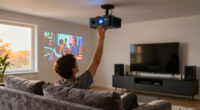
To use trigger outputs with your motorized screen, connect it to a compatible control system or AV receiver with trigger functions. Program the trigger to activate when your projector or media device powers on, automatically lowering the screen. When devices turn off, the trigger lifts the screen back up. Make certain your screen supports trigger inputs for smooth, reliable automation. By setting this up, you’ll enjoy seamless changes, and there’s more you can do to optimize your system.

Get business pricing on your home office setup
- Business-only prices and quantity discounts
- Tax-exempt purchasing
- Multiple users, one account, clear invoices
Key Takeaways
- Connect trigger outputs from your control system or AV receiver to the motorized screen’s trigger input port.
- Program triggers to activate when connected devices like projectors or media players turn on or off.
- Use remote controls or automation settings to manually override or adjust trigger-based operations.
- Ensure compatibility between the trigger output signals and the motorized screen’s trigger input specifications.
- Optimize system settings to minimize unnecessary motor activation and improve energy efficiency.
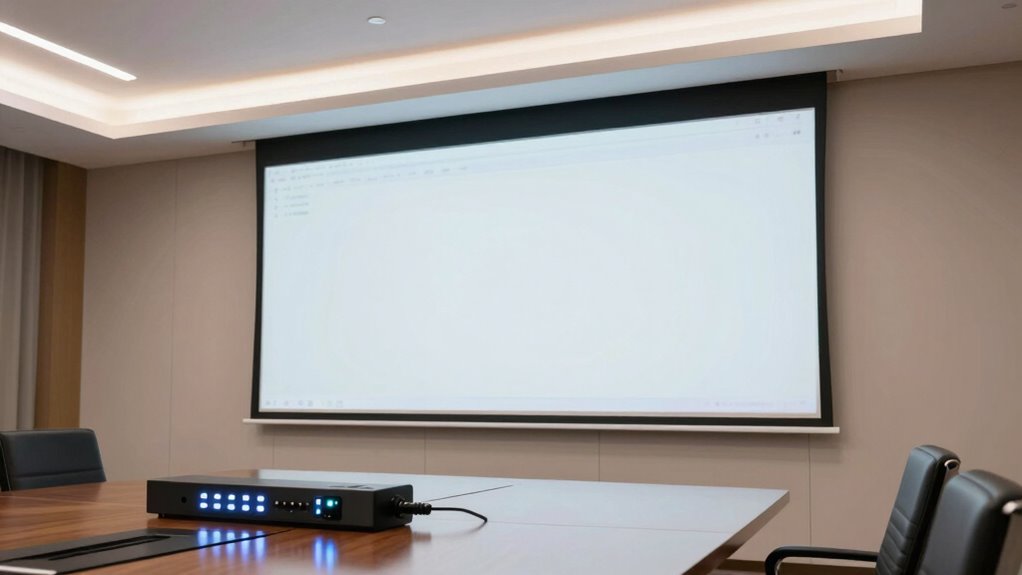
Motorized screens are versatile tools that can enhance your audiovisual experience, especially when integrated with trigger outputs. These outputs act as signals that automatically raise or lower the screen at specific moments, ensuring seamless shifts during your presentations or entertainment sessions. Using trigger outputs effectively simplifies control, reducing the need for manual operation and allowing for more sophisticated automation setups.
Motorized screens enhance AV setups by automating movement with trigger outputs for seamless presentations and entertainment.
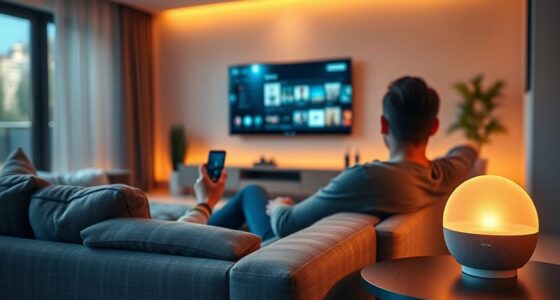
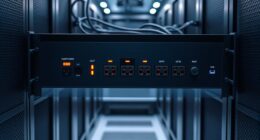
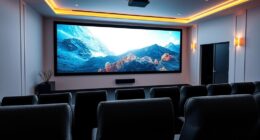
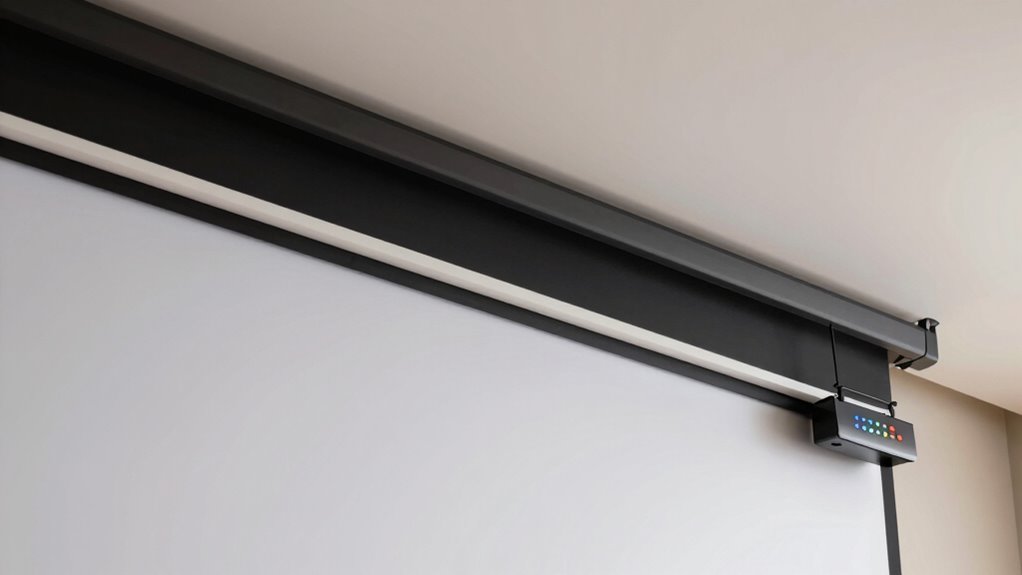
To connect trigger outputs to your motorized screen, you’ll typically rely on a control system or an AV receiver that supports such features. When you set it up, you’ll program the trigger to activate when a certain device, like a projector or media player, turns on. This way, your screen automatically lowers as soon as you start your content, creating a smooth, professional experience. Conversely, when the device powers down, the trigger can raise the screen back into its stored position. This automation not only saves time but also minimizes wear and tear from manual handling. Proper integration of automation technology can also improve the overall efficiency of your home theater setup. Ensuring your system is compatible with trigger outputs is crucial for seamless operation and reliable performance.
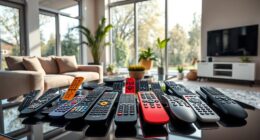
Using a remote control is essential for managing your system, especially for overriding or fine-tuning your setup. With a remote, you can manually raise or lower the screen if needed, or adjust the automation settings. Many modern remote controls allow you to send specific commands to trigger outputs directly, giving you quick control without navigating complicated menus. This flexibility lets you customize your viewing experience to suit your preferences or situation, whether you’re hosting a big presentation or enjoying a movie at home. Additionally, incorporating automation technology can further enhance convenience by enabling scheduled or sensor-based adjustments for your system.
Power consumption is another vital factor to consider. Motorized screens draw power when operating, but most models are designed to be energy-efficient. When connected to trigger outputs, they only activate when needed, which helps conserve energy by avoiding unnecessary motor operation. It’s also worth noting that energy-efficient motors are becoming increasingly common and can help reduce electricity costs over time. Additionally, using automatic control systems can optimize energy use by turning devices on and off precisely when required. Still, it’s wise to choose a screen with a low standby power draw and ensure it’s properly configured to minimize energy use during idle times. Proper setup ensures your system remains eco-friendly without sacrificing performance. Additionally, selecting a trigger-compatible screen can streamline your automation process and improve overall system efficiency.
motorized projector screen with trigger input
As an affiliate, we earn on qualifying purchases.
As an affiliate, we earn on qualifying purchases.
Frequently Asked Questions
Can Trigger Outputs Control Multiple Screens Simultaneously?
Yes, trigger outputs can control multiple screens simultaneously through remote synchronization. You set up signal distribution so that one trigger activates all connected screens at the same time. This guarantees seamless operation, perfect for large venues or multi-screen setups. By configuring your system properly, you enable synchronized control, making it simple to manage multiple motorized screens with a single trigger output, enhancing convenience and efficiency in your setup.
What Types of Trigger Signals Are Compatible With Motorized Screens?
You can use various trigger signal standards like RS-232, IR, or contact closure, depending on your motorized screen model. Make certain to check voltage compatibility to avoid damaging the equipment; most screens support low-voltage signals around 5V to 12V. Confirm your trigger source matches these standards and voltage requirements. Properly matching trigger signals ensures smooth operation and prevents potential damage to your motorized screens.
How Do I Troubleshoot Trigger Output Issues?
To troubleshoot trigger output issues, start by checking your wiring diagrams to make all connections secure and correct. Use remote calibration to verify that your trigger signals are properly configured and functioning as intended. If problems persist, test the trigger output with a multimeter or oscilloscope to identify if the signal is being sent correctly. Adjust settings as needed and re-test until the motorized screen responds consistently.
Are There Safety Considerations When Using Trigger Outputs?
Yes, there are safety considerations when using trigger outputs. You should always follow safety protocols to prevent electrical hazards, such as turning off power before wiring and guaranteeing proper insulation. Avoid touching live components and verify all connections are secure. Using appropriate tools and wearing protective gear helps prevent accidents. Adhering to safety protocols ensures safe operation and minimizes risks associated with electrical hazards during installation and use.
Can Trigger Outputs Be Integrated With Home Automation Systems?
Yes, you can integrate trigger outputs with your home automation system. You’ll typically use wireless integration options like Wi-Fi or Zigbee, allowing seamless communication. Custom programming is often required to tailor the trigger outputs to your system’s specific needs, such as automating screen movements based on lighting or time. This setup gives you more control and convenience, making your motorized screens work smarter within your smart home ecosystem.
AV receiver with trigger output for motorized screens
As an affiliate, we earn on qualifying purchases.
As an affiliate, we earn on qualifying purchases.
Conclusion
Using trigger outputs with motorized screens isn’t just about convenience — it’s about creating seamless, smart environments. Some might think it’s overly complicated, but in reality, it’s like having a personal assistant that makes your setup effortless. Trust the tech, and you’ll find that automation can be surprisingly simple and reliable. So, go ahead, experiment with trigger outputs — you might just discover your own hidden genius for home automation!
remote control for motorized projector screen
As an affiliate, we earn on qualifying purchases.
As an affiliate, we earn on qualifying purchases.
As an affiliate, we earn on qualifying purchases.
Fall Picks
fall essentials
As an affiliate, we earn on qualifying purchases.