Start by soundproofing your room with acoustic panels, insulation, and sealing gaps around doors and windows to reduce noise. Install blackout curtains and dimmable lighting for an immersive atmosphere. Place your projector at an ideal distance and height, preferably ceiling-mounted, with the screen positioned for clear views. Strategically position Dolby Atmos speakers at various heights and around the room, and arrange seating for the best sound and sightlines. Proper calibration and setup will enhance your Dolby Atmos experience—continue to explore the details for best results.

Get business pricing on your home office setup
- Business-only prices and quantity discounts
- Tax-exempt purchasing
- Multiple users, one account, clear invoices
Key Takeaways
- Plan room dimensions and layout to optimize acoustics, screen placement, and projector positioning for immersive Dolby Atmos experience.
- Install soundproofing materials like acoustic panels and seal gaps to prevent sound leakage and enhance audio clarity.
- Mount or position Dolby Atmos speakers at strategic high, side, and rear locations for immersive sound coverage.
- Control lighting with blackout curtains and dimmable lights to create a dark, immersive viewing environment.
- Arrange seating for unobstructed views and accurate sound dispersion, then calibrate audio and visual systems precisely.
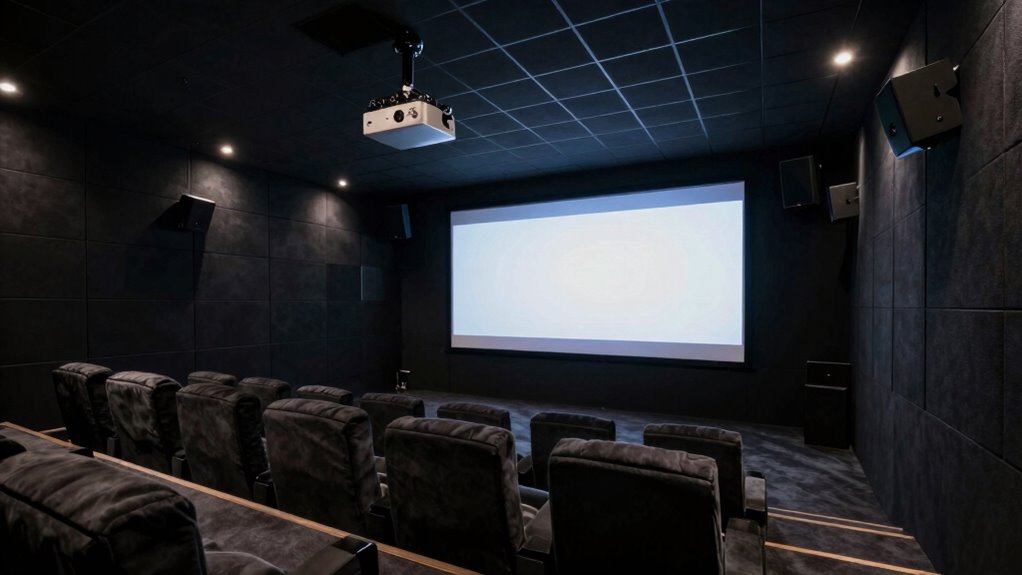
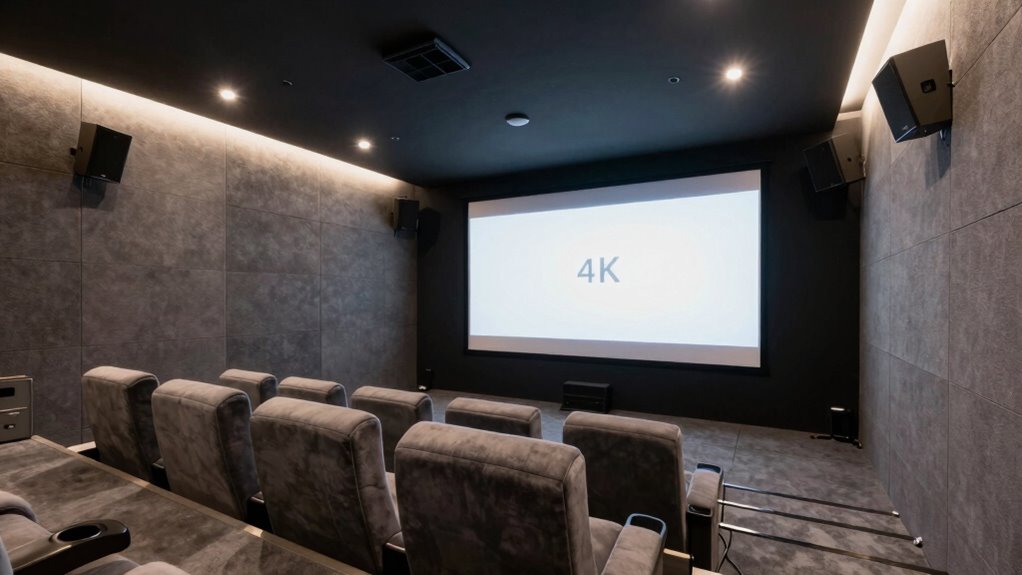
Creating a dedicated Dolby Atmos projector room can dramatically enhance your home theater experience, but it requires careful planning and execution. The first step is to focus on soundproofing, which guarantees that external noise doesn’t interfere with your immersive audio. You’ll want to choose soundproofing materials like acoustic panels, mass-loaded vinyl, and dense insulation to seal the room effectively. These materials absorb and block sound, preventing it from leaking out and minimizing outside disturbances. Pay special attention to sealing gaps around doors, windows, and vents, as even small openings can compromise your soundproofing efforts. Incorporating soundproofing techniques can further enhance the quality of your room by reducing sound transmission. Additionally, ensuring proper room dimensions can help optimize the acoustics and overall sound quality. Considering the room shape is also essential, as irregular layouts can cause sound waves to bounce unpredictably, affecting audio clarity. Properly room layout planning can help in achieving better sound dispersion and clarity for an immersive experience.
Once your room’s soundproofed, you need to contemplate lighting control. Dolby Atmos movies thrive in a dark environment, so installing blackout curtains or shades helps eliminate ambient light. Additionally, invest in dimmable LED lighting or smart lighting systems that allow you to control brightness levels seamlessly. This not only enhances the visual experience but also prevents unwanted glare on your projector screen. A well-controlled lighting setup creates the perfect ambiance for immersive viewing, especially during late-night movie sessions.
Control lighting with blackout curtains and dimmable LEDs for immersive, glare-free Dolby Atmos movie nights.
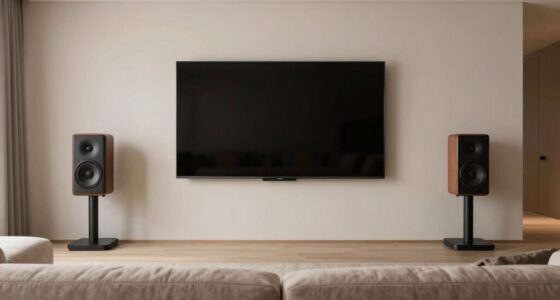
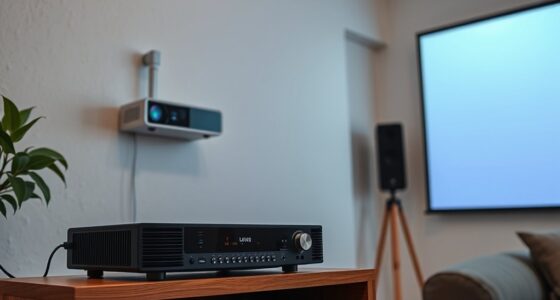
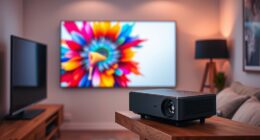
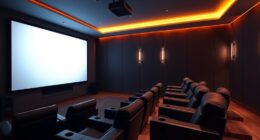
Next, plan your room layout with careful attention to positioning your projector and screen. The projector should be placed at an ideal distance from the screen, ensuring the image is sharp and properly sized. Consider ceiling mounting the projector if space allows, which keeps it out of the way and reduces vibrations that could distort the image. Your Dolby Atmos speakers will need to be strategically placed around the room—up high for overhead sound effects, as well as along the sides and rear for surround sound. Use speaker mounts or stands to position them accurately, and ensure they’re not obstructed by furniture or decor. Proper speaker placement is vital for achieving an accurate and immersive sound experience, especially when dealing with complex audio formats like Dolby Atmos.
Acoustic treatments aren’t complete without contemplating your seating arrangement. You want everyone to have an unobstructed view of the screen and clear sound paths. Sofas or recliners should be positioned to optimize sound dispersion and viewing angles. Keep in mind that the room’s dimensions influence sound quality—larger rooms may require additional bass traps or diffusers to balance the sound.
Finally, connect your audio and visual equipment, calibrate your speakers, and set the lighting levels. Take time to fine-tune your sound system with calibration tools to ensure you’re getting the full Dolby Atmos experience. With a well-designed space, quality soundproofing, and effective lighting control, you’ll transform your room into a true home theater haven where every movie feels like a cinematic event.
soundproof acoustic panels for home theater
As an affiliate, we earn on qualifying purchases.
As an affiliate, we earn on qualifying purchases.
Frequently Asked Questions
What Is the Ideal Room Size for a Dolby Atmos Projector Setup?
The ideal room size for a Dolby Atmos projector setup in your home theater is around 12×20 feet or larger. This space allows for proper acoustic treatment, minimizing sound reflections and echo. A room of this size provides enough distance for immersive sound placement, ensuring Dolby Atmos effects work effectively. Keep in mind, larger rooms improve sound quality, but proper acoustic treatment is essential to optimize your audio experience.
How Much Does It Cost to Build a Dolby Atmos Projector Room?
Building a Dolby Atmos projector room can cost anywhere from $20,000 to over $100,000. For instance, a home theater enthusiast spent around $50,000 on high-end speakers, custom lighting design, and plush seating arrangements. Your costs depend on equipment quality, room size, and finishes. Budget for soundproofing, projector, acoustics, and comfy seating. Keep in mind, investing in good lighting design and thoughtful seating makes your immersive experience worth every penny.
What Are the Best Projector Models for Dolby Atmos Rooms?
You should consider projectors like the Epson 5050UB or Sony VPL-VW325ES for Dolby Atmos rooms, as they deliver excellent 4K quality and color accuracy. To optimize sound, focus on speaker calibration to guarantee immersive surround effects. Additionally, install lighting control to create the perfect viewing environment and reduce glare. Combining these features results in a cinematic experience that fully leverages your Dolby Atmos setup.
How Do I Optimize Acoustics for Dolby Atmos Sound?
To optimize acoustics for Dolby Atmos sound, focus on precise speaker placement, ensuring speakers are positioned at ear level and around your seating area for immersive audio. Use soundproofing techniques like acoustic panels, bass traps, and rugs to reduce echo and external noise. Keep furniture and curtains strategically placed to absorb sound reflections, creating a balanced environment. These steps help deliver clear, dynamic sound and elevate your Dolby Atmos experience.
Can I Upgrade an Existing Room to Dolby Atmos Later?
Yes, you can upgrade your existing room to Dolby Atmos later. Start by adjusting room lighting to reduce glare and reflections, creating a better viewing experience. Rearrange seating arrangements for ideal sound and sightline. Add height speakers carefully, ensuring they’re positioned correctly for immersive audio. These tweaks enhance your room’s acoustics and visuals, making it easier to upgrade without a complete overhaul, and delivering a stunning Dolby Atmos experience.
blackout curtains for projector room
As an affiliate, we earn on qualifying purchases.
As an affiliate, we earn on qualifying purchases.
Conclusion
Building your Dolby Atmos projector room isn’t just a project—it’s an epic journey into the domain of cinematic perfection. With every detail meticulously crafted, you’ll create an experience so immersive, it’s as if you’re transported to the very heart of the action. Once complete, your space will rival the most advanced theaters in the universe, turning every movie night into an extraordinary adventure that leaves everyone breathless. Prepare to redefine what home entertainment truly means.
As an affiliate, we earn on qualifying purchases.
Dimmable LED smart lighting for home theater
As an affiliate, we earn on qualifying purchases.
As an affiliate, we earn on qualifying purchases.
Fall Picks
fall essentials
As an affiliate, we earn on qualifying purchases.