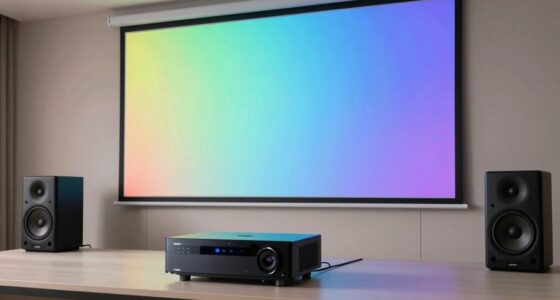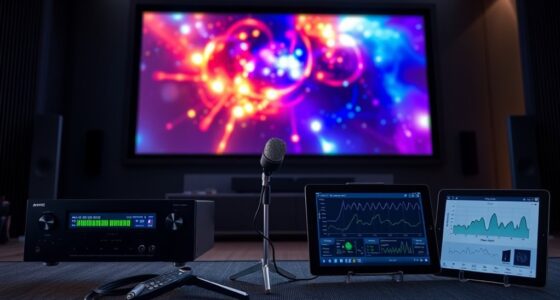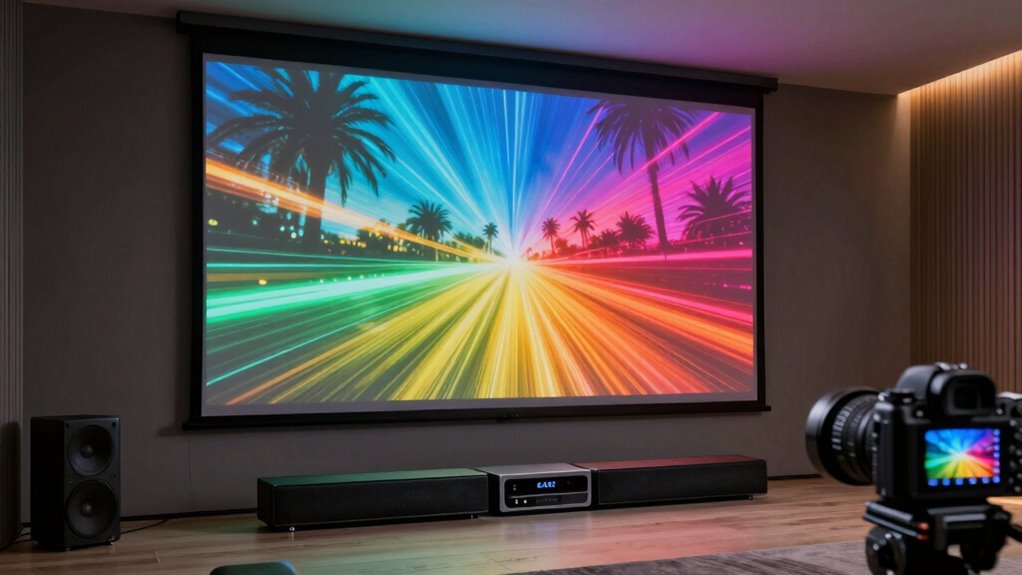

eARC is more important than many projector buyers realize because it guarantees you get high-quality, uncompressed audio formats like Dolby Atmos and DTS:X, which create a more immersive experience. It also keeps audio perfectly synced with your visuals, avoiding distracting delays. Plus, eARC simplifies setup by automatically recognizing compatible devices and reducing connection issues. If you keep exploring, you’ll discover how this feature can elevate your home theater to cinema-level sound.
Key Takeaways
- eARC delivers uncompressed, high-quality audio like Dolby Atmos, ensuring immersive sound during movies and gaming.
- It simplifies setup by enabling seamless communication between projectors and high-end sound systems, reducing connection issues.
- eARC automatically recognizes compatible devices, providing a plug-and-play experience and eliminating manual audio configuration.
- Incorporating eARC future-proofs your system, supporting emerging audio formats and evolving entertainment technology.
- Prioritizing eARC ensures synchronized audio-visual playback, enhancing overall home theater immersion and entertainment quality.
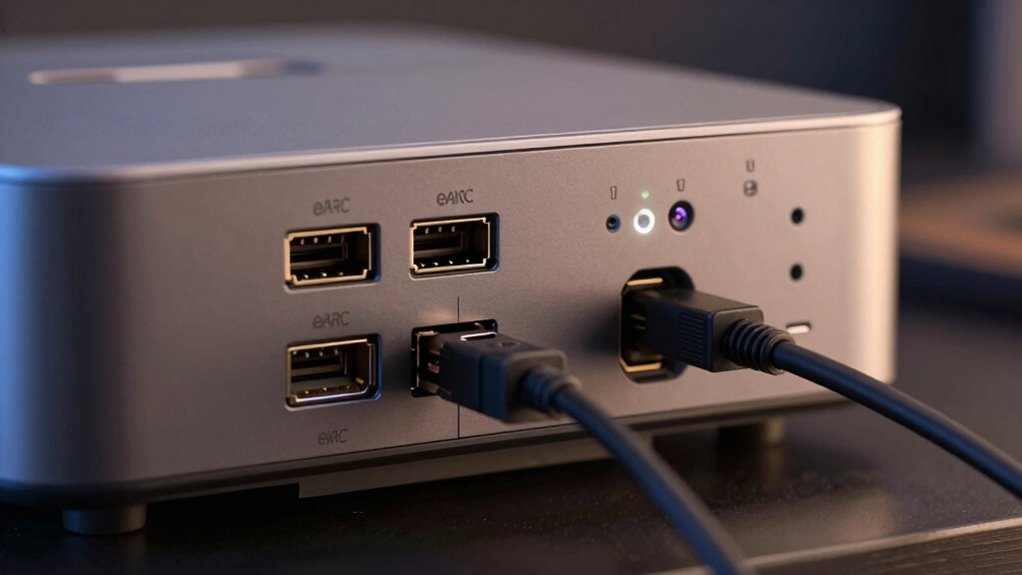
If you’re shopping for a projector, you might overlook the importance of eARC (enhanced Audio Return Channel), but it can considerably impact your viewing experience. eARC is designed to handle high-quality audio signals, allowing your projector to transmit uncompressed sound formats like Dolby Atmos and DTS:X directly. Without it, you could face issues with audio synchronization, where the sound doesn’t quite match what’s happening on the screen. This mismatch can distract you and diminish the immersion of your movies or gaming sessions. When your projector supports eARC, it ensures that audio and visuals stay perfectly aligned, making your experience more seamless and enjoyable.
Device compatibility plays a crucial role here. Not all projectors are built to support eARC, and if you buy a model without it, you might find yourself limited in terms of audio options. For example, connecting your projector to a high-end soundbar or AV receiver could become complicated if they don’t communicate effectively. eARC ensures a smooth handshake between devices, so your projector can send high-quality audio signals to your sound system without needing extra cables or adapters. This compatibility simplifies your setup and guarantees you get the best possible sound quality from your equipment.
Beyond just sound quality, eARC also helps with ease of use. When your devices are compatible, they automatically recognize each other and configure settings for optimal performance. You don’t have to manually adjust audio settings or deal with delays, which can be frustrating. Instead, eARC handles everything behind the scenes, providing a plug-and-play experience that saves you time and hassle. Plus, as streaming services and media players increasingly push for high-resolution audio formats, having a projector with eARC becomes more vital to fully enjoy these formats without compromise. Additionally, understanding video and audio formats and their compatibility can help you optimize your setup for the best possible entertainment experience. Incorporating audio technology standards in your decision-making can further ensure your system remains compatible with future advancements.
Furthermore, choosing a projector with eARC can future-proof your home theater as new audio technologies are developed. In essence, overlooking eARC means risking subpar audio performance and potential compatibility issues. If you want your home theater setup to be effortless and deliver cinema-quality sound, it’s worth prioritizing projectors with eARC support. The right choice ensures that your audio stays in sync with your visuals, and that your devices work harmoniously together. This not only enhances your overall viewing experience but also future-proof your system as new audio formats and streaming content become more prevalent. So, when you’re selecting a projector, don’t ignore eARC — it’s the feature that can make or break your home entertainment setup. Recognizing audio return channels as a critical component can help you make more informed decisions for an optimal setup.

ULTIMEA 5.1.2ch Surround Sound System for TV with Dolby Atmos, Sound Bar with 2 Surround Speakers, Soundbar for Home Theater, Bluetooth 5.4, HDMI eARC, Skywave F40 (New, 2026 Model)
- Immersive 5.1.2ch Surround Sound: Dolby Atmos for multidimensional audio
- Up-Firing Drivers with Neodymium: Enhanced vertical sound projection
- 360° SurroundX Audio: Spacious 3D sound field
As an affiliate, we earn on qualifying purchases.
As an affiliate, we earn on qualifying purchases.
Frequently Asked Questions
Can I Upgrade to eARC on My Existing Projector?
You can’t upgrade a vintage projector to eARC because eARC is a feature integrated into modern HDMI ports, which vintage models lack. To enjoy eARC benefits, you’d need a new projector with built-in HDMI 2.1. However, you can improve sound by using external audio calibration tools, but for true eARC functionality, upgrading your projector is necessary. Vintage projectors simply aren’t compatible with current eARC technology.
Does eARC Improve Audio Quality or Just Bandwidth?
Imagine you’re streaming a movie with surround sound; eARC enhances audio quality by supporting advanced codecs like Dolby TrueHD and DTS:X, not just bandwidth. It reduces signal latency, ensuring your audio stays synchronized with visuals. So, eARC does improve audio quality directly, thanks to better codecs, and indirectly, by providing wider bandwidth for richer sound. This makes your viewing experience more immersive and seamless.
Is eARC Compatible With All HDMI Devices?
eARC isn’t compatible with all HDMI devices; it requires specific hardware support to work properly. If your devices support eARC, you’ll notice improved sound synchronization and reduced audio latency, making your audio experience seamless. However, older devices or those without eARC support may not benefit from these enhancements. To guarantee peak performance, check your device specifications and compatibility before connecting.
How Does eARC Affect Gaming Performance?
eARC improves gaming performance by reducing audio latency, ensuring sound syncs perfectly with visuals, which is essential for an immersive experience. It also supports high-quality surround sound, making your gameplay more engaging. With eARC, you get clearer, richer audio without lag, giving you an edge in fast-paced games. So, if you care about audio quality and responsiveness, eARC is a feature worth prioritizing in your setup.
Are There Specific Projectors That Support eARC Better?
Yes, some projectors support eARC better, enhancing your experience with audio synchronization and content streaming. Look for models with HDMI 2.1 support, as they often feature advanced eARC capabilities, guaranteeing seamless audio and video playback. These projectors handle high-quality audio formats more efficiently, reducing lag and improving synchronization. Choosing a model with robust eARC support ensures you get the most out of your streaming content and immersive sound experience.

Yamaha RX300A 5.2-Channel Home Theater AV Receiver with Dolby Atmos, 4K120/8K HDMI and Bluetooth Multipoint (Black)
- Power Output: 70W per channel for immersive sound
- Audio Technologies: Dolby Atmos and DTS Virtual:X support
- Video Support: 4K120/8K60 HDMI with HDR and Dolby Vision
As an affiliate, we earn on qualifying purchases.
As an affiliate, we earn on qualifying purchases.
Conclusion
If you think eARC is just a fancy upgrade, think again—it’s the secret weapon that can totally transform your home theater experience. Without it, you’re missing out on crystal-clear sound and seamless connectivity that can turn your movie nights into a blockbuster event. Don’t settle for less when eARC can unlock a cinematic universe right in your living room. Trust me, once you experience it, you’ll wonder how you ever watched without it—it’s that revolutionary.

4K HDR Projector with WiFi6 & Bluetooth5.4, LED Daylight Projectors Smart Live TV/DB Digital Audio/TOF AutoFocus/HDMI eARC, Portable Home Proyector for Home Theater, Gaming, Movie
- 4K Native Resolution: Stunning 1080P and 4K HDR clarity
- Multiple Brightness Modes: Adjust for different lighting conditions
- Smart OS with App Access: Stream from YouTube, Prime, and more
As an affiliate, we earn on qualifying purchases.
As an affiliate, we earn on qualifying purchases.

Highwings 8K 10K 4K HDMI Cable 48Gbps 6.6FT/2M, Certified Ultra High Speed 2.1 HDMI Cable Braided Cord-4K@120Hz 8K@60Hz, DTS:X, HDCP 2.2 & 2.3, HDR 10 Compatible with DVD Player/PS5/HDTV/Blu-ray
- Supports 8K@60Hz and 4K@120Hz: Ultra-high speed HDMI 2.1 for clear display
- 48Gbps Data Transfer: No lag or dropped frames during viewing
- Backward Compatible: Works with HDMI 2.0 and earlier versions
As an affiliate, we earn on qualifying purchases.
As an affiliate, we earn on qualifying purchases.