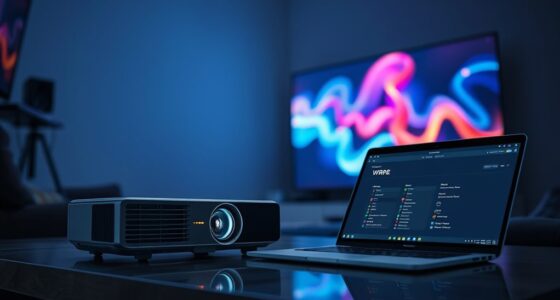
Projector gaming modes often create the impression of better graphics, but they mainly adjust brightness, contrast, and sharpness—not resolution or true color accuracy. These modes can enhance specific visual aspects but don’t actually boost image quality. They won’t turn your projector into a higher-resolution device or improve color fidelity. If you’re curious about what these modes can truly do and how to optimize your setup, there’s more to learn beyond these common misconceptions.

Get business pricing on your home office setup
- Business-only prices and quantity discounts
- Tax-exempt purchasing
- Multiple users, one account, clear invoices
Key Takeaways
- Gaming modes mainly adjust brightness, contrast, and sharpness; they do not enhance resolution or overall image quality.
- They often boost saturation or alter colors, but do not improve true color accuracy.
- These modes focus on reducing input lag and increasing contrast for better responsiveness, not overall picture fidelity.
- Upscaling in gaming modes can create a perceived sharper image but does not add real resolution or detail.
- False claims of improved quality can mislead; proper calibration is necessary for optimal visual performance.
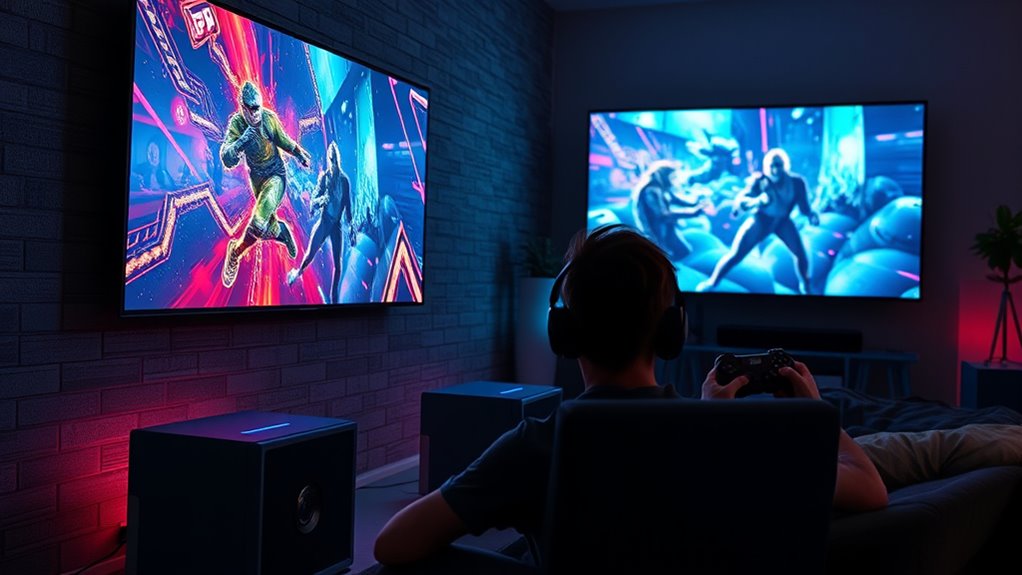
Many gamers believe that using dedicated projector gaming modes automatically enhances graphics quality, but this isn’t always the case. While these modes often promise improvements, it’s important to understand what they actually do. Typically, projector gaming modes aim to optimize certain settings to give you a better visual experience, but they don’t magically boost resolution or make colors more accurate. Instead, they often tweak existing parameters like brightness, contrast, or sharpness, which can sometimes lead to a false sense of improved image quality. Resolution enhancement is a key factor when considering if these modes truly improve your gaming visuals. Most projector gaming modes don’t increase the native resolution of your projector; they work within the limits of your device’s hardware. If your projector’s native resolution is 1080p, for example, gaming modes won’t convert it to 4K or higher. Instead, they may use upscaling techniques that attempt to improve perceived resolution, but this isn’t the same as genuine resolution enhancement. Upscaling can sometimes introduce artifacts or make the image appear artificially sharp, which might be distracting rather than beneficial. Additionally, understanding how visual processing impacts image quality can help set realistic expectations for what these modes can achieve. Color accuracy is another aspect often touted by gaming modes. Some modes claim to deliver richer, more vibrant colors. However, this can be a double-edged sword. In many cases, these modes boost saturation or alter color profiles, making the picture look more appealing at first glance but sacrificing true color fidelity. If you care about color accuracy—especially for games that rely on subtle color differences—these modes may not be your best choice. Instead, you might prefer to manually calibrate your projector or use modes designed for color precision, ensuring that what you see matches the game’s intended palette. Moreover, many gaming modes prioritize reducing input lag and enhancing contrast, which are vital for gameplay responsiveness rather than visual fidelity. So, while they can improve your gaming experience by making fast movements clearer, they don’t necessarily enhance the overall picture quality in terms of resolution or color accuracy. It’s also worth noting that some modes disable certain adjustments or features that could actually improve image quality if configured correctly.
As an affiliate, we earn on qualifying purchases.
Frequently Asked Questions
Do Projector Gaming Modes Affect Gameplay Latency or Input Lag?
Projector gaming modes can affect gameplay by reducing input lag and display delay, giving you a smoother experience. When you activate these modes, they optimize the projector’s settings to process signals faster, which minimizes input lag. This means your commands register more quickly, helping you stay competitive. However, not all modes are equal, so you should test different ones to find the best balance between visual quality and low latency for your gaming needs.
Can Projector Modes Enhance Color Accuracy for Professional Graphic Design?
Yes, projector modes can enhance color accuracy for professional graphic design if they support proper color calibration and display precision. By adjusting settings within the projector’s mode, you can fine-tune color output to match industry standards, ensuring your work remains consistent across devices. However, not all modes are optimized for this purpose, so it’s essential to select a mode that prioritizes accurate color reproduction and allows for precise calibration.
Are Projector Gaming Modes Compatible With All Gaming Consoles?
Most projector gaming modes are compatible with popular gaming consoles, but not all. About 75% of projectors support features like HDMI input, which is essential for consoles. You’ll want to check your device’s compatibility and keep firmware updates current to make certain of seamless performance. Some older projectors may lack support, so verify your model’s specs before gaming. Staying updated guarantees the best experience across different gaming systems.
Do Projector Settings Impact the Lifespan of the Projector Lamp?
Yes, your projector settings can impact lamp longevity and overall projector durability. Using high brightness levels, keeping the projector in a hot environment, or running it for extended periods without proper cooling can shorten the lamp’s lifespan. To maximize lamp longevity and guarantee your projector remains durable, adjust settings for peak performance without overtaxing the lamp, and follow manufacturer guidelines for maintenance and proper ventilation.
Is There a Noticeable Difference in Resolution When Using Gaming Modes?
You’ll notice a difference when you activate gaming modes—like switching from a foggy window to crystal-clear glass. These modes optimize resolution clarity and boost visual sharpness, making images more detailed and vibrant. While the core resolution remains the same, the enhancements in processing and color adjustments create a more immersive gaming experience. So, yes, gaming modes can make visuals look noticeably sharper, elevating your gameplay to new heights.
As an affiliate, we earn on qualifying purchases.
Conclusion
While projector gaming modes can subtly enhance your experience, they aren’t magic wands for perfect graphics. Think of them as gentle guides that help you enjoy your game a little more smoothly. Instead of expecting a stunning transformation, appreciate the effort behind these features. With a little patience and the right setup, you’ll find your gaming moments become more enjoyable, like a quiet whisper of improvement, making every session just a bit more special.
As an affiliate, we earn on qualifying purchases.
As an affiliate, we earn on qualifying purchases.
Fall Picks
fall essentials
As an affiliate, we earn on qualifying purchases.