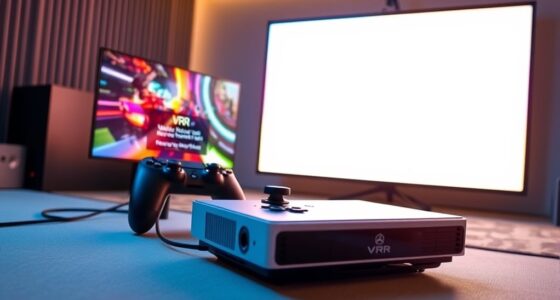

To achieve minimal lag when gaming on a 4K projector, start by selecting a high-refresh-rate model and use a high-quality HDMI cable rated for 4K at 60Hz or higher. Position your projector to avoid distortion and focus issues, and disable image processing effects like motion smoothing. Calibrate your display for ideal contrast and color accuracy, and adjust your sound setup for clarity. Continuing will reveal even more tips to enhance your 4K gaming experience.

Get business pricing on your home office setup
- Business-only prices and quantity discounts
- Tax-exempt purchasing
- Multiple users, one account, clear invoices
Key Takeaways
- Use high-quality HDMI cables rated for 4K at 60Hz or higher to ensure smooth, lag-free signal transmission.
- Properly calibrate projector settings for brightness, contrast, and sharpness to reduce processing lag and enhance responsiveness.
- Disable unnecessary image processing features like motion smoothing and noise reduction to minimize input delay.
- Position the projector to avoid focus issues and distortion, ensuring a clear, stable image with minimal delay.
- Optimize gaming hardware and graphics card settings for maximum 4K performance and low latency during gameplay.
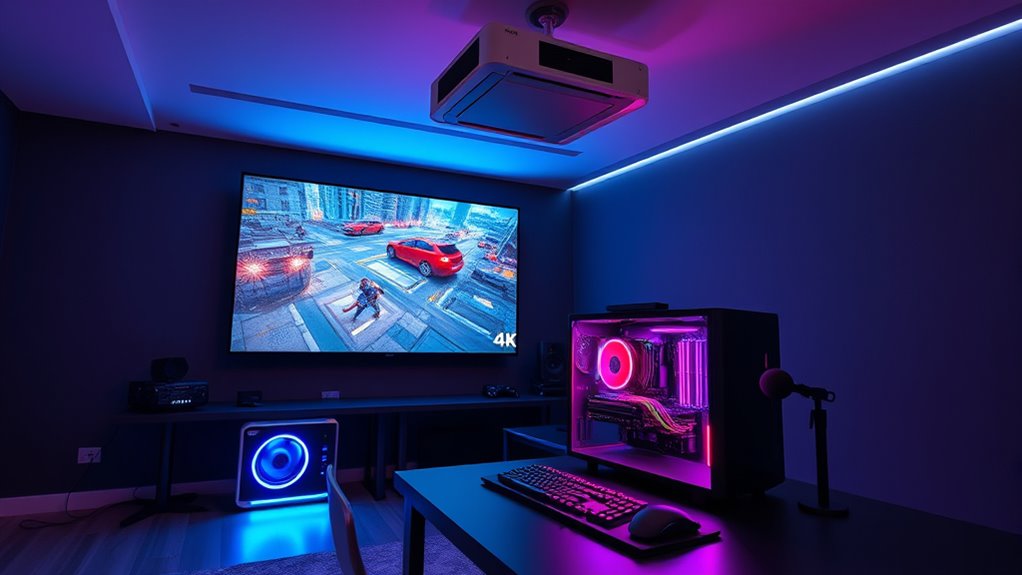
As 4K gaming becomes increasingly accessible, PC gamers are discovering a new level of visual fidelity that transforms their experience. When setting up your projector for 4K gaming, achieving minimal lag is essential, and that starts with proper calibration. Console calibration isn’t just for consoles; it’s fundamental for optimizing your projector’s image quality. You want colors to be vibrant yet accurate, contrast to be balanced, and motion to appear smooth. Take the time to adjust your projector’s settings—brightness, contrast, sharpness, and color temperature—so they align with your room lighting and personal preferences. Proper calibration ensures you see every detail in stunning clarity without sacrificing responsiveness, which is critical for fast-paced gameplay. Additionally, understanding the contrast ratio of your projector helps you fine-tune the image quality for darker scenes, enhancing overall clarity and depth. Sound design plays an equally important role in your overall experience. While visual fidelity is impressive at 4K, immersive audio can make or break your gaming sessions. Make sure your sound system is configured correctly, whether you’re using speakers or headphones. Enable any built-in audio processing features to reduce latency, and consider using a dedicated sound card or external DAC if possible. Good sound design involves more than just volume; it’s about spatial accuracy, clarity, and timing. Precise audio cues can give you an edge in competitive gaming, so invest time in calibrating your sound to match your visual setup. Properly synchronized audio and visuals create a seamless, immersive environment that enhances your engagement and reaction times. In addition to calibration, consider the placement and quality of your projector and speakers. A well-placed projector minimizes image distortion and ensures even focus, while positioning your speakers or headphones correctly prevents sound from becoming muddled or delayed. To reduce lag further, disable any unnecessary image processing features on your projector, like motion smoothing or noise reduction, as these can introduce latency. Also, ensure your graphics card settings are optimized for 4K output with high refresh rates and low input lag. Using a high-speed HDMI cable rated for 4K at 60Hz or higher is essential to maintain signal integrity and responsiveness.
As an affiliate, we earn on qualifying purchases.
Frequently Asked Questions
What Are the Best Projector Brands for Low Latency Gaming?
You should consider brands like Epson, BenQ, and Optoma for low latency gaming. These brands offer projectors with fast response times, ideal for minimal lag. To optimize your setup, focus on proper projector calibration and maintaining high screen contrast, which enhances image clarity and reduces eye strain during gameplay. Investing in a model with low input lag and good calibration options guarantees smooth, immersive gaming experiences.
How Does Ambient Light Affect Gaming Performance on a Projector?
Ambient light can markedly impact your gaming performance by reducing image contrast and making visuals harder to see clearly. To counter this, you should minimize ambient light and use glare reduction techniques like blackout curtains or matte screen surfaces. These steps help improve picture quality, ensuring you experience vibrant colors and sharp details even in well-lit rooms, giving you a better gaming experience with less eye strain and better visibility.
Can I Use a Projector for Fast-Paced Multiplayer Games?
Yes, you can use a projector for fast-paced multiplayer games if you prioritize proper calibration and sound system integration. Make sure your projector is calibrated for low latency to reduce lag, and connect a quality sound system for immersive audio. Keep ambient light minimal to prevent image washout, and choose a projector with a high refresh rate. This setup helps you stay competitive and enjoy smooth gameplay.
What Is the Ideal Projector Resolution for 4K Gaming?
Think of your projector as a gateway to a vibrant world—its resolution is key. For 4K gaming, aim for at least 3840×2160 resolution to match your game’s native quality, reducing the need for resolution scaling. This guarantees minimal input lag and crisp visuals. Higher resolution projectors, like 4K models, enhance clarity and responsiveness, giving you a competitive edge in fast-paced games.
How Do I Prevent Image Burn-In During Long Gaming Sessions?
To prevent image burn-in during long gaming sessions, you should enable screen savers when you’re not actively playing. Additionally, use image shifting features if your projector has them, as they subtly move the image to avoid static visuals that cause burn-in. Take regular breaks to give the projector time to rest, and avoid displaying static UI elements for extended periods. These steps help keep your projector’s image quality pristine.
As an affiliate, we earn on qualifying purchases.
Conclusion
Think of your 4K projector setup as tuning a finely crafted instrument. When all strings are perfectly aligned—low lag, sharp image, smooth performance—your gaming experience becomes a harmonious symphony. With careful adjustments, you’re the conductor, ensuring every note hits perfectly. So, take your time, fine-tune your setup, and let your gaming world come alive with vibrant clarity and minimal delay. In this symphony of pixels, you hold the baton—master the art, and play on.
As an affiliate, we earn on qualifying purchases.
As an affiliate, we earn on qualifying purchases.
Fall Picks
fall essentials
As an affiliate, we earn on qualifying purchases.