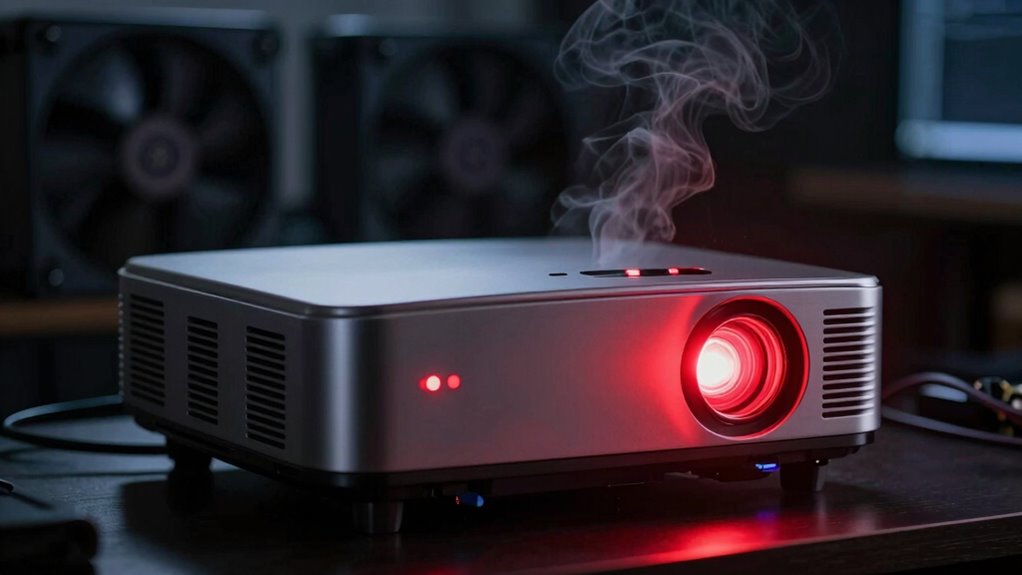
If you see overheating warnings in your projector room, it usually means the device or environment has become too hot, which can cause performance issues or hardware damage. This often happens due to poor ventilation, dust buildup, or malfunctioning cooling fans. Ensuring proper airflow, cleaning vents, and maintaining a cool environment can help. Keep paying attention, as you’ll find out how to prevent these warnings and keep your projector running smoothly.
Listen free for 30 days with Audible
Thousands of audiobooks and originals — cancel anytime.
As an affiliate, we earn on qualifying purchases.
Key Takeaways
- The projector’s temperature exceeds safe operational limits, risking hardware damage or shutdown.
- Poor ventilation, blocked vents, or dust buildup impair cooling effectiveness.
- Malfunctioning fans or inadequate cooling systems cause heat accumulation.
- Environmental factors like high room temperature or lack of airflow contribute to overheating.
- Regular maintenance and proper airflow management are vital to prevent overheating warnings.
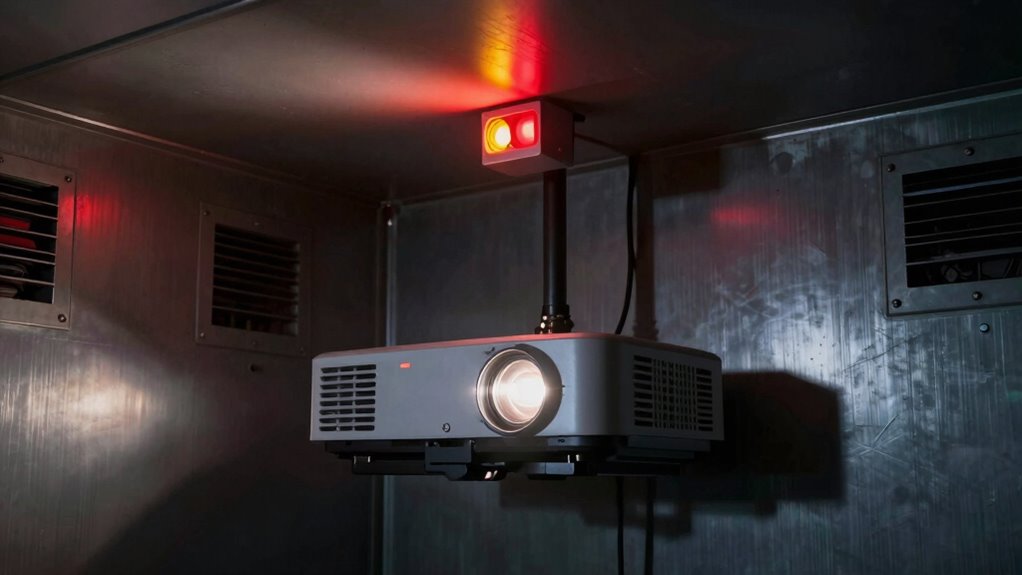
When a projector room gets too hot, it can cause serious problems for your equipment and your presentations. Overheating warnings are your system’s way of alerting you that the environment isn’t suitable for ideal operation. These warnings typically indicate that the temperature inside the room or the projector itself has risen beyond safe limits, which can lead to performance issues, hardware damage, or complete shutdowns. If you ignore these alerts, you risk damaging sensitive components or experiencing unexpected interruptions during important meetings or events.
Overheating warnings protect your projector and presentations by alerting you to unsafe temperature levels.
In many cases, overheating warnings are linked to inadequate cooling mechanisms. Projectors generate a significant amount of heat during operation, and if their cooling systems aren’t functioning properly, the risk of overheating increases dramatically. Dust buildup, malfunctioning fans, or blocked air vents can all impair a projector’s ability to dissipate heat effectively. When the device detects it’s becoming too hot, it triggers these warnings to prevent permanent damage. Addressing the root cause often involves cleaning or replacing faulty cooling parts, but it can also mean upgrading the overall cooling system. Proper ventilation systems are essential to maintain optimal operating temperatures and prevent overheating issues. Additionally, maintaining a consistent temperature control environment can significantly reduce the likelihood of overheating. Ensuring proper airflow management can also help minimize heat accumulation around electronic components. Regular monitoring of system performance and understanding the thermal thresholds of your equipment can further help mitigate overheating risks.
Ventilation improvements are another critical factor. If your projector room lacks proper airflow, heat can accumulate quickly, causing temperature spikes that trigger overheating alerts. Good ventilation isn’t just about having a fan; it’s about ensuring a continuous flow of fresh air that carries away excess heat. You might need to add or reposition exhaust fans, install vents, or even consider climate control solutions like air conditioning to maintain a stable temperature. Improving airflow not only helps in preventing overheating but also prolongs the lifespan of your projectors and other electronic equipment. Regular maintenance of cooling components and monitoring system performance can further reduce the chances of overheating occurring unexpectedly. Proper climate control is vital for maintaining a stable environment and ensuring the longevity of your devices.
As an affiliate, we earn on qualifying purchases.
Frequently Asked Questions
Can Overheating Damage My Projector Permanently?
Yes, overheating can permanently damage your projector. When it gets too hot, internal components like the cooling systems and fans may fail, leading to long-term harm. To prevent this, make certain your projector’s power settings aren’t too high, which can generate extra heat, and keep cooling systems clean and functioning properly. Regular maintenance and proper ventilation help avoid overheating and preserve your projector’s lifespan.
How Often Should I Clean My Projector’s Air Filters?
Think of your projector’s air filters as the lungs of its system, vital for smooth breathing. You should clean them every 1 to 3 months, depending on usage and environment. Regular remote maintenance and airflow optimization keep dust at bay, preventing overheating. Neglecting this chore is like choking the lungs of your device, risking overheating and damage. Keep those filters fresh to guarantee your projector runs cool and clear.
What Are the Best Ways to Prevent Overheating?
To prevent overheating, you should regularly maintain your cooling systems, ensuring fans and heat sinks are clean and functioning properly. Improve ventilation efficiency around the projector by avoiding obstructions and placing it in a well-ventilated area. Consider using additional cooling accessories if needed. Monitoring temperature levels can also help you catch issues early, keeping your projector running smoothly and avoiding overheating warnings.
Do All Projectors Have Overheating Protection Features?
Not all projectors have built-in overheating protection features, but many do include advanced cooling systems and ventilation requirements to prevent damage. You should check your projector’s specifications to see if it has thermal sensors or auto-shutdown options. Ensuring proper ventilation and maintaining effective cooling is vital, especially in warm environments, to keep your projector running smoothly and avoid overheating issues.
How Long Can a Projector Operate Before Overheating?
You can run a projector for about 1 to 3 hours before overheating risks arise, depending on its cooling systems. Imagine the vibrant beam of light flickering against the wall, sustained by efficient ventilation. To extend this time, you should enhance ventilation—use fans or improve airflow—and guarantee the projector’s cooling system is clean and functioning. Proper ventilation keeps the heat at bay, letting your presentation last longer without interruption.
As an affiliate, we earn on qualifying purchases.
Conclusion
Think of your projector as a vigilant guardian guarding a treasure; when it overheats, it signals it’s overexerted, much like a guardian needing rest to protect its charge. Ignoring these warnings risks damage, just as neglecting a guardian’s call endangers the treasure. By respecting these signals and ensuring proper cooling, you keep your projector—and your valuable presentations—safe and shining brightly, like a well-guarded gem ready to dazzle without fear of fading.
As an affiliate, we earn on qualifying purchases.
climate control for projector room
As an affiliate, we earn on qualifying purchases.
As an affiliate, we earn on qualifying purchases.
NFL season / tailgating Picks
team gear
As an affiliate, we earn on qualifying purchases.