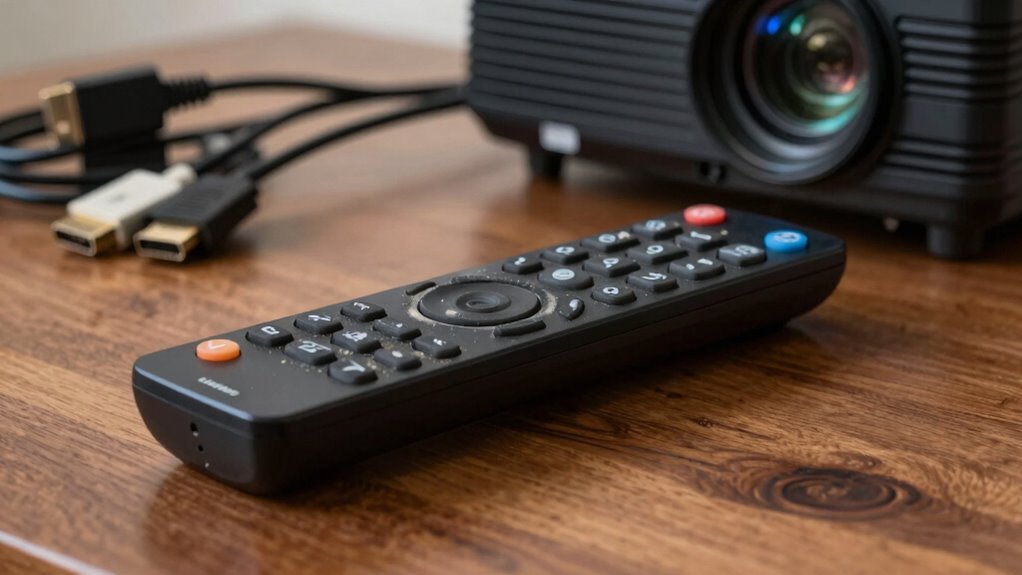

If your projector remote stops working, start by checking the batteries—they might be dead, corroded, or installed backward. Next, make certain there’s a clear line of sight to the projector’s IR sensor and remove any objects blocking signals. Test the remote with your phone’s camera to see if it’s emitting signals. Also, verify the projector’s settings and power status. If issues persist, there could be internal remote faults or interference; exploring these areas will help you troubleshoot effectively.

Get business pricing on your home office setup
- Business-only prices and quantity discounts
- Tax-exempt purchasing
- Multiple users, one account, clear invoices
Key Takeaways
- Check and replace remote batteries, ensuring correct orientation and clean contacts for proper power delivery.
- Verify the remote emits IR signals using a smartphone camera to confirm functionality.
- Ensure a clear line of sight between the remote and projector’s IR sensor, removing obstructions.
- Confirm the projector is powered on and remote controls are enabled in the projector’s settings.
- Inspect for signal interference from other electronic devices, and move or turn off interfering sources.
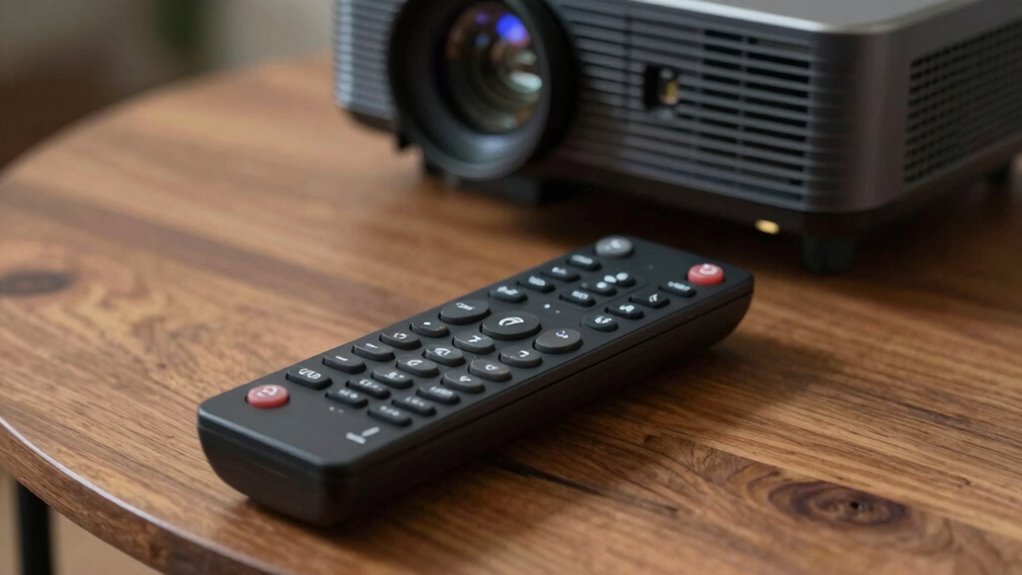
When your projector remote suddenly stops working, it can be frustrating, but the issue is often simple to diagnose. The first thing you should check is the remote’s batteries. Over time, batteries lose power or become corroded, which can prevent the remote from sending signals properly. Remove the batteries and test them with a battery tester or replace them with fresh ones to see if that resolves the problem. Sometimes, even new batteries can have a poor connection if they’re not inserted correctly, so double-check the orientation. If replacing the batteries doesn’t work, consider cleaning the battery contacts inside the remote with a dry cloth or a small amount of rubbing alcohol to guarantee a good connection.
Next, you’ll want to examine the possibility of signal interference. Infrared remotes rely on a clear line of sight to communicate with the projector. If there’s any obstruction—like a bookshelf, curtain, or even other electronic devices—it can block the signal. Make sure nothing is blocking the remote’s view of the projector’s IR sensor. Additionally, other electronics, such as fluorescent lights, wireless routers, or even neighboring remotes, can cause interference. Try turning off or moving these devices away from your projector and remote to see if the remote starts working again. Sometimes, the remote’s IR emitter might be misaligned or dirty, so wipe the remote’s front surface and ensure the IR LED isn’t damaged or obscured. Proper remote maintenance can significantly improve signal transmission. Also, be aware that environmental factors can contribute to signal disruption, which is why testing the remote in different locations might help.
Check for obstructions and electronic interference to ensure your remote’s signal reaches the projector smoothly.
Another common cause for remote failure is a malfunction within the remote itself. If you’ve replaced the batteries and cleared potential interference but still have no response, test whether the remote is sending signals. You can do this by pointing it at a smartphone camera or a digital camera. Press any button on the remote and observe the camera’s screen. If you see a flashing light, the remote is working, and the issue might be with the projector’s IR sensor. If you don’t see any light, the remote’s IR emitter could be faulty, and it might need replacing. Also, keep in mind that remote lifespan can vary depending on usage and quality, and sometimes a replacement remote is necessary if it’s beyond repair.
Finally, consider checking the projector’s settings or power status. Sometimes, the remote may be disabled or the projector might be turned off or in standby mode. Make sure the projector is powered on and that any remote controls are enabled in the settings. By systematically going through these checks—batteries, signal interference, remote functionality, and projector settings—you’ll likely identify the cause of the problem and restore your remote’s functionality quickly.
Products Worth Considering

Bose TV Speaker Compact Soundbar with Bluetooth and HDMI-ARC, Black

Philips Hue Bridge Pro Smart Lighting Hub

Levoit Core 400S-P Smart Air Purifier for Large Rooms
As an affiliate, we earn on qualifying purchases.
Frequently Asked Questions
Can a Projector Remote Be Repaired or Replaced Easily?
Yes, a projector remote can often be repaired or replaced easily. If the remote isn’t working, check the remote sensor for damage and make sure there’s no signal interference from other devices. Sometimes, cleaning the sensor or replacing the batteries fixes the issue. If these steps don’t work, replacing the remote is simple and affordable, and many models are available online or at electronics stores, making the process quick and straightforward.
How Often Should I Replace the Batteries in My Remote?
You should replace the batteries in your projector remote when you notice a decline in signal strength or the remote responds intermittently. Typically, this means checking the battery type—usually AAA or AA—and replacing them as needed. It’s a good idea to change the batteries every 6-12 months, depending on usage, to guarantee consistent performance. Regular replacement helps prevent remote failures and keeps your projector functioning smoothly.
Does Remote Interference Affect Projector Remote Functionality?
Yes, remote interference can affect your projector remote’s functionality. Wireless signals from other devices, like Wi-Fi routers or Bluetooth gadgets, may disrupt the remote’s signals, causing it to stop working properly. To fix this, keep your remote away from other electronic devices that emit wireless signals. Additionally, make sure there’s a clear line of sight between your remote and projector for maximum performance. This minimizes remote interference and improves responsiveness.
Are Universal Remotes Compatible With All Projector Models?
Imagine holding a remote that bridges different worlds—yes, universal remotes are compatible with many projector models. They adhere to universal standards, making them versatile tools. However, compatibility isn’t guaranteed for every model. You should check your projector’s remote compatibility specifications first. Keep in mind, some projectors may require specific remotes, so always verify if your universal remote matches the device’s standards before pressing buttons in hope.
What Is the Typical Lifespan of a Projector Remote?
A projector remote usually lasts about 1 to 2 years, depending on usage and battery quality. You might notice it stops working due to remote signal interference or a depleted remote battery lifespan. To prolong its lifespan, replace batteries regularly and keep the remote away from other electronic devices that could cause signal interference. Proper care ensures your remote continues functioning smoothly for as long as possible.
Conclusion
When your projector remote suddenly stops working, don’t throw in the towel just yet. Often, it’s something simple like dead batteries or an obstruction blocking the signal. By checking these basics first, you can troubleshoot effectively without pulling your hair out. Remember, sometimes it’s the little things that cause big headaches—so take a deep breath and give these tips a shot. With patience, you’ll be back to enjoying your movies in no time.