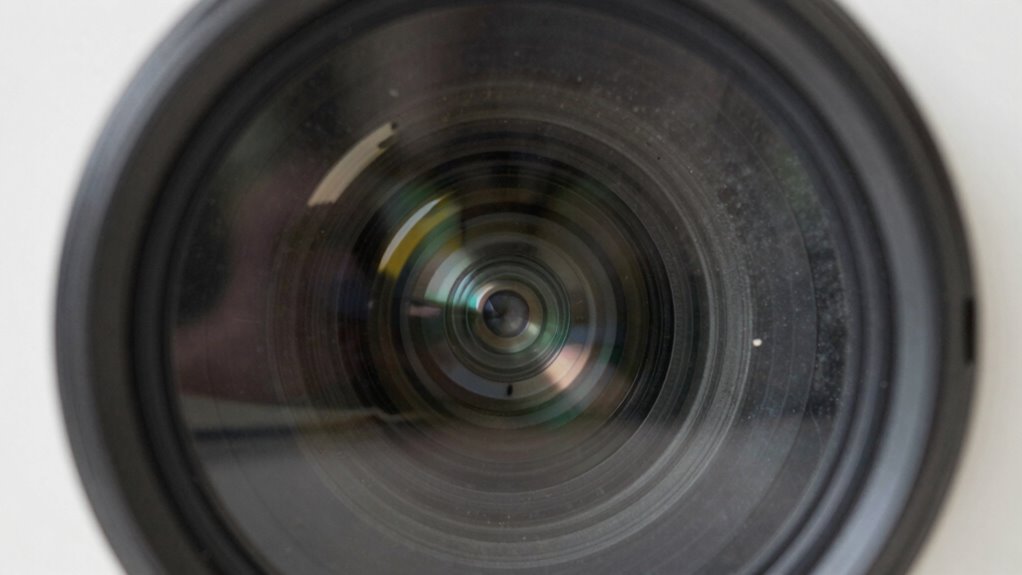

To spot early projector wear, watch for image distortion, blurry visuals, or uneven focus, which suggest lens misalignment. Keep an eye out for dull brightness, flickering, or flickering, signaling bulb degradation. Check for dust buildup inside, as it can cause overheating and internal damage. Listen for strange noises or error messages, indicating mechanical issues. Overheating signs like unusual smells or performance drops also warn of internal problems. Staying alert to these signs helps prevent failure—more tips await you as you explore further.

Get business pricing on your home office setup
- Business-only prices and quantity discounts
- Tax-exempt purchasing
- Multiple users, one account, clear invoices
Key Takeaways
- Look for uneven focus, skewed proportions, or blurry images indicating lens misalignment.
- Monitor brightness and check for dullness, flickering, or uneven illumination as bulbs degrade.
- Regularly inspect for dust buildup inside the projector to prevent overheating and component wear.
- Listen for unusual noises or detect new error messages signaling mechanical or internal issues.
- Watch for signs of overheating like excessive heat, unusual smells, or performance drops.
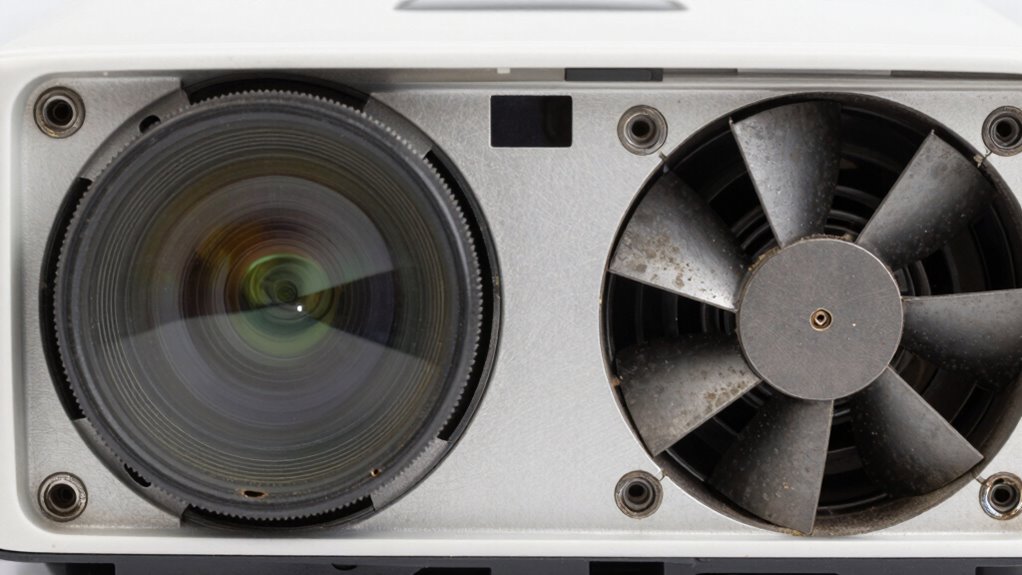
Projectors are valuable tools that can deliver stunning visuals, but their performance depends heavily on the condition of internal components that wear out over time. If you notice your projector’s image quality declining, it’s vital to recognize early signs of wear before it leads to complete failure. One of the first areas to check is lens alignment. Over months or years, vibrations or slight impacts can cause the lens to shift out of proper alignment. When this happens, you might see distorted images, skewed proportions, or blurry visuals even if the projector’s settings are correct. Regularly inspecting the lens and ensuring it’s properly aligned can prevent image distortion and prolong the device’s lifespan. If you notice uneven focus across the screen or parts of the image appearing out of focus, misaligned lenses could be the culprit, signaling the need for realignment.
Another essential indicator of projector health is bulb degradation. Projector bulbs have a limited lifespan, and as they age, their brightness diminishes, causing images to appear dull or washed out. You may also notice flickering or intermittent bright spots, which are signs that the bulb is nearing the end of its life. Don’t ignore these signs; continuing to run a degrading bulb can cause it to burn out unexpectedly, leaving you without a working projector during critical moments. Keep track of the usage hours if your projector has an hour meter, and replace the bulb before it fails completely. Additionally, pay attention to unusual smells or excessive heat, which can signal that the bulb is operating inefficiently or that internal components are overheating. Component wear can also be accelerated by dust buildup inside the projector, which makes regular cleaning with compressed air essential to maintain proper airflow and prevent overheating. Recognizing signs of internal component deterioration early can help you schedule timely repairs and avoid unexpected failures. Regular maintenance, including checking for dust accumulation, is crucial for maintaining optimal performance and preventing electronic malfunctions.
Beyond lens alignment and bulb health, listen for strange noises or observe any new error messages on the projector’s display. These can indicate internal component issues, such as cooling fan failures or electronic malfunctions. Dust buildup inside the projector can also accelerate wear; regular cleaning with compressed air can help maintain proper airflow and prevent overheating. A visual inspection can reveal dust or debris that might be obstructing cooling pathways, further extending the lifespan of internal parts. By staying vigilant and routinely inspecting these signs—like misaligned lenses, dimming bulbs, overheating, or unusual sounds—you can catch early problems. Addressing these issues promptly not only improves image quality but also saves you from costly repairs or replacements down the line. The key is to be proactive: small signs today can prevent a complete projector breakdown tomorrow.
As an affiliate, we earn on qualifying purchases.
Frequently Asked Questions
Can Early Projector Wear Affect Image Quality?
Yes, early projector wear can affect image quality. You might notice color degradation, where colors become dull or distorted, or lens fogging, which causes blurry or hazy images. These issues happen as internal components start to degrade or accumulate dust. Regularly inspecting your projector and cleaning the lens can help prevent these problems from worsening, ensuring sharp, vibrant images and prolonging your projector’s lifespan.
How Often Should I Inspect Projector Components?
Think of your projector as a car—you need regular check-ups to keep it running smoothly. You should follow a maintenance schedule and perform component inspection every 3 to 6 months, or more often if used heavily. Regularly inspecting parts like the lamp, filters, and fans helps catch signs of wear early, preventing failure. Staying proactive guarantees your projector stays bright and reliable, much like a well-maintained vehicle on the road.
Are There Specific Signs for Different Projector Types?
Yes, different projector types show specific signs of wear. For lamp degradation, you might notice dimmer images or flickering, especially in traditional projectors. Lens misalignment often causes blurry or distorted images, common in portable or home theater projectors. Regular inspections help catch these signs early. If you see these issues, it’s time to check the lamp or realign the lens to prevent further damage and guarantee peak performance.
What Tools Are Best for Detecting Internal Wear?
Ever wonder what tools can reveal internal wear before a projector fails? You should use specialized diagnostic tools that measure lens calibration and monitor bulb lifespan. These tools help detect misalignments or diminishing bulb performance early on. A quality projector analyzer or software can identify subtle issues that the naked eye might miss. Regular testing with these tools guarantees you catch wear signs early, preventing costly repairs or replacements down the line.
Does Ambient Temperature Influence Projector Lifespan?
Yes, ambient effects and temperature influence your projector’s lifespan. High or fluctuating temperatures can cause overheating, stress components, and decrease overall durability. Maintaining a stable, moderate environment helps prevent wear and keeps your projector running smoothly longer. Proper ventilation and cooling are essential. Ignoring temperature impact can lead to early failure, so always monitor your surroundings and guarantee your projector operates within recommended temperature ranges for maximum longevity.
As an affiliate, we earn on qualifying purchases.
Conclusion
By paying close attention to flickering images, unusual noises, or dimmer projections, you can catch projector wear early and avoid unexpected breakdowns. Regular maintenance and prompt inspections are key. Did you know that over 60% of projector failures are caused by preventable issues? Staying vigilant not only extends your projector’s lifespan but also saves you money and hassle in the long run. Keep an eye out, and your projector will keep performing at its best.
compressed air for projector cleaning
As an affiliate, we earn on qualifying purchases.
As an affiliate, we earn on qualifying purchases.
projector error message diagnostic tool
As an affiliate, we earn on qualifying purchases.
As an affiliate, we earn on qualifying purchases.
Halloween Picks
halloween
As an affiliate, we earn on qualifying purchases.