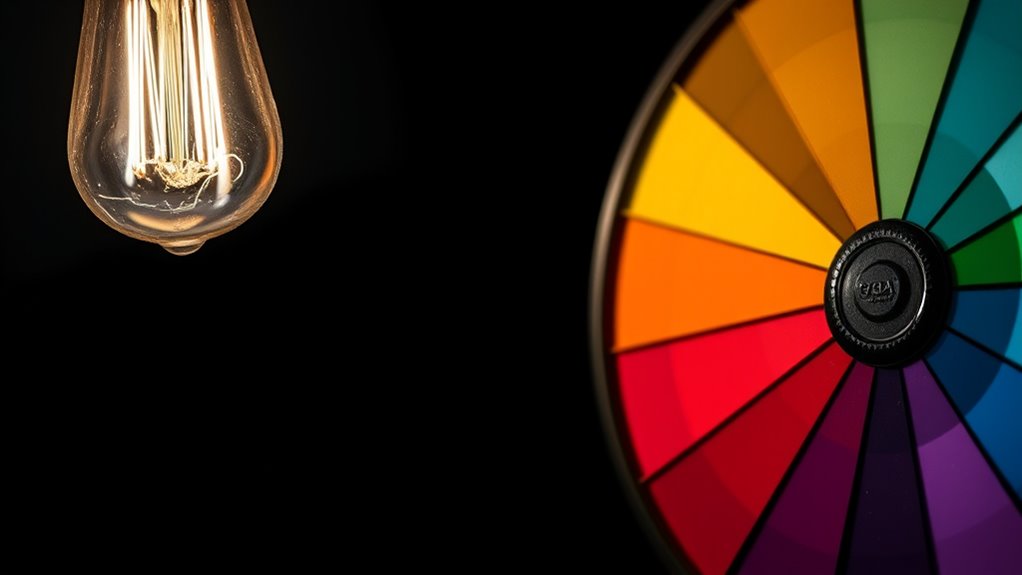
If your projector image flickers or looks dim, it’s likely caused by a aging or faulty lamp or a misaligned or broken color wheel. First, check the lamp’s age and brightness settings—if the lamp’s hours are high, replacing it often restores clarity. Next, inspect the color wheel for dust or damage, as this can cause flickering and color issues. Continuing along this path will help you identify whether simple fixes or professional repair are needed.
Key Takeaways
- Check if the projector lamp is dimming or flickering; replace it if it has exceeded its usage hours.
- Inspect the color wheel for misalignment, debris, or damage, and clean or realign as needed.
- Verify internal cooling and ventilation systems to prevent overheating affecting lamp and color wheel performance.
- Adjust brightness settings within the projector, but consider lamp replacement if issues persist.
- Consult a professional technician for complex diagnostics and repairs if troubleshooting does not resolve flickering or dimness.
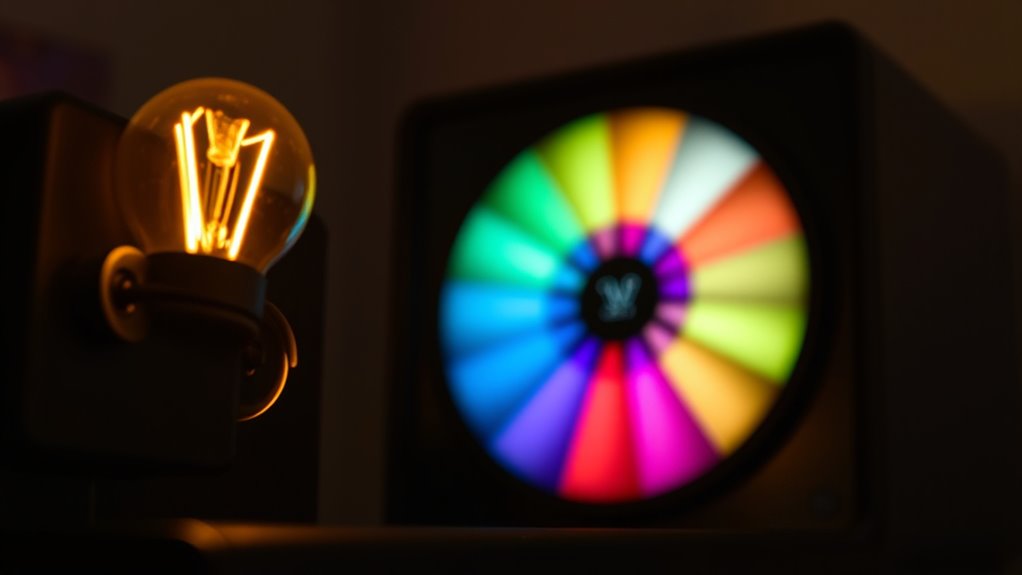
If your screen starts flickering or appears dim, it can be both frustrating and disruptive. These issues often stem from problems with the lamp brightness or the color wheel, which are critical components in many projectors and display systems. Understanding how these parts work and what might go wrong helps you diagnose and fix the problem quickly. Lamp brightness directly influences how bright and vibrant your image appears. When the lamp isn’t providing enough light, your display might look dim, making it difficult to see details clearly. Conversely, if the lamp is flickering, it indicates inconsistent brightness output, which can cause the image to flicker or seem unstable. Checking the lamp’s age is a good starting point; lamps tend to dim over time, and their brightness diminishes. Many projectors have a lamp usage timer—if it’s near or past this limit, replacing the lamp often restores proper brightness and stability. Sometimes, the lamp’s brightness can be adjusted within the projector’s settings, but if it’s already at maximum and still dim, a new lamp may be necessary. Proper maintenance and understanding of how AI technologies can enhance diagnostics and repairs are increasingly valuable in addressing such issues.
Color accuracy also plays a significant role in the overall image quality. When the color wheel malfunctions or becomes misaligned, the projector may produce distorted or inconsistent colors, which can contribute to a flickering appearance or dull images. A defective color wheel can cause flickering because it interrupts the steady flow of color light, leading to rapid changes in hue and intensity. If you notice color shifts or a loss of color vibrancy along with flickering or dimness, inspecting the color wheel is essential. Cleaning or realigning it might solve the problem, but in some cases, replacing the wheel is necessary. Proper calibration of the projector’s color settings can also improve color accuracy, helping to ensure that the image displays true-to-life colors and consistent brightness. It’s worth noting that some issues relate to the projector’s internal electronics or cooling system, which can affect lamp performance and color wheel operation. Regular maintenance, including cleaning filters and ensuring adequate ventilation, can prevent overheating that damages these components.
In many cases, addressing flickering or dimness involves verifying the lamp brightness and ensuring the color wheel functions correctly. If troubleshooting these parts doesn’t resolve the issue, consulting a professional technician or considering replacements might be your best option. Ultimately, maintaining proper lamp brightness and ensuring color accuracy are key to delivering a clear, vibrant image without flickering or dimness, allowing you to enjoy your content without interruptions.

COOBAN ELPLP96 /V13H010L96 Replacement Projector Lamp Bulb with Housing for Epson VS250 VS355 VS350 EX5260 EH-TW650 EB-S41 Powerlite Home Cinema 2150 /Powerlite Home Cinema 1060 2100 660 760 760HD
Life:Increasing the brightness of the bulb seems to be an easy task,The most difficult thing to break through…
As an affiliate, we earn on qualifying purchases.
As an affiliate, we earn on qualifying purchases.
Frequently Asked Questions
Can Lamp Flickering Cause Permanent Damage to My Projector?
Yes, lamp flickering can cause permanent damage to your projector if it’s caused by issues like a failing lamp or unstable power supply. Flickering causes stress on the lamp’s lifespan and internal components, potentially leading to early failure. To avoid damage, identify flickering causes early, replace the lamp when needed, and make certain your projector’s power source remains stable. Regular maintenance helps extend your projector’s lifespan.
How Often Should I Replace the Color Wheel to Prevent Issues?
You should replace your color wheel every 6,000 to 8,000 hours of use to avoid pesky flickering and dim displays. Think of it as giving your projector a spa day—regular maintenance keeps everything running smoothly. Skipping this might cause more than just annoyance; it could damage your device. So, stick to recommended replacement intervals and treat your projector to fresh color wheel maintenance before problems pop up.
Are LED Lamps Less Prone to Flickering Compared to Traditional Lamps?
Yes, LED lamps are less prone to flickering compared to traditional lamps. Their durability guarantees consistent performance, reducing the chances of flickering that often occurs with older bulbs. This also enhances projector efficiency because LED lamps maintain brightness longer and require less frequent replacements. By choosing LED lamps, you benefit from a more stable image and longer-lasting performance, making your projector more reliable over time.
Does Ambient Light Affect the Projector’s Lamp Lifespan or Flickering?
You might think bright ambient light helps your projector, but it can actually shorten its lifespan and increase flickering. When ambient light is excessive, your projector works harder to produce a clear image, stressing the lamp and possibly causing flickering. Keep the room dimmer to protect your projector’s lamp and extend its lifespan, ensuring it performs smoothly without annoying flickers or dimming issues.
What Are the Signs of a Failing Color Wheel Beyond Flickering?
You’ll notice signs of a failing color wheel beyond flickering, such as increased color distortion and unusual noise. If the color wheel starts making loud, irregular sounds, it indicates wear or damage. Additionally, you might see distorted or washed-out colors, uneven color shading, or sudden color shifts during projection. These issues point to a deteriorating color wheel that needs inspection or replacement to restore ideal image quality.

New Home Repair Part Projector Color Wheel Replacement for Optoma HD20 HD220 42mm Diameter Copper Ring 102384727
New and 100% Quality Guarantee, Copper ring color wheel; Repair part
As an affiliate, we earn on qualifying purchases.
As an affiliate, we earn on qualifying purchases.
Conclusion
If you ignore flickering or dim images, you risk turning your projector into a useless paperweight overnight. These issues aren’t just minor annoyances—they’re screaming signs that your entire setup could collapse at any moment. Don’t wait until your screen goes completely dark or your projector stops working forever. Act now, diagnose those lamp and color wheel problems, and save yourself from a catastrophic blackout that’ll make you wish you’d paid attention sooner.

Araca for SP-LAMP-092 for SP-LAMP-088 Quality Replacement Projector Lamp with Housing for IN3138HDa /IN3138HD /IN3134a /IN3136a /H1188 /H1189 /HT4050 /W1350 /W3000 /5J.JD305.001/5811120259-SVV
Compatible Models: SP-LAMP-092 /SP-LAMP-088 /5J.JD305.001 /5811120259-SVV with housing, fully tested before leaving the factory.
As an affiliate, we earn on qualifying purchases.
As an affiliate, we earn on qualifying purchases.
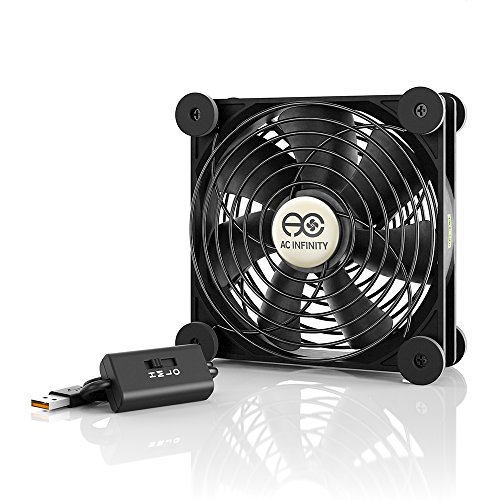
AC Infinity MULTIFAN S3, Quiet 120mm USB Fan, UL-Certified for Receiver DVR PlayStation Xbox Computer Cabinet Cooling
Ultra-quiet UL-certified USB fan designed to cool various electronics and components.
As an affiliate, we earn on qualifying purchases.
As an affiliate, we earn on qualifying purchases.