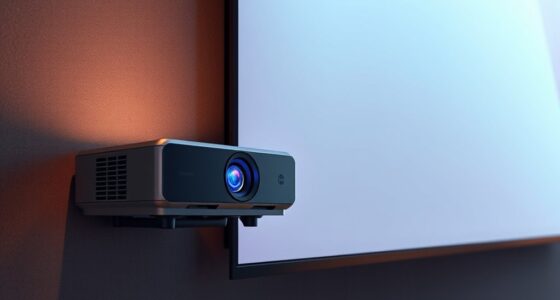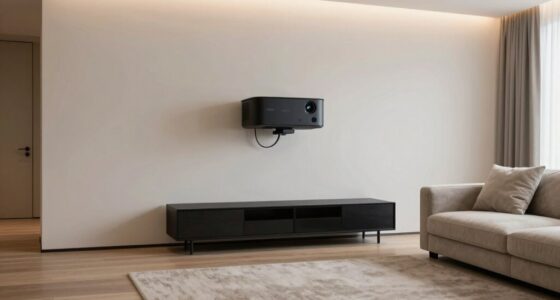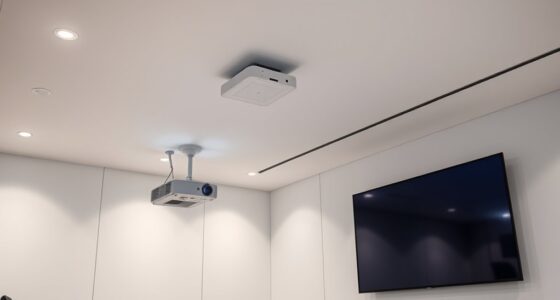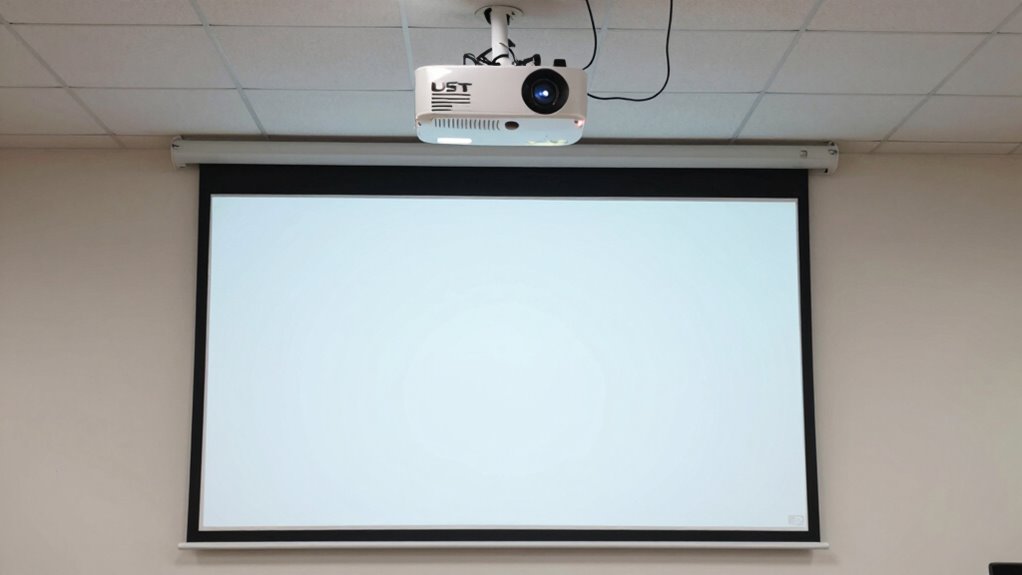

You need to be precise with the placement of a UST projector because even small misalignments can cause significant image distortions, blurry pictures, or color inaccuracies. Proper positioning guarantees the image is sharp, correctly scaled, and free of keystone effects. If you don’t align it carefully, your viewing experience can suffer, with distractions and quality issues. Staying exact during setup is essential for the best picture quality—continue to explore how small adjustments can make a big difference.

Get business pricing on your home office setup
- Business-only prices and quantity discounts
- Tax-exempt purchasing
- Multiple users, one account, clear invoices
Key Takeaways
- UST projectors require precise placement to ensure sharp, correctly aligned images without distortion or cropping.
- Small placement errors can cause significant keystone effects and image blurriness due to the projector’s proximity to the screen.
- Exact positioning is crucial for maintaining accurate color calibration and overall image quality.
- Proper placement minimizes shadows, focus issues, and the need for frequent adjustments.
- Precise setup enhances immersion, stability, and cable management, ensuring long-term optimal performance.
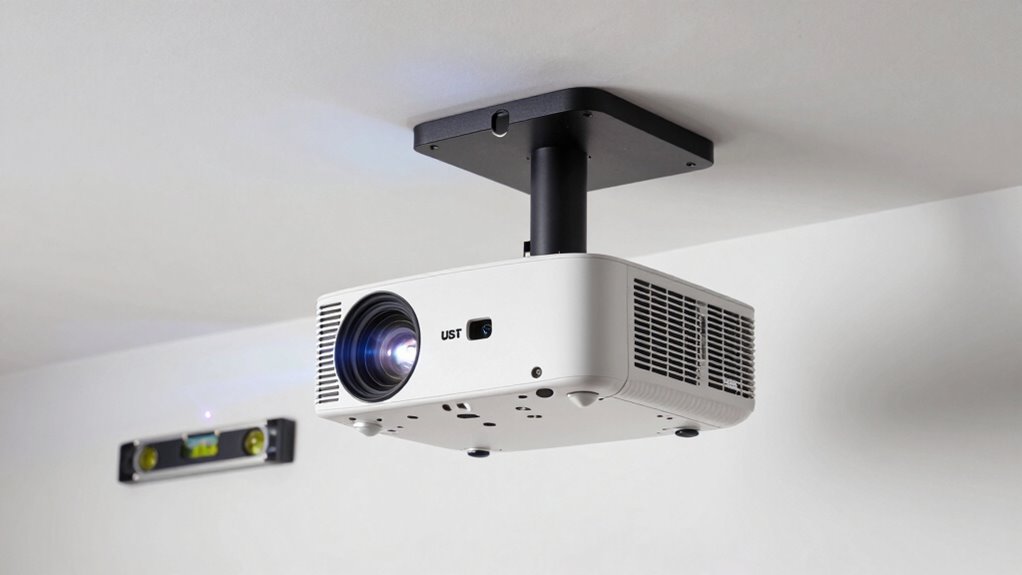
When setting up an ultra-short throw (UST) projector, precision in placement is crucial to guarantee a clear, perfectly aligned image. Unlike traditional projectors that require distance adjustments, UST models sit very close to the screen, making exact positioning critical from the start. If you place the projector too far or too close, the image can become blurry, distorted, or off-center. Achieving the ideal placement ensures your projected image is sharp, properly scaled, and free of keystone or trapezoidal distortions.
One of the key factors in proper placement is considering your screen size. The size of your screen directly influences where you should position the projector. Too close, and the image may be cut off or oversized for the screen; too far, and it might appear too small or blurry. You need to measure your screen carefully and then follow the manufacturer’s recommended throw distance, which is usually very specific for UST models. Accurate placement guarantees you get the full, crisp image size you want without any cropping or distortion.
Proper placement ensures a clear, accurate image size without cropping or distortion.
Color calibration also plays an essential role during setup. Even if your projector is perfectly aligned, inaccurate color calibration can ruin the viewing experience. When you position the projector precisely, you enable easier adjustments for color accuracy. Most UST projectors have built-in settings for color calibration that help you fine-tune the saturation, contrast, and brightness. Proper placement allows you to see the true colors clearly and make adjustments without having to reposition the projector repeatedly. This ensures that your image’s colors are vibrant, true to life, and consistent across the entire screen.
Placement precision isn’t just about getting the right size and color—it’s also about consistency. Slight misalignments can cause shadows, uneven focus, or keystone effects that distract from your viewing experience. When you take the time to position your UST projector correctly, you reduce the chance of these issues, making your setup process smoother and your viewing sessions more enjoyable. Remember, the closer the projector is to perfect alignment, the less you’ll need to fuss with adjustments later. Proper placement also ensures you maintain the alignment accuracy, which is vital for an optimal viewing experience. Paying attention to precise positioning can significantly improve your overall viewing quality and reduce the need for frequent readjustments.
Additionally, understanding the importance of projector placement can help you optimize your entire home cinema setup, leading to better image quality and a more immersive experience. Proper placement is also essential for maintaining cable management, which helps keep your setup neat and prevents accidental disconnections or cable damage. Good installation techniques can further enhance your setup by ensuring stability and longevity of your equipment.
ultra short throw projector mount
As an affiliate, we earn on qualifying purchases.
As an affiliate, we earn on qualifying purchases.
Frequently Asked Questions
How Does Room Size Affect UST Projector Placement?
Room size greatly influences UST projector placement because larger or smaller room dimensions require precise positioning to optimize image quality. You need to take into account wall color too, as lighter walls reflect more light, affecting contrast. In a small room, you might place the projector closer to the wall, but in a bigger room, you’ll need to adjust the distance carefully. Accurate placement ensures clear, vibrant images regardless of room size or wall color.
Can I Place the Projector on Uneven Surfaces?
You shouldn’t place your UST projector on uneven surfaces, as unstable surfaces can cause image distortion or misalignment. Stabilizing the projector is essential, especially since a recent study shows that even slight tilts impact picture quality by up to 20%. Guarantee surface stability and material compatibility by choosing a flat, solid platform. This prevents vibrations or shifting, maintaining ideal image clarity and alignment for your viewing experience.
Is Ceiling Mounting Always the Best Option?
Ceiling mounting isn’t always the best option, but it offers excellent mounting flexibility and keeps your setup neat. If your room has wall compatibility and your projector can be securely mounted, wall mounting might be a better choice, especially for space-saving or aesthetic reasons. Consider your room’s layout and projector specifications to choose the most effective placement, balancing stability, flexibility, and visual quality.
How Does Ambient Light Influence Placement Accuracy?
Think of ambient light as a mischievous shadow caster in your viewing space. It directly impacts placement accuracy by causing lighting interference and making your image less sharp. Too much ambient light can wash out the projected picture, so you need to position your Ultra Short Throw (UST) projector carefully, minimizing shadows and glare. Proper placement guarantees vibrant, clear images, even in well-lit rooms, giving you a better viewing experience.
What Are Common Mistakes in UST Projector Setup?
Common mistakes in UST projector setup include neglecting proper projector calibration and ignoring screen alignment. You might overlook adjusting keystone or focus, which causes distorted images. Failing to precisely calibrate color and brightness impacts picture quality. Additionally, misaligning the projector with the screen leads to uneven edges and distorted visuals. To avoid these errors, take your time with calibration and guarantee the projector is perfectly aligned for peak viewing.
As an affiliate, we earn on qualifying purchases.
Conclusion
When it comes to placing your UST projector, precision truly matters—you’ll notice the difference in image quality and overall experience. Did you know that even a 1-inch misalignment can reduce clarity by up to 20%? That’s a significant drop, making accurate placement essential. So, take your time, measure carefully, and guarantee your projector is perfectly aligned. This small effort guarantees a stunning, crisp picture that makes your viewing experience truly exceptional.
projector screen calibration kit
As an affiliate, we earn on qualifying purchases.
As an affiliate, we earn on qualifying purchases.
As an affiliate, we earn on qualifying purchases.
Fall Picks
fall essentials
As an affiliate, we earn on qualifying purchases.