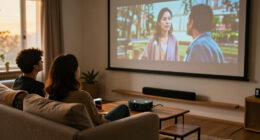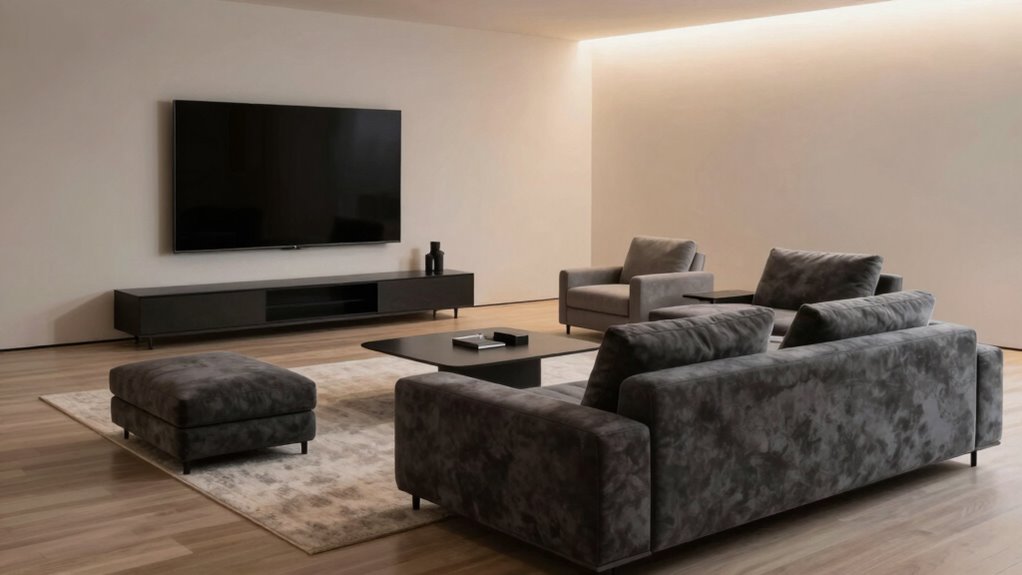

Your seating position affects where your screen should go because it influences your posture and viewing angles. If you sit upright, you can position the screen directly in front of you at eye level for comfort and reduced strain. Slouching or leaning forward shifts the best placement, often causing awkward angles and neck pain. Adjusting your setup based on how you sit helps prevent fatigue and discomfort—continue exploring to learn how to maximize your ergonomic workspace effectively.

Get business pricing on your home office setup
- Business-only prices and quantity discounts
- Tax-exempt purchasing
- Multiple users, one account, clear invoices
Key Takeaways
- Poor seating posture can shift your natural line of sight, requiring screen repositioning for comfort.
- Sitting at different angles or heights alters the optimal eye level for the screen.
- Slouching or leaning forward changes the distance and angle, affecting ideal screen placement.
- Unergonomic seating habits lead to misaligned viewing angles, causing discomfort and the need for adjustments.
- Consistent proper posture ensures the screen remains in a neutral, eye-level position.
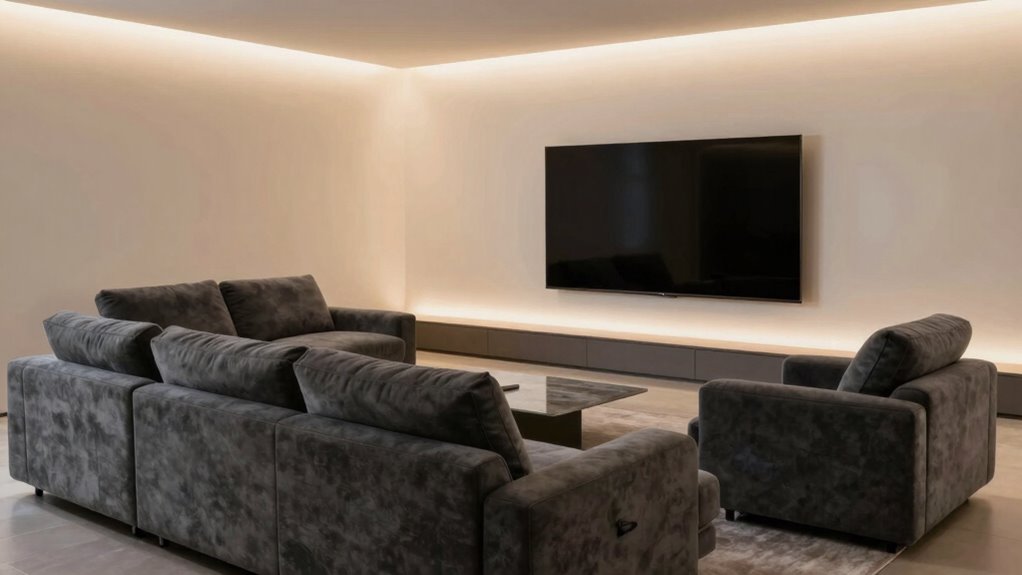
Choosing the right seating position and screen placement is essential for a comfortable and productive viewing experience. When you sit properly, you improve your posture, reduce fatigue, and prevent strain on your eyes and neck. But the way you position yourself can directly influence where your screen should go. If you’re leaning forward or slouching, the ideal screen placement shifts to accommodate those habits. Conversely, sitting upright with good ergonomic comfort allows for a more straightforward setup. Your goal is to find a position that offers optimal viewing angles, minimizing discomfort and maximizing clarity.
Proper seating and screen placement enhance comfort, reduce strain, and improve your overall viewing experience.
Your viewing angles are vital because they determine how well you see the screen without turning your head or straining your eyes. If the screen is too high or too low, you’ll naturally tilt your head, which can cause neck pain over time. The same applies if the screen is placed too far to the side or at an awkward angle relative to your seating position. When you sit in a way that promotes good ergonomic comfort, the screen should be directly in front of you, at eye level, so you don’t have to tilt your head up or down. This setup ensures your neck remains neutral, reducing the risk of tension and discomfort. Proper screen placement can significantly improve your overall comfort during long periods of sitting. Additionally, adjusting your ergonomic setup can help improve overall comfort and prevent fatigue during extended use. Ensuring your posture supports a neutral, upright position is crucial for maintaining long-term comfort and avoiding musculoskeletal issues.
ergonomic adjustable monitor stand
As an affiliate, we earn on qualifying purchases.
As an affiliate, we earn on qualifying purchases.
Frequently Asked Questions
How Does Room Lighting Affect Screen Placement?
Room lighting greatly influences screen placement because ambient lighting can cause glare and reduce contrast. You should position your screen away from direct light sources like windows or lamps to minimize glare and improve visibility. If glare is unavoidable, consider using curtains or dimming lights. Proper placement guarantees you avoid ambient light interference, creating a comfortable viewing experience with ideal contrast and clarity.
What Are the Best Screen Sizes for Different Seating Arrangements?
For different seating arrangements, select screen sizes that balance aesthetic considerations and technological compatibility. In a small room, a 55-65 inch screen works well, ensuring clear visibility without overwhelming the space. Larger rooms benefit from 75 inches or more for immersive viewing. Always consider how the screen’s size aligns with your seating layout, maintaining a harmonious look while ensuring everyone has a comfortable, unobstructed view.
How Does Seating Ergonomics Influence Screen Positioning?
Your seating ergonomics acts like a delicate dance, guiding where your screen should rest. When you maintain an ergonomic posture, your eyes stay level with the top of the screen, reducing strain. Comfort optimization means adjusting the screen’s position to match your natural line of sight, ensuring minimal neck and eye fatigue. This harmony keeps your workspace balanced, helping you work longer without discomfort and enhancing overall productivity.
Can Multiple Seating Areas Require Different Screen Setups?
Yes, multiple seating areas often need different screen setups due to variations in seating comfort and room acoustics. You might find that a larger screen works better for a main seating area with ideal acoustics, while a smaller or differently positioned screen suits secondary zones where comfort levels differ. Adjusting screen placement based on seating comfort and room acoustics guarantees everyone has a clear view and an enjoyable experience.
How Do Viewing Angles Impact Screen Placement Decisions?
You might think viewing angles don’t matter, but they do. Poor placement can distort the audience perspective, making it hard to see the screen clearly. To avoid this, align the screen at eye level for the main seating area, ensuring everyone has a direct line of sight. Consider the seating layout, so the screen’s position offers the best viewing angles, preventing awkward neck craning or squinting.
ergonomic office chair for proper posture
As an affiliate, we earn on qualifying purchases.
As an affiliate, we earn on qualifying purchases.
Conclusion
Remember, your seating position is the key to ideal viewing, so don’t just settle for the “standard” spot—think like a modern-day Leonardo da Vinci and experiment with placements. Whether you’re binge-watching or gaming, adjusting your seat and screen can make all the difference. After all, even the best projector in 2023 won’t help if you’re sitting in the wrong spot. So, get comfy and find your perfect setup—your eyes (and back) will thank you!
desk monitor mount for eye level
As an affiliate, we earn on qualifying purchases.
As an affiliate, we earn on qualifying purchases.
anti-glare computer screen filter
As an affiliate, we earn on qualifying purchases.
As an affiliate, we earn on qualifying purchases.
Halloween Picks
halloween
As an affiliate, we earn on qualifying purchases.