
To protect your projector in a dusty or shared space, place it in a clean, low-traffic area with good ventilation, and cover it when not in use. Regularly clean the vents and exterior with a soft cloth and use compressed air to remove dust. Check and replace filters as needed, and avoid cramped spaces to prevent overheating. For more detailed tips on maintaining your projector’s performance, keep exploring these essential steps.

Get business pricing on your home office setup
- Business-only prices and quantity discounts
- Tax-exempt purchasing
- Multiple users, one account, clear invoices
Key Takeaways
- Place the projector in a clean, low-traffic area and use a protective cover if dust exposure is unavoidable.
- Regularly clean vents and external surfaces with a soft cloth and compressed air to prevent dust buildup.
- Check and replace filters periodically to maintain airflow and prevent internal dust accumulation.
- Ensure proper ventilation and avoid cramped, enclosed spaces to reduce dust collection and overheating risks.
- Maintain a routine cleaning schedule tailored to environmental dust levels to extend projector lifespan and performance.
Are you wondering how to keep your projector in top condition? Maintaining your projector properly is essential, especially if you use it regularly in dusty or shared spaces. Dust can quickly accumulate inside the device, leading to overheating, reduced image quality, or even hardware failure. To prevent this, you should follow some straightforward maintenance tips and prioritize dust prevention. Regular cleaning is a must, but being proactive about dust control can save you from more costly repairs down the line.
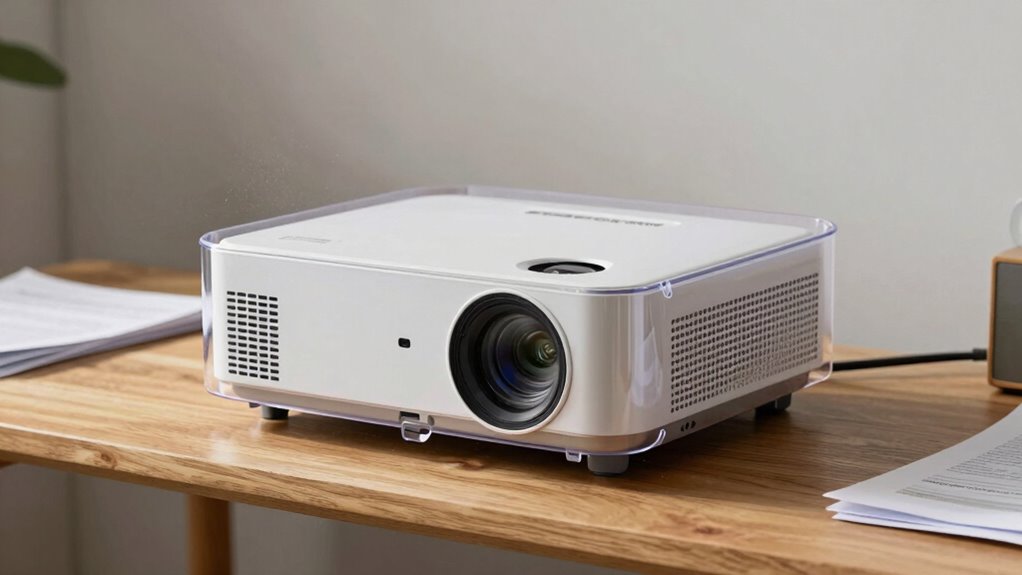
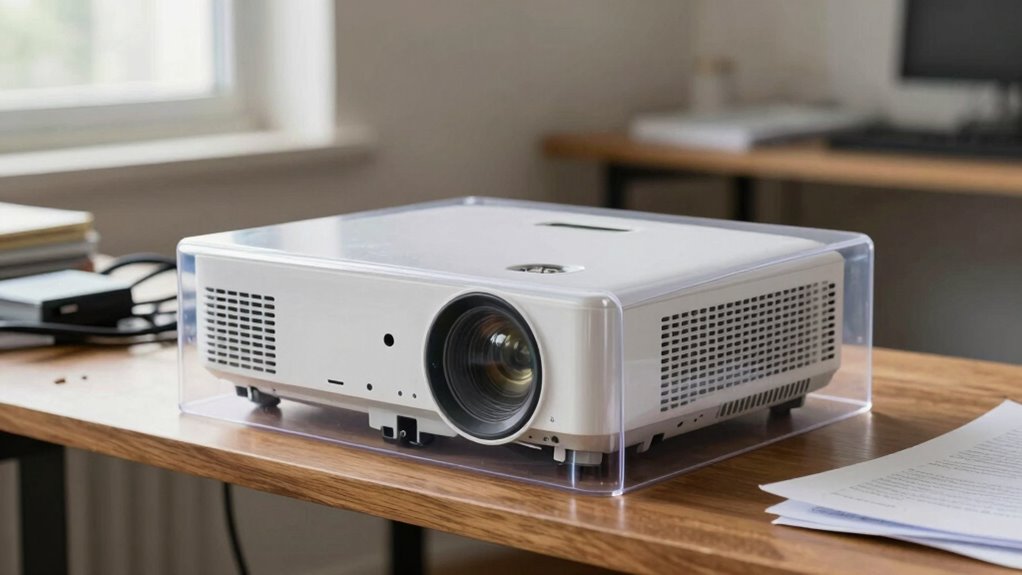
Start by placing your projector in a clean, low-traffic area where dust levels are minimal. If it’s unavoidable to position it in a dusty environment, consider using a protective cover when it’s not in use. This simple step keeps dust from settling on the lens and vents, reducing the need for frequent cleaning. When you do need to clean your projector, turn it off and unplug it. Use a soft, lint-free cloth to wipe down the exterior, and gently blow compressed air into the vents to dislodge dust. Never insert objects into the vents or openings, as that can damage delicate components.
In addition to physical cleaning, establishing a regular maintenance routine helps maintain optimal performance. Check the filters and clean or replace them as recommended by the manufacturer. Clogged filters restrict airflow, causing the projector to overheat and potentially malfunction. If your projector has a dust filter, make it part of your routine to inspect and clean it at least once every few months, especially if you’re in a particularly dusty environment. Keeping the internal components free of dust also involves ensuring proper ventilation around the device; avoid placing it in cramped or enclosed spaces. Proper dust management can significantly extend the lifespan of your projector and ensure consistent performance. Understanding how dust buildup impacts your device can help you take preventive measures more effectively. Additionally, using air filters designed for electronic devices can further reduce dust exposure and improve longevity. Regularly monitoring the dust levels in your environment can help you adjust your maintenance routine accordingly.
Products Worth Considering

Ring Alarm 14-Piece Wireless Security System Kit

Levoit Eleva 300X HEPA Air Purifier for Home and Bedroom

Coway Airmega 250 Air Purifier for Large Rooms
As an affiliate, we earn on qualifying purchases.
Frequently Asked Questions
Can I Use a DIY Dust Cover for My Projector?
Yes, you can definitely use a DIY dust cover for your projector. DIY cover ideas like repurposing a breathable fabric or a plastic container can work well. Just make certain it’s lightweight, easy to remove, and doesn’t trap heat. Remember, projector protection tips include keeping the cover loose enough for ventilation and avoiding direct contact with dust or moisture. This way, you keep your projector safe and functioning smoothly.
How Often Should I Clean My Projector’s Filters?
You should clean your projector’s filters every 3 to 6 months, depending on dust levels. Regular air filter replacement helps prevent dust buildup and keeps the projector running smoothly. To improve dust prevention methods, consider using a DIY dust cover or sealing the area around your projector. Frequent cleaning guarantees maximum performance, prolongs your projector’s lifespan, and maintains image quality, especially in dusty or shared spaces.
Is It Safe to Operate a Projector in a Humid Environment?
Operating a projector in a humid environment is like sailing through unpredictable waters—you need to be cautious. Humidity affects air circulation, leading to potential overheating or internal damage. While some projectors are designed for higher humidity, it’s safer to keep the environment dry and well-ventilated. Use dehumidifiers if necessary, and avoid prolonged use in damp spaces to make sure your projector stays in prime condition.
What Are the Signs of Dust Buildup Inside the Projector?
You’ll notice dust buildup inside your projector through signs like reduced image quality, overheating, or strange noises. Internal clogging from dust accumulation can cause fans to work harder, leading to increased heat and potential damage. If you see visible dust around vents or inside the lens, it’s time to clean. Regular maintenance prevents internal clogging, ensuring your projector runs smoothly and prolongs its lifespan.
Can a Projector Be Permanently Damaged by Dust Exposure?
Yes, a projector can be permanently damaged by dust exposure if you neglect dust prevention and skip regular maintenance routines. Dust can clog fans and heat sinks, causing overheating and component failure. To avoid this, you should clean the projector regularly, keep the environment as dust-free as possible, and use protective covers when not in use. Proper maintenance routines help extend your projector’s lifespan and guarantee the best performance.
Conclusion
Think of your projector as a delicate seed planted in a busy garden. With a little care—covering it when not in use, keeping the area tidy, and regular cleaning—you safeguard it from the dust storms and wandering pests. Just as a gardener tends to their plants, your attentiveness ensures your projector thrives amidst chaos. Protecting it isn’t just maintenance; it’s nurturing a tool that will grow brighter and clearer with your consistent care.