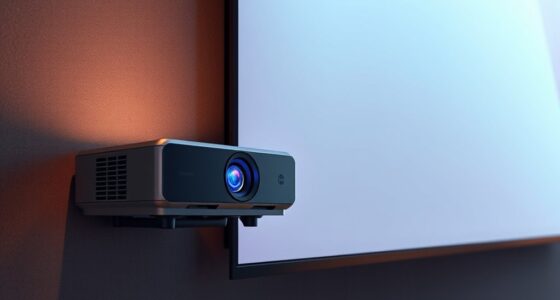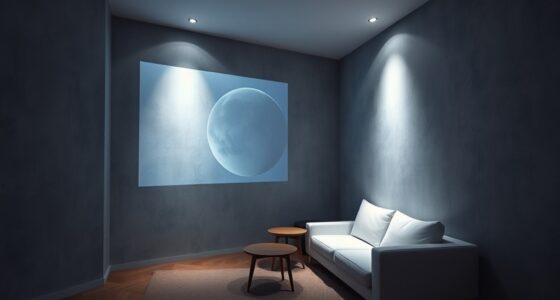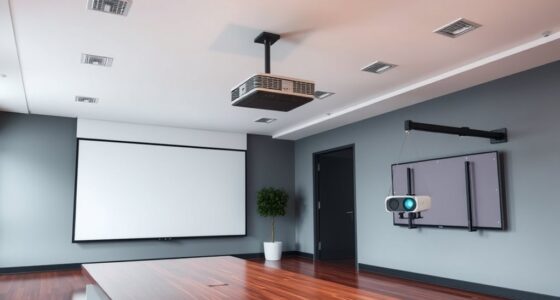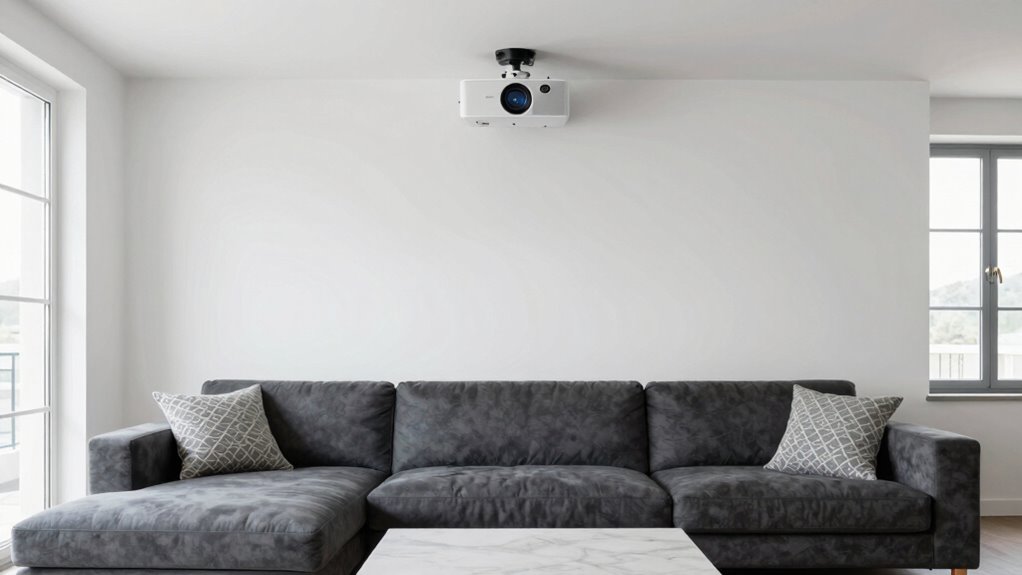

To avoid keystone correction, position your projector directly in front of the screen, keeping it aligned horizontally and at the right height so the lens is centered. Adjust the projector’s distance from the wall to guarantee a rectangular image, and mount it as close to the center of the screen as possible. Use an adjustable mount for precise alignment, and choose a setup that minimizes angles. If you want to master perfect placement, there’s more you can do to get the best picture.

Get business pricing on your home office setup
- Business-only prices and quantity discounts
- Tax-exempt purchasing
- Multiple users, one account, clear invoices
Key Takeaways
- Position the projector directly in front of the screen at the correct height to align the lens with the center.
- Mount the projector level and centered to prevent angled projections that cause distortion.
- Use a sturdy, adjustable mount to fine-tune the projector’s position for optimal alignment.
- Select a wall or surface suitable for projection to minimize the need for keystone correction.
- Ensure the projector is placed at the proper distance to maintain rectangular images without distortion.
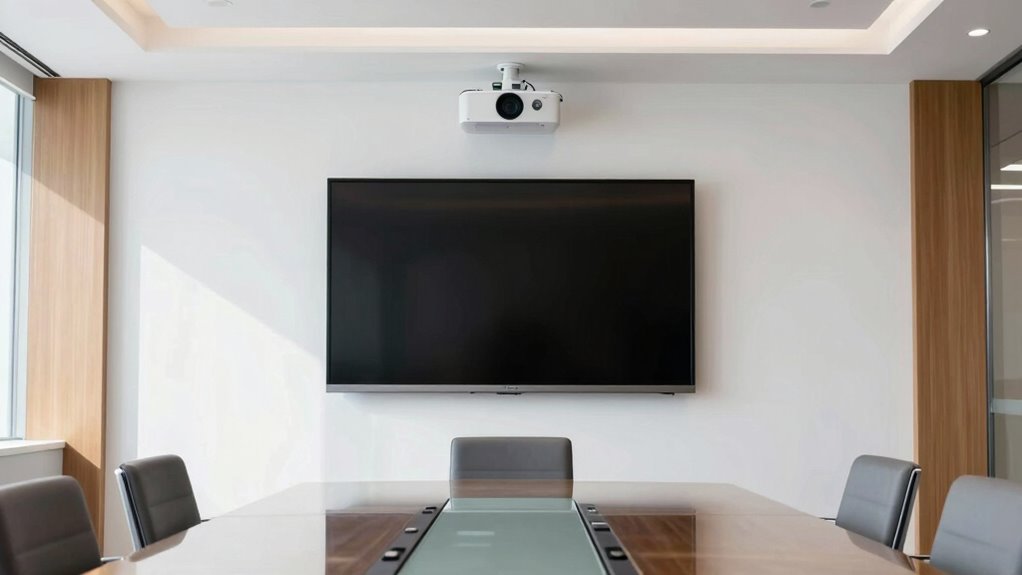
When setting up a projector in a real room, you might notice distorted images or trapezoidal shapes that require keystone correction. While this correction can fix the shape, it often results in a loss of image quality, making your picture less sharp and vibrant. To avoid the hassle altogether, you should consider alternative projection setups. Instead of positioning your projector at an awkward angle, plan your placement carefully to keep the lens aligned directly with the screen. Moving the projector closer or farther from the wall, or adjusting its height, can help keep the image rectangular without relying on digital correction. Sometimes, the simplest solution is choosing a different wall or surface that’s more suitable for projection, reducing the need for extensive adjustments. Proper projector placement ensures a clear, distortion-free image and minimizes the need for correction. Wall mounting techniques play a crucial role in preventing keystone distortion. When mounting your projector, aim to align it as close to the center of the screen as possible. Mounting it too high or too low, or at an angle, will increase the chances of trapezoidal distortion, forcing you into keystone correction. Using a sturdy, adjustable mount allows you to fine-tune the projector’s position after installation. With a mount that offers tilt and swivel capabilities, you can precisely align the lens with the center of your screen, minimizing the need for correction. Make sure your mount is securely attached to the wall, and use a level to double-check that the projector is perfectly aligned horizontally, preventing skewed images. Another effective approach is to explore alternative projection setups, like ceiling mounting or placing the projector on a stable table directly in front of the screen. Ceiling mounts are particularly useful because they keep the projector centered and aligned with the screen, reducing distortion. If ceiling mounting isn’t an option, placing the projector on a flat, stable surface directly in front of the viewing area often produces the best results. Ensuring the correct projector placement can also help avoid the need for keystone correction altogether, leading to a more natural and high-quality display. Additionally, understanding the optimal projector angle can help you position your projector more accurately, further reducing distortion and the need for correction. Proper filter sizing and flow is also essential, as dust or improper airflow can lead to overheating or other issues that might affect image quality. Proper placement and setup are crucial for maintaining color accuracy and achieving a vibrant, sharp image without distortion. Keep in mind that the height should match the center of the screen, which helps avoid the need for keystone correction.
As an affiliate, we earn on qualifying purchases.
Frequently Asked Questions
Can Furniture Placement Affect Keystone Distortion?
Yes, furniture placement can affect keystone distortion. When you arrange furniture to promote proper visual alignment, you help guarantee the projector’s image stays square and undistorted. Avoid placing furniture in a way that causes your line of sight or the projector’s angle to be skewed, as this can lead to keystone effects. Thoughtful furniture arrangement creates a more balanced environment, reducing the need for keystone correction and improving overall picture quality.
Does Room Shape Influence Keystone Correction Needs?
Yes, room shape influences keystone correction needs. When room dimensions are irregular or walls have irregularities, you’re more likely to need keystone correction to fix distorted images. Rectangular rooms with standard dimensions minimize this effect, but oddly shaped spaces or uneven wall surfaces can cause projection issues. To reduce keystone correction, choose rooms with consistent dimensions and smooth walls, ensuring your projector’s image stays true without distortion.
Are There Specific Projector Mounts to Prevent Keystone Issues?
Yes, there are specific projector mounts designed to prevent keystone issues. Look for mounts with adjustable features that allow precise projector alignment, enabling you to position the projector perfectly straight. Mount adjustment options, like tilting and swiveling, help you align the projector lens with the screen, reducing the need for keystone correction. These mounts make it easy to achieve a level image and maintain ideal picture quality.
How Does Ceiling Height Impact Keystone Correction?
Imagine the projector’s beam as a spotlight hitting a stage; if your ceiling height isn’t just right, architectural features or uneven ceiling design can cause the image to skew. Higher ceilings often lead to more keystone correction because the projector needs to be angled downward. Conversely, a well-planned ceiling height aligns with the projector’s lens, reducing the need for correction and ensuring a crisp, square image without distortion.
Can Ambient Lighting Interfere With Keystone Correction?
Ambient lighting can interfere with keystone correction, especially if there’s significant ambient interference that causes glare or uneven light distribution. Bright or inconsistent lighting may make it harder for your projector to maintain proper image alignment. To minimize this, you should make lighting adjustments by dimming or controlling ambient light sources, using blackout curtains, or adding directional lighting. These steps help guarantee your keystone correction remains accurate and your image quality stays high.
As an affiliate, we earn on qualifying purchases.
Conclusion
Think of your projector as a skilled sailor steering a calm sea. When you set it up correctly, it sails smoothly straight to your destination, avoiding the rocky shores of keystone distortion. By paying attention to placement and angle, you’re guiding your visual journey with precision, not correction. This way, your room becomes a pristine harbor of perfect images—no need for adjustments or repairs. Sail confidently, and enjoy a crystal-clear view every time.
As an affiliate, we earn on qualifying purchases.
As an affiliate, we earn on qualifying purchases.
Halloween Picks
halloween
As an affiliate, we earn on qualifying purchases.