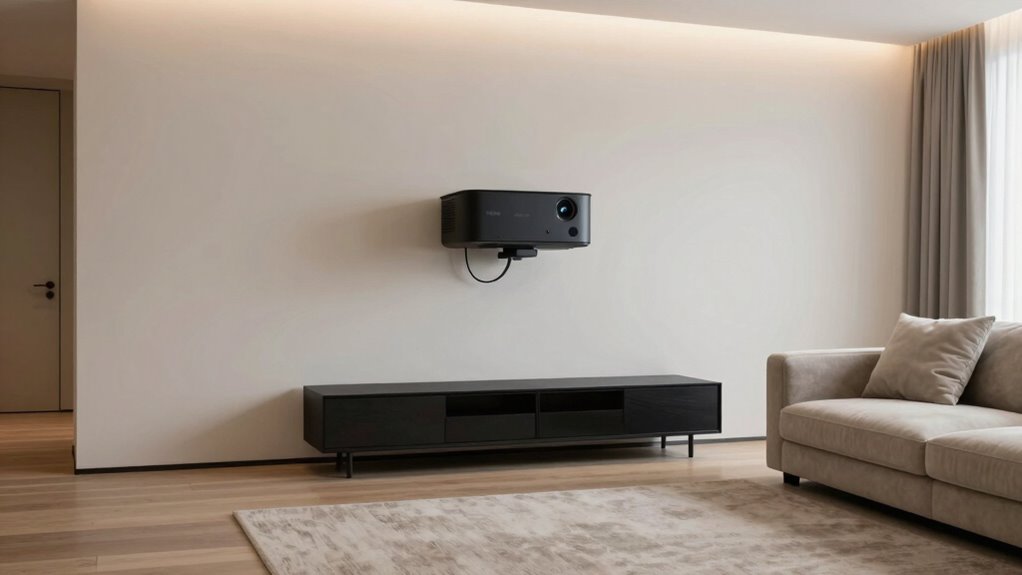

To keep your projector setup looking clean, use cable clips or conduits to hide wires along walls or furniture, and mount the projector high to reduce clutter. Regularly wipe surfaces and clean vents with compressed air or soft brushes to keep dust at bay. Place the projector on an even, clean surface and avoid open windows or high-traffic areas. Keeping your space tidy and well-maintained not only looks great but also boosts performance — explore more tips to perfect your setup.

Get business pricing on your home office setup
- Business-only prices and quantity discounts
- Tax-exempt purchasing
- Multiple users, one account, clear invoices
Key Takeaways
- Use cable management tools like clips, sleeves, or conduits to keep wires organized and hidden.
- Regularly clean surfaces, vents, and filters to prevent dust buildup on the projector.
- Mount the projector on the ceiling or high on a wall to minimize clutter and facilitate cable concealment.
- Place the projector on a clean, even surface away from high-traffic areas and open windows.
- Cover the projector when not in use and maintain a tidy environment to prevent dust and dirt accumulation.
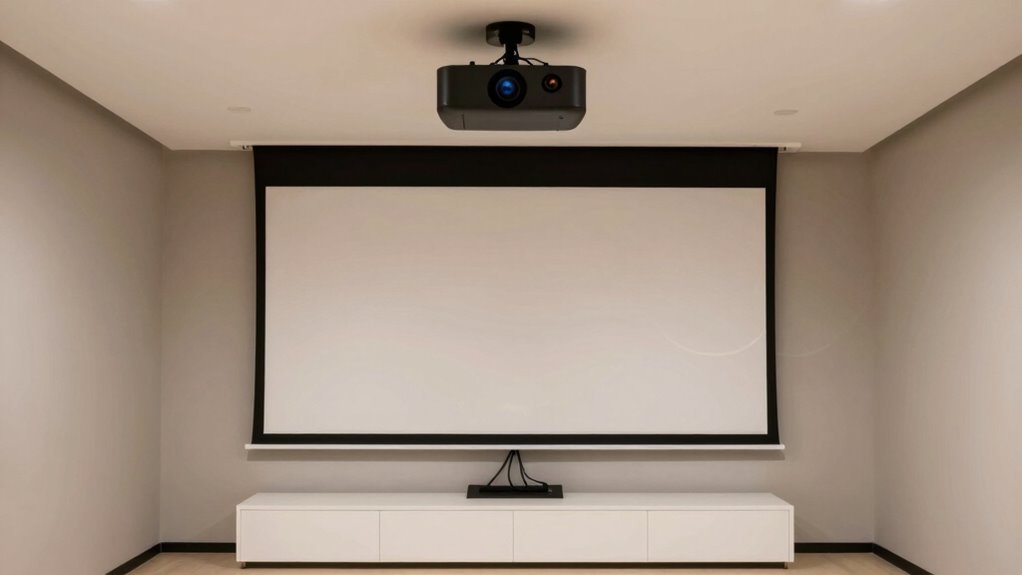
Ever wondered how to keep your projector setup looking sleek and tidy in a real home? The key lies in good cable management and dust prevention. When your cables are organized, your setup instantly looks cleaner and more professional. Use cable clips, sleeves, or conduits to route your wires neatly along the walls or behind furniture. Avoid letting cables dangle or tangle on the floor, as this not only looks messy but also increases the risk of tripping or damaging the cords. When cables are managed properly, it’s easier to access the projector and other components without untangling a web of wires every time you want to use or adjust your setup.
Organize your cables with clips and sleeves for a cleaner, safer, and more professional projector setup.
Dust is another enemy of a clean projector area. Dust buildup can affect image quality and cause overheating, so keeping your setup dust-free is essential. Regularly wipe down surfaces with a microfiber cloth, and use compressed air or a soft brush to clean vents and filters on your projector. Placing your projector in a location away from high-traffic areas or open windows helps minimize dust accumulation. Consider using a dust cover when the projector isn’t in use, especially if you don’t use it daily. This simple step prevents dirt from settling on sensitive components and keeps your setup looking fresh. Additionally, air filtration systems can help reduce airborne dust particles around your projector environment, further protecting your equipment. Proper cable management not only keeps your space tidy but also reduces the risk of dust collecting on exposed wires and connectors.
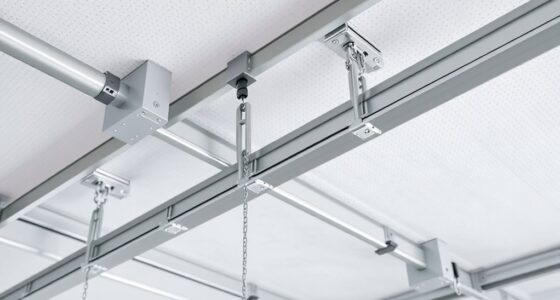
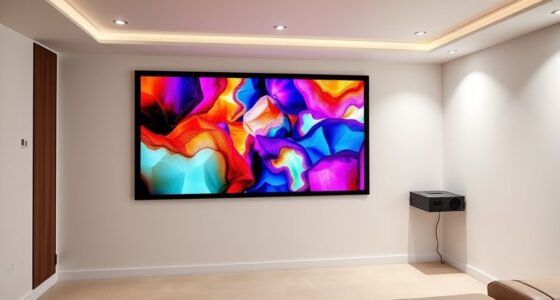
Positioning your projector thoughtfully also plays a role in maintaining a clean appearance. Mounting it on the ceiling or high on a wall reduces clutter and makes cable management easier. When mounted, you can run cables through the wall or ceiling, hiding them completely from view. This not only improves aesthetics but also prevents dust from settling on exposed cables and connectors. If wall mounting isn’t an option, organize your table or stand with cable ties or Velcro straps, keeping everything tidy and confined to a single area. Using concealed wiring techniques can significantly enhance the visual appeal of your setup.
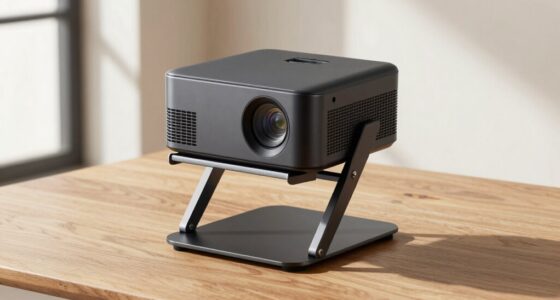
In addition, pay attention to the environment around your setup. Keep the area free of clutter, and avoid placing your projector on uneven or dusty surfaces. Cleaning the surrounding space regularly helps maintain a neat appearance and prolongs the life of your equipment. Proper placement and dust prevention are crucial for keeping your projector in top condition. Taking these simple steps—organizing cables, preventing dust, and positioning your projector carefully—makes a noticeable difference. Your setup will look more professional, and you’ll enjoy a better viewing experience without constantly fussing with tangled wires or dust buildup. Keeping your projector setup clean isn’t just about looks; it’s about ensuring it functions well and lasts longer, giving you a sleek, clutter-free entertainment space at home.
cable management clips for projector
As an affiliate, we earn on qualifying purchases.
As an affiliate, we earn on qualifying purchases.
Frequently Asked Questions
How Often Should I Clean My Projector Lens?
You should clean your projector lens every few months or whenever you notice dust or smudges affecting image quality. Regular lens cleaning prevents dust buildup, which can distort your visuals. Use a soft, lint-free cloth and lens cleaning solution for safe dust prevention. Consistent maintenance keeps your projector looking clean and functioning efficiently, ensuring sharp images and a professional appearance in your home setup.
Can I Hide Cables Without Damaging Them?
Yes, you can hide cables without damaging them by using cable management solutions like cable clips, sleeves, or raceways. These tools help secure and conceal cables, maintaining an aesthetic concealment that keeps your setup looking tidy and professional. Make sure to keep cables untwisted and avoid pinching or bending them sharply, which could cause damage over time. Proper cable management not only improves appearance but also prolongs cable lifespan.
What Are the Best Storage Options for Projectors?
Did you know proper storage can extend your projector’s lifespan by up to 20%? For remote placement and cable management, consider investing in a dedicated projector storage case with compartments for accessories. Wall-mounted cabinets or custom shelves keep your projector dust-free and accessible, while cable organizers prevent tangling. These options guarantee your projector stays protected, organized, and ready for use whenever you need it, keeping your space tidy and efficient.
How Do I Prevent Dust Buildup on the Projector?
To prevent dust buildup on your projector, regularly clean the lens and vents with a soft, dry cloth. Use air filtration or a small air blower to blow dust away from vents and filters, maintaining airflow. Keep the projector covered with a dust cover when not in use, and place it in a low-dust environment. These steps help guarantee dust prevention and keep your projector functioning smoothly.
Are There Aesthetic Covers for Projectors?
Yes, there are aesthetic accessories and projector covers designed to enhance your setup’s look. You can find stylish covers that match your projector’s design, blending seamlessly with your decor. These covers protect the device from dust while keeping the setup tidy. Look for options that complement your room’s style and guarantee easy access for maintenance. A well-chosen projector cover adds a sleek, professional touch to your home entertainment space.
As an affiliate, we earn on qualifying purchases.
Conclusion
Think of your projector setup as a delicate garden—tend to it with care, removing dust as if sweeping fallen leaves, and keeping cables neatly tucked like winding paths. A clean space reflects a clear mind, where your entertainment blooms without clutter choking its beauty. When you nurture this setup, it becomes a shining beacon of simplicity and style, turning your home into a sanctuary where technology and tranquility grow side by side, illuminating your living space with effortless grace.
As an affiliate, we earn on qualifying purchases.
As an affiliate, we earn on qualifying purchases.
Columbus Day / Indigenous Peoples' Day Picks
long weekend sales
As an affiliate, we earn on qualifying purchases.