
Choosing between white, gray, and black projector screens depends on your room’s lighting. If you have a dark space and want bright, vivid images, a white screen is ideal. For rooms with ambient light, a gray screen helps maintain contrast without glare. Black screens excel in dark environments where deep blacks matter most. Understanding your lighting conditions will help you pick the best option—and if you keep exploring, you’ll find helpful tips for every setup.
Key Takeaways
- White screens are ideal for bright, vivid images in dark environments but can wash out in ambient light.
- Gray screens handle ambient light better, maintaining contrast and color saturation in multi-purpose or well-lit rooms.
- Black screens offer superior contrast and deep blacks, best suited for dark rooms with controlled lighting conditions.
- Room lighting and ambient conditions are crucial; choose white for darker rooms, gray for mixed lighting, black for fully dark environments.
- Each screen type has specific advantages; select based on your room’s lighting, viewing environment, and image quality preferences.
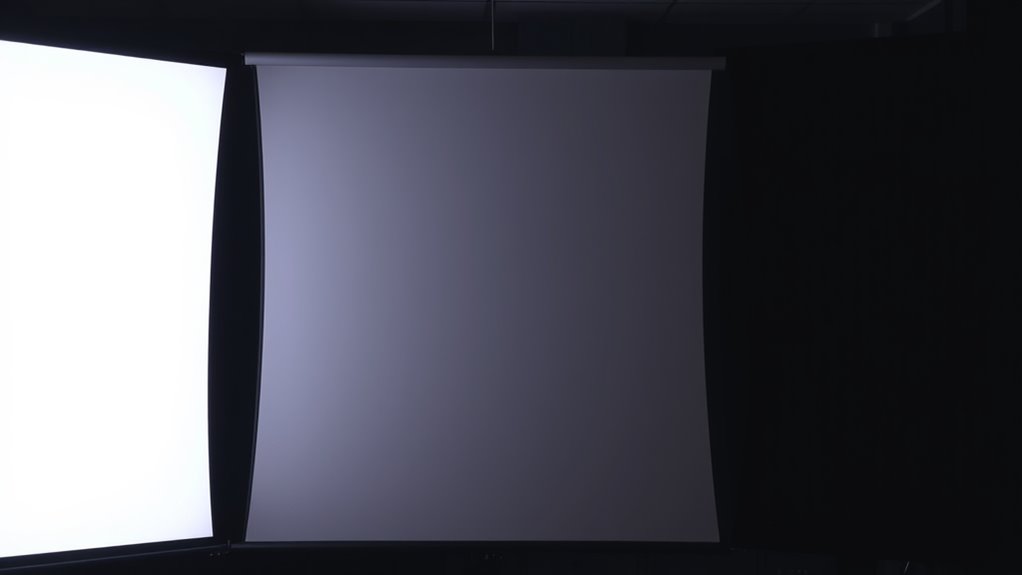
Choosing the right projector screen can considerably impact your viewing experience, and understanding the differences between white, gray, and black screens is essential. Your environment plays a significant role in this choice, especially when it comes to ambient light and screen reflectivity. The amount of ambient light in your room affects how well a screen performs, and the screen’s reflectivity determines how much light it reflects back to your eyes. Knowing how each screen type responds to light will help you pick the best option for your space.
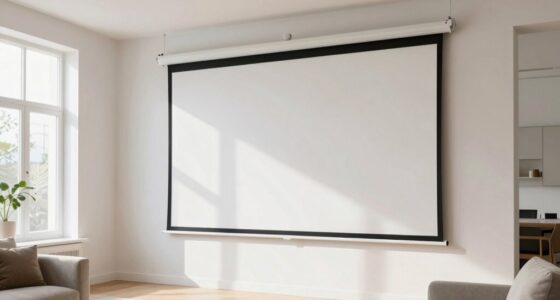
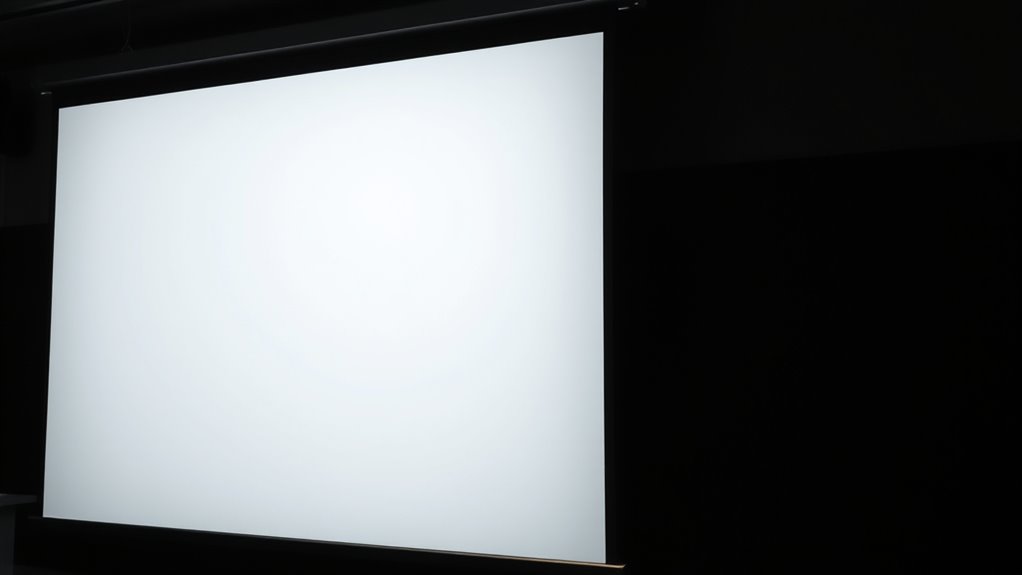
White screens are the most common and popular choice for many users. They offer high reflectivity, meaning they bounce a lot of light back to you, which makes images appear bright and vivid. This quality works well in dark or controlled lighting environments, where ambient light isn’t an issue. However, if your room has a lot of ambient light, a white screen can become washed out or lose contrast, making details harder to see. The high reflectivity can also cause glare if the room isn’t properly controlled, reducing overall picture quality. If you have a dedicated home theater with minimal ambient light, a white screen might be the ideal choice, providing sharp, bright images with excellent color reproduction.
White screens are popular for bright, vivid images in dark rooms but can wash out in ambient light.
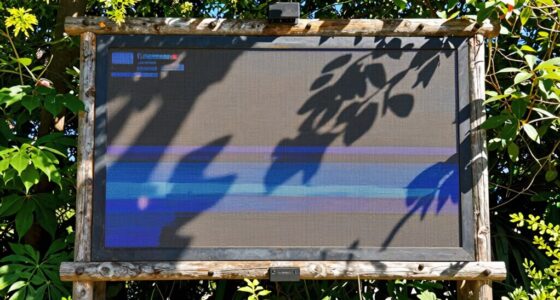
Gray screens differ in that they are designed to handle ambient light better. Their lower reflectivity helps absorb some of the surrounding light rather than reflecting it all back. This makes gray screens particularly effective in rooms where controlling ambient light isn’t always possible. They help maintain contrast and color saturation, preventing the washed-out appearance common with white screens in bright environments. If your space has windows or lighting that can’t be dimmed, a gray screen can improve your viewing experience by reducing glare and enhancing details. They are versatile and suitable for multi-purpose rooms where lighting conditions fluctuate.
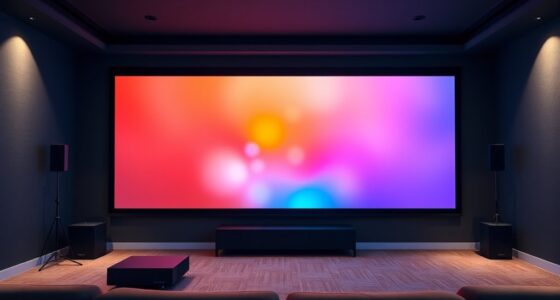
Black screens are less common but excel in high-contrast scenarios. They absorb most of the ambient light, which minimizes reflections and glare, allowing for deeper blacks and richer contrast. Black screens are ideal if you want the best possible picture quality in a fully darkened room or for specialized applications like digital art display or high-end home theaters. However, in rooms with significant ambient light, their performance can decline because they rely on a controlled environment to show their full potential. If you frequently watch in a dark room and desire premium contrast and black levels, black screens are worth considering.
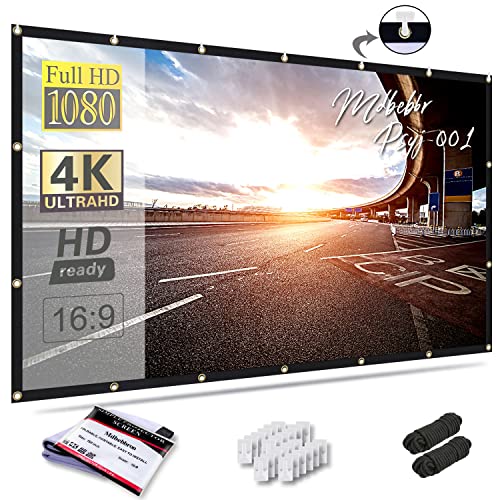
Mdbebbron 120 inch Projector Screen 16:9 Foldable Anti-Crease Portable Projector Movies Screens for Home Theater Outdoor Indoor Support Double Sided Projection
- Portable and Foldable Design: Lightweight, compact, easy to carry and store
- Versatile Usage: Suitable for home, office, outdoor, and events
- Anti-Crease and High-Quality Material: Made of durable polyester for clear, bright projection
As an affiliate, we earn on qualifying purchases.
As an affiliate, we earn on qualifying purchases.
Frequently Asked Questions
Can Ambient Light Conditions Influence Screen Color Choice?
Ambient light considerably influences your screen color choice because it affects screen reflectivity. In bright rooms, you should opt for a black or high-contrast screen to minimize ambient light washout and enhance image quality. Conversely, in darker environments, a white or gray screen works well, as it reflects more light and provides better brightness and color accuracy. Adjusting for ambient light helps you get the best viewing experience.
Which Screen Type Offers the Best Color Accuracy?
Think of your screen as a painter’s canvas. A white screen offers the purest color vibrancy, delivering the most accurate hues. It’s ideal if you want true-to-life images. Gray screens, with contrast enhancement, improve shadow details, but may slightly dull colors. Black screens excel in contrast but can reduce overall color accuracy. For precise color reproduction, a white screen is your best choice, especially in controlled lighting conditions.
Are There Specific Projectors Better Suited for Each Screen Color?
Yes, certain projectors work better with specific screen colors. For white screens, look for projectors with high brightness and excellent color contrast to prevent washed-out images. Gray screens suit projectors with high contrast ratios, enhancing black levels and shadow detail. Black screens benefit from projectors with strong contrast performance and compatibility with high dynamic range (HDR). Always consider your projector’s contrast and compatibility to optimize image quality on each screen type.
How Does Screen Material Affect Durability and Maintenance?
Your screen material directly impacts durability and maintenance requirements. A high-quality, scratch-resistant material like matte fabric lasts longer and resists wear, reducing upkeep. Smooth, easy-to-clean surfaces like vinyl or specialized coatings make cleaning simpler and prevent dust buildup. You should choose a durable, low-maintenance screen material that withstands frequent use and cleaning, ensuring your projector setup remains pristine and functional without constant upkeep.
Can a Screen’s Color Impact 3D Viewing Quality?
Yes, a screen’s color can impact 3D viewing quality. A white screen often provides brighter images, enhancing 3D clarity, especially in well-lit rooms. Gray screens improve contrast, making 3D images pop with more depth. Black screens absorb ambient light, reducing glare and enhancing overall 3D clarity in darker environments. Choosing the right screen color depends on your room lighting and desired 3D viewing experience.
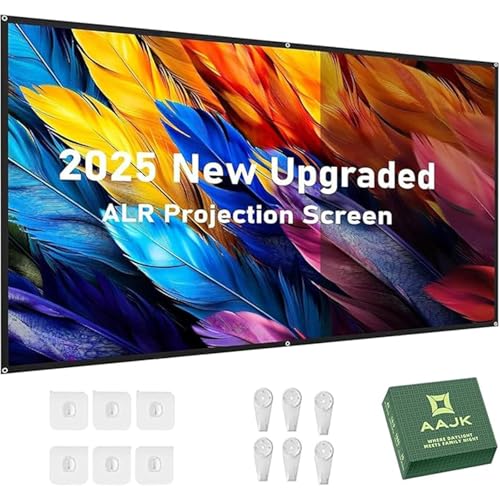
AAJK Alr Outdoor Projectior Screen, 4K Movie Projector Screen 16:9 HD Foldable Anti-Crease Portable Projector, Movies Screen for Home Theater Outdoor Indoor (60in Pro)
- All-day viewing capability: Use day or night for movies and games
- Indoor and outdoor use: Suitable for home, outdoor, and business
- Portable and easy to install: Foldable design with wall-mount support
As an affiliate, we earn on qualifying purchases.
As an affiliate, we earn on qualifying purchases.
Conclusion
So, now you’re armed with the ultimate showdown: white, gray, or black projector screens. Honestly, choosing the right one can feel like picking a superhero sidekick—each with its own superpower! Whether you want dazzling brightness, perfect contrast, or deep blacks, your screen choice can make your movie nights legendary. Don’t settle for a boring, average experience—go bold! Pick your champion, and turn your home into the blockbuster theater of your dreams.

100 inch Projector Screen Upgraded- Black Backing, Straight Edges, Foldable, Washable and Wrinkle-Free – for Indoor Home Theater and Outdoor Cinema -White 16:9 by IOLIEO
- Enhanced Contrast and Color: Black backing eliminates light bleed
- Straight Edges: Thicker material for straighter borders
- Versatile and Durable: Foldable, washable, wrinkle-free for indoor/outdoor use
As an affiliate, we earn on qualifying purchases.
As an affiliate, we earn on qualifying purchases.

Mdbebbron 120 inch Projector Screen 16:9 Foldable Anti-Crease Portable Projector Movies Screens for Home Theater Outdoor Indoor Support Double Sided Projection
- Portable and Foldable Design: Lightweight, compact, easy to carry and store
- Versatile Usage: Suitable for home, office, outdoor, and events
- Anti-Crease and High-Quality Material: Made of durable polyester for clear, bright projection
As an affiliate, we earn on qualifying purchases.
As an affiliate, we earn on qualifying purchases.