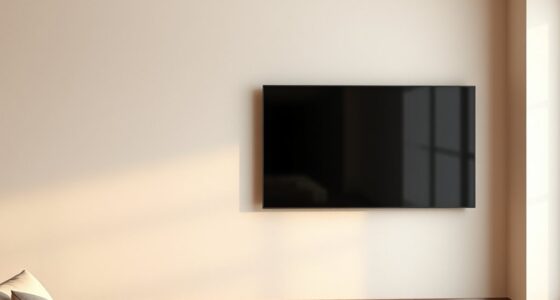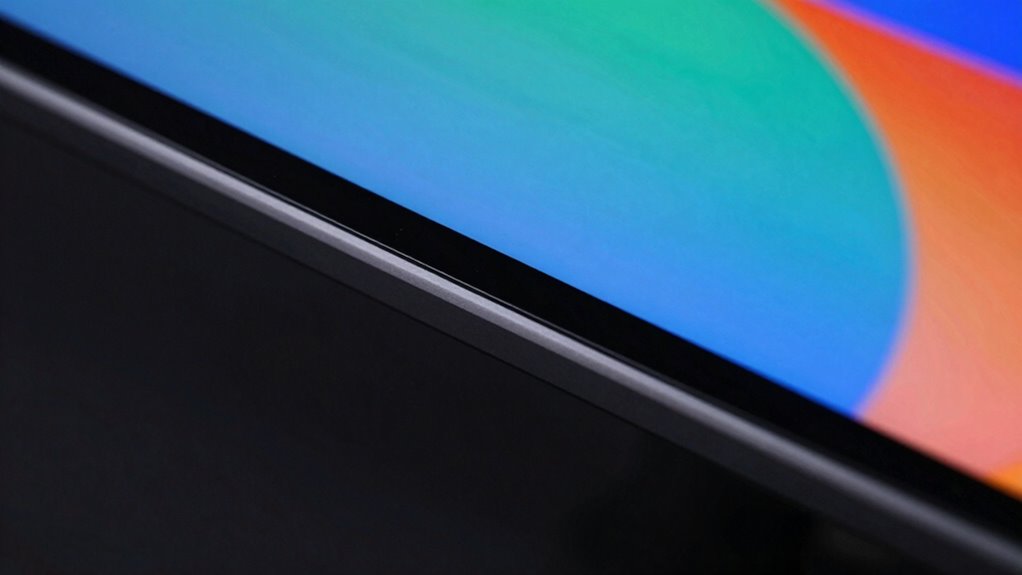

Screen borders improve perceived contrast by creating a clear visual boundary that sharpens your focus and makes colors pop. They help your brain distinguish the image from its surroundings, making the content look more vibrant and detailed. Borders also guide your eyes, reducing distractions and emphasizing edges. This framing trick enhances how contrast appears, even if the actual display contrast stays the same. Keep exploring to discover how the right borders can truly boost your screen experience.

Get business pricing on your home office setup
- Business-only prices and quantity discounts
- Tax-exempt purchasing
- Multiple users, one account, clear invoices
Key Takeaways
- Borders create a visual boundary that enhances sharpness and focus on the display content.
- They define edges, helping the brain distinguish the image from the background, boosting perceived contrast.
- Contrasting borders increase separation, making colors appear richer and more saturated.
- Borders guide the viewer’s gaze, reducing distractions and improving visual clarity.
- Well-designed borders amplify perceived contrast and vibrancy, making images look more vivid and detailed.
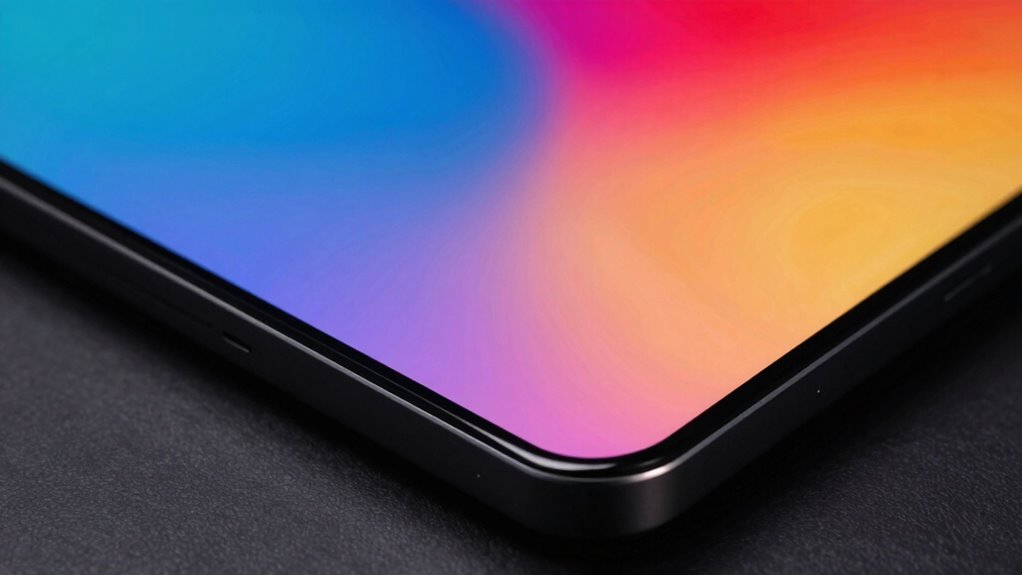
Have you ever noticed how a screen’s border can make images appear sharper and more vibrant? It’s a subtle detail, but one that profoundly influences how you perceive contrast on your device. When you look at a display without a clear border, your eyes tend to drift and struggle with defining where the image ends and the background begins. This lack of a visual boundary can diminish the impact of colors and reduce overall sharpness. However, a well-designed border frames the content, sharpening your visual focus and guiding your eye directly to the image. This boundary acts as a visual cue that isolates the display, making the colors pop and appear more vivid. Additionally, the border’s role in enhancing perceived contrast is rooted in how it influences your visual focus and overall perception of the display.
Your perception of color plays a vital role here. When the border contrasts well with the screen’s content, it enhances color perception by creating a distinct separation between the image and its surroundings. This contrast makes colors seem richer and more saturated because your brain interprets the difference as a sign of higher contrast within the image itself. Without a defined border, your brain has to work harder to differentiate the content from the background, often leading to a duller perception of colors and less apparent contrast. But with a border that complements the display, you notice more depth and clarity, as the visual focus is naturally drawn inward, emphasizing the details and hues within the image.
The border’s role in improving perceived contrast also hinges on how it influences your visual focus. When your eyes are guided by a clear boundary, they don’t wander or get distracted by surrounding elements. Instead, they stay anchored on the image, allowing your brain to process contrast more effectively. This means that even if the actual contrast ratio of the display remains unchanged, your perception of contrast improves because your focus is more concentrated. It’s like creating a frame that directs attention precisely where you want it, making the content seem more dynamic and engaging.
In essence, screen borders do more than just add a neat aesthetic touch—they serve as essential tools for enhancing visual clarity. By defining the edges of your display, they help sharpen your visual focus, improve color perception, and amplify perceived contrast. This simple boundary helps your brain interpret the visual information more efficiently, leading to a richer, more vibrant viewing experience. Understanding visual boundaries can help you better appreciate how subtle design elements influence your perception and overall viewing quality. So next time you notice a striking difference in image quality, pay attention to how the border frames the content—chances are, it’s doing more than you realize.
As an affiliate, we earn on qualifying purchases.
Frequently Asked Questions
Do Screen Borders Affect Actual Display Contrast or Just Perception?
Screen borders mainly influence your contrast perception through the border illusion, making the display seem more vivid. They don’t change the actual contrast levels, but they trick your eyes into perceiving higher contrast by creating a visual boundary. This enhances the overall viewing experience, making images pop more without affecting the true display contrast. So, borders impact how you see contrast, not the actual contrast itself.
Are There Specific Border Designs That Work Better for Contrast Enhancement?
You notice that a thin, dark border sharply frames your screen, making the display pop. Border designs with a high contrast border color, like black or deep gray, work best for contrast enhancement. Thicker borders can sometimes draw too much attention away from the content, so balance is key. Opt for a subtle yet distinct border thickness that guides your eye without overwhelming the visuals.
How Do Screen Borders Impact Viewing Experience in Different Lighting Conditions?
Your viewing experience varies with lighting conditions based on border color and bezel size. A dark border color reduces glare and enhances contrast in bright environments, making images stand out more. Conversely, a light border may reflect ambient light, reducing contrast. A thinner bezel minimizes distraction, creating a seamless look that improves focus in dim settings. Adjusting these factors helps optimize your screen experience across different lighting conditions.
Can Screen Borders Improve Contrast on All Types of Displays Equally?
You can’t judge a book by its cover, and the same applies to display borders. Border color and thickness influence contrast differently across various screens. Thicker borders with high-contrast colors can enhance perceived contrast on LCDs, but OLEDs and other displays might not benefit equally due to their inherent contrast capabilities. So, while borders can help, their impact varies depending on the display type, and they aren’t a one-size-fits-all solution.
Do Screen Borders Add Any Noticeable Weight or Bulk to Devices?
Screen borders can add a slight amount of weight or bulk to devices, but it’s usually minimal. They influence design aesthetics, giving devices a more defined look, yet they can also increase manufacturing costs due to extra materials and precision. If you’re concerned about portability, you might notice these borders more, but overall, their impact on device weight is often negligible, especially with modern lightweight materials.
As an affiliate, we earn on qualifying purchases.
Conclusion
Remember, a picture is worth a thousand words, and even small details like screen borders can make a big difference. By framing your display, you enhance perceived contrast, making images pop and colors stand out. It’s a simple trick that can transform your viewing experience without extra effort or cost. So, don’t overlook the little things—sometimes, it’s the borders that make all the difference. After all, “the devil is in the details.”
As an affiliate, we earn on qualifying purchases.
As an affiliate, we earn on qualifying purchases.
Fall Picks
fall essentials
As an affiliate, we earn on qualifying purchases.