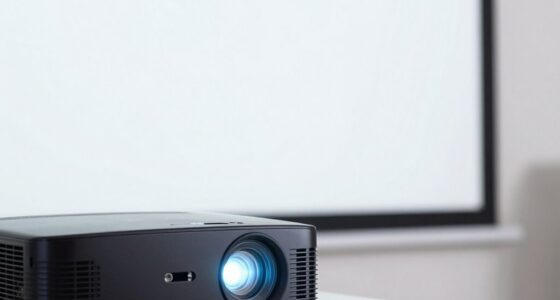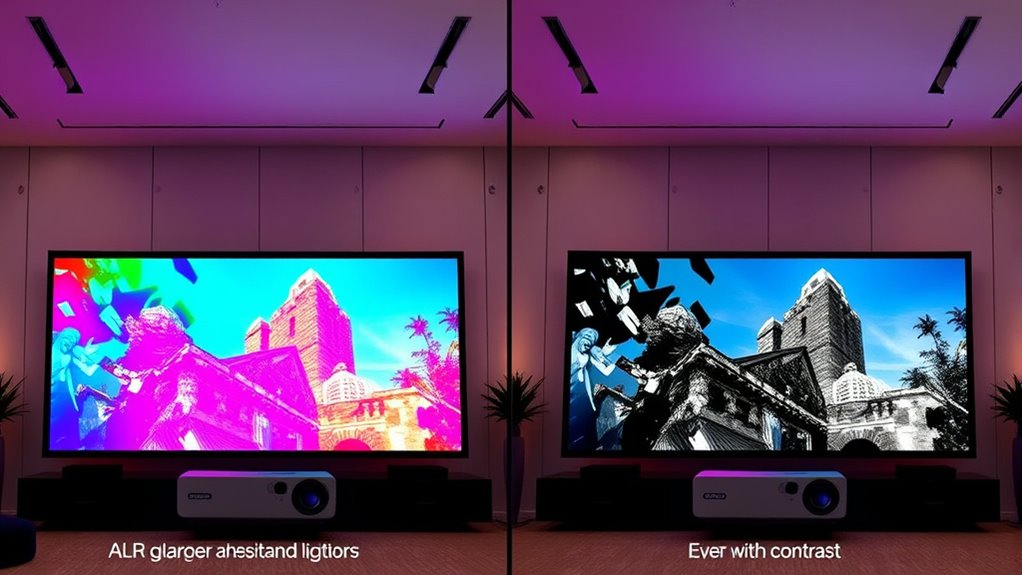
If you’re choosing between ALR and CLR screens for ambient light, consider your projector type. ALR screens excel in high ambient light environments and are ideal for UST projectors with better contrast, but they are more expensive and require precise installation. CLR screens are more affordable, easier to install, and work well with standard projectors, especially in spaces with multiple light sources. To discover which option suits your setup best, explore the details further.

Get business pricing on your home office setup
- Business-only prices and quantity discounts
- Tax-exempt purchasing
- Multiple users, one account, clear invoices
Key Takeaways
- ALR screens excel in high ambient light environments, especially with UST projectors, due to their superior light rejection.
- CLR screens are more flexible and easier to install, suitable for spaces with multiple light sources and standard projectors.
- Cost-wise, CLR screens are generally more affordable initially, while ALR screens offer better contrast and color accuracy for demanding setups.
- ALR screens require precise installation and are often larger, making them ideal for dedicated high-light environments with UST projectors.
- CLR screens work well for constrained spaces and environments with ambient ceiling or multiple light sources, regardless of projector type.
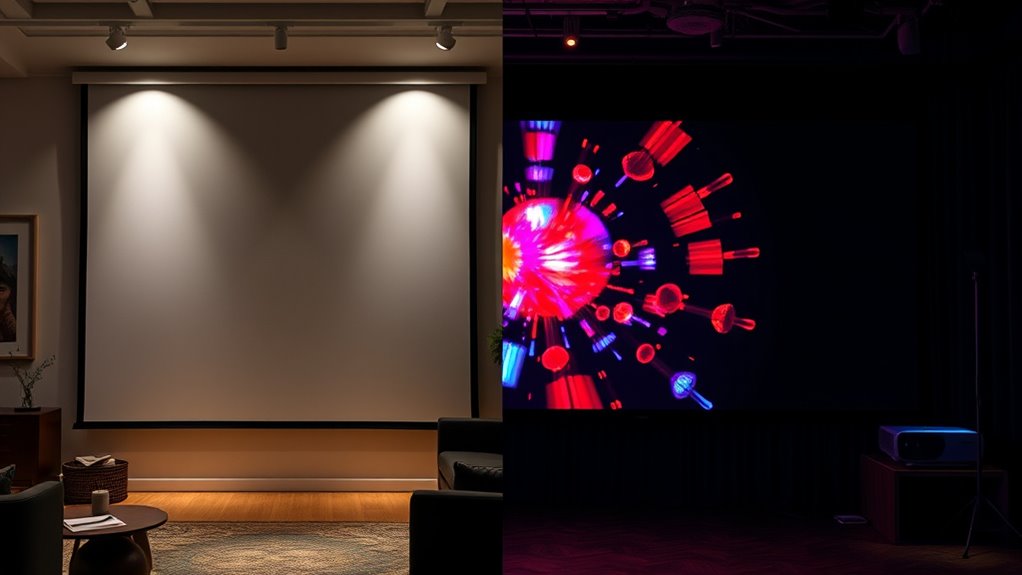
When choosing a screen for your home theater or commercial display setup, understanding the differences between ALR (Ambient Light Rejecting) and CLR (Ceiling Light Rejecting) screens is essential. These technologies are designed to improve picture quality in environments with ambient light, but they serve different purposes and come with distinct considerations. One of the first factors to weigh is cost comparison. Generally, ALR screens tend to be more expensive than CLR screens. ALR screens incorporate specialized optical coatings and surface textures that filter ambient light more effectively, which drives up their price. If you’re on a tight budget, a CLR screen might seem more attractive initially, but keep in mind that ALR screens often deliver superior contrast and color accuracy in brighter settings, which could justify the higher investment over time.
Installation challenges also vary between these two types. CLR screens are typically easier to install, especially with UST (Ultra Short Throw) projectors, because they are designed to be mounted close to the wall or ceiling, minimizing the space needed behind the projector. They also tend to be lighter and more straightforward to mount, making them suitable for DIY setups or spaces with limited access. ALR screens, on the other hand, often require precise installation to maximize their light-rejecting capabilities. They are usually larger and heavier, which can pose challenges if you lack professional help or specialized mounting hardware. Proper alignment and positioning are critical for ALR screens to perform best , so installation might involve more effort and cost, especially in complex or irregular spaces.
Furthermore, the choice between ALR and CLR impacts your overall setup flexibility. CLR screens are generally more forgiving when it comes to placement, which makes them a good choice for environments where projector placement is constrained or where multiple light sources are unavoidable. ALR screens, while offering better performance in high ambient light conditions, demand more careful planning to optimize their optical properties—this can translate into additional costs for professional installation or adjustments.
Frequently Asked Questions
How Do Ambient Light Conditions Affect Screen Choice?
Ambient light critically impacts your screen choice, as too much can wash out images. To combat this, opt for a screen with higher brightness and ambient light rejection (ALR), which helps maintain vivid visuals even in bright environments. If your space has minimal ambient light, a standard screen might suffice. In bright settings, prioritize screens designed for ambient light control to ensure clear, sharp images without glare.
Can ALR or CLR Screens Improve Projector Lifespan?
Think of ALR or CLR screens as shields in a battle against harsh light. They can help protect your projector’s lifespan by reducing strain and optimizing image quality, which supports better screen durability. Since these screens are designed for compatibility with specific projectors, they prevent overheating and glare issues, ultimately extending your projector’s life. So, choosing the right ambient light solution acts like armor, keeping your equipment safe and performing well.
Are There Maintenance Differences Between ALR and CLR Screens?
You’ll find that ALR and CLR screens have similar maintenance needs, but their durability varies. ALR screens generally offer greater screen durability, making them better suited for frequent use. However, installation complexity can differ; CLR screens tend to be easier to set up but might require more careful handling to avoid damage. Regular cleaning and proper handling help maintain both types’ performance and longevity.
What Is the Cost Comparison Over the Long Term?
Sure, splurging on a fancy screen might seem like a smart move, but over time, ALR screens often prove more cost-efficient thanks to better light rejection and durability, boosting your investment return. CLR screens, while cheaper upfront, may require frequent replacements or extra equipment to combat ambient light. So, in the long run, your wallet will thank you for choosing a solution that balances performance with ongoing savings.
Do These Screens Impact Audio Quality or Acoustics?
These screens typically don’t impact your audio quality directly, but they can influence sound reflection in the room. If you choose a textured or specialized screen surface, it might slightly affect audio clarity by scattering sound waves. To guarantee the best acoustics, consider using sound-absorbing panels alongside your screen. Proper room setup helps maintain clear sound and prevents unwanted reflections, giving you the best audiovisual experience.
Conclusion
Choosing between ALR and CLR screens depends on your ambient light conditions and projector type. For instance, if you’re setting up a home theater in a bright living room, an ALR screen can markedly improve picture quality. Imagine a gamer who installed an ALR screen in their sunlit gaming room, experiencing vibrant images without glare. By understanding your environment and needs, you can select the right solution to enjoy stunning visuals anytime.
Fall Picks
fall essentials
As an affiliate, we earn on qualifying purchases.